
قم بتنزيل التطبيق


معلومات عنا
حقوق الطبع والنشر © 2024 Desertcart Holdings Limited
قم بتنزيل التطبيق

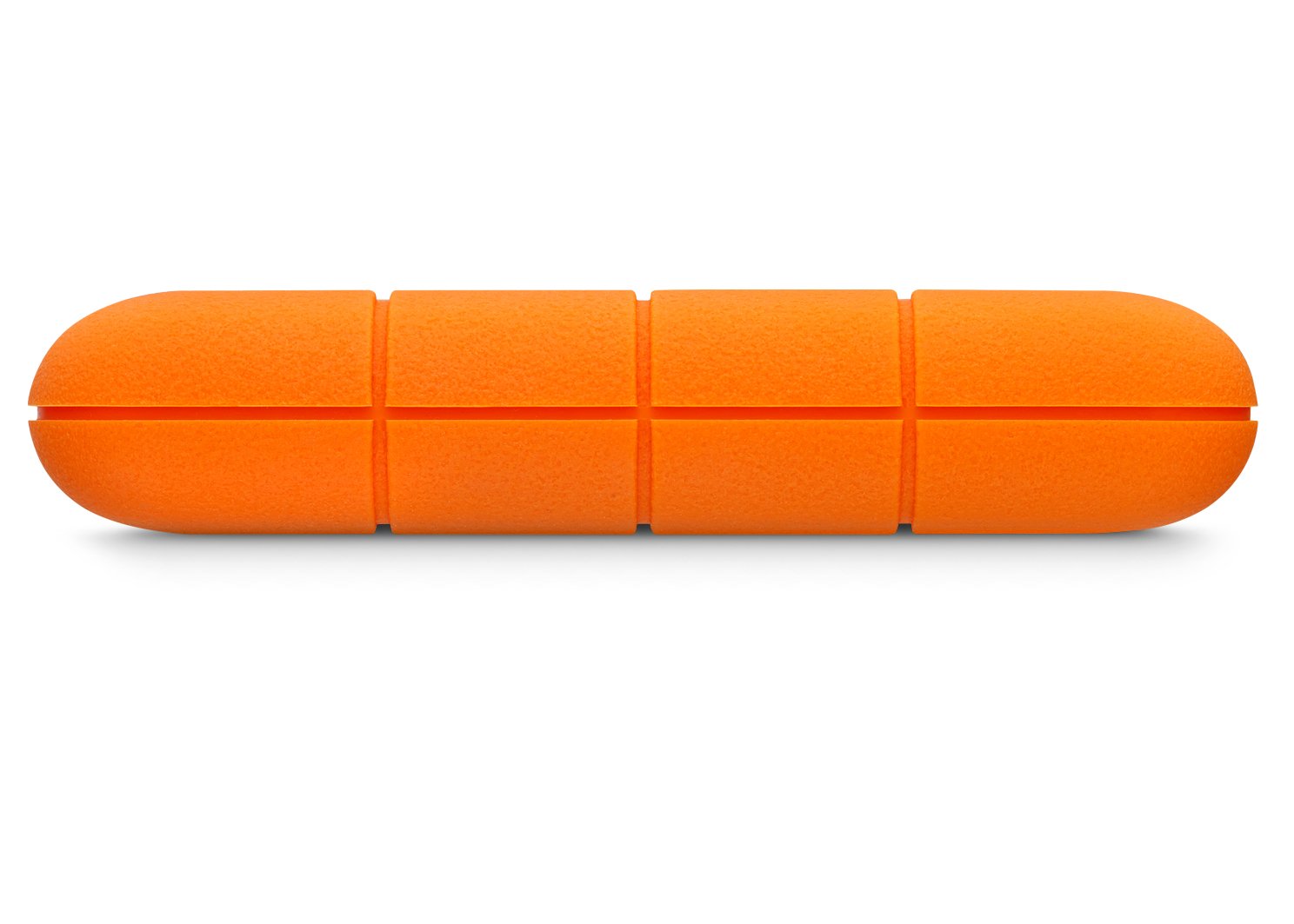


🧳 Rugged, rapid, and ready—your data’s ultimate travel companion.
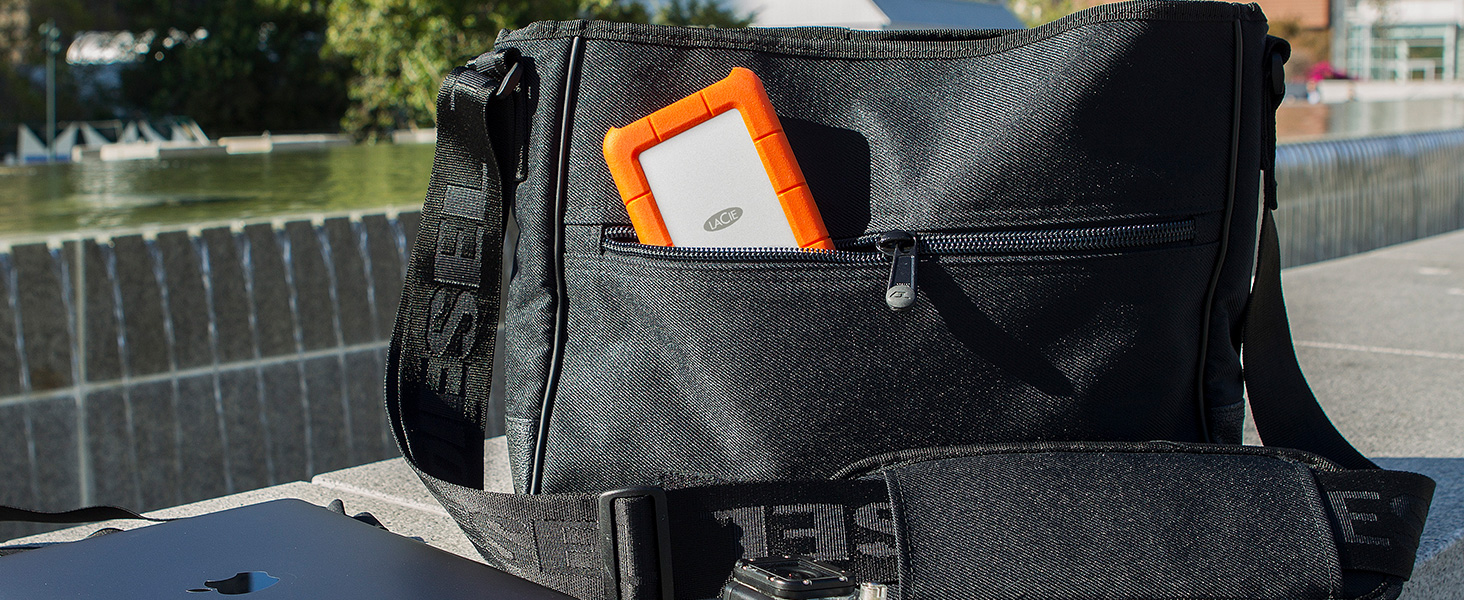
The LaCie Rugged Mini is a compact 2TB external hard drive featuring USB 3.0 for fast data transfer speeds up to 130MB/s. Designed for durability, it withstands drops up to 4 feet and resists dust and water, making it perfect for professionals on the move. It includes built-in password protection and a complimentary one-month Adobe Creative Cloud All Apps Plan membership, backed by a two-year limited warranty.





| ASIN | B00IRV005E |
| Batteries | 1 AAAA batteries required. |
| Best Sellers Rank | #9 in External Hard Drives |
| Brand | LaCie |
| Color | orange |
| Customer Reviews | 4.5 4.5 out of 5 stars (12,360) |
| Date First Available | March 4, 2014 |
| Flash Memory Size | 2 |
| Hard Drive | 2 TB usb 3 |
| Hard Drive Interface | USB 2.0/3.0 |
| Hard Drive Rotational Speed | 5400 RPM |
| Hardware Platform | Mac, PC |
| Is Discontinued By Manufacturer | No |
| Item Dimensions LxWxH | 5.3 x 3.4 x 0.75 inches |
| Item Weight | 9.9 ounces |
| Item model number | LAC9000298 |
| Language | English |
| Manufacturer | Seagate |
| Number of USB 2.0 Ports | 1 |
| Operating System | Latest version of Windows® 7 or later / Mac OS® X 10.5 or later (LaCie Private-Public software requires Mac Intel® processor) |
| Product Dimensions | 5.3 x 3.4 x 0.75 inches |
| Series | LaCie Rugged Mini |
| Voltage | 28 Volts |
G**N
Has worked well, I have 2 G-drives, both 5T, and both have been reliable. Use them regularly.
Great Drive. Reliable and durable.
R**F
Good storage
5TB like it was advertised (I’ve gotten ripped off before) It’s small enough to carry in a bag. I’ve downloaded a few things on it and it’s working great. It does come with a charger. I read a few reviews that said it didn’t so I ordered an extra. The charger is a C so unless you’re plugging into a phone or tablet you’ll want to order a USB one. I’d buy again.
C**Y
Alot of storage
This hard drive works amazing for storing all the photos and videos from your phone or computer. It is easy to setup and store. The speed to load and transfer files is quick. Worth the money for all it can hold. It doesn't overheat if using it for some time.
C**D
Great Dane Proof
GREAT DANE PROOF! these hard drives may be the toughest hard drives around. if you have kids or dogs like me I highly recommend them. I came home one day to my Great Dane puppy throwing one of these up in the air in my back yard and and trying to catch it. he had pulled the cord out and chewed entirely around the sides of it. all while doing this in the dirt pit in the middle of my yard.( my fault I left the hard drive on a table next to my couch.) well fast forward to a year and a half later and I still am able to use this hard drive as normal. I recommend them all day. transfer speeds are good. rubber case is durable. and no issues with compatibility for my Mac.
R**R
Update: Works OK after mysterious initial failure
REVISED 01/01/25: I purchased this to back up a half-full 6TB Seagate Backup Plus drive that's acting flaky, attached to my MacMini. UPDATE: The drive came formatted EX-FAT (Mac and Windows compatible) with a USB-C to USB3-Micro B "Super Speed" (two lobes, for the drive) cable. With no spare USB-C ports on my MacMini, I used a Samsung USB3-A to USB3-Micro B cable from an older Seagate drive into a Sabrent USB3-A hub on the MacMini. It worked fine at first, then failed as described below. Retrying with the LaCie cable into a USB-C to USB3-A adapter into the hub worked. Super sensitivity in the Mac system? I have no other explanation as the drive continues to work on Windows PCs with the old Samsung cable. INITIAL REPORT: It mounted fine out of the box, and macOS Disk Utility recognized it as a 5TB volume "LaCie." The first few copy batches of multi-GB files and folders worked OK, but then copying stopped, and macOS Sequoia 15.2 reported "Copy operation stopped, volume disappeared." (WTF??). macOS Disk Utility no longer sees the device. It mounted as a USB volume on Windows 11, and I could see the copied files. Windows reported disk problems so I ran the Scan & Repair utility (Properties->Tools), which took a while but reported a successful repair. Trying again on macOS, and the same result: The drive starts up (vibrates) as expected but doesn't mount and is still invisible to the Disk Utility app.
J**F
“Durable 5TB Drive Built for All Your Files Storage Needs”
The LaCie Rugged 5TB Portable HDD delivers precisely what it promises: ample storage in a rugged, travel-ready shell.
S**N
little workhorse
Right from the box to my Mac for Time Machine back up. Completed in less than two minutes
B**A
Flimsy connection cord and never ejects properly (always have to force eject)
I'm not sure if I have a faulty product or if this is standard of the product. I purchased this after seeing many people online using it. I figured if this many people use it, it must be a reliable product. At first, I was very happy with it. But, about two week into using it, I noticed that some times when I would try to eject, it would never eject. Then it just started becoming a thing that happened every time I used it which was once a week. For context, I'm a macbook user. It always claims Finder is using it or some other program is using it so it can't eject. I'll close down all my programs and still have that issue. So I am always forced to use the "force eject" option. The other issues is the cord. I so much as sneeze in the direction of the Lacie cord and it disconnects. Yes, that is a semi exaggeration. But just a moment ago, I was uploading a document online from my Lacie. I think I moved my elbow on my desk not realizing it had tapped the cord, boom, "Lacie Ejected Improperly." Then the online program said there was a connection problem and erased everything I had typed and the attachment I was uploading from the Lacie. I was (and still am) furious! Now I have to remember what I wrote and do the attachment again. I'm just done with this. I've been using this item for 1.5 years and giving it the benefit of the doubt each time thinking I'm the problem. I try to troubleshoot but nothing fixes this. I always check that the cord is nicely and completely plugged in, it still somehow comes off. Honestly, it's given me more headaches than made my life easier. I'd say, pass on this item if you have to use it often. I think this probably would be better use for me if I wasn't relying on it to connect properly and then to upload documents on a weekly basis. This might be better used for people only needing to store items every few months and who don't need to access those files often.
E**A
Ótimo produto
D**A
Easy to use and very good quality 🫡👌🏻
C**E
I got this in desperation, after my iMac decided it did not like WD for backing up. It still did not work with this LaCie. Frustrated, because this was a new drive and expensive, I narrowed down the issue to my RAM upgrade. As soon as I removed the faulty memory and replaced it with the original Mac memory, bam it did my backup in 20 minutes. It was an expensive purchase $160 for only 2TB, but this will be my trusty reliable backup drive for my iMac to come. I don't want to go through what I did again. Starting from scratch 3x. Without a backup because the Mac corrupted my other two WD drives with the backups. If you are on the fence, trust me when I say that in the end, it's not worth losing data and time to start over. The build is amazing. It's solid, small and has a led indicator light. Comes with two cables and Adobe Creative suite free trial. It's supposed to be rain proof, drop proof and can handle 1 ton runover by a truck. SHIPPING: Arrived sooner than expected with Prime in a bubble envelope no signature. No padded packaging by Amazon. Lucky I was home and saw it stuffed in my mailbox. If someone stole it, it would have been a nightmare. If it was not the Rugged LaCie, I would have returned it and asked for padded secure shipping. CON: the USB plug into the drive wobbles and does not fully insert. This is a problem if you travel or use this drive on the go. At home you can carefully leave it undisturbed, but why make something so solid to make a delicate USB connection? And this is the latest new drive from LaCie. They might have done this to make room for silicone, but it is better to have a secure connection. I tried removing the silicone protection and inserting the USB that way but it still does not fully click in and insert. There is a gap. Just be very careful about this. The quality otherwise feels amazing with it's thick aluminium casing. I still recommend it for MAC.
C**N
Aucun problème et fonctionne bien
P**R
Arbeitet schnell u gut
ترست بايلوت
منذ أسبوعين
منذ أسبوعين