✍️ Unlock your creative flow—no lag, no charge, just pure precision.
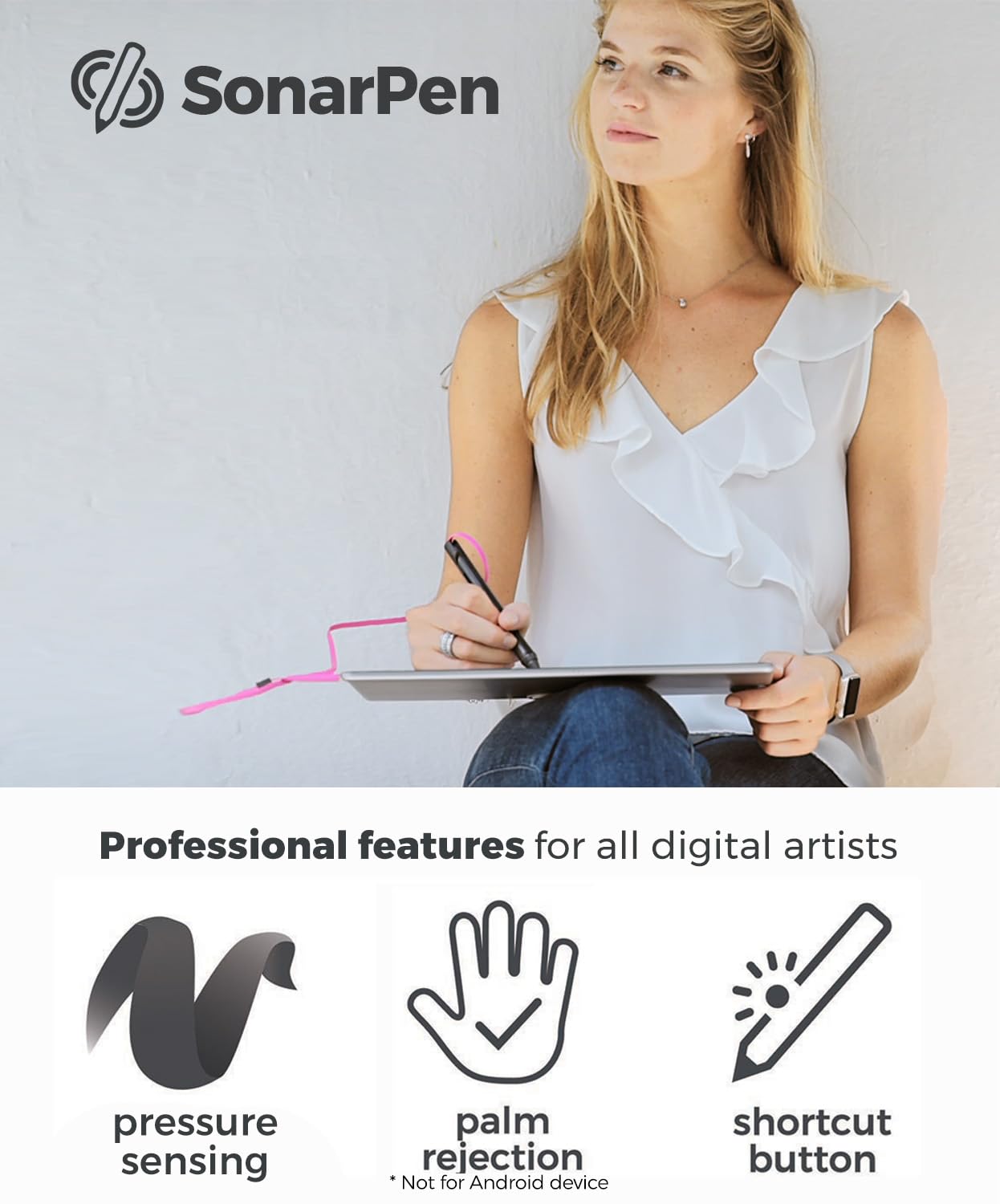
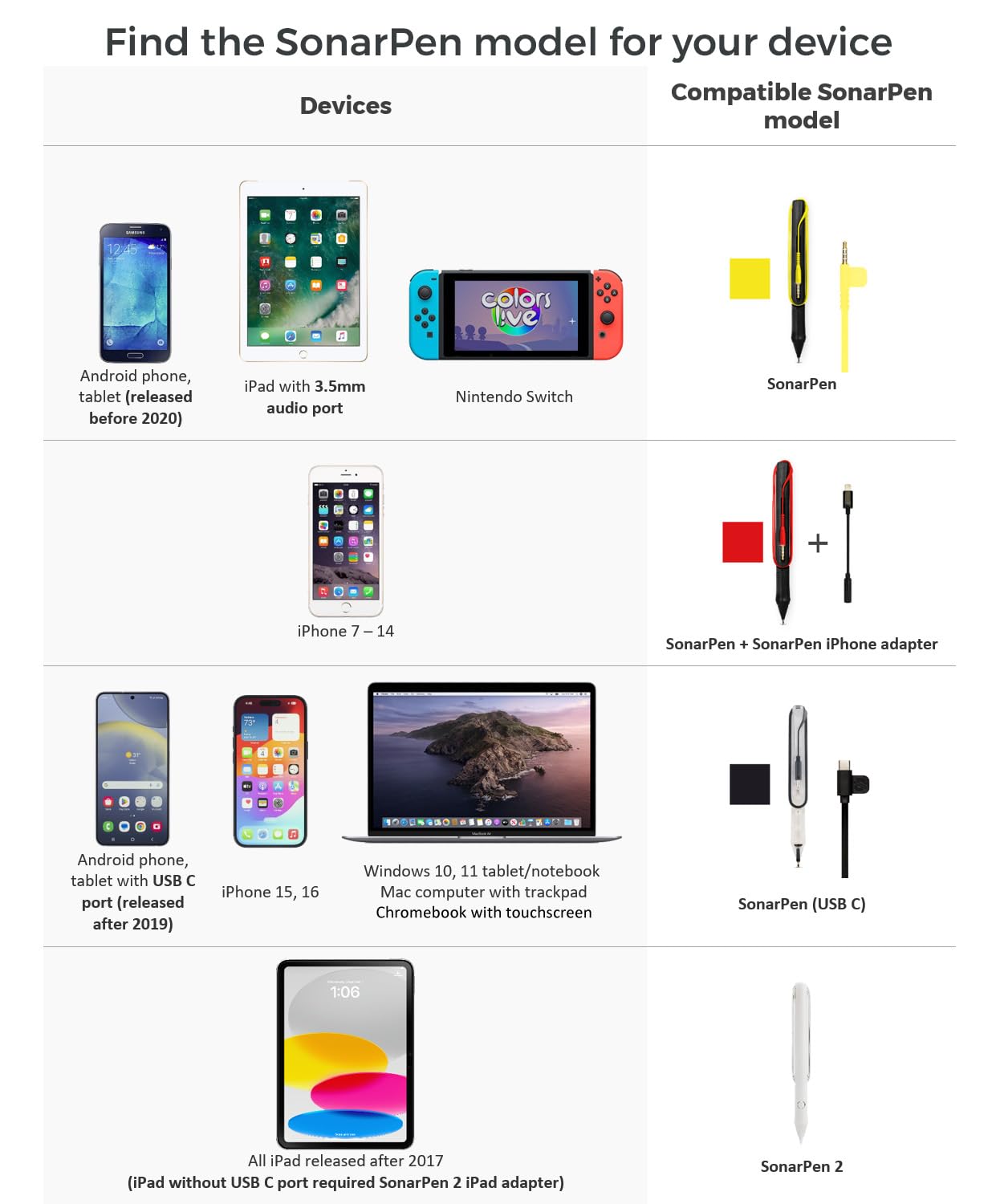
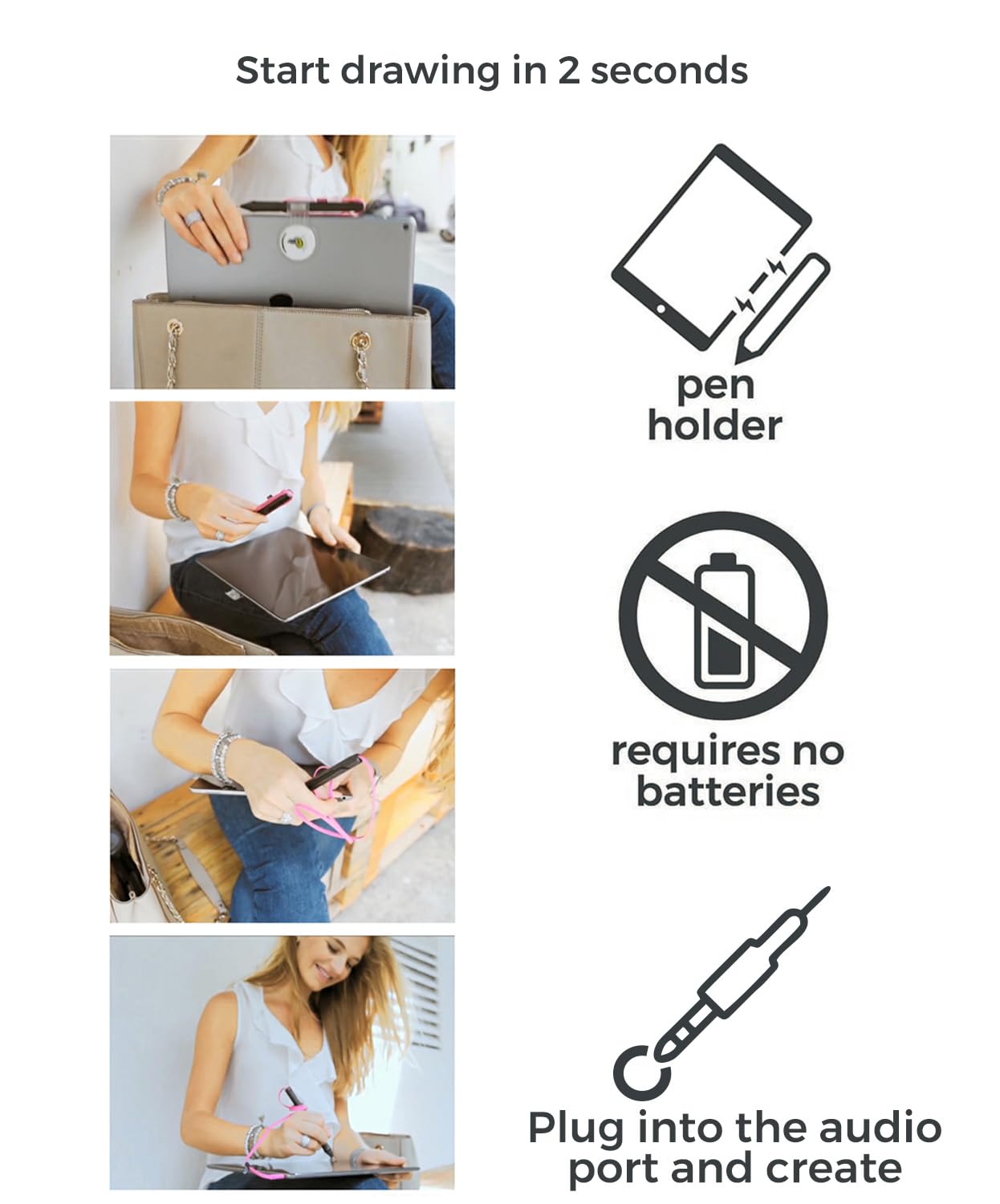
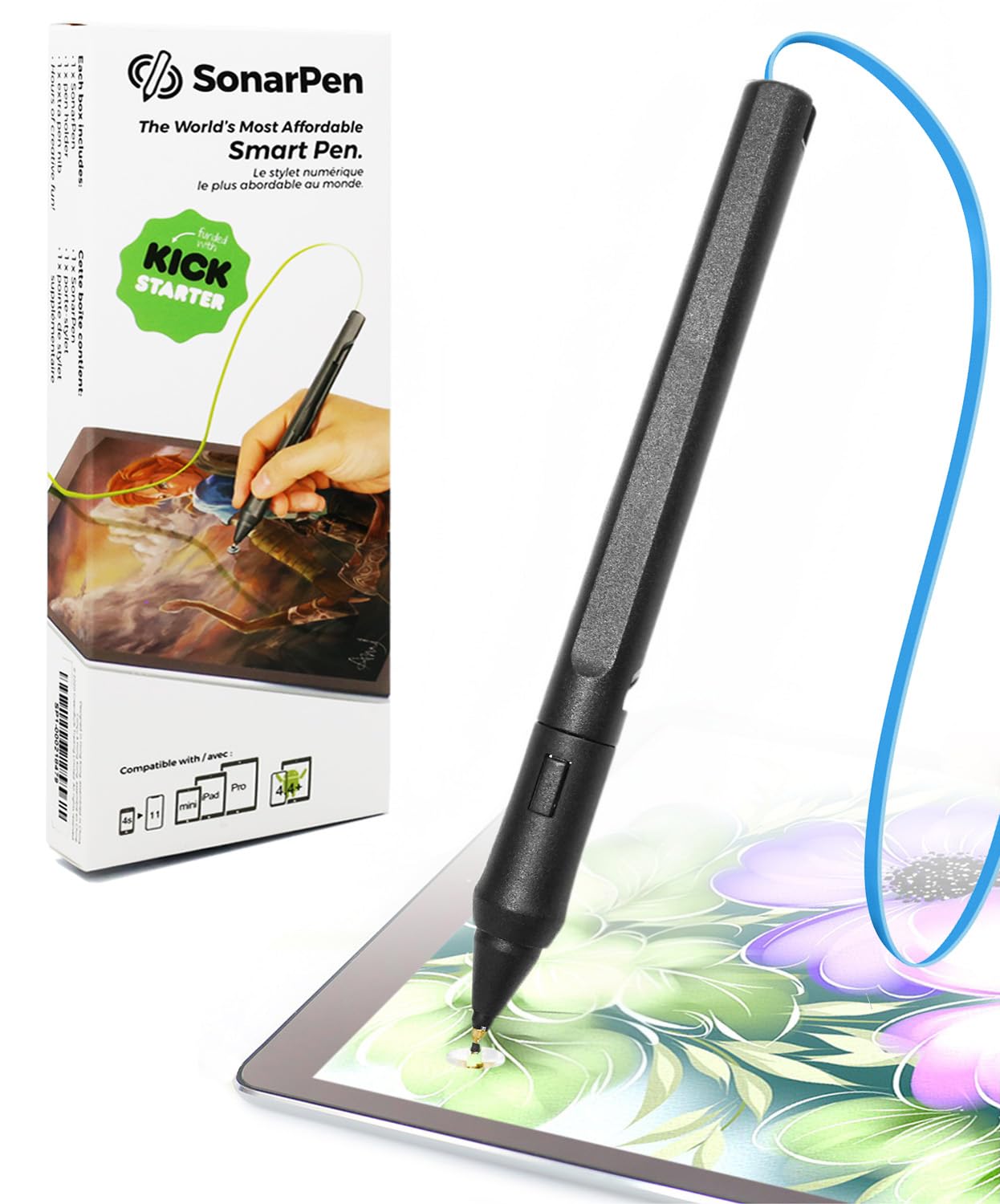
The SonarPen is a lightweight, pressure-sensitive smart stylus designed for professionals and creatives who demand precision and reliability. Compatible with a wide range of devices including Apple iPads, iPhones, Android tablets, Windows notebooks, Chromebooks, and Nintendo Switch, it features palm rejection and a customizable shortcut button. Its unique battery-free design connects via the audio jack, eliminating lag and charging hassles, making it the ultimate tool for uninterrupted digital artistry on the go.


| ASIN | B07ZCP8HBH |
| Best Sellers Rank | #23,515 in Cell Phones & Accessories ( See Top 100 in Cell Phones & Accessories ) #592 in Styluses |
| Brand | SonarPen |
| Color | Blue |
| Customer Reviews | 3.8 3.8 out of 5 stars (1,167) |
| Date First Available | November 24, 2018 |
| Is Discontinued By Manufacturer | No |
| Item Dimensions LxWxH | 5.91 x 0.59 x 0.59 inches |
| Item Weight | 1.9 ounces |
| Item model number | sb-122 |
| Manufacturer | GreenBulb |
| Product Dimensions | 5.91 x 0.59 x 0.59 inches |
W**G
Great device: good pressure response, little to no latency/lag, lightweight, low cost.
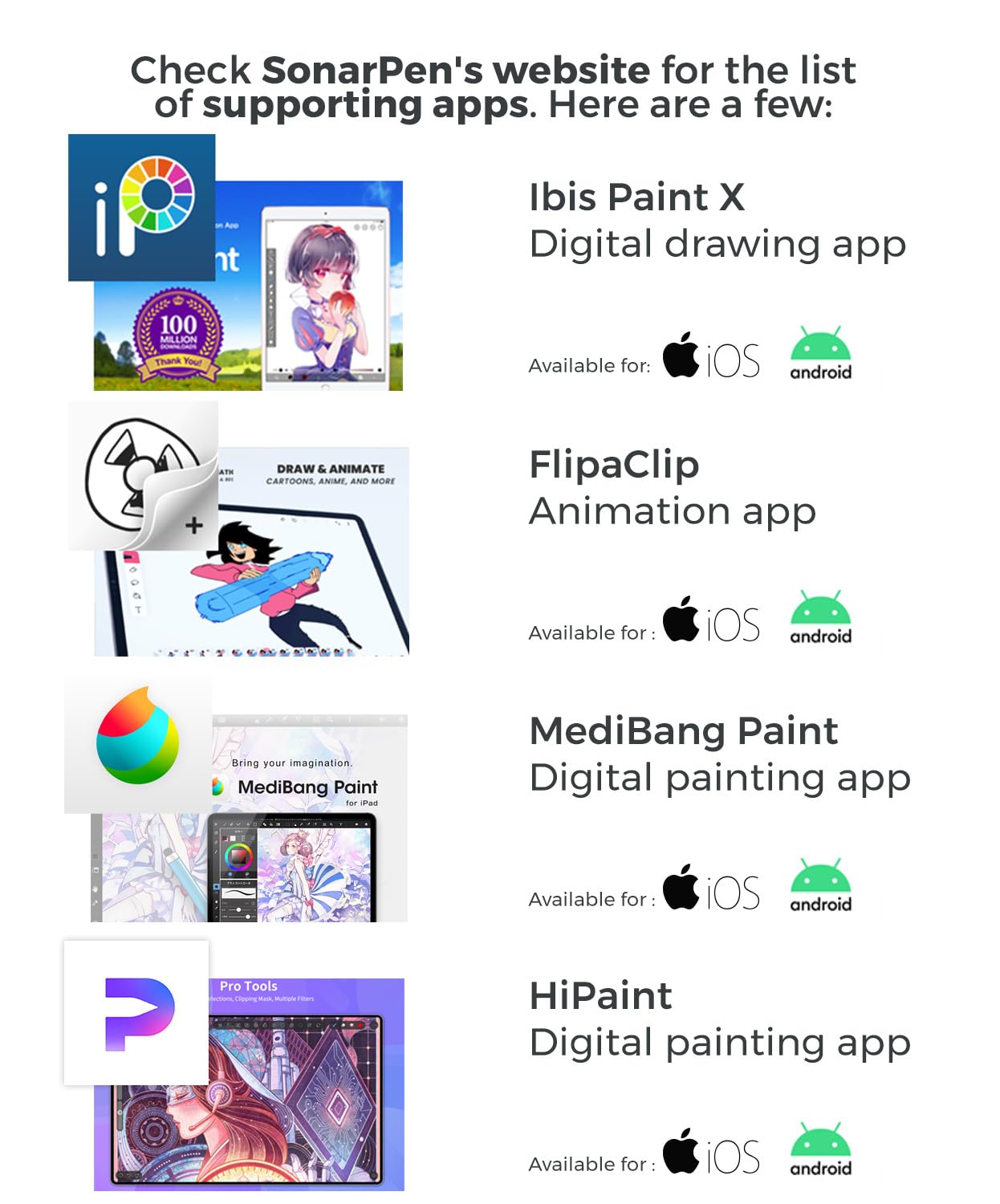
So I’ve used the Wacom Bamboo Sketch, Adonis Jot, and the Wacom crayon-like device. All of those were BLE/wireless/Bluetooth type devices or high frequency audio reliant. They all were… laggy, disconnected randomly, obscured the view with the huge tip, or were almost always out of charge when I wanted to use them. They also all cost quite a bit. And don’t even mention to me about the PITA of finding a replacement rechargeable battery for them. -_-;;;;; Saw this SonarPen the other day and thought… for $35 I’ll give it a go. (With tax it was like $37….) I tried it on two iPads(12” and 10”) as well as on my iPhone 13(with lightning to 3.5mm TRRS adapter). Pros: Works VERY well and the response speed is almost no lag, provided your device has enough compute power to handle the drawing app, the brush effect, and the bit of audio processing needed to get a pressure reading. Palm rejection, completely dependent on the drawing application’s implementation is good. Ie, only register contact with the screen when there is a pressure reading. Otherwise, ignore touch on the screen. I thought the cable would be an issue, but for the most part, it wasn’t. In the case of the 12.9” iPad, I made use of a 3.5mm TRRS extension cable. :) Works great. I NEVER got a disconnect during the several hours of sketching and drawing.. on any of the devices or apps that supported the SonarPen. This is a huge improvement over the wireless options out there. Slick tech is pointless if it isn’t reliable tech…. The self contained cable holder pen body is neat, and if you take care, is repeatable. :) Cons: Well, it’s $35. The body of the pen is basically an ABS plastic frame for holding the cable and for holding the bit of tech in the first 2” of the pen. Because the pen is designed to store the cable within itself, the cable itself isn’t super long. This can be a pro/con, depending on how you use your pen. I found it to be great for an iPhone, good for the iPad 10”, but almost too short for the 12.9”. Like any other wireless or BLE/Bluetooth pressure sensitive stylus for IOS, the application you are using it with needs to support it directly. This applies to Wacom and it applies to Apple Pencil. The question is how many applications support it. I found that MediBang and Ibis Paint both supported the SonarPen and both are great drawing applications. Other apps lacking support for SonarPen will not be able to provide pressure sensitivity nor provide palm rejection. The palm rejection is completely reliant on the application’s implementation of the SonarPen pressure sensing. I included a shot of the pen, the Ibis Paint config screen listing the SonarPen, and the pressure sensitivity curve I use for drawing with this device. Compared to the Apple Pencil, I would say the Apple Pencil is more responsive, pressure-wise, but lags a tiny bit compared to the SonarPen due to the latency inherent in Bluetooth technology. The lack of need for recharging is a huge plus. Though the lack of heft from the SonarPen makes it feel like you aren’t holding anything. Some might prefer the extra heft… perhaps a hack of some kind is in order. Compared to the Wacom Bamboo Sketch… *LOL* Let’s say… I love this SonarPen compared to the Wacom Bamboo Sketch. I don’t know what is that Wacom does with their wireless devices, but there is always some lag and jaggedness in the tracking. The Bamboo Sketch is no exception. Also, when I used the Wacom Bamboo Sketch, I experienced frequent disconnects. This is a MAJOR PITA. With the SonarPen? Smooth sailing, fast, responsive, and smooth tracking/pressure sensing. TLDR; The SonarPen is a low cost pressure sensitive stylus that gives you a reliable pressure sensitive drawing stylus for drawing apps that support it. It is light weight and very portable. There is no need to worry if the stylus is charged or not. And disconnects basically never happen. No lag or jitters. Kinda wish I had this before having wasted money on other solutions previously. The biggest gotcha, I think, is that because the SonarPen uses the headset functionality… that means that audio output and audio input is taken up. :( This means listening to music on your device while drawing with this stylus are mutually exclusive things. -_-;;;;; Try it. If you have the SonarPen detected and working, music will stop. And if you play music, the SonarPen will disconnect. I haven’t found a way to route around this since on IOS, I don’t think you can specify multiple audio outs for different apps. You can on the desktop, but not on the mobile devices. -_-;; Side note: This works with Nintendo Switch for the Color live drawing app. Also works with Android devices running the drawing apps that have support for the Sonar Pen added. Same for Linux and Windows devices, provided it is on some kind of touch screen(capacitance) device.
G**Y
Good pen with great customer support!
After a very exhausting (child induced sleep deprivation) and sad week (death in the family) I was very excited to try my new pen, only to have trouble getting it to work. Come to find out that Layer Paint HD isn't supported. So I tried some of recommended android apps. Only to have more troubles. So I wrote a detailed email to the company explaining the issues I had run into. It was late so I figured I'd get a response in the morning. It was the kind of day where you normally curl up with some ice cream and tissues because everything had been miserable and even a small fun thing you'd hoped to distract yourself with just didn't work. You know those days. Imagine my surprise when I got a reply five minutes later with instructions to download the ArtFlow driver software. I did and my pen worked wonderfully! I was doodling all over just like my drawing tablet that connects to my computer! I emailed them to tell them it worked and heard back again very quickly! Instead of a "polite end of email exchange reply", I got a thoughtful inquiry about the zoom/zoom + freeze error I had run into with Ibus Paint. I took their troubleshooting suggestions and tried them. While I still didn't have any luck, further googling revealed this might be an issue with the amount of RAM on my tablet, or perhaps just a bug in the latest release. We shall see what becomes of an updates! They also told me the had reached out to the folks who make Layer Paint HD, but have not heard back yet. You guys, this is *incredible* customer service!!! They replied to me in five minutes both times and were very thoughtful in their response to the issues I raised. That they were able to get my pen working for me within *same* evening as emailing them, is just rounding out this fabulous customer experience and a very bright spot to an otherwise sad week. Every drawing app should support this pen and developer! Also you should totally buy this pen. My husband, a professional 3D digital artist, now wants one, lol! The question is, should I make him wait til Christmas? lol!
K**R
Dosnt work with procreate but its good:)
Very nice product, good for your money. The idea of the pen is super cool and it works great, however it doesn’t work with procreate:p it has great sensitivity and it has clear instructions on how to set it up, and it sits comfortably in my hands:)
T**R
Subpar performance
I used the Sonar pen across three different devices: a Chromebook and two different Android smartphones being a Samsung A13, and a Google pixel 3. The pressure sensitivity is pretty much non-responsive and too laggy to be useful for me or the pen itself was possibly defective. On the Chromebook, it simply freezes the app. I'm using Ibis Paint X and specifically bought a Sonar pen because it said it was compatible with the app. It came with two different tips: the gold one optimized for Android and a silver one optimized for iOS. I ordered the Android one specifically, which should've just included the gold tips, but interestingly, the silver one seemed to work better sensitivity-wise. Plugging it in several times helped it function for a short period, but it’s still a hit or miss. It's a novel idea, but in practice, it didn't work well with my 'compatible' devices or the 'compatible' app. The plastic feels cheap and unpleasant, and the cord is slightly annoying. The undo button works amazingly well, though, and I'm sure if it's used on a newer device with the right app, it probably works phenomenally. I did receive a refund for this purchase, so at least customer service was responsive.
R**D
My daughter loves it, she uses it when she draws on her phone
C**Z
es ligero, pero no se si fui yo o que pero la primera punta se me rompió fácilmente, pero hace su función para dibujar con precisión, lo e usado en celulare y en tabla
T**1
arrivato nei tempi, mia figlia ne è molto contenta! si trova bene con l impugnatura e funziona bene sul suo tablet
C**G
It’s perfect for the chrome book
B**U
Packaging is kinda cheap, but hey can't complain for this price. You'll get warranty use thingy, 3 stickers, additional tip, the pen itself, and a pen holder to stick to your tablet. Note that you can't replace the pen's cable, so be cautious about that Everything works well out of the box on android using ibis paint:) Only tried jack cable input, didn't need an adapter to usb-c. Pen itself feels kinda cheap, but works as intended and is comfy to hold. In ibis paint, you can choose to use pes palm rejection, but it only kinda works for fingers, which you need to zoom. I'd recommend buying a palm rejection glove instead. Pressure sensitivity works very well, you can change its curve on ibis settings as well. Only thing I'd complain about is the canle being a bit too short, but not really a problem so far. I recommend for beginners and intermediate <3
ترست بايلوت
منذ شهرين
منذ 5 أيام



