🚀 Elevate your mobile workspace with vibrant visuals and zero clutter!
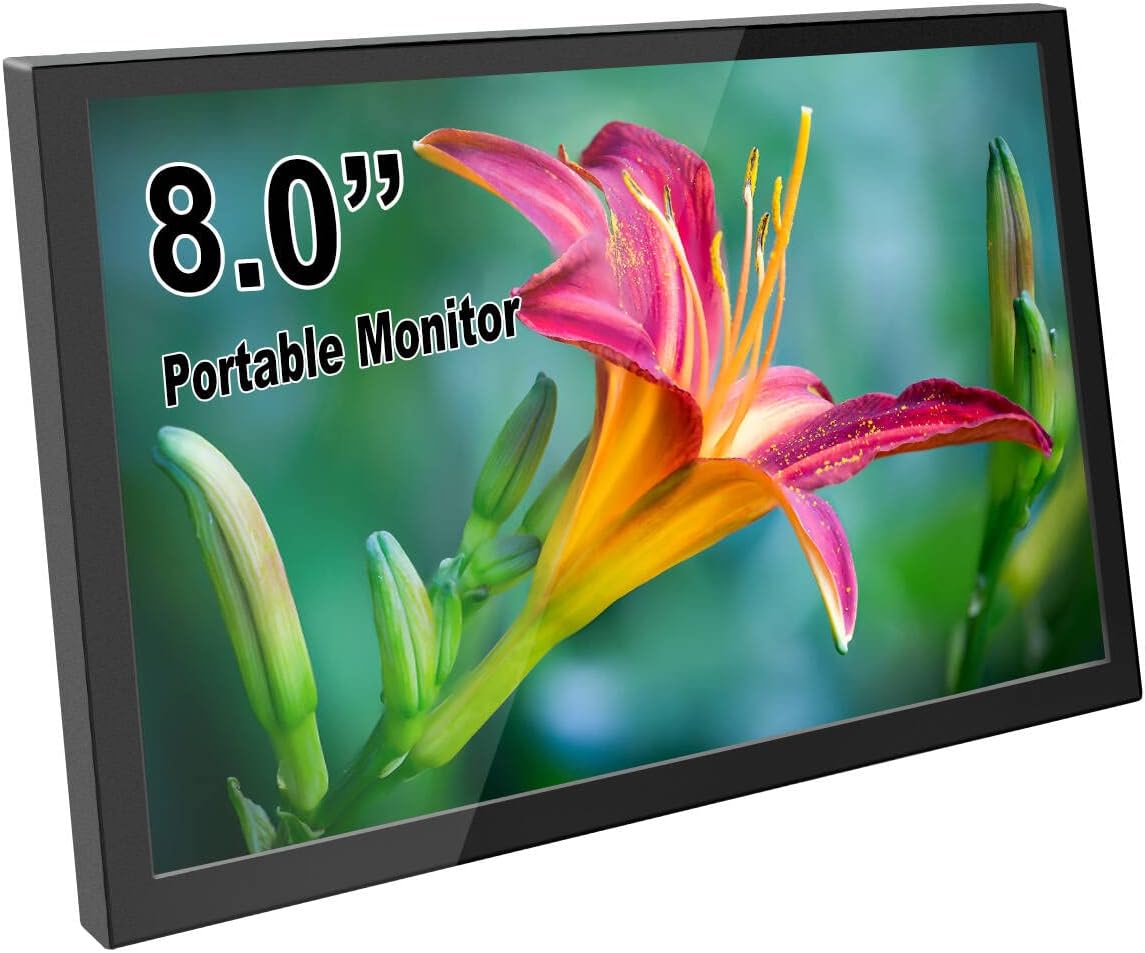
The ELECROW 8 Inch Portable Monitor is a compact, USB-powered HD display featuring a 1280x800 IPS screen with built-in stereo speakers. Designed for professionals and tech enthusiasts, it offers wide compatibility with Raspberry Pi, PCs, laptops, and game consoles. Its sleek aluminum alloy body, plug-and-play setup, and VESA mount support make it the ultimate portable second screen for productivity and entertainment on the move.


| Total Number of HDMI Ports | 1 |
| Response Time | 16 Milliseconds |
| Display Resolution Maximum | 1280x800 |
| Native Resolution | 1280x800 |
| Resolution | HD |
| Hardware Connectivity | USB, HDMI, mini HDMI |
| Connectivity Technology | USB, HDMI |
| Item Dimensions D x W x H | 0.55"D x 7.7"W x 4.8"H |
| Screen Size | 8 Inches |
| Voltage | 5 Volts |
| Is Electric | Yes |
| Viewing Angle | 178 Degrees |
| Brightness | 300 lm |
| Has Color Screen | Yes |
| Refresh Rate | 60 Hz |
| Display Type | LCD |
| Display Technology | LCD |
| Aspect Ratio | 16:10 |
| Screen Finish | Glossy |
| Contrast Ratio | 800:1 |
| Item Shape | Rectangular prism |
| Color | Black |
| Mount Type | Wall Mount |
| Compatible Devices | Laptop, Desktop, Game Console, Jetson Nano, Raspberry Pi |
| Special Features | Portable, Built-In Speakers |
| Specific Uses For Product | Desktop |
M**S
My guitar "amp".
This screen, a micro PC, a USB audio interface, and a tiny keyboard/mouse combo (I can't always rely on a touchscreen). It does require HDMI even when you connect it via usb-c to usb-c. Whatever though. So the USB really doesn't carry any video data. While moving cables around, it does make a popping sound and shut off for a second. Don't know if it's mine specifically or if it's a design flaw. Could I have just gotten a laptop? Yeah. But it would be bigger than I want. It's serving it's purpose well. Let's hope it lasts.
T**A
Awesome little screen
I’m using this little monitor as my fourth screen for my PC setup, just under my main 32” 4K monitor. Sometimes I’ll have small programs running which I’d like to keep constant track of or have a live view of my security camera and this little guy fits the bill. The monitor is extremely light and doesn’t feel particularly robust but general usage in a static position should be perfectly fine. If you’re using it as a portable solution, I’d just be careful not to bang it up too much. I’m powering this off my own USB-C cable attached to a plug in adapter and HDMI is connected through a HDMI to mini HDMI adapter without issue. The screen is plenty bright and nice and clear. Viewing angles aren’t bad and colors look good with slight adjustments. All in all, not disappointed with the performance. The only thing I don’t like is that it doesn’t turn off by itself when you have no video signal, at least the way I have it setup. Because I have it connected to a constant power source, it just flashes colors when there’s no video signal. Most monitors will turn off after no signal for a few seconds, but not this one. If you’re using this as a main monitor for a portable setup or Raspberry Pi, maybe it won’t have this issue since the power will likely get cut when you turn off the PC. Because of the way I have the monitor set up, I can’t always be hitting the power button on the back of the monitor. In either case, I worked around this issue by connecting my power source to an outlet switch. When you switch it back on, you don’t need to hit the power button on the monitor for it to turn on which is good. Other than that small nitpick, this a decently solid monitor that’s a perfect size; not too small and not too big.
A**F
Worth the money!
Great screen quality for the price. The plastic edges/backing/buttons do feel a bit flimsy but nothing has broken. I have mine mounted in a vehicle so it doesn’t get detached and messed around with (the unit itself), but has functioned 100% without any problems. I do wish the control buttons would be moved to the front to make it easier for people that have it mounted and don’t move it very much. Overall I’d definitely buy this again.
S**L
Excellent little 8" HDMI monitor
I bought this to use with a Raspberry Pi 400. It was a great choice. The 1280 x 800 resolution is very good for the small screen providing a very sharp, bright picture. The size, picture quality and price are ideal for this application.
J**S
Great Monitor but it Blew up an Intel Nuc / Sync Issues
I bought this screen for a cyberdeck project I was building. But apparently trying to power it and output the hdmi to it from the same small computer was a big mistake. This could be an issue with Intel NUC computers OR with the screen itself. But in order to make my project work I had to supply 5v from a totally separate source than the computer I was creating even though it was rated for USB2.0 ports and had plenty of power to drive it. In summary, be CAREFUL when powering it via USB and feeding video from the same computer. You may get some kinda of voltage feedback after powering down the PC. I blew up (2) intel Nuc computers experimenting with this monitor at no fault of my own before i figured it out. The project DID succeed after separating my power rails and plugging the monitor into a separate USB power I provided. But I will not do that again. The screen is bright, Beautiful even, and has powerful speakers. Plus a handy headphone jack. It would be perfect, if it hadn't cost me two computers. Only other gripe would be sync issues. With rebooting the computer it sometimes doesn't register a signal and I have to manually hit the power button and turn it back on again. It's annoying, but not a deal breaker. Here's a picture of the completed cyberdeck featuring this monitor. I'm very happy with the size and features it provided.
R**H
Fits Lian Li 011 Dynamic XL as sensor panel
Fits perfectly in the Dynamic XL case with an NZXT Kraken Z73 radiator on top. Used the cables that came with the display and routed them through the opening where the top latch release button used to be. HDMI cable was a tight fit but just be patient and wiggle it through the opening. Screwed in 4 low profile brass M4 standoffs into the VESA mount holes to raise the back slightly due to the buttons on the back. (M4 brass male-female standoff 5mm + 6mm) https://www.amazon.com/gp/product/B018C6NSRU It fit so well I didn’t need to mount it with velcro or screws. Once you get it into position, its not gonna go anywhere. TIP: Turn up the brightness to 100 before you install it. TIP #2: Plug the USB cable into a power adapter instead of the computer. Display did not reliably turn on after reboot when powered by the computer's USB port. The only con is the fan noise coming from inside the panel enclosure. I can hear it over the other 9 fans in my case. May not bother some people.
S**9
Good little monitor with sound
Seems to work fine. I plugged it into a snes mini and it works. No dead pixels, no ghosting, I didn't notice any lag. I did that as a test before I put it to use so who knows. As of the time I'm writing this it's currently unavailable with no estimate time of return, so I hope it holds up. It has sound and an option menu that I haven't tinkered with. It's technically hd but not 4k. All the buttons are on the back, all the hookups are on the sides. There's a led light that indicates power/signal/no signal, it's really bright.
D**N
Nice monitor, but has a low-quality power adapter, which could force you to throw it in the trash.
Screen quality is very good and I really liked using it.... for about a month. Unfortunately, I did not realize that they put a super-cheap, low-quality, power adapter port on it, which uses a mini-USB on the monitor and plugs into a standard USB port on your computer for power. After about a month of relatively light use, the mini-port on the monitor came loose and twisted-up inside the case. It was about a week after my return-window expired, so I didn't know what to do with the thing, because the port was totally unusable. So, I took it apart and looked at it, hoping I could repair it myself. What I found is the mini-port in this thing is only attached on one side to the board in the monitor, so if you don't hit the port exactly straight and go easy on the push, when you plug the power cord in, it will literally bend and twist the port up-inside the case, making it impossible to plug the power cable into it... and it is impossible to fix the thing once you have done that. In the end, I wound-up throwing it in the trash after only 5-weeks of use, 3-weeks of which I used it very little at all. I would not recommend buying this monitor at all, simply because I have seen and experienced for myself what a cheap, low-quality power port they have put on this thing. It may work alright for you, if you are super-careful with the mini-port on the power adapter, but if you miss it one time and push too hard, your money is going straight into the trash can.
ترست بايلوت
منذ شهرين
منذ شهر