
قم بتنزيل التطبيق


معلومات عنا
حقوق الطبع والنشر © 2024 Desertcart Holdings Limited
قم بتنزيل التطبيق
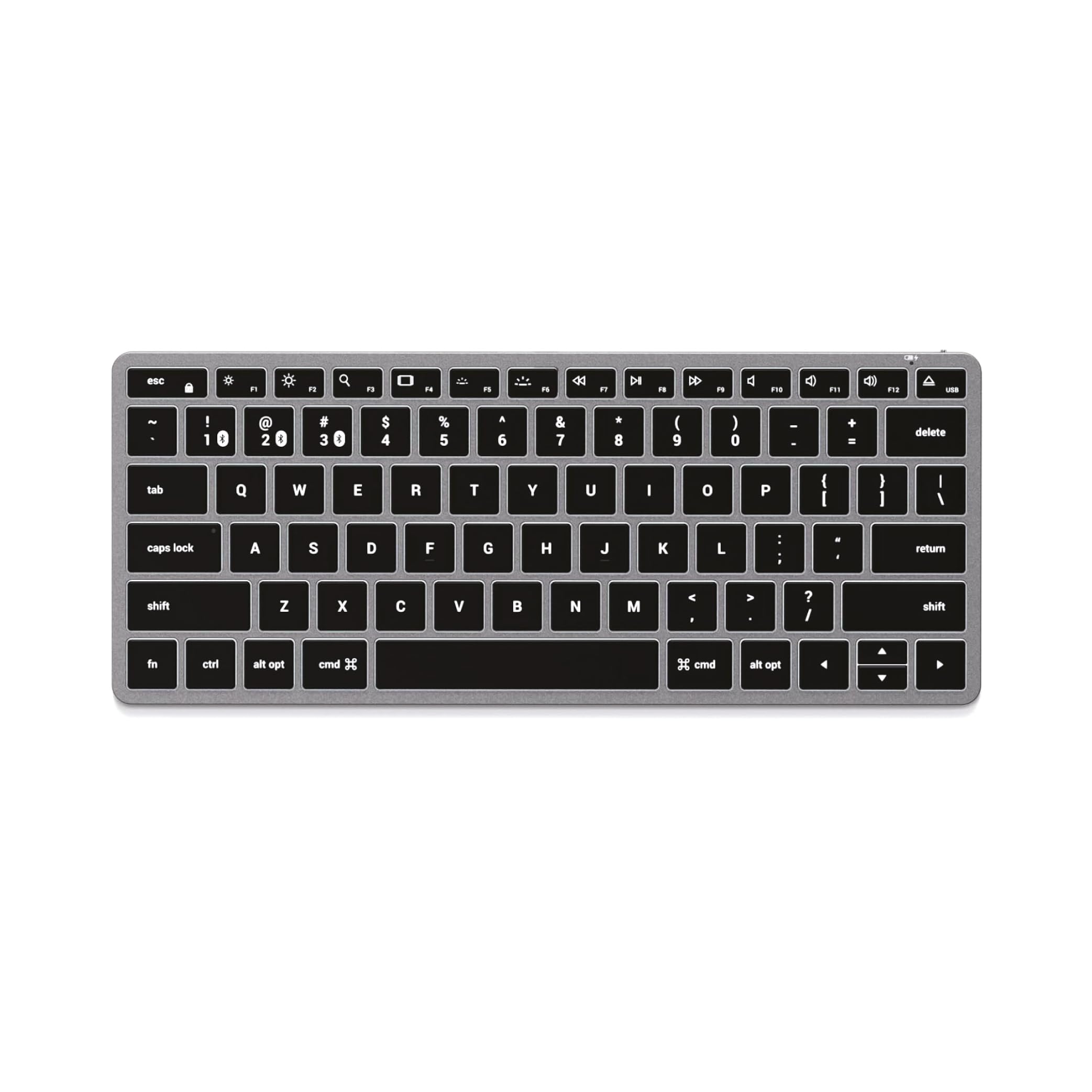
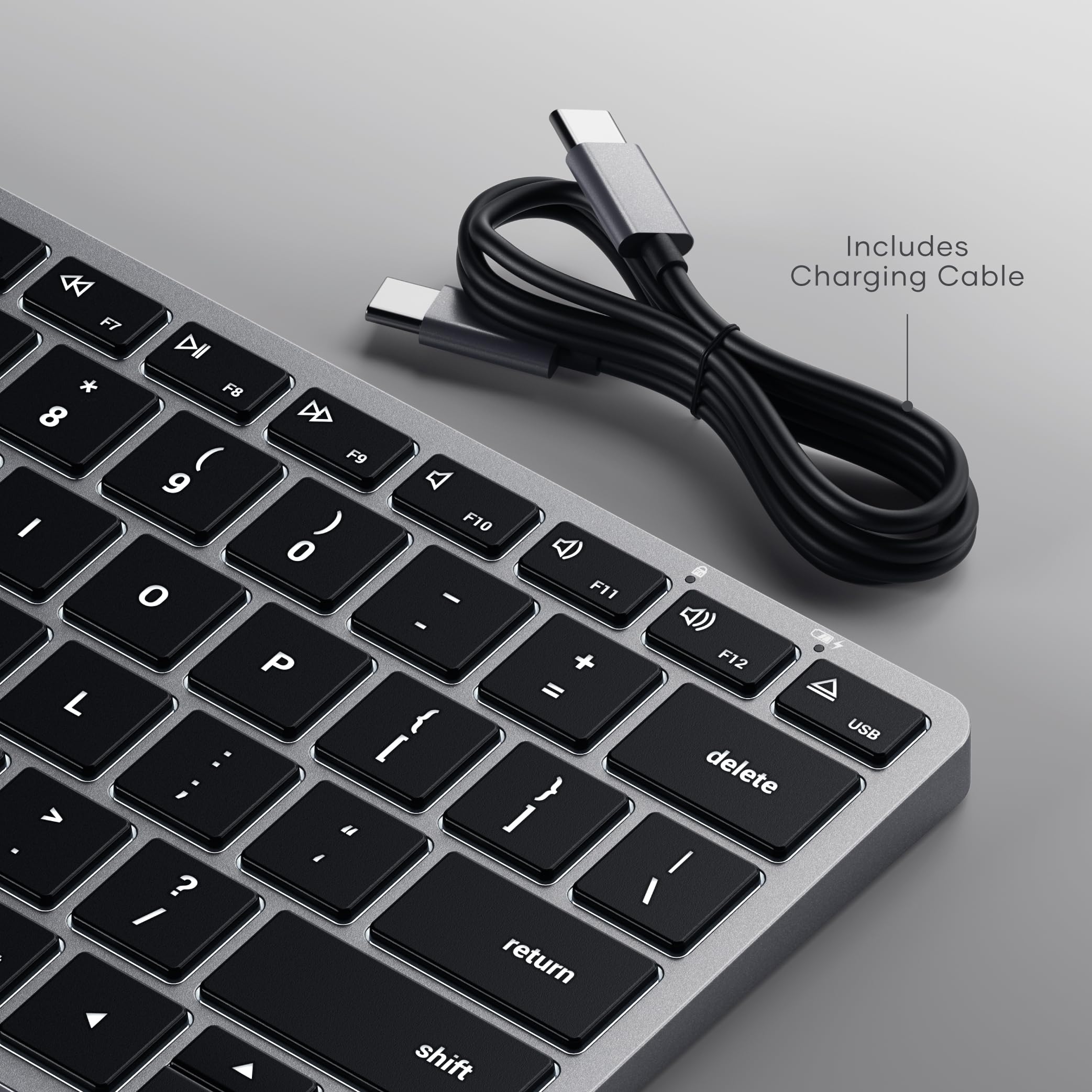
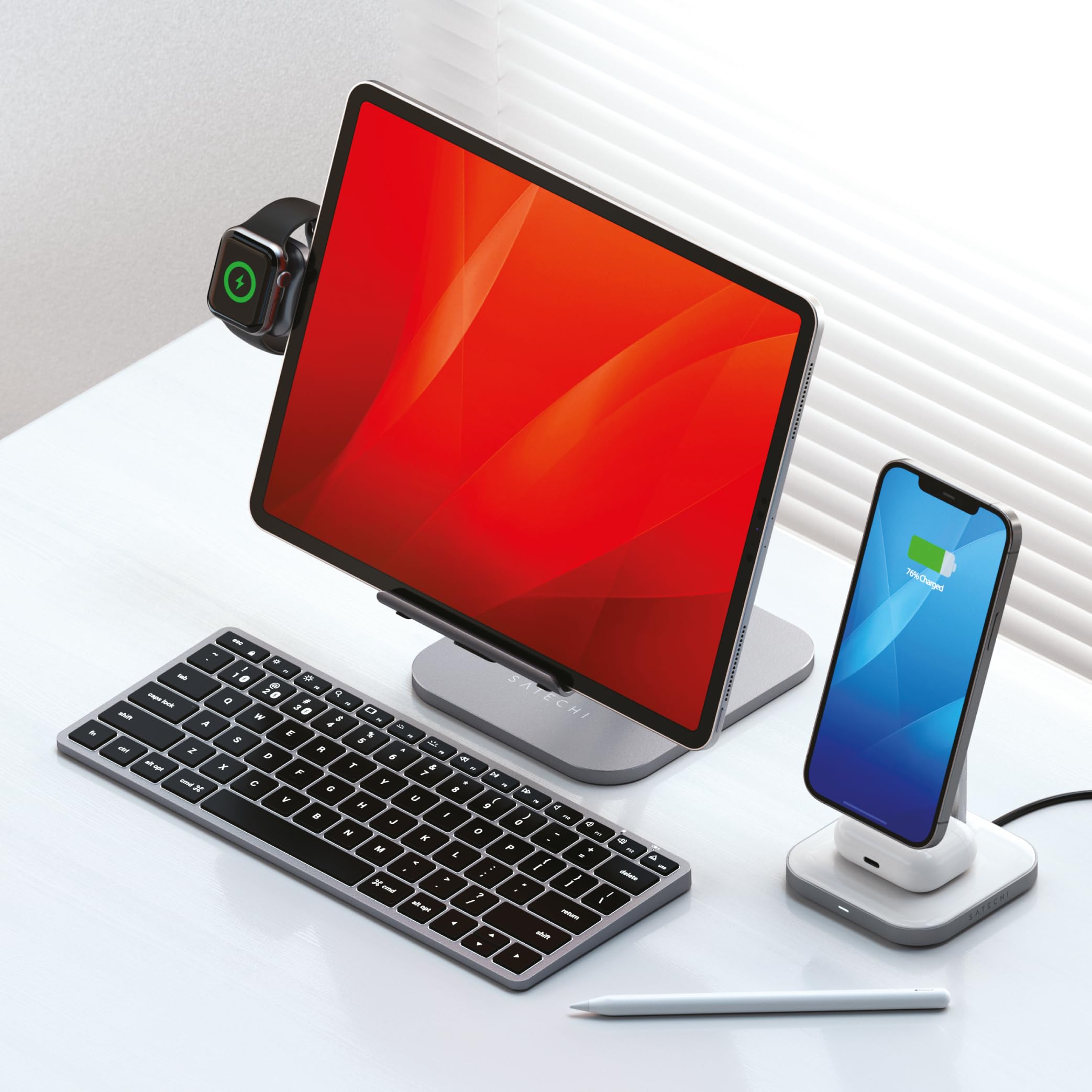
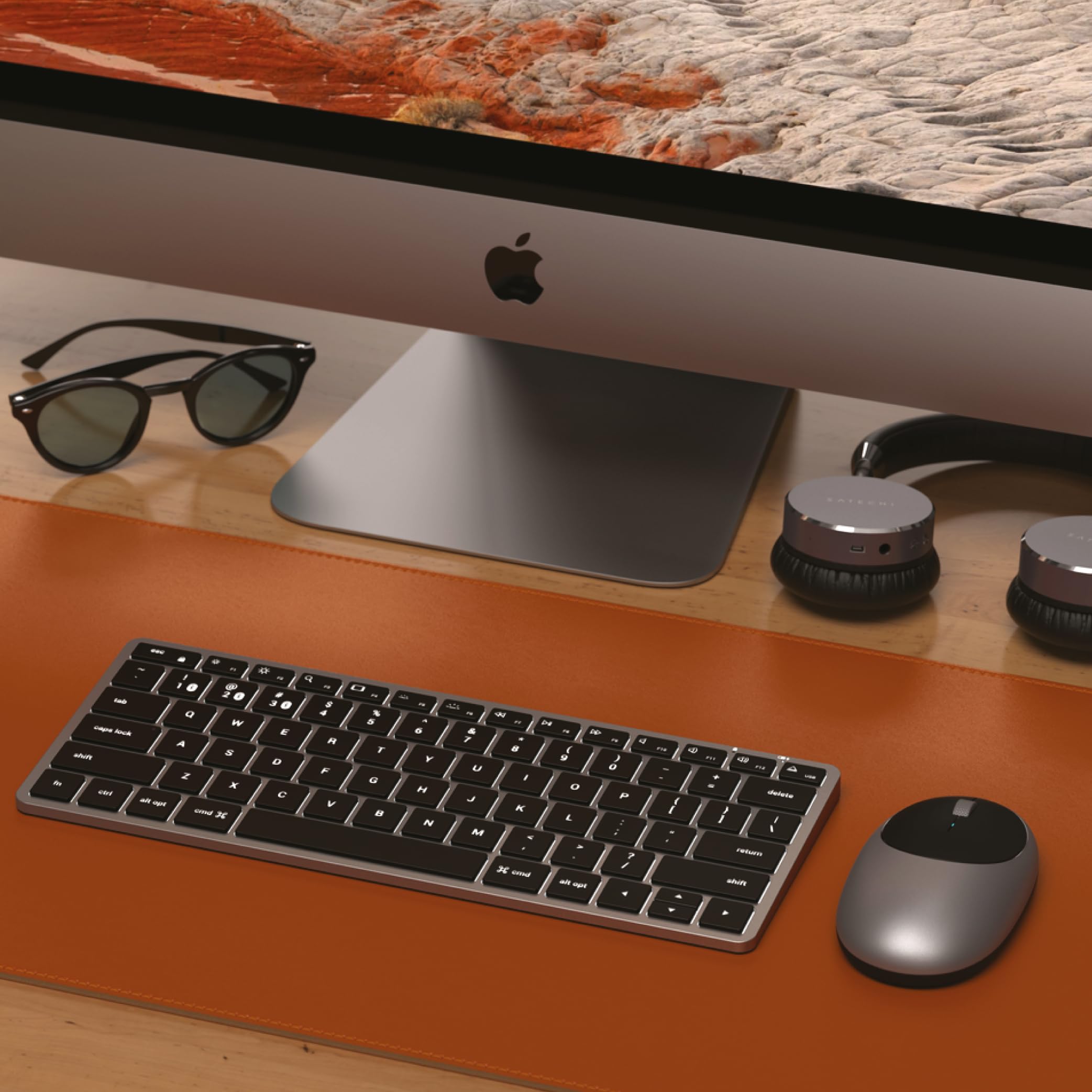
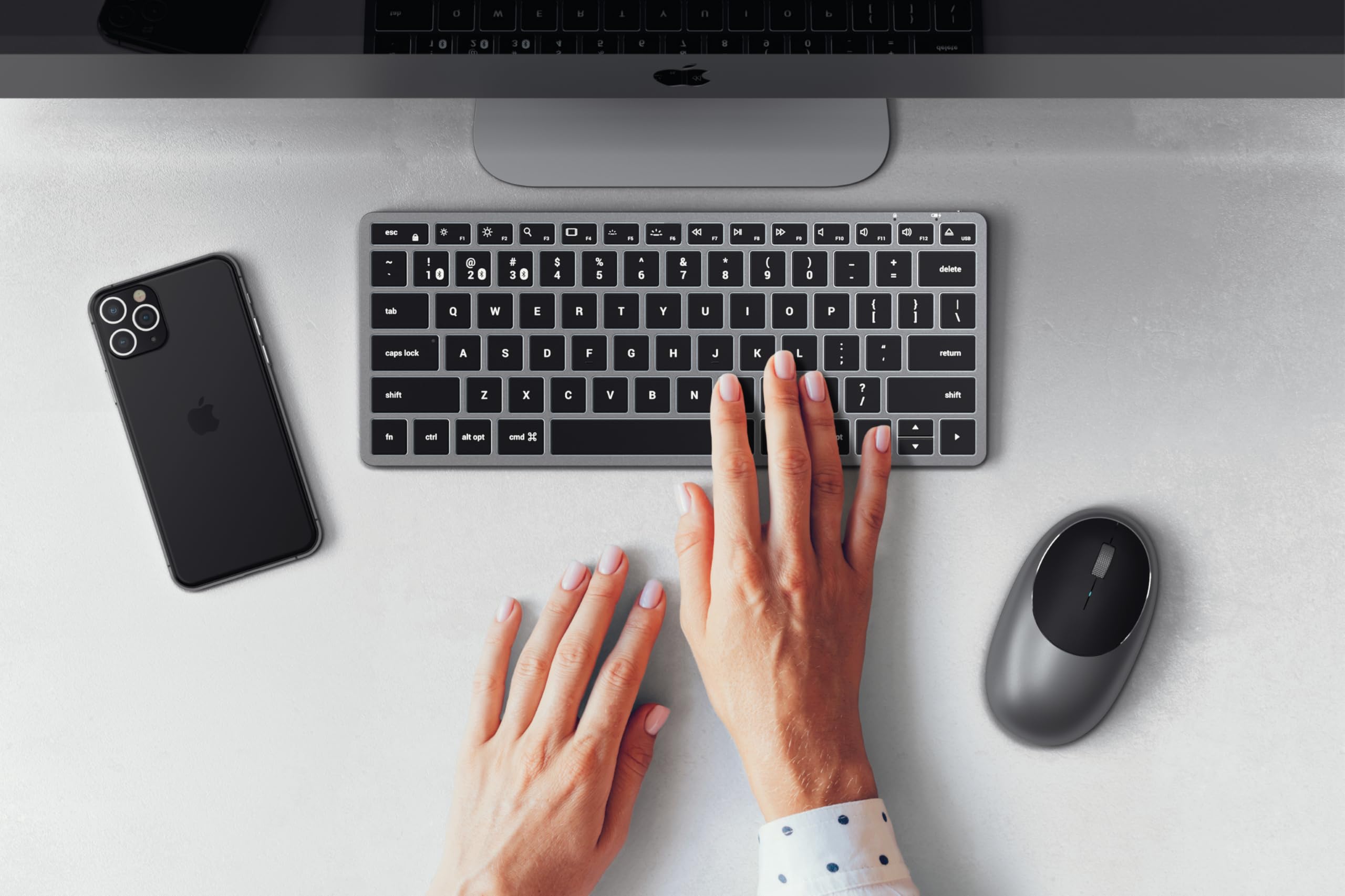
⌨️ Elevate your Mac setup with the keyboard that keeps pace with your multitasking mastery!
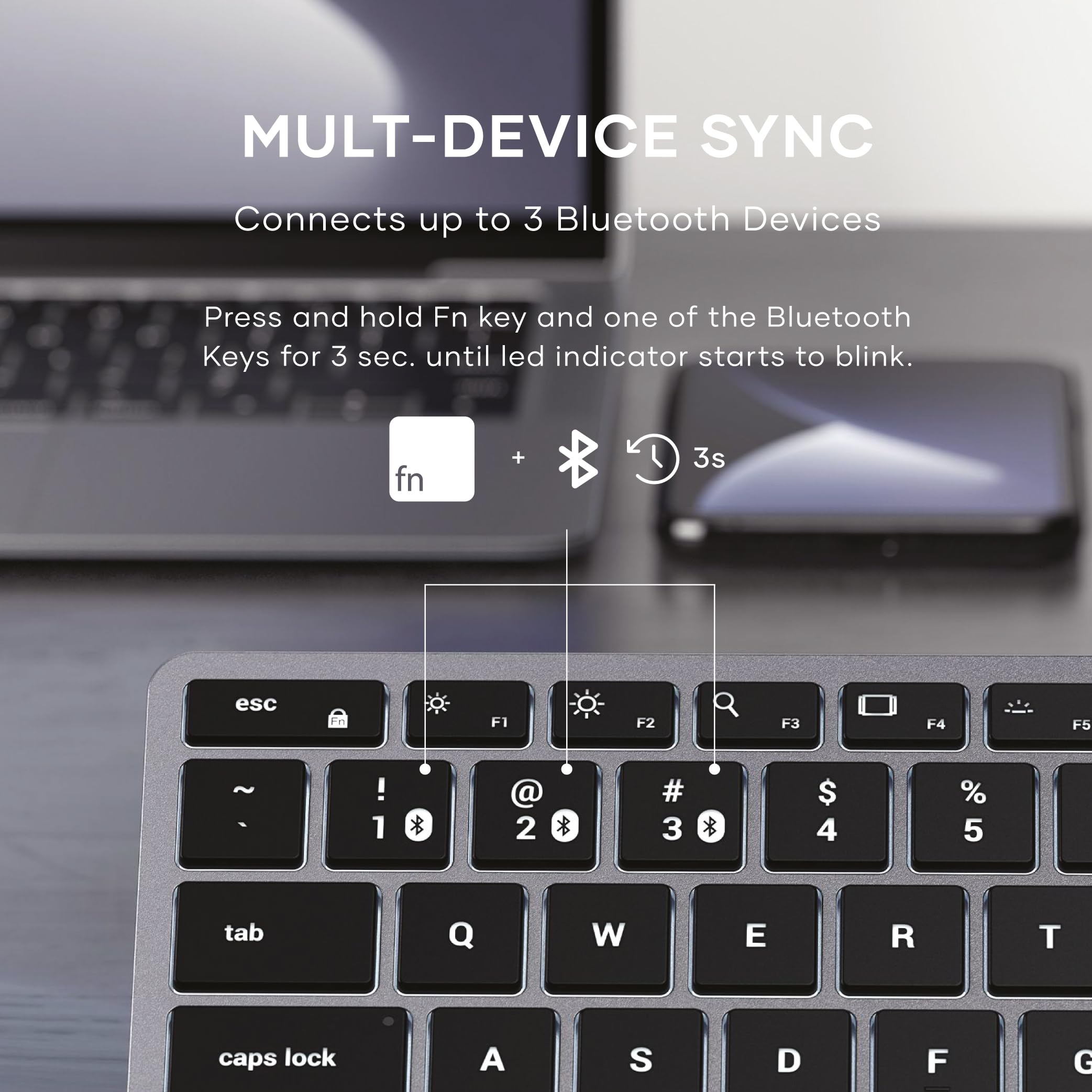
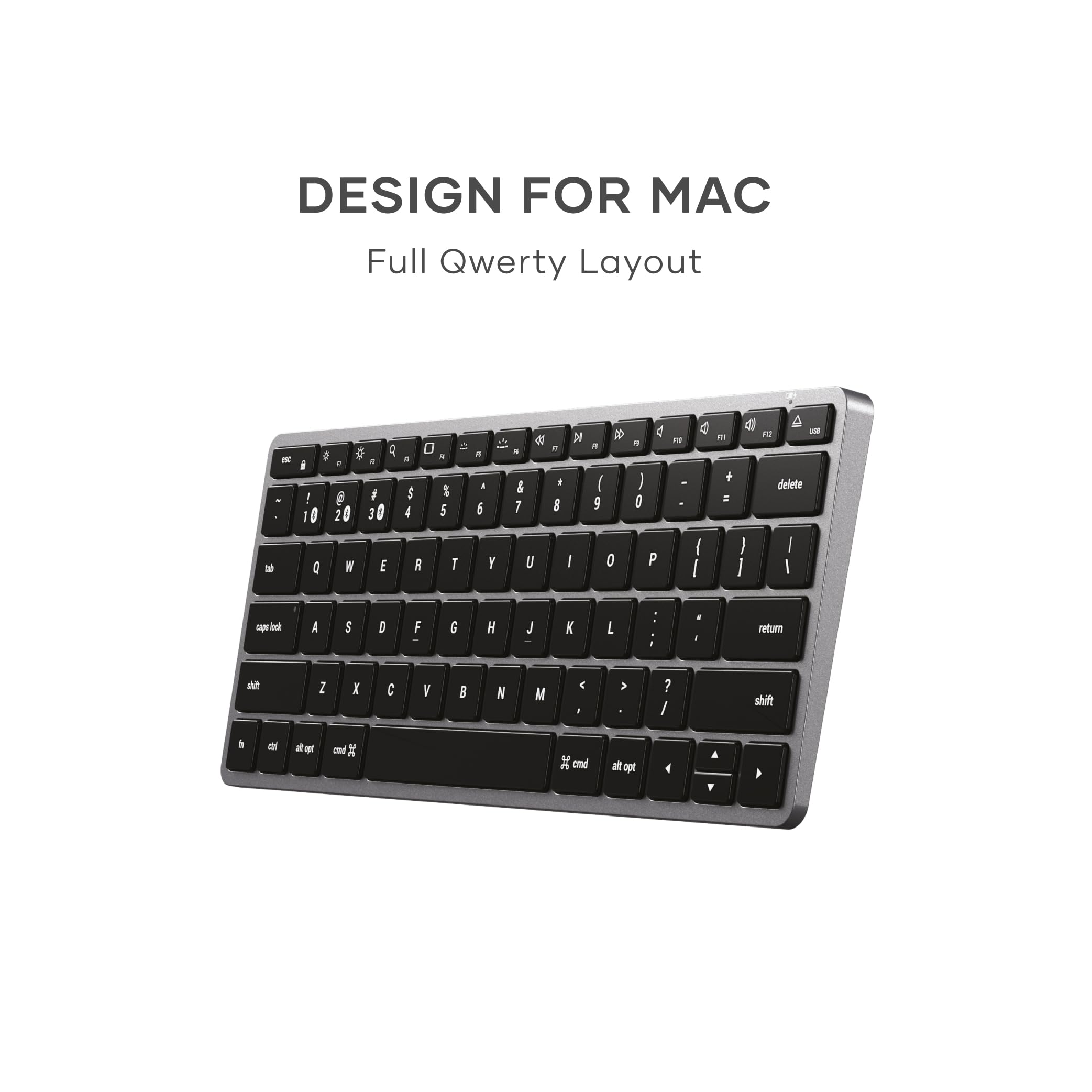
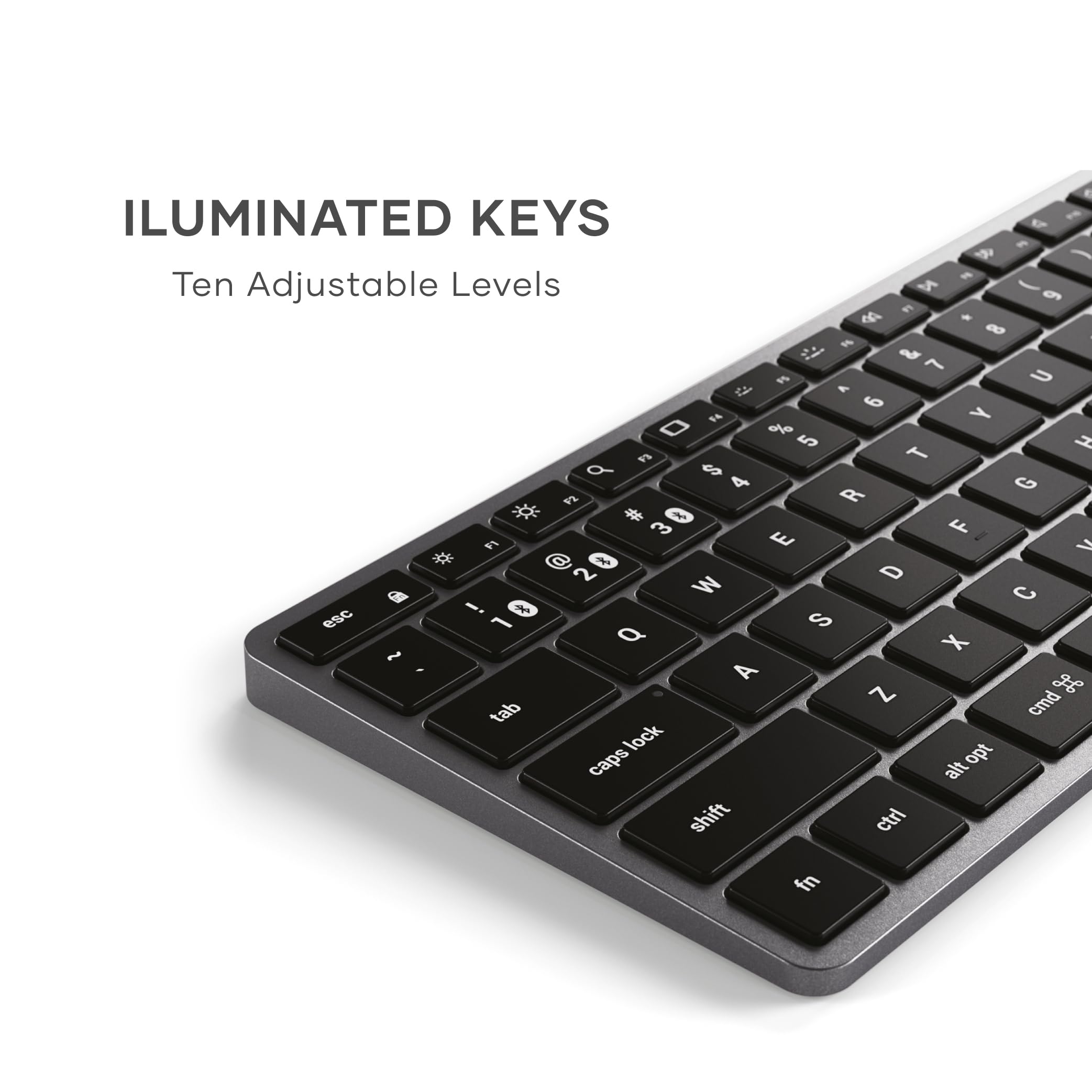
The Satechi Slim X1 Bluetooth Backlit Keyboard is a premium, ultra-slim keyboard designed exclusively for Mac users. Featuring a full MacOS QWERTY layout, multi-device Bluetooth connectivity for up to three devices, and 10-level adjustable backlit keys, it combines style and functionality. Its robust 1300mAh rechargeable battery ensures long-lasting use, while the sleek aluminum design complements any modern workspace. Ideal for professionals seeking seamless Apple integration and versatile device control.


| ASIN | B08Q2CB7DZ |
| Batteries | 1 Lithium Polymer batteries required. |
| Best Sellers Rank | #219 in Computer Keyboards |
| Customer Reviews | 4.3 4.3 out of 5 stars (2,413) |
| Date First Available | December 8, 2020 |
| Is Discontinued By Manufacturer | No |
| Item Weight | 10.2 ounces |
| Item model number | ST-BTSX1M |
| Manufacturer | Satechi |
| Product Dimensions | 11.93 x 5.83 x 1.46 inches |
M**E
Better than Apple with more features!
After owning this keyboard for over 18 months I can honestly say this is one of my favorite accessories I’ve purchased for my office. This keyboard looks great, feels great, a really quality built product. The keys don’t get shiny or worn down, and the backlight is my favorite! the battery lasts FOREVER, I’ve only charged this keyboard 3 times since I’ve gotten it! And being able to have 4 different devices saved on Bluetooth is very nice. I’d choose this over the Apple equivalent any day.
S**R
I HAVE NEVER WRITTEN AN AMAZON REVIEW
I HAVE NEVER WRITTEN AN AMAZON REVIEW despite buying things on Amazon for years. This review is true. I tried 5 different keyboards and the Satechi Slim X2 and the Satechi Compact are #6 and #7 to try. I use Mac and love Magic Keyboard but it does not have backlight. I also wanted something small but that also had the number pad (useful for Sibelius). I wanted bluetooth connectivity and a similar typing experience to the Magic Keyboard. Many offerings have the CTRL key and FN switched in position which bothers my hot key routine. The Logi MX is excellent however the backlight shuts off and is activated by motion, therefore it is constantly going out and there is no way in the software or hardware to adjust this, as of writing. I am very glad I found these Satechi keyboards because they are the only ones that do exactly what I need: - backlit - backlit stays on - all keys are in the correct place for mac - the typing experience is similar to quality of Magic Keyboard - they are compact - include number pad The Satechi Compact is slightly thicker, probably of equal thickness to Magic Keyboard, and the X2 is slightly less thick. The Compact has rounded corner keys and the X2 has the square keys like on Mac. They are both excellent so far and I am returning the other keyboards. The X2 is more like the Magic Keyboard experience because of the square corner keys but they both feel the same otherwise. I am wondering if the Compact has better battery life as it is slightly more thick. But I just got these today so only time will tell. I am keeping both - one will live on my desk and one will live in my bag for travel. Unless the battery life turns out to be terrible I am glad to find these keyboards. I highly recommend. I don't care for writing reviews but I am very satisfied that I found these after quite a search that I felt inclined to share, which is very rare for me. The X2 could basically be a Mac product if it had the logo - it really matches it well and it has backlight. Odd that Apple does not make Magic Keyboard with backlight. Thanks for reading I hope this review saves you time and toil. UPDATE 11.24.23 So far so good. I have been using the Slim X2. It is very similar to Magic Keyboard. I have not charged it yet even from the package opening. I read on the Satechi website (which is good) that the battery in the X2 is 1300 mAh and the battery in the Compact is 700 mAh. This is interesting because the Compact is slightly wider and thicker. In any case, both have good build quality, especially the Compact. It has some really nice metal binding and I think the body of both are aluminum or some other metal. I will probably choose the X2 first because the keys are square it is more reminiscent of the Magic Keyboard and the battery capacity is listed as being greater, though I am not sure at this point that this is an important consideration. One final note - the backlight does fade out if not typing and is reactivated with motion of fingers on keyboard. But unlike the MX keys the fade out does not happen immediately (was really annoying) and it takes approximately 60 seconds of inactivity for the fade to occur. This is a good thing. Also if the backlit setting is at full brightness when the fade happens it does not completely fade to zero it seems, which is also good. I am very happy with the X2. The Compact is really good too. The build quality is wonderful.
J**H
Possibly the best bluetooth keyboard for mac
I was torn between the logitech mx keys mini and this satechi slim x1 for my mac and other devices. Both offer some similar features such as backlighting and multi device support. However... On the mx keys mini, device switching is on keys F1, F2, and F3, and because of that, there is no monitor brightness control there as you normally have on a mac keyboard. On the satechi, they put multi device switching on keys 1, 2, and 3, and you hold the FN button down and press one of those to switch. This way they were able to keep the monitor brightness controls and other F-keys virtually identical to what we are used to having on our macs, including back and forward buttons for music. The Mx keys also doesn't have back and forward keys for music because they opted for other buttons there. So basically this one is more true to the mac key layout. You CAN, in the logi software remap some of the F keys to compensate for what's missing, but on the satechi there are no compromises to be made. The satchi is MUCH lighter, so if you ever lounge back in your chair and type from your lap, this one is more comfortable to pull off of your desk. There is also an issue with the mx keys mini, where on an initial bootup or restart, it doesn't pair until after you enter your passkey. Meaning you need to use another keyboard, or if you're using it with a laptop, use the laptop keyboard for that first login. That's wild, because the satechi works on the initial login without issue. It takes a second or two before the keyboard pairs on startup, but it does work for that initial login. So whatever reason logitech gives as an excuse for that, satechi seems to have made it work. The backlight stays on around a minute but dims after a few seconds, but overall works nicely. The MX keys mini now allows users to set anywhere from 5 seconds to 30 minutes of backlight though - which I believe is a new feature. This comes at the cost of battery and I normally don't need more than a minute of idle backlight anyways. Overall/TLDR: The satechi is light weight, closely resembles the true mac key layout, quickly switches between three devices, can be used corded, and can be used for an initial password screen on your mac unlike the mx keys mini by logitech. The logitech looks nicer and feels a bit higher quality, but the drawbacks still put this one ahead in my opinion. I will say though, that my power switch broke and fell into the keyboard so it is stuck on, and it took less than a month of use for the keys to get shiny from use even though I try to keep it clean. That is inevitable for any keys on a keyboard, but it happened very fast on this one, and those are the reasons I took a star off.
A**T
Great replacement for Apple Magic Keyboard.
This has really good build quality and has replaced my Apple Magic Keyboard. Dimensionally they are about the same, and the layout is almost identical. I really like the flexibility of four separate blue tooth connections as this has helped reduce the clutter in my home office. The backlight is perfect and allows me to start working early without turning on lights in the house. The price point is also excellent for a keyboard of this quality.
M**Y
What a great little keyboard. Initially I bought it to use with my new Mac Mini G4, but after a few months I added a gaming laptop to my desk and this works on that too (I'm typing this review on it!). It's very compact and slides out the way when not in use and has the ability to work on 3 different devices. Typing feels nice, very much like a Mac keyboard and the berry lasts for ages. It was great value too as I got an open box one that looks like new!
G**H
Super jakość, dobrze się sprawdza z kilkoma urządzeniami na raz
D**C
As a long-time fan of the now defunct Apple A1243 wired keyboard, I have been disappointed with the latest iterations of the Apple Magic Keyboards. The minuscule key travel provided by the new scissor-switch keys has long left me disappointed. Finally, Satechi comes along incorporates the all-important missing tactile elements of the original A1243 and includes functionality such as backlighting and multiple device compatibility. Then on top of that, they have the nerve to offer all this for about $100 less than Apple. This is a TKO. The keys provide just enough extra travel and tactile feedback that makes for that satisfying typing experience I have long missed. Not to mention the backlight has 9 levels of brightness. I just leave the keyboard plugged in so I don’t have to worry about the battery drain. As someone who interacts with a keyboard for a living, these are tools not to skimp on. Ergonomics plays an important factor in my day-to-day life, and this is a great addition. Satechi hit one out of the park here. Pros: ☺ Tactile feedback ☺ Backlighting ☺ 4 Bluetooth devices paired ☺ Premium aluminum finish ☺ Value compared to the competition Cons: ☹ The provided attachable “adjustable height” feet seem sort of like a bit of an afterthought. Granted this is still better than Apple not providing anything at all. The A1243 had the two USB ports incorporated which provided some lift. Overall: If you are looking for a keyboard with excellent feedback for a scissor switch, a plethora of options, and premium aesthetics this is an excellent choice. I have little negative to say about it... Highly Recommend
M**.
This Satechi BT keyboard is pretty much identical in size, shape and material as the Apple Magic Keyboard, but not quite as nice or finished as well, but hey I do like the much lower price. The bluetooth connection is good and persistent, but not always as 'instant on' as the Apple version when you wake your MacBook up.
N**K
Me encanta este teclado, lo uso con mi Macbook. Las teclas están en el mismo lugar que mi Macbook, ligeramente diferentes teclas de flecha. Las teclas se sienten similares en cuanto a los viajes. La batería dura mucho tiempo y se puede utilizar tanto por BT o en el cable USB conectado. No he notado ningún lag o malas teclas después de usarlo durante una semana durante el trabajo. La retroiluminación es agradable y el diseño es impresionante como se esperaba de Satechi. Gran alternativa más barata al teclado oficial de Apple. El único inconveniente que he notado, es que las teclas no funcionan cuando las presionas en el borde. Tienes que pulsar las teclas realmente en el centro del botón para que funcione, y mis hábitos de escritura aparentemente están causando que me pierda la 'T' a veces, ya que mi dedo está golpeando en el borde en lugar de la mitad. Pero después de usarlo más, me he acostumbrado y estoy seguro de que no me causará ningún problema.
ترست بايلوت
منذ 3 أسابيع
منذ يوم واحد