We remain fully operational. Our teams are working around the clock to ensure your deliveries continue safely.

قم بتنزيل التطبيق


معلومات عنا
حقوق الطبع والنشر © 2024 Desertcart Holdings Limited
قم بتنزيل التطبيق
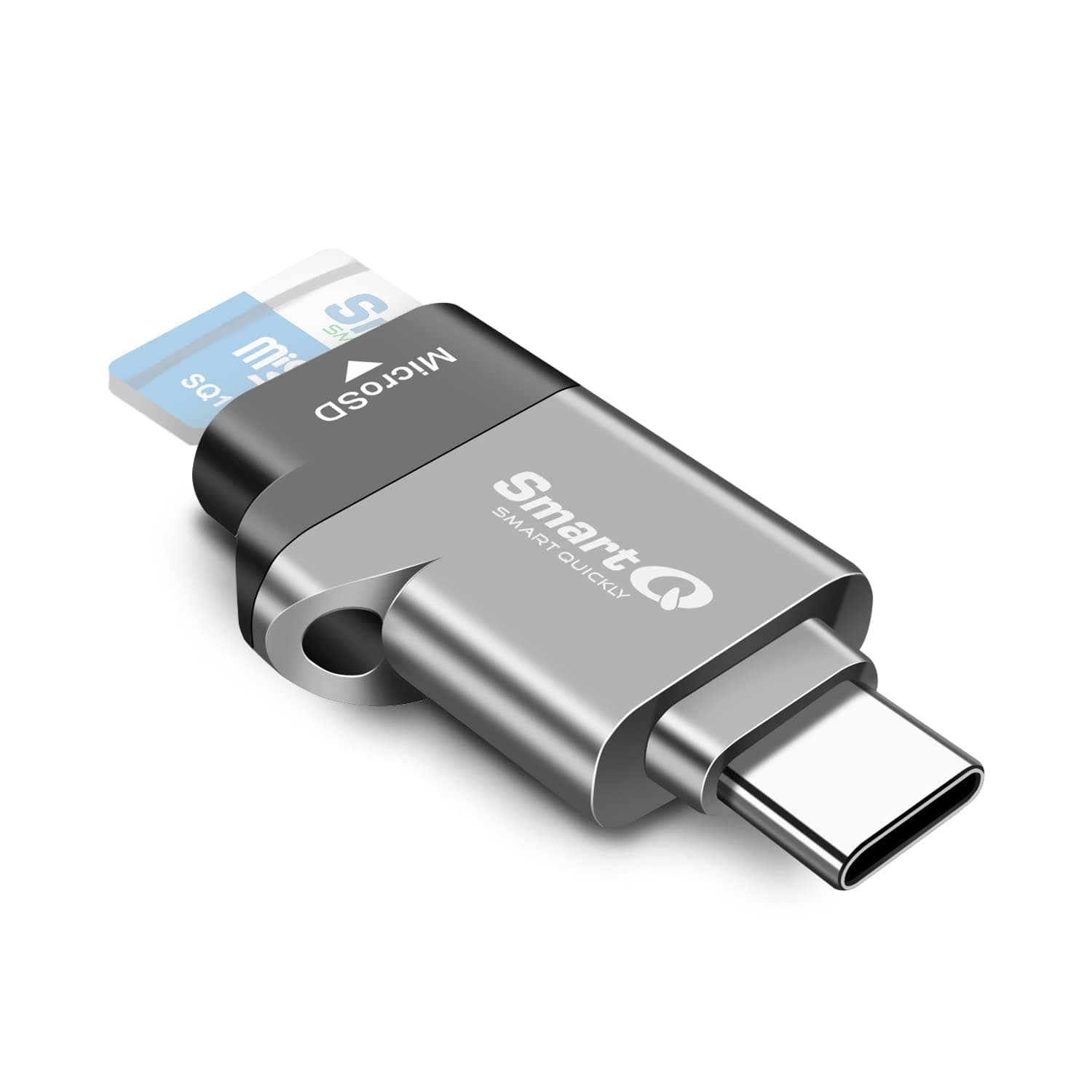

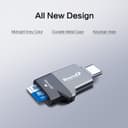
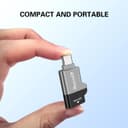
🚀 Unlock Speed & Style with SmartQ C356!
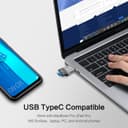
The SmartQ C356 is a sleek, portable USB-C microSD card reader featuring USB 3.0 SuperSpeed technology with up to 5 Gbps transfer rates. Compatible across Windows, Mac OS X, and Android, it supports microSD, microSDHC, and microSDXC cards, making it an essential tool for professionals seeking fast, reliable, and versatile data access on the go.


| ASIN | B07YGXR8N3 |
| Additional Features | Portable |
| Best Sellers Rank | #56,569 in Computers ( See Top 100 in Computers ) #526 in External Memory Card Readers |
| Brand | SmartQ |
| Color | Midnight Grey |
| Compatible Devices | Smartphone,Laptop,Tablet |
| Connectivity Technology | USB |
| Customer Reviews | 4.5 4.5 out of 5 stars (5,547) |
| Data Transfer Rate | 5 Gigabits Per Second |
| Global Trade Identification Number | 04710836011205 |
| Hardware Interface | USB 3.0 Type C |
| Item Dimensions L x W x H | 34L x 22W x 8H millimeters |
| Item Weight | 0.35 Ounces |
| Manufacturer | SmartQ |
| Media Type | microSD, microSDHC, microSDXC |
| Model Name | C352 |
| Operating System | Os,Android |
S**J
This device is make my mmc corrupted.
M**G
me encantó, es comodo, y facil de usar con la lap que tengo.
A**3
Rempli tout à fait sa fonction. Parfait. Merci.
M**N
I bought the SmartQ USB-C MicroSD card reader (or OTG adapter) as I was wanting to access some files on a microSD card that I was using as expandable memory for my windows laptop from my Android tablet. The first thing I noticed was that the card reader has a robust build, with a sleek design. Included in the package is a card from SmartQ asking for feedback and offering contact details for if you have any issues. The adapter has a slot for a microSD card on one side and on the other side is a standard USB Type-C connector. You just plug your microSD card into the one side and then slide the USB-C connector into the USB-C port of your device. It slots in easily. I was using a Samsung Galaxy Tab A9+ which worked great. It also worked on my Samsung Galaxy S24 Ultra mobile phone. Once you've slotted the adapter into the USB-C port, your device should inform you that you've got a new USB device connected and then you can go into your device's file explorer and the microSD will show up as external USB storage. You can then access the folders and files on the microSD card just like you can with any internal memory. I was able to view and copy photos and videos from my microSD card with no issues. It works well. I'm was quite impressed. And then, when you're done, you just unplug the adaptor and you good to go. I would say that this microSD USB-C adapter is perfect for using with laptops, phones and tablets that have a USB-C port.
S**E
At first I thought this unit got hot and worked slow. I was using genuine Samsung EVO micro SD cards. They would transfer fast for a few seconds then very slow (below 3MBs) I thought this unit was overheating and reducing speed. Later found out that my Kingston Canvas cards transfer very fast and do not get hot. So if you are seeing slow transfers. Check your cards, not only to see if genuine but also do read write speeds. This little unit works amazing and I get 80MBs with my new setup. Highly recommend this adapter and buying quality mico sd cards.
ترست بايلوت
منذ أسبوعين
منذ شهرين