We remain fully operational. Our teams are working around the clock to ensure your deliveries continue safely.

قم بتنزيل التطبيق


معلومات عنا
حقوق الطبع والنشر © 2024 Desertcart Holdings Limited
قم بتنزيل التطبيق
Buy anything from 5,000+ international stores. One checkout price. No surprise fees. Join 2M+ shoppers on Desertcart.
Desertcart purchases this item on your behalf and handles shipping, customs, and support to OMAN.
🚀 Elevate your desk game with the ultimate Thunderbolt 4 powerhouse!
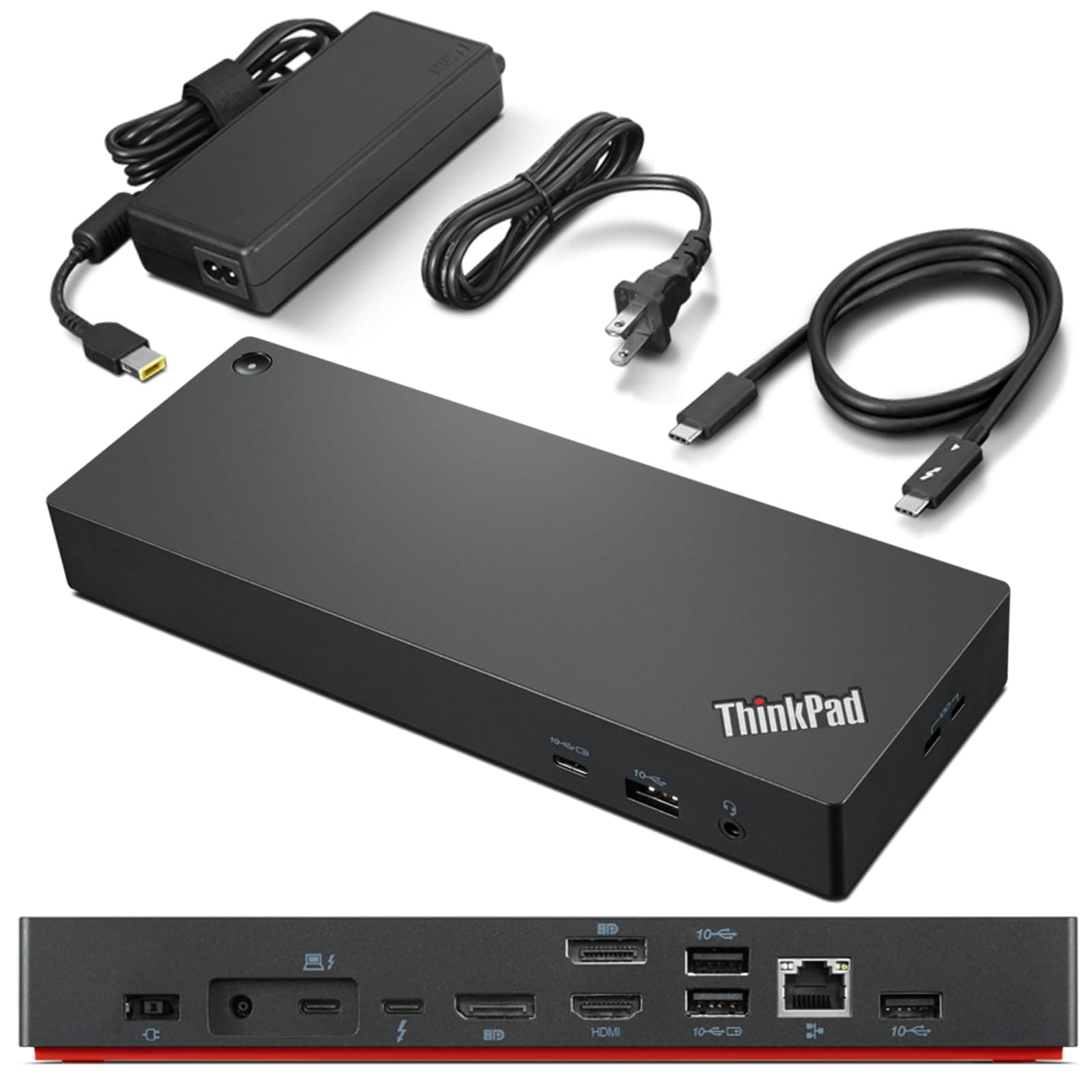
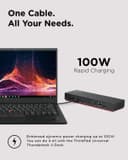
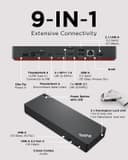
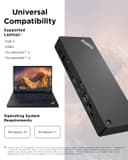
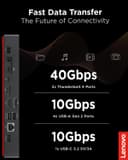
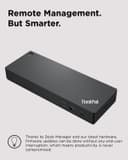
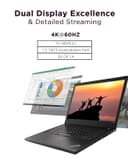
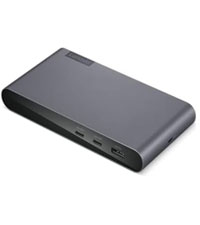
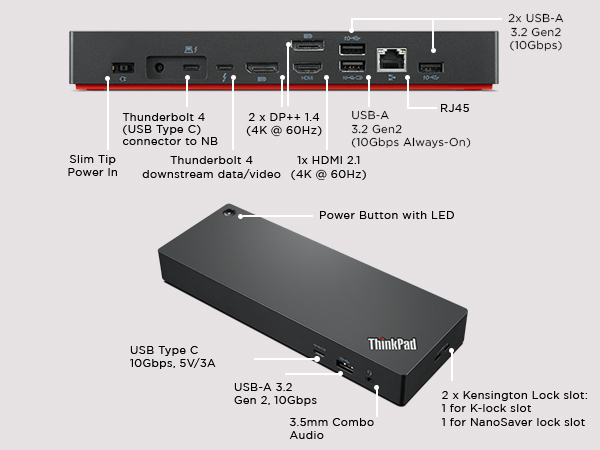
The Lenovo ThinkPad Universal Thunderbolt 4 Dock is a premium docking station designed for professionals seeking maximum productivity. It supports up to four 4K displays or a single 8K display, delivers lightning-fast 40 Gbps data transfer speeds, and offers dynamic power delivery up to 100W. Compatible with Thunderbolt 3/4, USB4, and USB-C Windows systems, it features smart remote management for seamless firmware updates and a comprehensive port selection including HDMI 2.1, DisplayPort 1.4, USB 3.1 Gen 2, and Gigabit Ethernet. This dock is engineered to streamline your workspace with one cable and limitless connectivity.





| ASIN | B09GJJ5C32 |
| Best Sellers Rank | #321 in Computers & Accessories ( See Top 100 in Computers & Accessories ) #37 in Laptop Docking Stations |
| Brand | Lenovo |
| Color | Black |
| Compatible Devices | MacBook Pro |
| Customer Reviews | 3.7 3.7 out of 5 stars (312) |
| Hardware Interface | Thunderbolt 3, Thunderbolt 4, USB Type C |
| Item Dimensions L x W x H | 6"L x 3"W x 1"H |
| Item Type Name | Lenovo Thunderbolt 4 USA Docking Station (40B00135US) With 135W AC and Power Cord |
| Item Weight | 1.2 Pounds |
| Manufacturer | Lenovo |
| Number of Ports | 11 |
| Total Number of HDMI Ports | 1 |
| Total Usb Ports | 5 |
| UPC | 195348677516 196271925361 195348677271 |
| Unit Count | 1.0 Count |
| Warranty Description | 3 Year Manufacturer |
| Wattage | 100 |
R**W
Lenovo Thinkpad Thunderbolt 4 Dock does support HDMI 2.1 output with 4k@120hz to LG CX
Recently want to upgrade my Lenovo Thinkpad TB3 dock to this new version, but I found even it fully support Lenovo's own legion laptop with HDMI 2.1 over 4k@120hz. I checked the display info, it shows the card is wired through 'display port' internally. confirmed in game, it's just 4k@120hz, no G-sync, I think it's a limitation on LG CX, it's a special protocol used by LG and nvidia to arrange G-sync compatible. It couldn't output any HDMI signal from my Intel 2019 MacBook Pro 16. I had to use a downstream TB4 port on this dock then connect another USB-C to HDMI 2.0 cable and output to my tv, of course it's limited to 4k 60hz However, it does support my Intel 2020 MacBook Pro 13 and 2021 MacBook Pro 16 which is very strange. Of course, all of them are HDMI 2.0 due to limitation of MacOS And it does USB PD charge with 92w to MacBook Pro but it can't deliver any power to its own Lenovo Legion 7i, even though Legion can support 100w PD charging from TB4 port. Now I'm very confused by this dock. btw, firmware updated to newest 1.07 on lenovo website. Update on 6/5/2023: After a firmware update a while ago, it finally support M1 MacBook output 4k@60hz directly from HDMI port, but too bad due to Mac limitation, it's only HDMI 2.0 signal so no 4k@120hz. But I do "solve" this problem by recent hack from community using a special adapter to convert TB/DP alt signal to HDMI 2.1, I won't go into details, just search Thunderbolt -> HDMI 2.1 solution for M1/2 Mac for solution
D**E
BUYER BEWARE: COMPATIBILITY
BUYER BEWARE: This dock is NOT compatible with all Lenovo Thinkpad machines. I have had terrible performance trying to run a pair of 4k monitors. I believe is a power related throttling issue occurring, for which there is no fix. I troubleshooted it with Lenovo Premier Services, who said the dock is not compatible with my laptop, and because it is purchased through amazon, they would not help me further. There is no note in the description that flags a buyer to check compatibility. And, their compatibility matrix on Lenovo.com is an excel file that you have page through. They also would not entertain the idea that the dock could be defective. Having owned many Lenovo docks over the past 10 years, I would purchase something else, as other docks have been notoriously problematic. I feel silly for thinking this would be different. It took me a few months to figure out it wasn't my laptop, but rather the dock, that was the issue, hence the reason it was out of the standard return period. UPDATE: Amazon refunded my purchase without any hesitation.
C**.
Works Fine
I was torn between the Lenovo and Dell docking stations because I wanted one that was easy to use and worked well with most laptops. I ended up going with the Lenovo since my current work laptop is the same brand and it was cheaper. Works fine with no monitor glitches.
S**T
Does not charge all ThinkPads
This unit will not charge a ThinkPad P16v Gen 1 through the Thunderbolt port, despite what Lenovo sales support told me. For the right laptop, however, it appears to be good quality. Understand that there is only one HDMI port, so if you want two external monitors that connect via HDMI, you must plug one of the monitors directly into the HDMI port on your laptop. If your monitors uses Display Port connections, there are two of those on the brick. I returned this and bought the Thunderbolt 4 which has a separate charging cable from the brick.
L**.
Solid Product
Exactly as advertised :-) Worked perfectly once I hooked it up properly. Just plus each thing into the right place.
D**E
Solid workhorse
Solid, reliable Lenovo product!
E**K
Need to have products for the US if sold in the US
I bought my first Lenovo ThinkPad Universal Docking Station in November 2023, when I bought a new Lenovo Laptop. I registered my ThinkPad with Lenovo and it had a 3 year warranty on it. They thought is was odd because it was set up for Australia they told me by the serial number. I was told to just update the firmware & drivers and it should work fine. Lenovo didn't know much about it, but updated drivers and firmware and told me I had to deal with ThinkPad if I was having issues with it. When I contacted ThinkPad they refused to help me and told me Lenovo had to help me. Went round and round for 6 months. I wasn't certain it was the docking station and not the laptop, but eventually got there. I remembered a week or two ago, when it wasn't working right (The ports on the docking station worked intermittently, and it was getting worse and worse.) that I had an Asurion Policy on it. Asurion took great care of me and had me mail it to the manufacturer. They kept it for over a week and the end of the 2nd week Asurion sent me an email saying they couldn't fix it and sent me my money back. So, I bought another one from the same seller and this one when I registered it said it was for Germany. It was starting to goof up on the same way and I returned it. I bought a used on ebay that is registered for use in the US and still has some warranty left on it. A lot of good that will do with ThinkPad refusing service, but at least I know it is for U.S. use. If you get one for the US it is an great little docking station, but my older HP docking station did better than two made for other countries.
W**A
Very good.
As described. Basically new for the price of second hand. Would buy again.
ترست بايلوت
منذ أسبوعين
منذ 4 أيام