
قم بتنزيل التطبيق


معلومات عنا
حقوق الطبع والنشر © 2024 Desertcart Holdings Limited
قم بتنزيل التطبيق
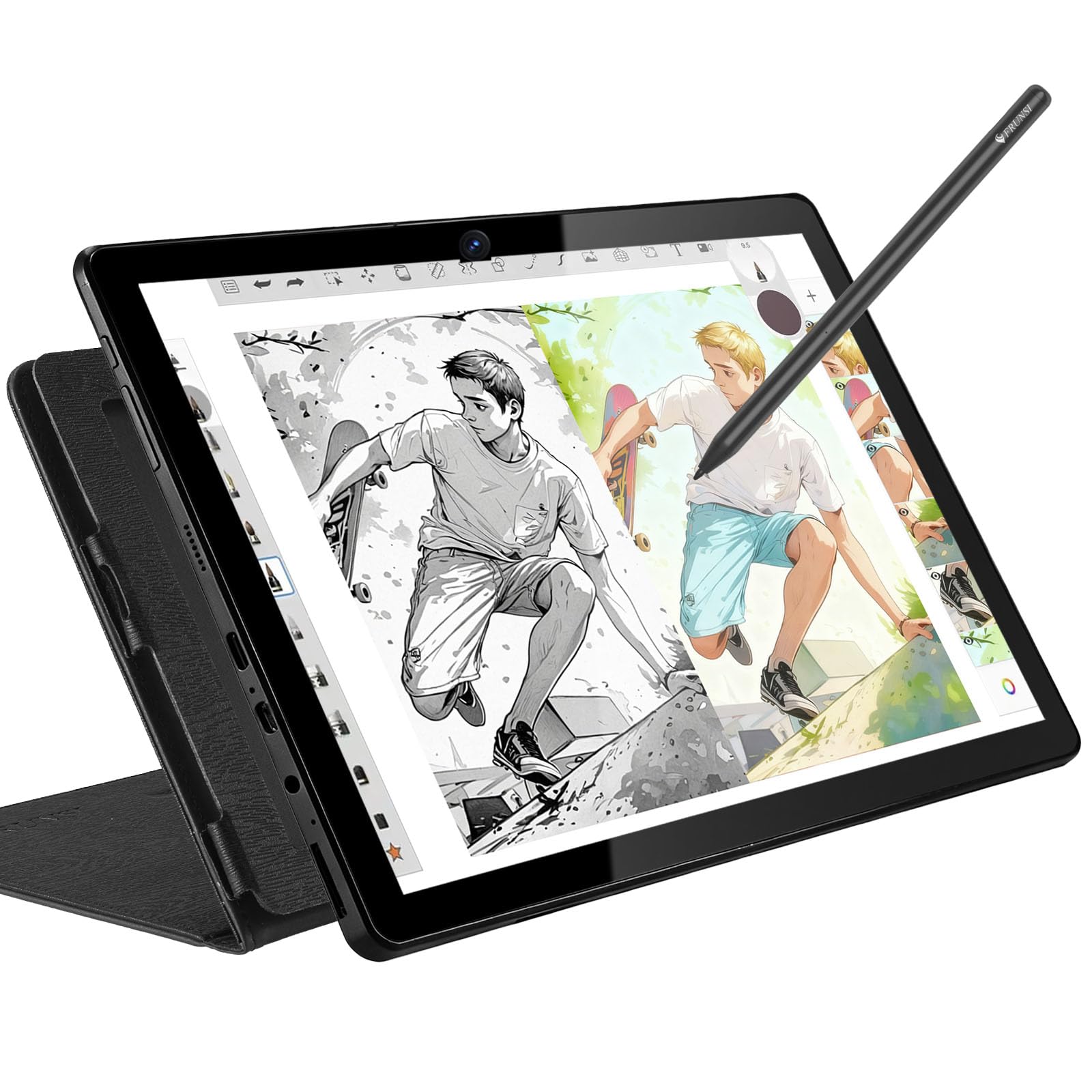


🎨 Unlock your inner artist—no computer, no limits, just pure creativity!
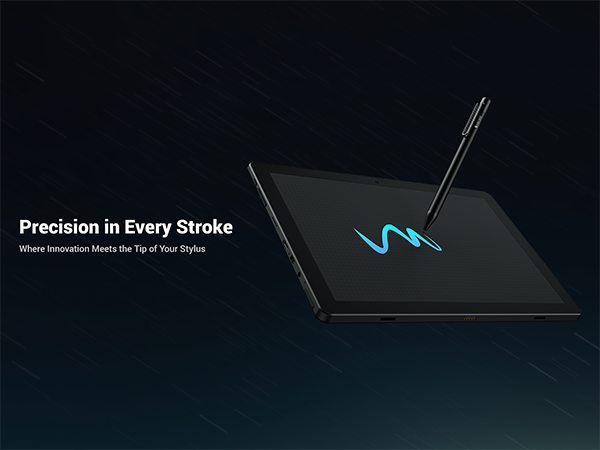
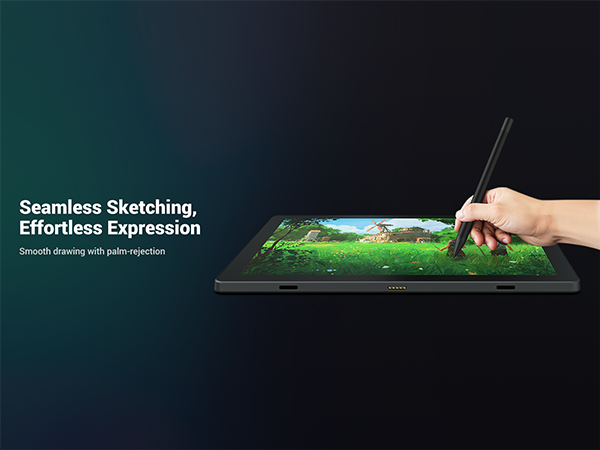
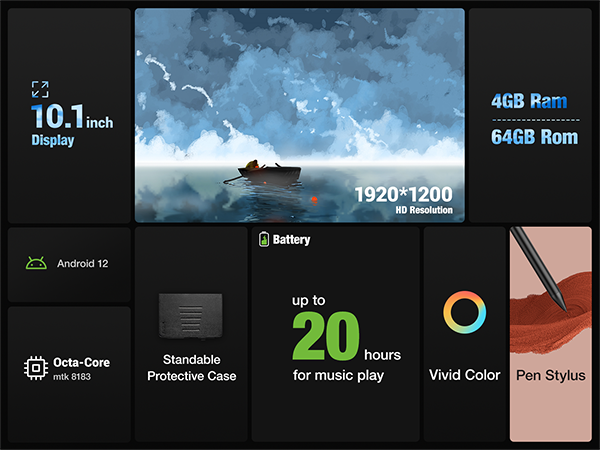
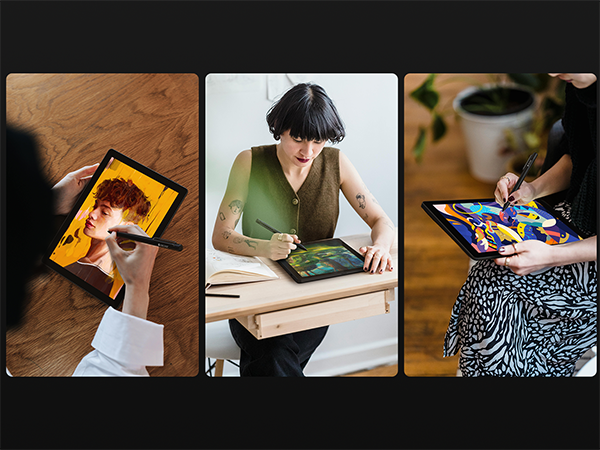
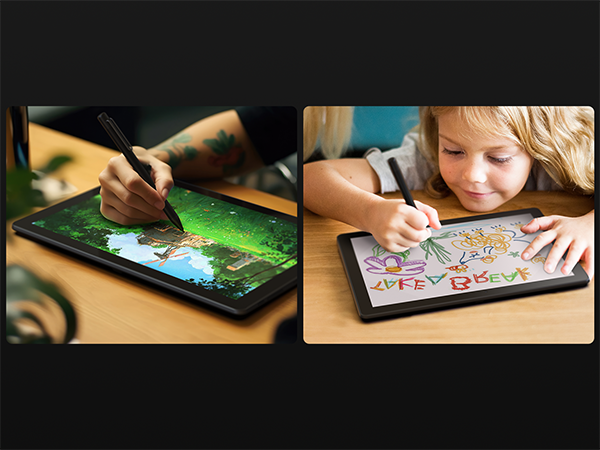
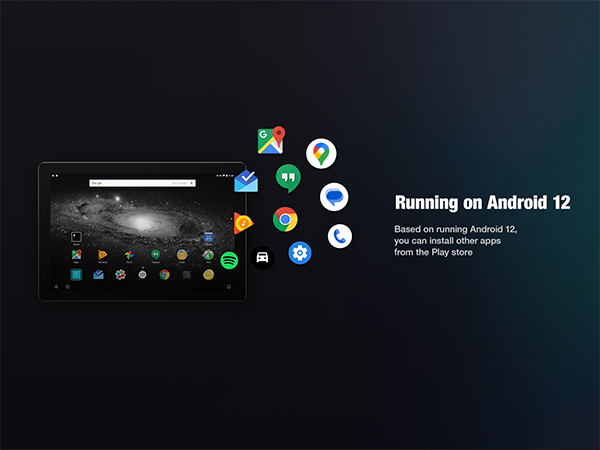
The Frunsi T11 Pro is a 10.1-inch standalone drawing tablet featuring a 1920x1200 FHD IPS display, powered by an octa-core CPU and 4GB RAM running Android 12. It offers 64GB storage, a 5800mAh battery for 5+ hours of use, and comes pre-loaded with drawing apps and tutorials. Certified for safety and backed by a 1-year warranty, it’s designed for artists, students, and creatives seeking a portable, all-in-one digital canvas without the need for a computer.



| ASIN | B09R41VYFQ |
| Active Surface Area | 10.1 inches |
| Additional Features | Multi-Touch Screen, No Computer Needed, Portable, Standalone Drawing, Stylus Pen |
| Best Sellers Rank | #101 in Computer Graphics Tablets |
| Brand | Frunsi |
| Built-In Media | Digital Pen |
| Color | Black |
| Compatible Devices | Portable Monitor |
| Connectivity Technology | USB, Wi-Fi |
| Customer Reviews | 4.3 out of 5 stars 455 Reviews |
| Display Type | LCD |
| Item Dimensions L x W | 7.87"L x 6.3"W |
| Manufacturer | Frunsi |
| Model Name | RubensTab |
| Model Number | T11 Pro |
| Native Resolution | 1920x1200 FHD IPS |
| Operating System | Android 12 |
| Pressure Sensitivity | 1024 Levels |
| Screen Size | 10 Inches |
| Special Feature | Multi-Touch Screen, No Computer Needed, Portable, Standalone Drawing, Stylus Pen |
| Specific Uses For Product | Designing, Drawing, Teaching |
| Target Audience | Artist, Designer, Student, Teacher, Toddler |
| Warranty Description | 1 year |
L**A
Nice tablet (update)
Tablet came quickly and had more accessories than it said in the description (unless I looked over it lol). It comes with the tablet, a pair of white gloves, a black partial glove (idk what it's actually called), the charger, the stylus with battery, an extra battery, a cloth to clean the screen, a brush to wipe away dust, a pre-installed screen protector, a card with the customer service email, and a manual. The tablet comes with a drawing app already, but I decided to install IbispaintX and Krita instead. The tablet was fine on both. A little laggy depending on the number of layers and the image quality, but significantly better than using my phone. It's comfortable to use, the gloves work great, and I'm really liking the stylus. I think this is great for people, like me, who want to get into digital art without spending $500+ Can't speak on durability yet since this is literally brand new, but as far as being easy to use and value for money, I give this 5 stars. Edit: I've now had the tablet for a few weeks. It works great, and the battery the pen came with is STILL going. Why am I changing my review to 4 stars? The adapter died within 24 hours. I have one of my own that works, so I can still charge my tablet just fine, but this is something that shouldn't have happened in the first place. I reached out to the customer service email provided with the tablet immediately, and they never responded. So, great tablet, but awful customer service if something goes wrong. Edit 2: The story continues. Customer service reached out to me out of the blue. Apparently my email ended up in spam. They sent me a new adapter, and it works! Will be changing my rating back to 5 stars. P.S. The stylus is STILL on its first battery, and it's been months.
J**N
Excellent tablet, excellent company.
My teenage daughter loves this tablet! Easy to use, affordable …It’s exactly what she needed to do the artistic work needed as she prepares for her graphic design degree. She has happily used it everyday for a year or so. Unfortunately, she accidentally pressed on the side with her knee, not realizing it was underneath it, and cracked the screen, which made it unusable. We reached out to Frunsi immediately to see if there was anything to be done, and they gave us a few instructions to show what had happened. Long story short, they are very kindly replacing her tablet. They were easy to work with and quickly responsive. Thankful for a good company to work with!
V**X
The tablet itself is great, but the stylus has an annoying caveat
I love the tablet itself, and I also appreciate that it comes with a protective case with built-in easel functionality. It comes with software preinstalled, so you can get straight to using it right out of the box. Sensitivity and precision are also pretty good, and are comparable to similar tablets I've tried in the past. The stylus however has one major flaw, it requires a AAAA battery in order to function. It also appears to constantly drain its battery even when not in use, so it will frequently need its battery changed, which gets annoying after a while, especially with it using a somewhat rare size.
S**N
Frunsi Rubens Tab T11pro: A Beginner's Artistic Companion
As a burgeoning graphic artist, finding the right tools to bring your creative visions to life is crucial. The Frunsi Rubens Tab T11pro presents itself as a promising candidate in the realm of graphic tablets. Here's a review tailored specifically for beginners in the field: Pros: Affordability: For beginners on a budget, the Frunsi Rubens Tab T11pro offers a compelling value proposition. It provides essential features at a fraction of the cost compared to some high-end competitors. This accessibility allows aspiring artists to delve into digital art without breaking the bank. Responsive Pen and Pressure Sensitivity: The tablet's pen boasts commendable responsiveness, mimicking traditional drawing tools with precision. With a respectable pressure sensitivity range, users can effortlessly vary line thickness and opacity, facilitating nuanced and expressive artwork. This responsiveness is essential for beginners honing their digital art skills. Compact and Portable Design: The Frunsi Rubens Tab T11pro's compact form factor makes it ideal for on-the-go creativity. Its lightweight construction coupled with a slim profile ensures easy transportability, enabling artists to sketch, draw, or paint wherever inspiration strikes. This mobility fosters a conducive environment for continuous artistic exploration and growth. Cons: Limited Software Compatibility: While the Frunsi Rubens Tab T11pro performs admirably as a drawing tablet, its compatibility with professional-grade graphic design software may be lacking. Beginners aspiring to transition into more advanced tools like Adobe Photoshop or Illustrator may encounter limitations with this tablet. However, it remains suitable for entry-level software and applications. Moderate Screen Resolution: The tablet's display resolution, while serviceable, may not meet the standards expected by some graphic artists. The visuals, though clear and vibrant, may lack the crispness and detail found in higher-resolution displays. While this might not be a deal-breaker for beginners, it's worth considering for those with discerning visual preferences. In conclusion, the Frunsi Rubens Tab T11pro offers an enticing proposition for beginning graphic artists seeking an affordable and capable drawing tablet. Its responsive pen, compact design, and affordability make it a commendable choice for entry-level creatives. However, its limitations in software compatibility and screen resolution warrant consideration, especially for those with aspirations for more advanced digital artistry.
J**G
Great for young budding artist!
Easy to set up and use right out of the box. The pen is sensitive enough to create very thin lines. The battery lasts a whole day of constant use. After about 4 months the pen just stopped working. I contacted the manufacturer. They responded within 24 hours with some suggestions of stuff to try to fix the issue. When none of those worked, they immediately shipped us a new pen free of charge! It arrived within a few days. They also reached out to be sure the new pen was working properly. Such wonderful customer service and support!
J**N
Excellent tablet for begginers on digital art
I have been using it all week and I love it, I have so much fun using this tablet, it has so much potential and can run a lot of drawing apps, and comes with a lot of items. It comes ready to use, screen protector installed and you just need to turn it on, and is really to draw. At first, I need to get used to the pencil and I thought it have some wabble because I was using the sketchbook app (that comes pre-installed with the tablet which is really cool) but at the moment I use apps with better stabilization it runs perfectly, apps like Infinite Painter (I hardly recommended this app) and HiPaint, (the tablet can run Krita but is not really optimized on mobile, really bad interface). Is really good if you want to draw digitally in any place. Also, the company's customer service is really good, I email them before for a coupon that was almost on the expiring date and they extended it for me which was really nice.
A**S
Completely Unusable Product
UPDATED REVIEW: I sent the previous back for return and replacement and the new one arrived on August 26th. Check the photos for the previous issue and the new one. It worked great for a bit even though there was a bit of lag when using it and sometimes it didn't respond to my touch - but I wanted to give it a chance. This morning it had LCD damage without there being any outward damage, nothing had happened to it in that it hadn't been dropped or anything. I took it to Asurion (UBreakIFix) to see if there was something wrong done by me but the worker there said it was strictly an LCD issue and something may have gone wrong during shipping that took a few days to manifest. Regardless...If I can return this, I will be doing so and if not (or even if I do get my refund) I won't be buying from this company ever again and you shouldn't either since there is problems on top of problems. Oh and once again: I can't save anything from it nor can I factory reset it so I guess thanks AGAIN for giving me a brick that is only good at capturing my personal information. I'm convinced that this company is a sham and they have to be paying people to review it well because this tablet is useless and I will NOT be trying it for a 3rd time to verify what I already know. -------------- PREVIOUS REVIEW: It showed up broken, I guess??? I don't know what's wrong with it. As soon as I turned it on it gave me a DM-Verity corruption warning saying that the device is corrupt; I JUST got it today at 5pm and it is now 10pm how is it already corrupted? It did in fact turn on at first, so I go ahead and start to set it up, it allows me to put all my personal information in there before it starts to crash every 2 minutes (just long enough to get it turned back on) and now it won't even get past the warning screen. That was the first 20 minutes I had it; I've spent the next 4 hours and 40 minutes trying to get it to work. I can't even factory reset it because it won't come on. I initiated a return so HOPEFULLY the new one that comes will work better but I really cannot suggest this tablet at all so far. I paid almost $200 to get a brick that is only good at holding my personal information on it. Thanks sooo much.
2**S
Excellent drawing tablet for art, note taking, and anything else.
Overall, this tablet is everything that it is advertised to be. It's essentially a fully functional Android tablet with a pen, drawing accessories and drawing software installed on it. - The tablet itself can do anything that a regular Android tablet can do, so you can install any drawing apps you want on it. It does have one preinstalled: Autodesk Sketchbook. This software is quite nice, as it has layer functionality, lots of nice brushes, and even a Copic marker color picker. The app has all the features you would expect from a drawing application, and does a fantastic job. - The pen is quite nice. It looks nice, feels nice, and is easy to use. There are no shortcut buttons, but it does come with an extra battery. There is pressure sensitivity, which is good. - The tablet comes with lots of drawing and convenience accessories. The screen protector is pre-installed, and the tablet comes with a nice case that fits it perfectly and has a built-in adjustable stand. It also comes with two white, non-slip drawing gloves as well as one black glove that covers only the part of your hand that touches the tablet so that there are no accidental touches. The glove also feels really nice on your skin. There is also a brush included, most likely to clean dust off the surface of the tablet, in addition to a cleaning cloth. Of course, the charging cable and adapter are also included. - I have not experienced any difficulties with the tablet, and it runs well. It's a perfectly good tablet at a good price, great for anyone that wants to draw or even take notes on a virtual whiteboard.
ترست بايلوت
منذ شهر
منذ شهر