We remain fully operational. Our teams are working around the clock to ensure your deliveries continue safely.

قم بتنزيل التطبيق


معلومات عنا
حقوق الطبع والنشر © 2024 Desertcart Holdings Limited
قم بتنزيل التطبيق

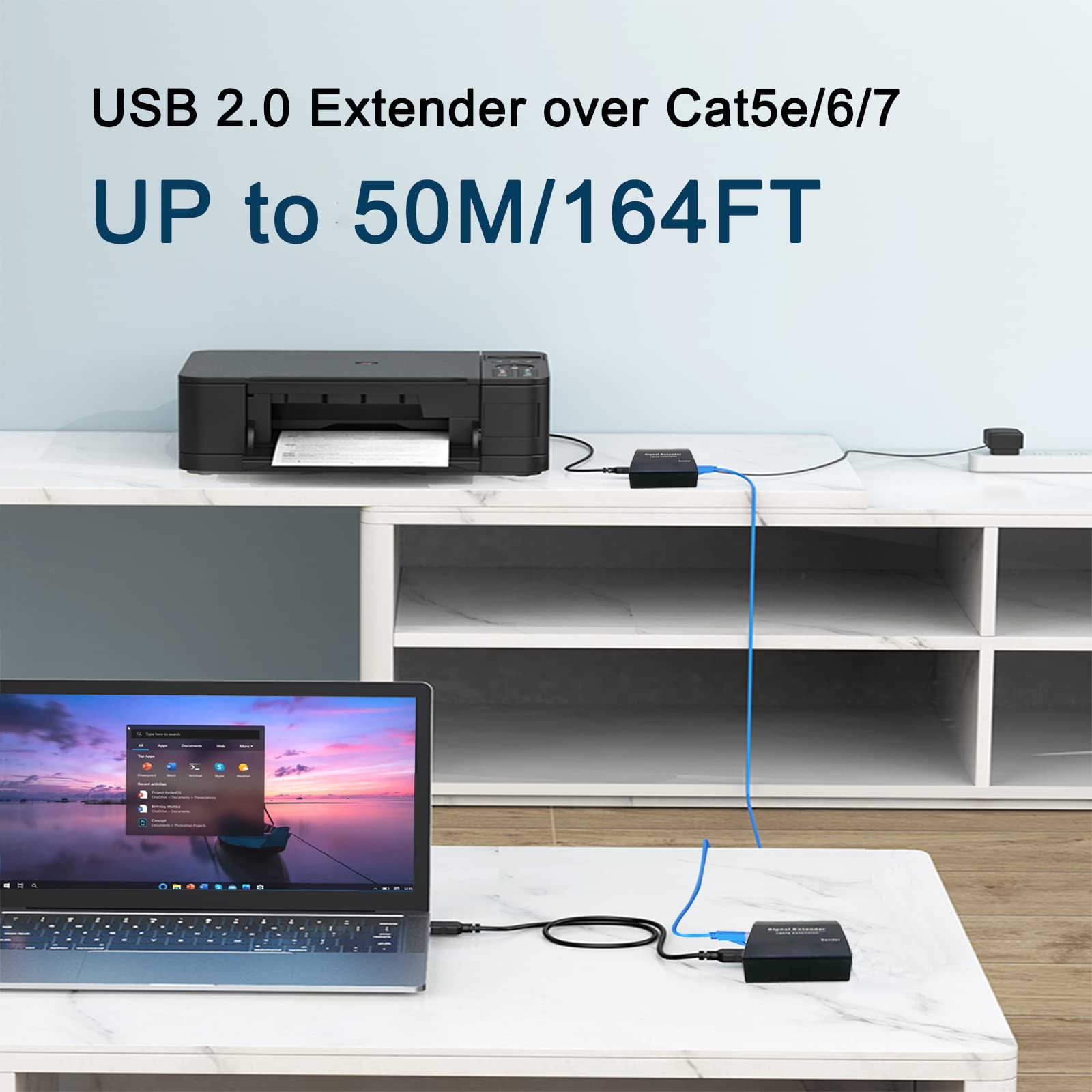


🚀 Power Your Remote Setup Like a Pro — No Limits, No Hassle!
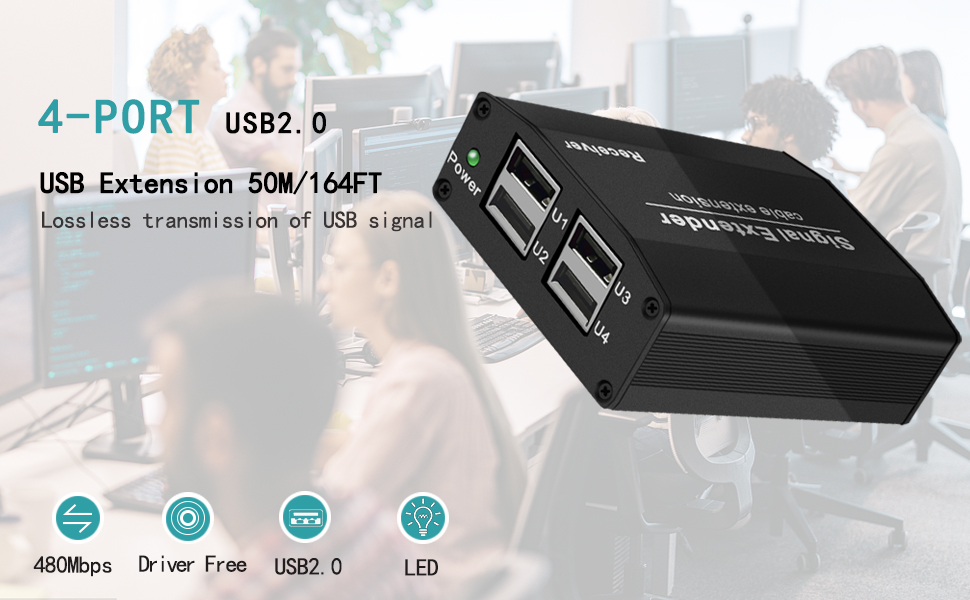
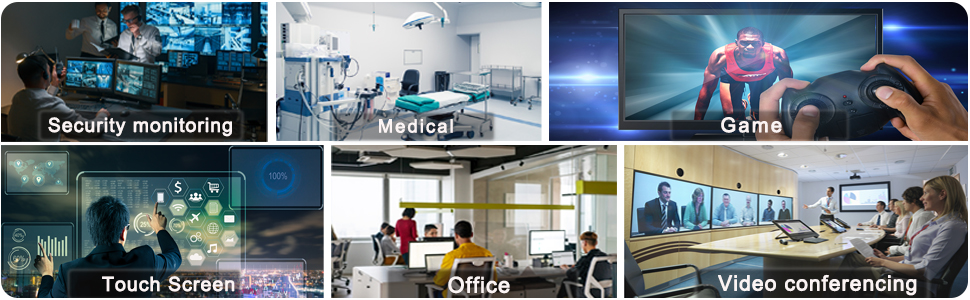
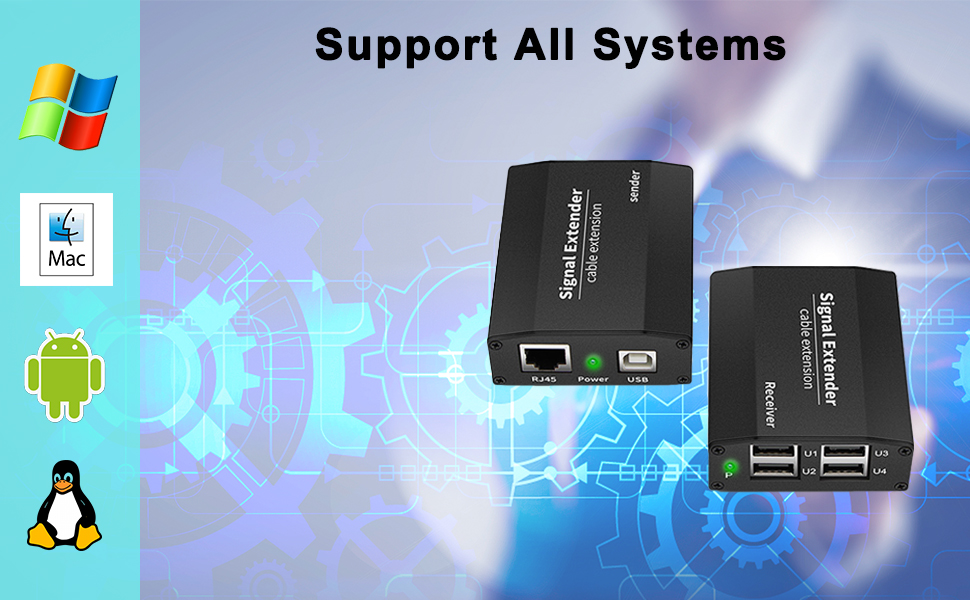
The LornCeng USB Extender over Cat5/Cat6a extends USB 2.0 signals up to 164 feet via a single Ethernet cable, featuring a 4-port powered USB hub for stable multi-device connectivity. It supports plug-and-play operation across major OS platforms without drivers, ideal for remote webcams, keyboards, and printers. Its rugged aluminum design ensures reliable 24/7 use in professional environments like security and video production.
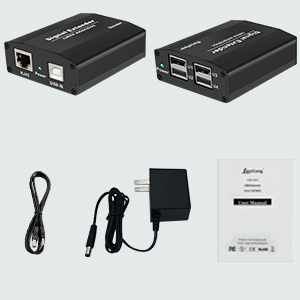

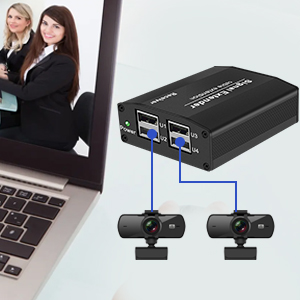

| ASIN | B09QPMBHDG |
| Best Sellers Rank | #1,538 in USB Hubs |
| Brand | LornCeng |
| Color | Black |
| Compatible Devices | Desktops |
| Customer Reviews | 3.9 out of 5 stars 101 Reviews |
| Data Transfer Rate | 480 Megabits Per Second |
| Enclosure Material | Metal |
| Hardware Interface | Ethernet , USB, USB 2.0 |
| Item Weight | 1 Grams |
| Manufacturer | LornCeng |
| Material | Metal |
| Number of Ports | 2 |
| Operating System | Android,Linux,Windows |
| Unit Count | 1.0 Count |
| Warranty Description | 1 year |
S**T
Works well, CAT6 over 50 feet, for PC wireless mouse & keyboard
Works well with a CAT5/6, eight-wire cable, over about a 50 foot distance, for use as an extender to power/supply a Logitech Unifying 2.4Ghz receiver, for a Logitech wireless track ball and keyboard. The mouse and keyboard cannot "wake up" a PC in sleep mode, probably because it's powered by the USB port which is off in sleep model. In any case, it provided 90% of the purpose we bought it for. Plus, the vendor provided GREAT customer service, and even offered a full refund when we thought their unit stopped working. I'll update if I have problems over the next year.
P**T
Amazon Correct, Manual wrong
To start with, I bought this USB extender because it would work over my network switches. Yes it does as advertised but the manual only show you connecting the sender and receiver together in a point to point configuration. I tried it over my network despite the directions. It works perfectly. As far as speed goes I can not tell the difference between my HD camcorder being directly connected to the USB 2.0 port on my computer vs the extender's speed. Prior to using this extender I was using the AV Access USB Extender Over Cat5e/6 196 ft system. It is a good extender but I did not like the fact I had to run separate network cables to my control room. Your PC powers up the USB sender. Just plug in your devices and windows does the rest. I am using this on windows 7 pro.
R**U
Crashed my network.
Item claims it works "over lan unlimited extension". I found that it does work over a single layer 2 switch, but once it went up to my layer 3 switch, it stopped working. Also, once the sender side is disconnected, the receiver side starts sending so much traffic it actually took down my network. Super easy to see, as soon as I unplugged the sender side, my wife immediately asked if the internet was down :D After giving up on this, I started using usbip which is free and does not crash my network.
G**K
Great value for what it does.
Excellent value for the money and very easy to set up if just using one direct wired cat5/6 cable. Works with minimal enough latency to connect an Xbox one controller as well as keyboard and mouse for a very serviceable gaming experience on a monitor in another room. Great connectivity and a solid connection.
M**L
Plug and play - just works
I used this with three cameras and a conference room microphone with OBS. I wasn't expecting this to just work, but it did. No dropped frames or loss of quality and I was able to place the cameras to where I needed them. My cabling setup was reduced also (1 ethernet cable, direct connect from cameras and microphone to the USB extender vs 4 USB cables going back to a hub at my laptop). It's nice to have the added freedom in setups.
A**R
I Can't Believe It Works.
I am doing what a Buffalo drive can't do, and that is watch a video off a hard drive on 75 feet of either net cable. No taring in the video, which looks like it is local on the computer. This is also working better than a PI for what I need it for. I had it on a 5 foot cable, and the transfer rate is much faster on the shorter cable. So the length of the cable matters, but it is still fast. This is going to work for my application, without saying what it is. I have been looking for a solution, and here it is.
B**R
Beware! doesn't work with some USB cameras
Bought this for a USB camera I installed on my laser cutter/engraver. Didn't work with my particular USB camera, but I was able to use it to connect my laser machine to my computer. Apparently, it doesn't work with some USB cameras. Which ones? not sure, but my camera is a Arducam 5MP Wide Angle USB Camera, 1/4" CMOS OV5648 Mini UVC USB2.0 Video Webcam. Which is known to be returned frequently.
M**S
Works better than expected.
I have a camera on a tripod that I use via USB as a webcam for Zoom meetings. It is finicky with USB cables because it is charging and sending video over the same cable. This remote solution works perfectly! My old one didn't have power on the remote end so it didn't work here. I even made a power cable for it by cutting up a USB cable and a wallwart that had the same coaxial plug. Now I can power the remote end via powerbank instead of the 5v wall power supply it came with. I've had a few weeks testing and so far it is rock solid stable using a 50 foot cat6 cable. The boxes are made of metal and are not delicate in the least. I can't imagine a connector breaking in any way.
ترست بايلوت
منذ 3 أسابيع
منذ أسبوعين