


🚀 Elevate your workspace with powerhouse performance in a pocket-sized PC!
The Beelink EQ12 Mini PC is a compact yet powerful desktop solution featuring an Intel N100 quad-core processor clocked up to 3.4GHz, 16GB DDR5 RAM, and a 500GB SSD. It supports triple 4K displays through dual HDMI and Type-C ports, offers next-gen WiFi 6 and Bluetooth 5.2 connectivity, and includes dual 2.5G LAN ports for ultra-fast wired networking. Designed for professionals seeking a space-saving, efficient, and reliable mini PC for business and multitasking.
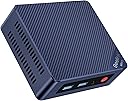
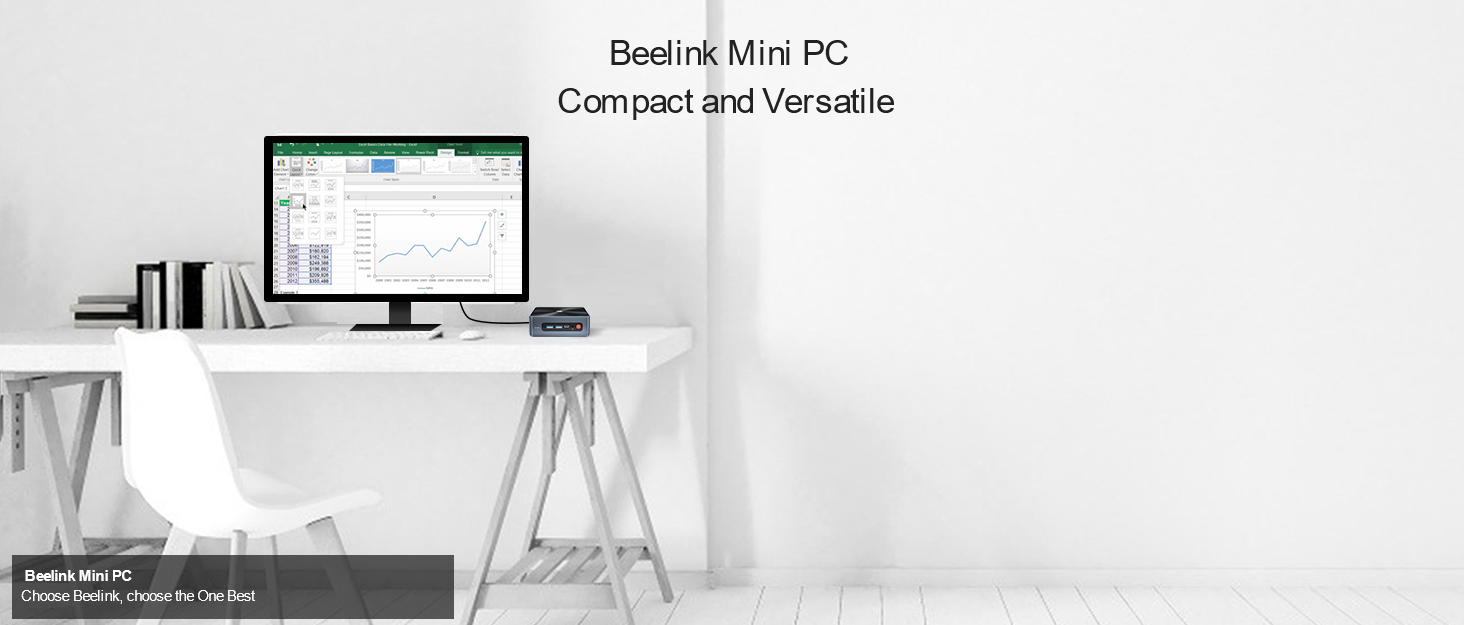


| Additional Features | Mini pc |
| Asin | B08K73CKNL |
| Aspect Ratio | 16:9 |
| Brand | Beelink |
| Built In Media | Monitor |
| Color | Beelink Mini PC EQ12 16+500G |
| Compatible Devices | No Compatible Devices |
| Connectivity Technology | Ethernet, HDMI, LAN, Wi-Fi |
| Cooling Method | Air |
| Cpu Model Number | EQ12 |
| Cpu Model Speed Maximum | 3.4 GHz |
| Customer Reviews | 4.3 4.3 out of 5 stars (63) 4.3 out of 5 stars |
| Display Resolution Maximum | 3840x2160 |
| Display Type | LCD |
| Graphics Card Interface | Integrated |
| Graphics Coprocessor | Intel UHD Graphics 600 |
| Graphics Description | Integrated |
| Graphics Ram Type | Shared |
| Hard Disk Description | 500GB SSD |
| Hard Disk Interface | Serial ATA-300 |
| Hardware Interface | 802.11 ac/b/g/n |
| Human Interface Input | Buttons, Microphone |
| Item Dimensions | 12.4 x 11.3 x 4.1 centimeters |
| Item Weight | 0.77 Kilograms |
| Keyboard Description | QWERTY |
| Keyboard Layout | QWERTY |
| Manufacturer | Shenzhen AZW Technology Co.,Ltd. |
| Memory Clock Speed | 2133 MHz |
| Memory Slots Available | 1 |
| Memory Speed | 4800 MHz |
| Memory Storage Capacity | 500 GB |
| Model Name | GK55 |
| Model Number | EQ12 |
| Model Year | 2023 |
| Native Resolution | 3840 x 2160 |
| Number Of Component Outputs | 3 |
| Operating System | OS |
| Personal Computer Design Type | Mini PC |
| Processor Brand | Intel |
| Processor Count | 4 |
| Processor Series | Celeron |
| Processor Socket | BGA 413 |
| Processor Speed | 3.4 GHz |
| Ram Memory Installed | 8 GB |
| Ram Memory Maximum Size | 2 TB |
| Ram Memory Technology | DDR5 |
| Ram Type | DDR5 RAM |
| Resolution | 3840 x 2160 |
| Specific Uses For Product | Business |
| Style Name | Efficient |
| Total Expansion Slots Quantity | 2 |
| Total Number Of Hdmi Ports | 2 |
| Total Usb Ports | 3 |
| Video Output | HDMI, Type-C |
| Video Output Interface | HDMI, Type-C |
| Video Processor | Intel |
| Wireless Compability | 2.4 GHz Radio Frequency, 5.8 GHz Radio Frequency |
| Wireless Network Technology | Wi-Fi |
| Wireless Technology | Wi-Fi |
User
Best Value
I can play all my older games. BeamNG runs on low graphics at 720p. Euro Truck Simulator 2 runs on high graphics at 75% scaling with low quality ssao and anti aliasing 1080p.PS2 emulation is weird... Flightgear runs like crap. Won't bother trying MSFS.CSGO2 runs, and is somewhat playable at low graphics, 720p.... for what it's worth, it runs and runs well. My kitchen counter PC for old games n youtube... MORROWIND with mods yeeet!
User
Rxcelente llena mis espectativas
Como servidor casero y como equipo de trabajo personal, todo lo hace bienNo mencionaron el cobro de aranceles y esta muy Alto mas o nenos 20%
User
Very pleasantly surprised (after turning off majority of win10 junk).
Addendum: Removed one star. That micro SD slot is not built for SD to be inserted and removed. Once inserted, really had to remove. After a few times of doing that, now it is not working anymore.Run silently (guess I never really pushed it to rev the fan up like some have suggested?), consumes very little power/can leave it on without breaking my conscious/will be my always-on home server.Got windows memory usage whittled down from 6+GB to ~4.5BG by shutting off win10 junk, almost on par with windows 7. I don't game, it has enough power to do my content consumption quite adequately. Didn't even choke even when I make it run a 2160p high bit rate HDR .mkv movie file. Everything else worked as advertisedI will be keeping all storage external so as to minimize heat inside the box. My guess is even if and when the ventilation fan fails, I can easily unbox it to replace the fan or just let it run on the nice big heat sink and no fan.The last mini PC I bought from amazon with a N4100 CPU (not Beelink) only lasted 2 days. This one is on the third week with no problem. Guess it's time to pop out the mSATA (takes a m.2 2280 mSATA) and pop in a bigger SSD and dual boot win7 and linux.PS: have it for 3 months now. Only problem was OS failed once, had to reload OS. But I had not made a recovery USB ahead of time. Contacted seller and he gave me a link immediately to download what's needed for the recovery USB. Tks for the support, seller.
User
Great mini PC for use with PFSense Firewall/Router, with Dual Gigabit NICs
The GK55 is at a good price compared to other mini PCs, especially if you are looking for dual gigabit ethernet ports. The J4125 processor ranks among or higher than many other processors used in mini PCs at this price point.As seen in the photos, this computer is equipped with dual gigabit Realtek NICs, as well as an Intel wireless NIC, a single DDR4 SODIMM 2400MHz slot with 8GB installed, and a single M.2 SATA3 slot with 128GB installed (also offered with 256GB).I am using the GK55 to run PFSense, which was very easy to install. Press F7 to select a boot device, and boot from an installation USB drive. I formatted over the included Windows 11 partition since I will never be using it. The 128GB SATA3 M.2 drive is overkill for PFSense, but I used it anyway since I have no other uses for this drive.I first ran PFSense version 2.5.2, and installed the separate Realtek drivers (Shell > pkg install realtek-re-kmod) to avoid documented issues with the standard drivers included in the PFSense release. I recently upgraded to 2.6.0, but only afterwards learned that there was no Realtek driver package available for this version as of yet. For reliability, I downgraded back to 2.5.2 and reinstalled the Realtek drivers. It was a little tricky since the driver package now seems to be missing from the PFSense repository. Google "pkg install -f -y realtek-re-kmod-196.04.txz" to find out how to get around this issue by installing from a different repository. (Prior to 2.6.0, you could just run a shell and type "pkg install realtek-re-kmod" but it seems that package is now missing.) You also have to add some lines to the “boot/loader.conf” or “boot/loader.conf.local” file, which you can easily do through the PFSense web console under Diagnostics > Edit File. Making a “.local” file will keep these lines there even with upgrades.)Prior to my PFSense hardware upgrade with the GK55, I was using older hardware based on an Intel Atom. I pay for 500mbps service, but only got about 350mbps behind my firewall. Recently I tested my speed right from my modem, as my ISP has been doing upgrades in the area. It reached about 950mbps. With the GK55 as my new firewall/router, I can now achieve this full speed on my local network. That alone was well worth the upgrade.If you decide to take it apart, use care to avoid stripping the screw heads. For some reason, the screws have blue loctite applied to them, making them pretty tight. Use the correct size screw head, apply even pressure, and turn slowly. Also be careful if you decide to remove the motherboard from the case itself, as the wireless antenna cables will need to be disconnected or they could snag. There is really no need to take it apart this much; I only did so I could confirm the brand of the gigabit NICs (Realtek 8111H L817W24 GL34).When installing from the console, I used a spare HDMI to DVI adapter for an old monitor, and it worked fine. It includes two HDMI cables, one small one for mounting directly to a monitor, and one a little longer (maybe 5 feet or so).Note: A lot of people are confusing the "GK55 Mini PC" with the "GKMini" since they have the same Celeron J4125 processor. The GK55 has two ethernet ports, whereas the GKMini has only one ethernet port. It's hard to tell because their marketing doesn't show the ports very well, and the naming is so similar.
User
HDMI died in 2 years
HDMI died in about two years, USB was spotty at best most of the time
Trustpilot
1 day ago
2 weeks ago