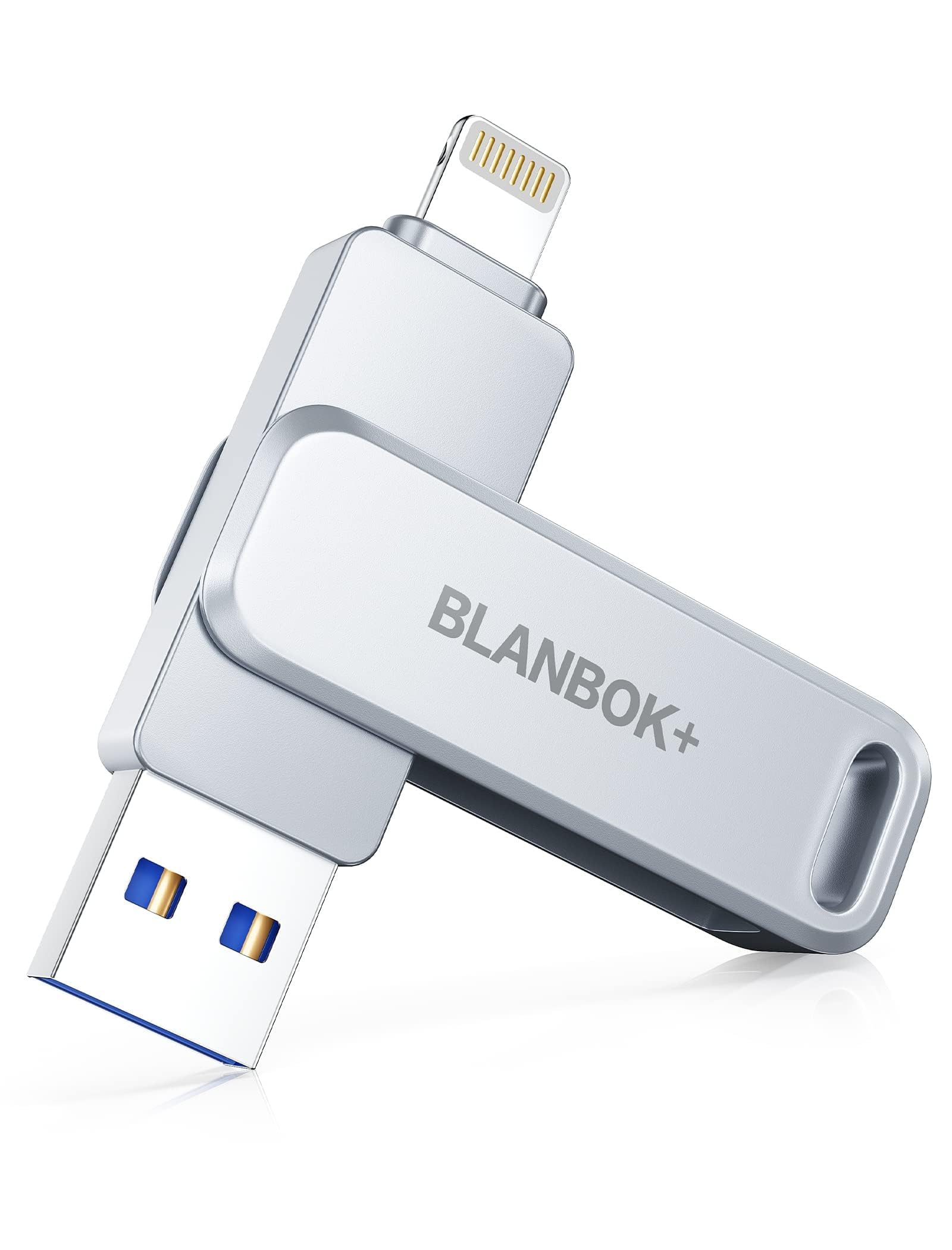



🚀 Unlock Ultimate Storage Freedom — Carry, Share, and Secure Like a Pro!
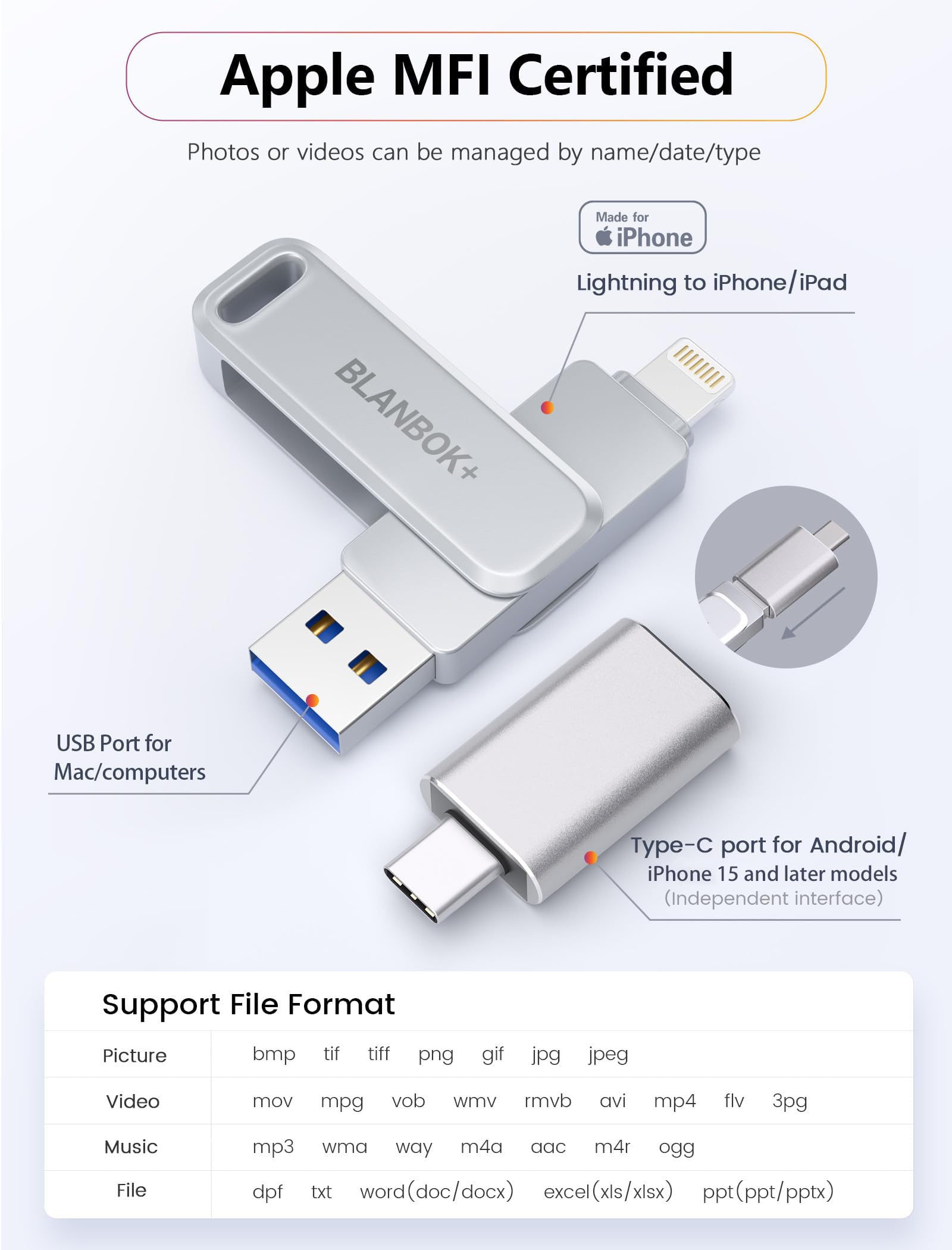
The MFi Certified 512GB Flash Drive by BLANBOK+ is a high-performance, triple-interface external storage solution designed for iPhone, iPad, Android, and PC users. Featuring up to 80MB/s read speeds, robust metal construction with waterproof and anti-drop features, and app-enabled one-click backup and encryption, it offers seamless, secure, and ultra-fast data management on the go.


| ASIN | B0BHWGFPWQ |
| Additional Features | Waterproof, Shockproof |
| Best Sellers Rank | #65 in USB Flash Drives |
| Brand | BLANBOK+ |
| Color | Silver |
| Connectivity Technology | USB |
| Customer Reviews | 4.1 out of 5 stars 7,070 Reviews |
| Flash Memory Type | USB |
| Hardware Interface | USB 3.0 |
| Item Dimensions D x W x H | 0.3"D x 0.5"W x 0.3"H |
| Item Height | 10 centimeters |
| Manufacturer | BLANBOK+ |
| Memory Storage Capacity | 510 GB |
| Model Name | BLA005 |
| Read Speed | 40 Megabytes Per Second |
| Special Feature | Waterproof, Shockproof |
| UPC | 617201736326 |
| Write Speed | 40 MB per second |
A**X
Perfect USB for iPhone - Easy Transfer and Super Durable
I’m really impressed with this USB! It works seamlessly with my iPhone, and the best part is that it came with an adapter, so I could easily transfer everything from my Lightning iPhone to my new USB-C iPhone. The metal case is incredibly durable and feels really sturdy, which gives me confidence it’ll last for a long time. The app is super intuitive, making the transfer of contacts, files, and photos a breeze. I was able to move everything over without any issues. Instead of just transferring to my new phone, I ended up keeping all my files on the USB, like a little memory book. It’s been a great way to organize and back up everything in one place. If you're looking for an easy, reliable, and durable way to manage your iPhone data, I highly recommend this USB!
E**E
Works well for photos
I purchased the MFi-Certified 128GB Photo Stick to back up my iPhone photos and free up space, and overall, it has worked really well. The metal design feels sturdy and durable, and I like that it’s waterproof and dustproof. It includes Lightning, USB-A, and USB-C connections, which makes it super convenient to use across my iPhone, laptop, and even Android devices. Setup was simple—I downloaded the required app, plugged the drive into my phone, and started the backup with one click. Transfers are quick, and I was able to move hundreds of photos and videos in minutes. The app isn’t fancy, but it gets the job done. I also like that it has data encryption with password or Touch ID protection, which makes me feel better about storing personal files. The only minor downside is that it doesn’t have protective caps for the ports, but that hasn’t caused any issues for me so far. This flash drive is a reliable tool for anyone looking to clear up space on their devices and keep backups handy.
S**4
Great storage
I’m not exactly tech savvy, so was nervous after some reviews I read talked about it being difficult to understand. It’s so easy. It guides you through, and if you don’t know what a symbol is later on within the app, just tap your screen and it’ll show you. Storage wise, this was such a great deal for 256 gb storage. I’m a picture hoarder. I always take about 10 pics in each ‘moment’ to find one good one out of the bunch. My problem is I literally never remember to go back and delete the excess. So I had literally over 9,000 pics on my phone, and over 1200 videos on it lol. Had blaring signs saying ‘no memory’ constantly, so finally got this. It works great, but my complaint is how long it takes to download. If you’re someone that’s just going to maintain downloading pics and vid’s, this is perfect. But for someone like me, with insane amounts to do- I’d look for faster downloading options. 2-4 seconds per pic isn’t bad. As long as you don’t have 9k pics to do lol. I like the fact that I can delete the excess pics after downloading, directly within the app for this storage device. And downloading by ‘memories’ makes it a bit easier for having years of pics to download.
N**E
Free Up Your Iphone's Photo/Video Storage!!!!!
I have tons of photos and videos from 2 previous phones on my current Iphone. Needless to say I'm pushing the limits on my 64 gb storage threshold on the phone and I needed a way to copy all of the information onto my computer before clearing them from the phone. I tried connecting the phone directly to the computer for the transfer but for some reason I kept dropping a large number of the images during the process. This flash drive solved that problem completely. The only down side to this flash drive is that you need to download another third party app onto your phone in order for the drive to be recognized. Once I finally got over that gripe and downloaded the software the app was pretty easy to use and the transfer went smoothly without incident. While you are required to provide an email during the app registration process thankfully that's all and no other personal data is required during the process. Would definitely recommend this product if you just want an easy and convenient way to backup your phone data.
A**R
Very, very slow and NOT user friendly.
Well, Butter my ears and call me "FATSO"! Why is it we can make robots that walk and dance, and have AI that answers complicated questions in milliseconds, yet Apple nor no one else has been able to find a way to get our pictures from our I-phone to our PC computer in an easy, timely and organized fashion? I found this process to be a huge PAIN. All this old man wanted was to have a simple storage device to plug into my IPHONE and dump my pictures to so I wouldn't have to sit at the computer for hours waiting for them to go through the USB cable a few at a time. Of course actually expecting this, or ANY device to transfer FOLDERS, that already have the pictures, movies and panoramas already ORGANIZED on the phone, and get them to the computer that way - is asking WAY to much. The instructions were microscopic and poorly written, (but we are used to that), however, the "LuxSync" app you are told to download and use - transfers pictures as monstrous multi-megabyte uncompressed .png files. If I wanted to transfer them 20 at a time while I wait for New Year's Day, I would have plugged in my old cable to the computer and done it the same, inefficient way. Between the freezing and locking up, pitiful instructions, time spent looking up solutions and workarounds on the WEB, installing alternative apps, USB not being recognized, bloated file sizes, and a dozen other things. Your kids will grow up and graduate post secondary school before you get this maze figured out and 800 pictures off your phone. It's a simple, stupid USB drive!! How many problems can you engineer into it to make it a miserable experience? Why are the USB drives we use in out computers so easy to "plug and play" and immediately start using? Would it be too much to ask if these worked like that? I guess so. "How I despise thee? Let me count the ways!"
J**R
USB stick for IPhone
The USB is a good quality
H**R
Great item, but comes with bugs
Great item when it worked. It’s easy To use and the app is understandable, but for some reason whenever I try downloading anything new into the usb, it doesn’t show - for example, I’ll download a video from my gallery to the usb, the usb will show that the video itself is there but when I click on it, nothing appears. Please help me troubleshoot this.
R**L
Essential to backup photos and docs
I bought one of these for a dear friend who had nothing on her laptop, tablet or phone backed up. This device makes it easy…and self explanatory…to back up your photos and important documents.
ترست بايلوت
منذ أسبوعين
منذ أسبوع



