We remain fully operational. Our teams are working around the clock to ensure your deliveries continue safely.

قم بتنزيل التطبيق


معلومات عنا
حقوق الطبع والنشر © 2024 Desertcart Holdings Limited
قم بتنزيل التطبيق
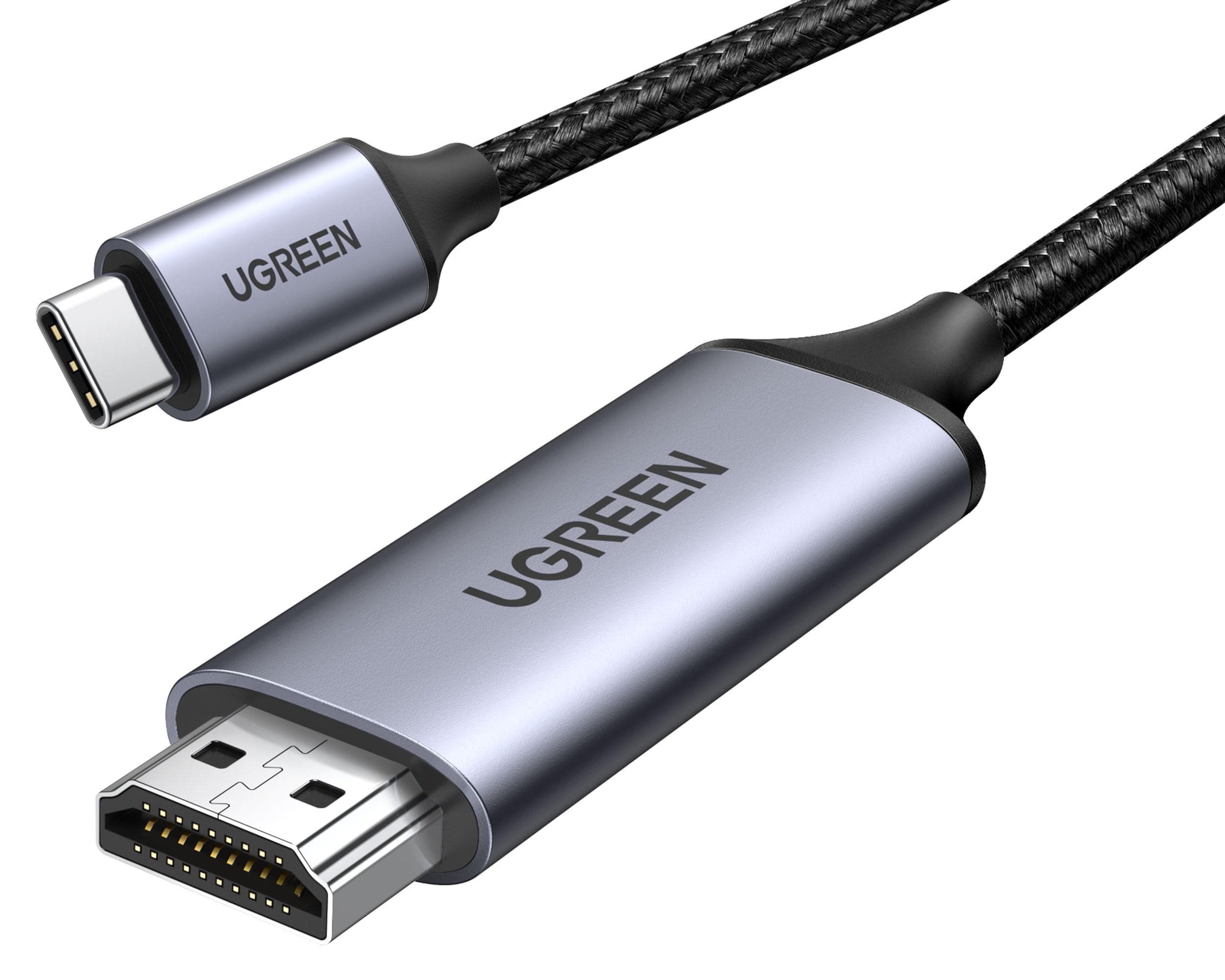
🚀 Elevate your workspace with flawless 4K clarity and unstoppable speed!
The UGREEN USB C to HDMI Cable delivers ultra-high-definition 4K@60Hz video output with Thunderbolt 4/3 speed, wrapped in a durable braided nylon and aluminum design. Compatible with top-tier devices like iPhone 17 Pro Max, MacBook Pro/Air, Galaxy S26, and Steam Deck, it guarantees stable, lag-free streaming and gaming with plug-and-play ease—perfect for professionals demanding premium performance and reliability.


| ASIN | B0CC8V1Y5F |
| Best Sellers Rank | #5 in DVI-HDMI Adapters |
| Brand Name | UGREEN |
| Cable Type | HDMI |
| Color | Grau |
| Compatible Devices | iPhone 15 Pro Max/15 Pro/15 Plus/15, Samsung Galaxy S23 Ultra/S23/S23+/S22/S22 Ultra/S22+/S21 Ultra/S21+/S21, iPad Air 4 mini 6, iPad Pro 2022/2021, MacBook Pro 2023/2022/2021, Dell XPS 13/15/17, Steam Deck |
| Compatible Phone Models | iPhone 15 Series, Galaxy S23 S21 Series |
| Connectivity Technology | Thunderbolt |
| Connector Gender | Male-to-Male |
| Connector Type | USB Type C |
| Customer Package Type | rigid box or coiled in protective tubing |
| Customer Reviews | 4.6 4.6 out of 5 stars (11,091) |
| Data Transfer Rate | 18 Gigabits Per Second |
| Ethernet Cable Category | Cat 5e |
| Frequency | 60 Hz |
| Included Components | USB C to HDMI Cable |
| Indoor Outdoor Usage | Indoor |
| Item Length | 100 Centimeters |
| Item Shape | Round |
| Item Weight | 0.07 Kilograms |
| Manufacturer | Ugreen Group Limited |
| Model | 25155 |
| Model Name | USB C to HDMI Cable |
| Number of Items | 1 |
| Number of Pins | 24 |
| Other Special Features of the Product | Digital Display, Data Transfer, High Speed, Alu Braided |
| Outer Material | Nylon |
| Recommended Uses For Product | Indoor |
| Specification Met | MFI |
| Unit Count | 1.0 Count |
M**I
It’s a name I’ve never heard of, but it was worth taking a chance.
Nice cable. Seems very well made. Coiled nicely, held in place with a fancy little velcro strap. Feels like it will last a long time.
C**E
Amazon is the best!!!!!!
Works 👍💯 with the retroid pocket flip 2
W**S
La fluidez y calidad del material
Excelente
D**Y
Yay! Works with DJI RC 2.
I got this cable working with my DJI RC 2 and UVC capture card. I am able to send the controller video to any other device including my tablet and Meta Quest. Here's how to do it: You must connect the cable to the RC 2 while it is powered off and then turn it on. Connecting the cable while the controller is already on simply doesn't work. Evidently there is some required driver/module that the RC 2 will only load if it detects the cable when it boots up. Also, it will stop working if you unplug the cable. You will have to power down, connect the cable, and boot up again to get it working. NOTE: I am using this cable together with the UGREEN 25854 UVC capture card.
J**E
Very good
Yes good morning Amazon yes a good product very pleased with it anyway it's a good product I like their products and I will always try to buy their products more often anyway have a good day peace out
H**Z
El cable cumple exactamente con lo que promete. La calidad de imagen en 4K a 60Hz es muy buena, sin cortes ni retrasos. Lo probé conectando mi laptop al televisor y la señal es estable desde el primer momento, sin necesidad de configuraciones complicadas. Los materiales se sienten resistentes y el acabado es de buena calidad, no parece un cable frágil. Además, la conexión es firme y no se suelta fácilmente. Lo recomiendo totalmente si necesitas conectar un dispositivo con USB-C a una pantalla HDMI con buena resolución y rendimiento. Excelente compra.
R**H
Direct is best, but works with a hub as well
I tried a male to male hdmi cable connected to a female HDMI to male USB C to display my macbook pro on a large monitor but it tended to flicker. This male hdmi to male USB C connected directly to my macbook works perfectly. Since I did not care for this adapter taking up one of my two USB ports, I connected it to a UGreen Revodok with a USB C video port and it also worked perfectly, no flickering. Highly recommend.
C**L
Drives a SECOND display at 4k 60 Hz on my M3 Macbook air
Good purchase to add a second display to my M3 macbook air. Works good, and indeed drives 4k @ 60Hz.
H**H
Screencast/chromecast/wifi connect all just were too fiddlesome, works sometimes, disconnects sometimes, doesn't connect sometimes. So really glad I have a cabled connection now, plug in and enjoy phone screen mirrored to TV. Have used for showing photo/video to family on big screen instead of passing phone around, viewing web streaming, gaming, all work great, both video and sound, no lag. Love it. Highly recommended.
E**A
Werkt perfect icm een Macbook en een Dell 24-inch monitor
D**X
I have lots of UGreen stuff and it’s all really good. So is this cable! It allows me to hook up my iPad to my LG TV and basically act as a monitor. But playing my self-created photos and videos with this cable is fast and the picture is brilliant. No lag, no hiccups or any issues. It just works. It feels well built and if it lives up to its specifications, it’s a grand slam. Well OK, not the least expensive cable available, but why not get one that has a reputation for quality and reliability. Recommended.
S**8
Ho acquistato UGREEN Cavo Tipo C HDMI 4K (Compatibile Thunderbolt 3) da 3 metri per collegare il mio nuovo iMac Pro al televisore. Il cavo si presenta bello esteticamente e robusto (forse leggermente troppo rigido), in una unica soluzione ho collegato direttamente il Mac alla TV e funziona alla grande, oltre al segnale video viene trasmesso anche quello audio. Pienamente soddisfatto.
B**.
Ich nutze das Kabel für mein Galaxy S8+ Da ich eine Flatrate für NETFLIX habe kann ich mittels dieses Kabels die Wiedergabe auf meinem Fernseher genießen und muss nicht mein Handy in der Hand halten... sehr zu empfehlen! Moderne Laptops haben auch mittlerweile Ausgänge die über dieses Kabel wiedergegeben werden können. Ein weiterer Einsatzbereich könnte beispielsweise auch die Wiedergabe über einen Beamer sein. So kann man sogar Präsentationen über sein Handy laufen lassen und muss nicht extra einen Laptop mitnehmen und anschließen...
ترست بايلوت
منذ شهرين
منذ 4 أيام