Some deliveries may take a little longer than usual due to regional shipping conditions.

قم بتنزيل التطبيق


معلومات عنا
حقوق الطبع والنشر © 2024 Desertcart Holdings Limited
قم بتنزيل التطبيق
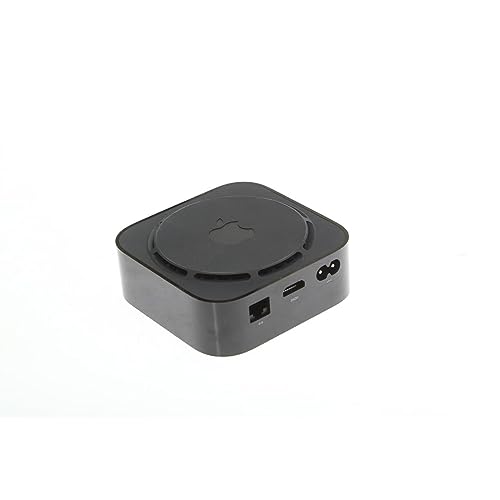
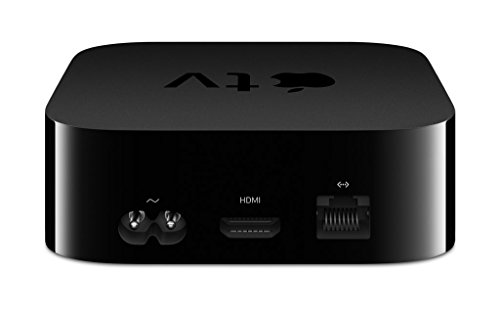
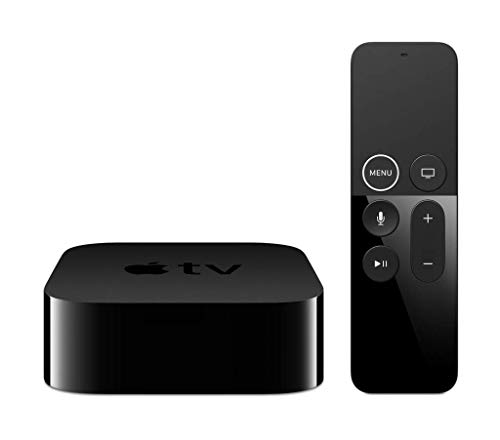
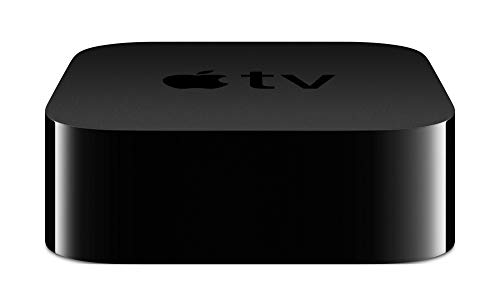
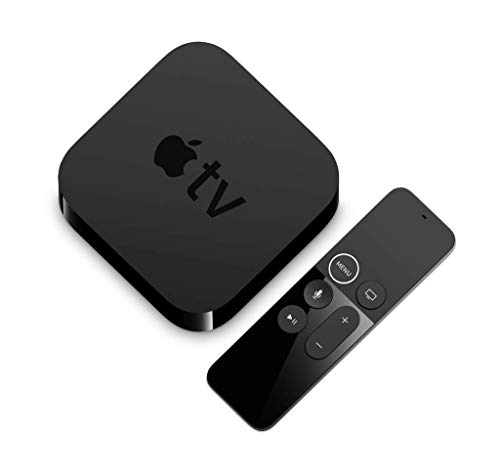
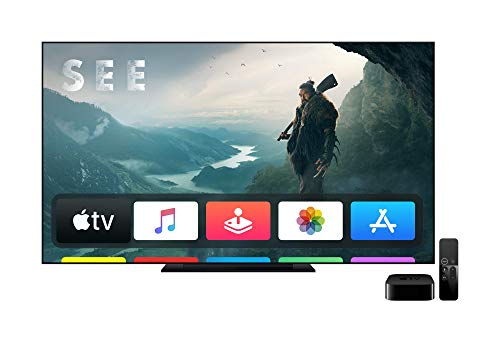



🎬 Elevate your streaming game — because ordinary just won’t do.
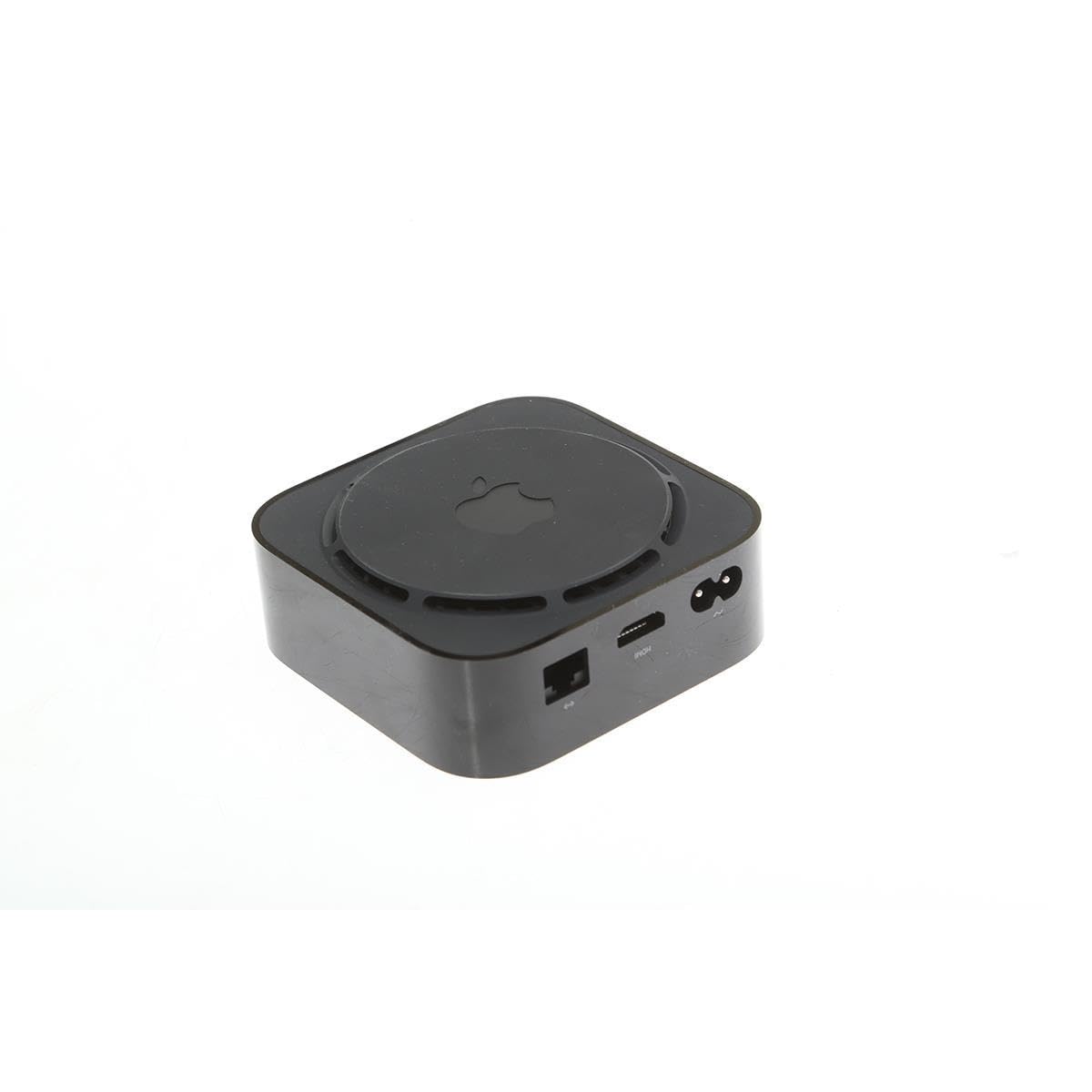
Apple TV 4K (32GB, Previous Model) is a premium streaming media player that delivers breathtaking 4K HDR visuals with Dolby Vision and immersive Dolby Atmos sound. It integrates seamlessly with the Apple ecosystem, allowing easy AirPlay from iOS devices and includes a one-year subscription to Apple TV+ for exclusive original content. With access to thousands of popular apps and Apple Arcade gaming, it’s designed for the millennial professional seeking a sophisticated, all-in-one entertainment hub.
| ASIN | B075NCMLYL |
| Batteries | 1 Lithium Ion batteries required. |
| Date First Available | September 12, 2017 |
| Is Discontinued By Manufacturer | No |
| Item Weight | 1.79 pounds |
| Item model number | MQD22LL/A |
| Manufacturer | Apple |
| Product Dimensions | 5.3 x 6.4 x 2.6 inches |
J**S
Excellent System but still a little confusing for the non iOS
I have had the Apple TV 4k for a little over a week now and am very satisfied with it. A few comments based on reviews I read before I purchased: The Remote - Not as awful as everyone said. Yes, it's easy to select something or press the touchpad accidentally but I have had few issues overall. I don't think it's any worse than dropping my universal remote or hitting a wrong button on another remote. My only complaints about the Apple TV remote is that there is no mute button and it is quite small, so don't misplace it! UI - I'm not very familiar with the iOS environment. I have an iPhone but have only had it a couple of years so I'm still behind the function curve. Overall the system was mostly intuitive but I did make sure to familiarize myself with some online hints and tricks before it arrived so I knew how to navigate. App and menu interface - Someone mentioned in a review that all app menus were universally similar on the Apple TV. I found this to not be the case. As with any other device, Hulu, Netflix, Amazon and HBO all have their unique functionality. Up Next Feature - does not really work as advertised. I find it to be intermittent. Not all shows update like it said they would and not all appear on the home screen. Netflix specifically doesn't seem to play well with this feature, but overall each of the apps has failed to display the next episode of a show I have watched on the device. Quality and functionality - Quality and functionality is awesome. Content looks great and I have had few issues. Make sure you have an HDMI cable rated for 4k content or you will receive a warning (evidently I had an older one connected). The Apple TV connects easily to my iPhone for typing, filling in account fields and setting up. You can also download the Remote app from iTunes (to your phone) in order to use your phone as a remote, but I don't actually find this very convenient or helpful as I am perfectly happy with the remote. Biggest Con - Users of Bose Cinemate 130 beware. Evidently this system will not work with the Apple TV 4k. While I am able to connect sound from my Apple TV to the Bose system via direct input into the TV, I was not able to connect through the Bose Receiver. This is apparently a known issue to Bose, but they have no intention of fixing the issue leaving those of us that spent a significant amount of money to fend for ourselves. This was nearly devastating when I was trying to setup but thankfully I found a forum that directed me to a workaround. Summary - Overall I am quite happy with my purchase. I'm hoping after more updates the up next field is more accurate as it is pretty great to not need to jump into individual apps when your watching a series. I am also hopeful that eventually Spotify will be available via the Apple TV, but so far it isn't an option for download. Otherwise this is a great device that's easy to use and so much more reliable than the apps loaded into my Samsung Smart TV. Oh, and almost forgot to mention the screensaver. The photos (especially the aerial images) really are mesmerizing as another reviewer mentioned. My friends almost always comment about the cool images on the TV when they walk in, so just a minor added bonus if you needed one .
T**Y
Better than Android TV
I migrated to the Apple TV 4k from the Android Shield TV because it had the processing power necessary to decode my lossless mkvs, and the Infuse app is the only app out there that I know of that will read the full metadata encoded into the mkvs from the MetaX tagger. I have to say, I am beyond impressed with the Apple TV. Here's what I like about it: - The remote: The touchpad controller allows for really fast navigation through the UI, whereas the Shield TV controller requires a ton of presses - Keyboard input: On the Android TV, if you have long passwords, you will have to connect a keyboard unless you want to painstakingly navigate the on-screen keyboard and input each character via the remote. On the Apple TV, it will allow my iPhone to do password input and send it to the device, allowing me to use 1Password for filling in. - Apps: The quality of the same apps on Apple TV vs Android TV is just better. Ever try running Crunchyroll on Android TV? Yea, it doesn't work most of the time because the app thinks there's no internet and dies. Not only does Crunchyroll on Apple TV has no problems launching, but the UI is just *better*. It's a completely revamped UI compared to Android TV and works very well. - I completely recommend spending the $50 on the Infuse app on Apple TV if you have non-streaming high-quality video content. My mkvs play seamlessly and everything is properly categorized after telling Infuse to use the mkv metadata instead of fetching for metadata. I have NOT been able to find any kind of app on Android TV (VLC, Archos, etc) that can do this. The Infuse UI is just a joy to use. - Configuring audio and video support: With Android TV, you'll have go to in the weeds to configure specific settings for your display, speaker configuration, etc. Apple TV can do an analysis of your HDMI connection and determine what your system supports. Compared to Android TV, Apple TV required significantly less configuration to get it working with my home theater setup - Siri vs Google Assistant: While Google assistant is superior to Siri in many ways, GA only works on my Shield TV when I use the Shield game controller, which is just bulky as hell. I also have a Google Home Mini, but for whatever reason, 1/3 of the time, it only works with certain actions on Shield TV. There's no probs interacting with Siri directly on Apple TV. - It. Just. Works: I felt I got off the ground running quickly with Apple TV compared to Android TV.
S**A
Came faster than expected. Easy to connect and works well.
C**N
I’ve used a range of TV streaming options and this is the best. It’s by far the most expensive too, and it’s hard to say if it’s worth paying nearly 10 times more than a Fire Stick for basically the same thing. You do need an Apple ID to sign in to this. But it just works, like most Apple things. Everything is effortless, your photos from iCloud are there. You can screen share from an iPad, iPhone or MacBook with the press of a button. It’s a joy to use, there are no annoying third party apps to download or sub menus to navigate. The user interface is intuitive and simple to use. The supplied remote is a little dinky but most connected TV remotes will operate it too. The Apple TV app includes programmes viewable on the Apple TV+ subscription, but also brings together programmes on all the apps, allowing for easy searching and picking up the last watched programme. Picture quality is superb, with Dolby Vision and Dobly Atmos built in, which gives super results on a compatible TV. There are all the apps I want in the Appstore. Games are also available, which aren’t my thing at all, but having tried them it doesn’t come close to a proper gaming system. It’s a little puzzling really as you’re paying for a higher end system, but it’s still no playstation in terms of processor power, so it falls in the middle. It’s really therefore more of a luxury streaming device with semi-impressive gaming potential.
F**R
C’est fantastique, je peux caster n’importe qu’elle vidéo avec la recopie de l’écran, pour le streaming et la musique ça fonctionne très bien aussi. J’ai l’application Musixmatch sur mon iPhone ce qui me permet de voir les paroles de ma musique enregistrer sur mon iPhone et de le shooter sur l’écran de TV ( karaoké quoi ! )
R**L
Really like the Apple TV. Had it a few years now with not one single problem. Pairs well with all devices after setup of which is easy. Plays Disney plus through it along with many other apps now. No cost to use and the picture quality is flawless. Huge bonus here that I did not know when the WiFi goes down, it works really well on 4G as a hotspot. Used it like this lots so will buy a new one whenever it’s time.
B**E
I’m very impressed with this box. The system is very intuitive and easy to work with. It is an expensive buy but one I would recommend.
ترست بايلوت
منذ 3 أيام
منذ أسبوعين