Desert Online General Trading LLC
Dubai, United Arab Emirates
Desert Online General Trading LLC
Dubai, United Arab Emirates


🎮 Power Up Your Game - Never Run Out of Juice Again!
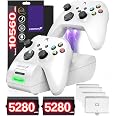
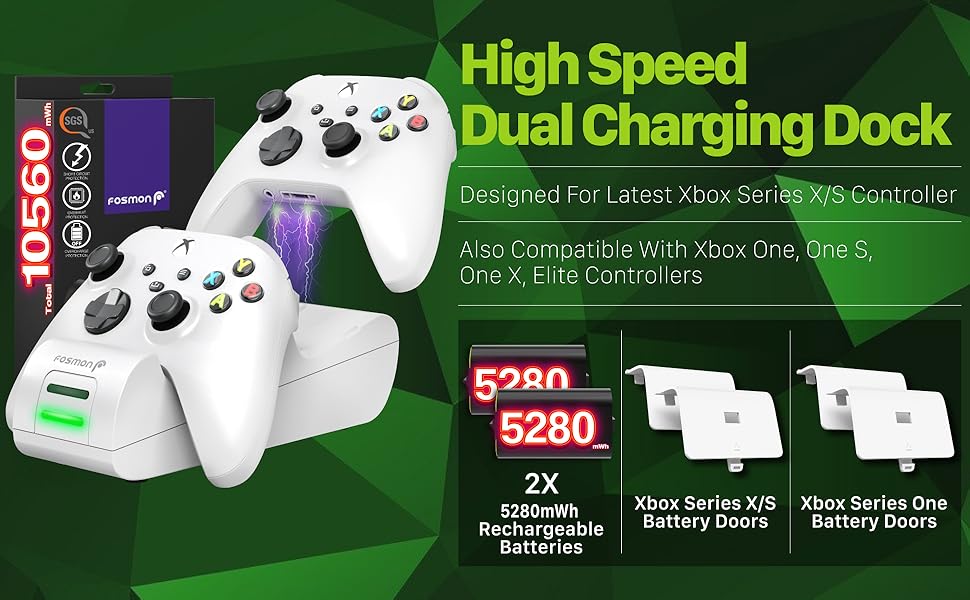
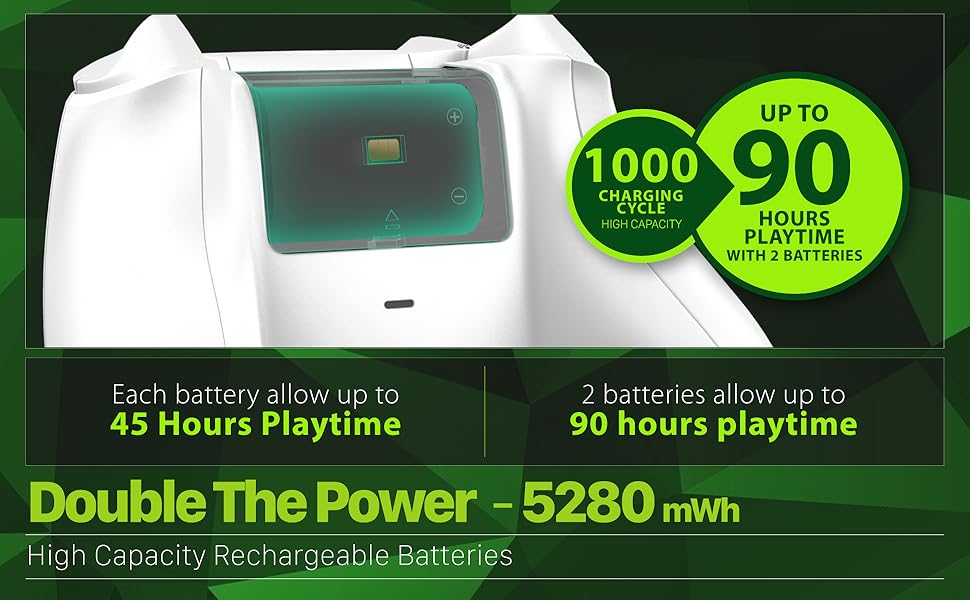
The Fosmon Fast Charging Xbox Controller Charger Station is designed for gamers who demand reliability and performance. With dual charging slots and two high-capacity 5280mWh rechargeable battery packs, this station ensures you can game for up to 45 hours without interruption. Its smart charging technology and LED indicators provide a seamless experience, while the limited lifetime warranty guarantees your investment is protected.
| Item Weight | 11.7 Ounces |
| Unit Count | 1 Count |
| Number of Items | 1 |
| Material | Plastic |
| Color | White |
| Energy Specifications Met | UL, SGS |
| Output Voltage | 5 Volts |
| Power Source | Battery Powered |
| Main Power Connector Type | 2 Pin |
| Portable | No |
| Number of Power Levels | 1 |
| Mount Type | Tabletop Mount |
| Amperage | 2200 Milliamps |
| Total Usb Ports | 1 |
| Wattage | 18 watts |
| Connectivity Technology | USB |
| Connector Type Used on Cable | USB |
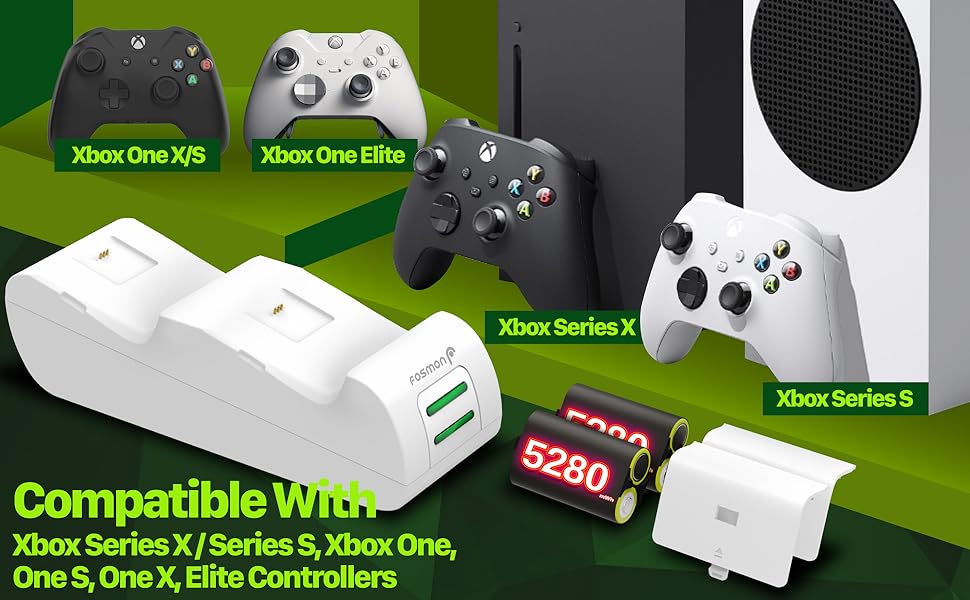
| Compatible Devices | Xbox Series X/S/One/One X/One S Elite Controllers |
| Compatible Phone Models | Xbox |
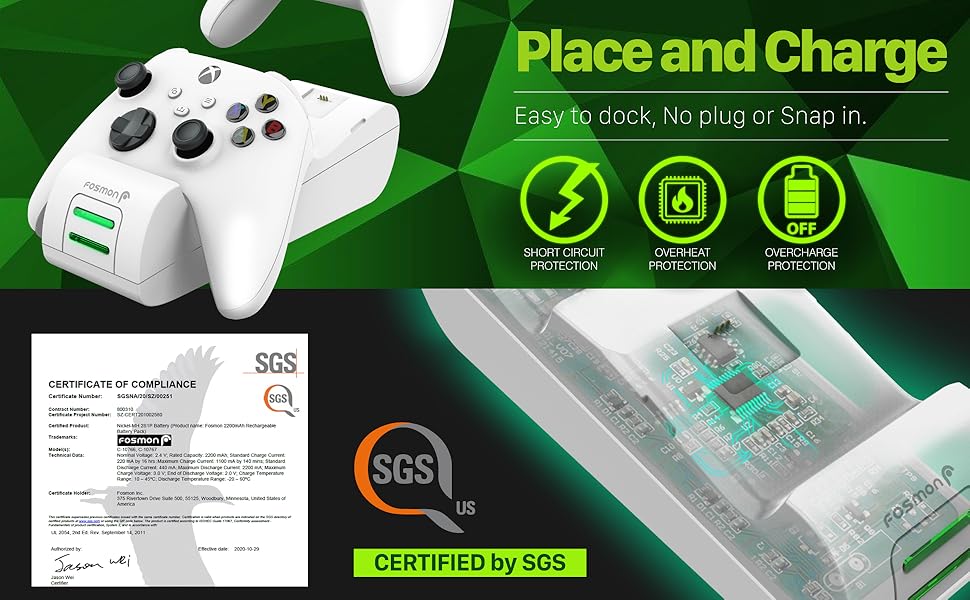
| Additional Features | 2200mAh ultra long battery life - Certified by SGS, Place and Charge feature, 2 LED indicators for charging status, Smart charging board with overheating and short circuit protection |
W**M
Affordable, Easy to use, and works great.
I'm pretty happy with the two I ordered. They seem fairly well made, and works great. Came with the correct battery clips to use them on either the older Xbox controllers and the new models.I however, dislike the charging display. A blinking green light instead of an alternate color would have been better in my opinion.The lights are bright, and can be distracting as they blink while charging if they face you.Those issues I have are objective and a personal opinion.The included battery packs though a great size (2,200 mAh), They don't look like an enclosed package. Looks like a few cells glued together and wrapped up. There isn't anything wrong with that, it just looks like a more cheaply made product. But they so far have been fantastic and no problems.Just cosmetically, they don't look quality. Not a big deal nor is it a factor towards how they work and once installed you'll never really see them again.For normal Xbox controllers, there is ample room to place two on the charging station with no interference or one blocking the other.And I like both controllers face the same way, and upright. Very easy to place one down on the station and take off.There are no charging bricks with the station, which is a good thing in my opinion and bad. The good is, my past charging stations did have one but was permanently attached to the cord and took up a lot of space on my power strip. So not having a large brick is handy for you to plug this into anything you want via USB-A.Charging speeds seem normal, nothing really to comment about there. But again I would have liked to have two solid color led's. A solid green for charged as it is now, and a solid red or orange while changing. It would have been much less distracting, and more informative. When you see green, flashing or solid your mind will often think it's "good".So in closing, I bought one of these, tested it for a couple weeks and liked it. Ordered a second and it's been little over a month now and been very pleased.There are many options for these type of charging stations, most are pretty bad. But I can highly recommend these for their affordable price and quality for what you pay for.I'm sure they will last many years for me.
J**K
Good quality oriduct
Great charger. Durable. Works as describes. Great price
D**…
Decent quality!
Works well!
E**S
Does the job!
The 1st world hassle I've dealt with for *literally* YEARS plugging in batteries, losing batteries and then not even knowing what batteries were charged (or simply forgetting all together and then having to use ACTUAL batteries 🫣)... I threw in the towel and just got this charger. No more piles of half charged batteries! And the price was right.Long story short, it does what we need it to. It charges both of our controllers pretty quickly and it keeps them contained and from sliding around on any surface. My husband and I are ~moderate~ gamers, so we don't need anything fancy. Now, there is only one battery at a time to worry about and we can keep track of the charge!The ONLY issue we've had with this is the battery pack charging plate does not line up seamlessly with the opening on the battery cover. This has sometimes prevented the controller from charging when we set it on the charger... we sometimes have to wiggle it around until it finds its place. It is a very MINOR issue, and not worth the effort of returning it for a new one. Assuming it's just a random production flaw, it is a great buy for the price.
S**G
A+ charging dock!
Decided to go with this dock after seeing it on the top 3 best charging docks for 2019 & 2020 on many different reviews and ratings. It’s amazingly affordable too. Right out the box, it comes with 2 battery packs (yes sir, away with constantly changing and buying AA Batteries from now on), a charging wire, and the dock. Kinda was on-guard that they didn’t provide a charging block but you’ll know why in a bit. Comes with instructions that are easy to read and it’s not a whole bible to read. Just a few simple pamphlets and that’s it. The battery pack I will say is a bit tough to “click” on to the controller, which I like because I know it fits securely and won’t fall out. You have to give it a little bit of force to click it onto the back of the controller, pushing it from the edges. I read a review that said the pack didn’t fit, well it does you just gotta push it kinda hard so it can really click trust me. One thing I noticed is that when on the controller, sitting the controller on the charging dock it doesn’t click on there. It kinda just sits on there, which I didn’t mind at all because you can just lift the controller up off the dock with amazing ease. No click was good in my opinion because there’s no wear n year to the controller or the dock. So keep in mind if you bump it to tilt it, the controller will fall over or slide off even. But I liked the ease of just being able to slide it on, and off kinda like a wireless charger for your phone. The green light lights up on the dock when it’s set on the dock and is charging. So back to the charging wire, the instruction booklet just says to plug in the charging wire straight to the USB port on the Xbox console, which was convenient, and that’s why they didn’t provide a charging block. For me it’s whatever, plugging it to the console or using a charging block I have laying around to plug it somewhere else in my room makes no difference so I didn’t make that an issue. Other then that, simple, easy to use, save money on AA Batteries and get yourself this Fosmin Charging Dock which is rated one of the best at the moment, nice add-in to your gaming for the price. PS: I have the regular Xbox One X controller by the way, idk how it’ll work on the Elite Controllers since they have the triggers on the back or any other Xbox controller that’s shaped differently.
Trustpilot
2 weeks ago
2 weeks ago