Desertcart purchases this item on your behalf and handles shipping, customs, and support to OMAN.
🖼️ Elevate your art—print like a pro, right from your desk!
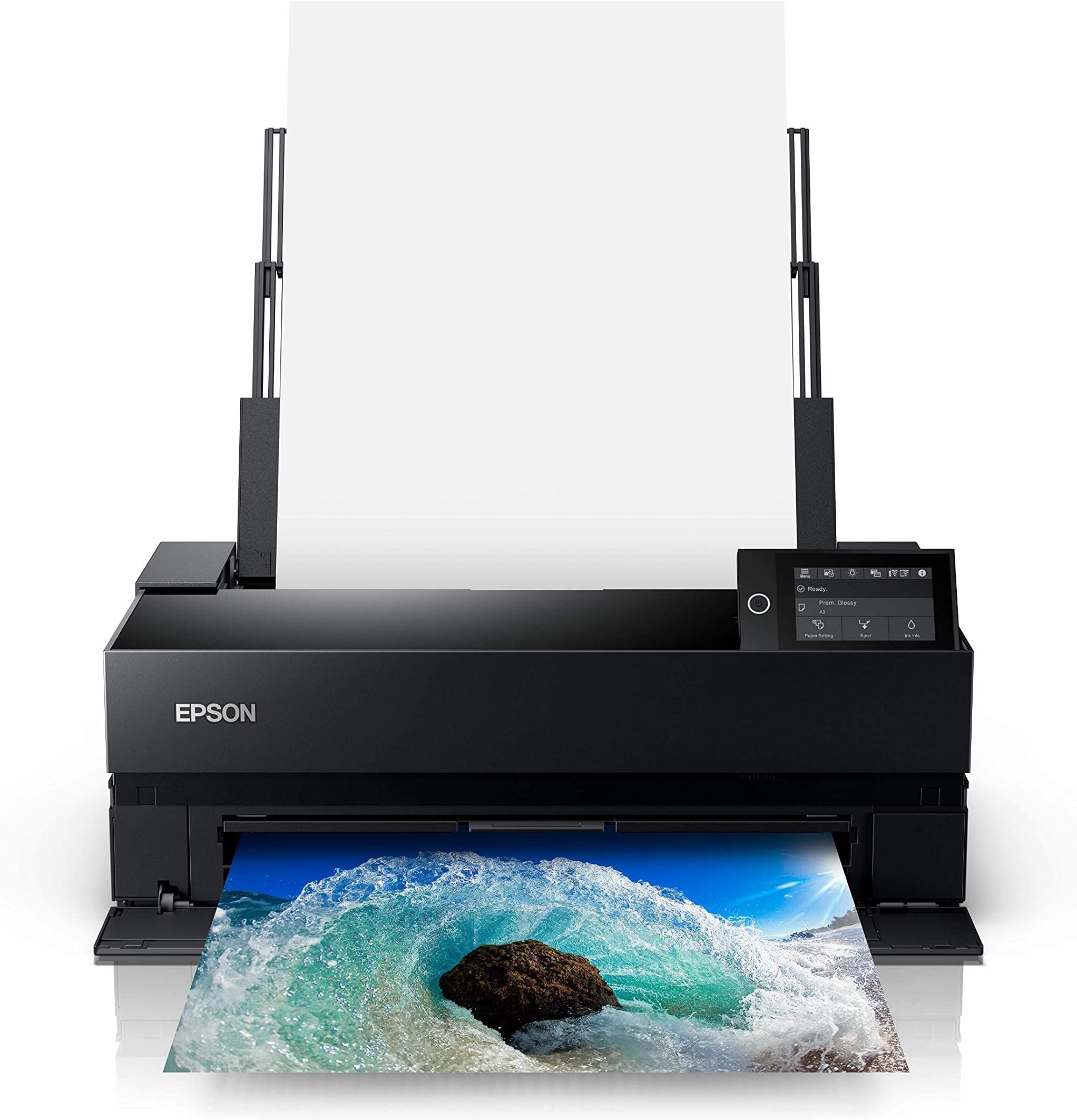
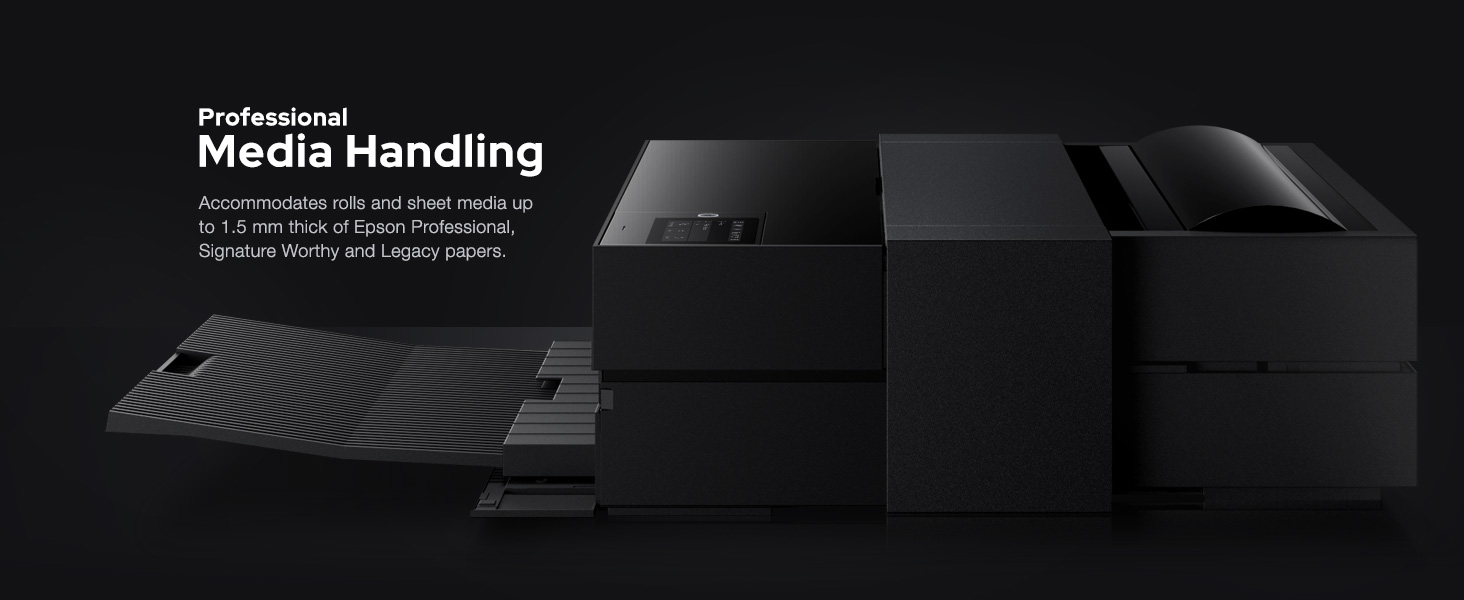
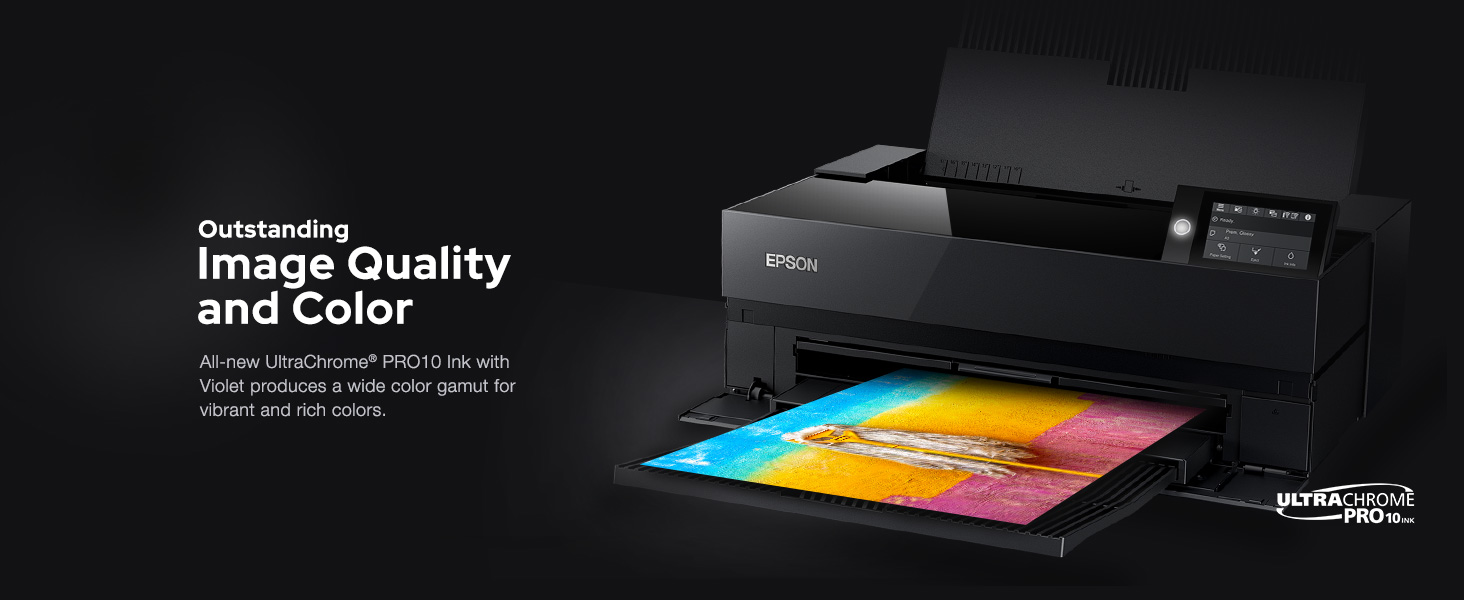
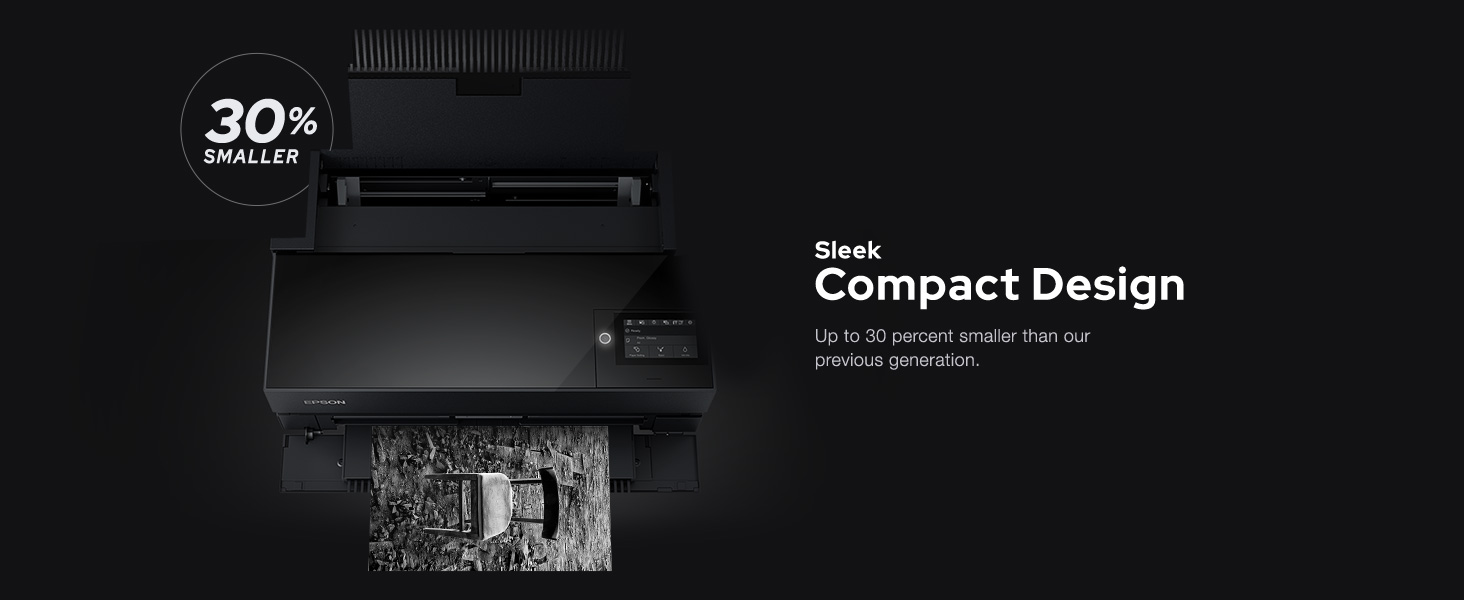
The Epson SureColor P900 is a professional 17-inch inkjet printer engineered for photographers and artists seeking gallery-quality prints. Featuring UltraChrome PRO10 Ink with Violet for an expanded color gamut, dedicated nozzles for both Photo and Matte Black inks, and a new 10-channel MicroPiezo AMC printhead, it delivers exceptional speed, accuracy, and color fidelity. Wireless printing from iOS devices, a compact design, and industry-leading print permanence make it a top-tier choice for creating vibrant, long-lasting prints from the convenience of your workspace.


| ASIN | B0875K6D4H |
| Additional Printer Functions | Scan |
| B&W Pages per Minute | 1 pages_per_minute |
| Best Sellers Rank | #68,829 in Office Products ( See Top 100 in Office Products ) #201 in Laser Computer Printers |
| Brand | Epson |
| Built-In Media | P900 Printer, Set of initial ink cartridges – Ten high-capacity (Photo Black, Cyan, Magenta, Yellow, Light Cyan, Light Magenta, Gray, Matte Black, Light Gray, Violet), Power cord, User Guide Kit (Printer basics guide, Start Here poster), Accessory box, CD/DVD tray |
| Color | Black |
| Color Depth | 24 bpp |
| Color Pages per Minute | 1 pages_per_minute |
| Compatible Devices | Laptops, PC, Smartphones |
| Connectivity Technology | Wi-Fi |
| Control Method | Touch |
| Controller Type | iOS |
| Customer Reviews | 3.7 out of 5 stars 284 Reviews |
| Display Type | LED |
| Duplex | Simplex |
| Global Trade Identification Number | 08715946677996 |
| Hardware Interface | Ethernet |
| Ink Color | Violet, Cyan, Magenta, Yellow, Black |
| Item Dimensions D x W x H | 14.7"D x 18.6"W x 29.3"H |
| Item Type Name | Epson SureColor P900 17-Inch Printer, Black |
| Item Weight | 35.3 pounds |
| Manufacturer | Epson |
| Maximum Copy Resolution Black and White | 600 dpi |
| Maximum Copy Resolution Color | 5760 x 1440 dpi |
| Maximum Copy Speed Black and White | 1 pages_per_minute |
| Maximum Media Size | 11 x 17 inch |
| Maximum Print Resolution Black and White | 5760 x 1440 dpi |
| Maximum Sheet Capacity | 120 |
| Maximum print Resolution Color | 5760 x 1440 dpi |
| Model Name | P900 |
| Model Number | P900 |
| Model Series | SureColor P-Series |
| Number of Drivers | 1 |
| Number of Trays | 2 |
| Other Special Features of the Product | Simple, Streamlined Photo Printing Interface |
| Output sheet capacity | 120 |
| Paper Size | 17 |
| Power Consumption | 24 watts |
| Print media | Paper (plain) |
| Printer Connectivity Type | Wi-Fi |
| Printer Output Type | Color |
| Printer Type | Inkjet |
| Printing Technology | Inkjet |
| Processor Count | 1 |
| Resolution | 5760 x 1440 |
| Scanner Type | Photo |
| Series Number | 900 |
| Special Feature | Simple, Streamlined Photo Printing Interface |
| Specific Uses For Product | professional photography |
| Total Usb Ports | 2 |
| UPC | 010343954021 |
| Unit Count | 1 Count |
| Warranty Description | 2 year manufacturer |
| Warranty Type | limited warranty |
| Wattage | 242 watts |
A**5
Reliable Printer for Independent Artists and Illustrators
As an independent artist and business owner, getting my own printer was a huge goal of mine, and I'm so glad I took the plunge! The printer is a game-changer for me; I can now produce my own fine art prints in any size up to 16x20". I primarily print on 8x10", 11x14" and 12x16" matte fine art paper, using Premium Matte paper by Durico or Finestra Art. The first printer I ordered did not work, but I called Epson and they immediately sent me a new printer and set up an exchange. I've been printing on my new printer for 3 months, and here is a summary of my experience: The Upsides: -Quick and easy wireless communication with my laptop -Great customer service from Epson -The printer yields gorgeous, rich, and vibrant colors; high color accuracy -Each print takes just a few minutes to create -The Epson Print Layout program is straightforward and easy to use. I open this up every time I want to print something. Once I've selected the size and type of paper, I let the printer choose the colors. I find that this produces a better, brighter color quality than the color profiles listed. -Each print is 25-50% the cost of ordering from a fine art printing business -I've ordered ink once in 3 months -Fits perfectly on the alex drawers from Ikea The cons: -Sometimes the printer takes in a few pages at once instead of one at a time. You must keep an eye on it. -For some, the printer might feel slow -If you accidentally shut your laptop, or if your laptop unexpectedly dies, the printer will stop printing midway and you have to start over -Ink costs are high ($522 to replace all cartridges), so you must factor that into your print costs. I calculated my cost of ink per print using ChatGPT -Epson and Amazon ran out of ink recently, so I had to buy my ink from B&H Photo in NYC -The first printer didn't work, which was stressful -The ink isn't quite as vibrant as my the art prints that I used to order from a fine art printer, but it works well enough for me and my customers.
J**A
Frustrating...
Update 12/9/2024*** I've struggled with this printer for a long time and it finally stopped printing the VLM color cartridge altogether. No amount of head cleanings will fix it either. You can't even print B/W when one of the colors goes out even though it has dedicated B/W inks. I had just replaced 4 of the cartridges at $50 per cartridge and now they will go in the trash as the printer is done. This was a terrible purchase and no way I broke even on it. I would have hoped by now these manufacturers would have figured out the head clogging issues on ink jet printers. Save you money and your hair by skipping ink jet and just send out for prints. The print quality is phenomenal. when it actually prints. You never know when it will decide to print your photo. Some times it will print right through without issue, but most times it will pull the paper in and print about 4 passes then stop. When you are printing on 17x22 papers that cost about $6 a sheet this adds up to a lot of waste, not to mention the ink wasted when the print gets halfway through then stops. This reminds me of the early days of CD burning when blanks were still expensive and you never really knew if the burn would actually complete without buffer underruns. We made a lot of coasters back then and this is what this Epson seems to like to do. I have had many Canon and Epson printers over the years and have never had these kind of issues before. I also noticed that when you do get a print to complete, it is not centered properly on the paper. I notice this most on 17" prints where the margin line drifts more and more as the print gets to the bottom of the page. For $1,300 this printer should be able to properly center a sheet of paper. If Epson could resolve these two issues this would be a great printer, but until then I don't recommend it.
J**R
The Epson SureColor "P900 is a worthwhile investment.
This is my 2nd Epson SureColor Printer. My previous printer was the P800 which is still working but getting aged. This new P900 is printing beautifully! I have purchased a new set of ink cartridges however I have not started using them yet. If someone says that Epson does not send much ink in the first cartridges, they must not know this printer very well. If the settings are done correctly, the ink will last and give you plenty of great prints before you move on to the next set. There is a learning curve as with any updated printer, but I am very pleased so far.
A**R
Boy does my wife love this printer
We purchased this to replace an old Epson 2200 that had seen better days. Thus far, the P900 has exceeded all expectations. Since we are using this for personal printing of photos rather than as a professional photographer would, the set-up was straightforward and we haven't needed to mess around with advanced settings. The Wi-Fi setup was simple and my wife can print from her multiple Apple devices and I can print from my Android phone and Windows based laptop. Three months in, we have had zero problems. Picture quality is as sharp as anything you could want. Colors are incredibly life-like and vivid. Blacks and Grey's are equally impressive. The printer also uses wide format paper up to 17 inches and that's without purchasing a paper-roll attachment for banner length printing. So my artist wife and her non-artistic spouse (me) couldn't be happier with this printer. It's admittedly a little expensive, but the printing results are as professional as anything I've seen.
J**E
For those that need 17" prints
After being into photography for some time I still considered myself a digital only shooter. From camera to screen it was all about the best presentation on this medium but I reached a point where I wanted something I could give to people and in came prints. Now like many things this is a hobby for me but I wanted something substantial and after some research landed on the 17" size as the largest I could feasibly manage and that narrowed the choices down to this and the cannon. Both are great printers but the Epson had a slight edge for me. What this brings to the table for me is the ability to pint out something and make changes where as sending it off to a print shop it had best be right the first time. On to the downsides. Ink and paper this printer demands the best and devours resources at breakneck speeds. Expect to spend $2-3 per sheet of paper and over $400 for a pack of inks. Only you can decide if this is worth it to you. The prints are amazing and well beyond my expectation. I feel that I have improved as a photographer from this as it pushes me to create more.
M**S
Legendary Disappointment
The rear paper feeder will not take paper without manual assistance, but when it does, you're liable to get a paper jam, which will ruin a fresh sheet of expensive photo paper. If that were not bad enough, most of the time it DOES take a sheet properly, it just passes the sheet through without printing anything on it. How can a world-class professional photo printer have such poor reliability? When the stars align and it actually prints an image, it looks amazing. But I don't know how much patience I have to babysit this thing every time I want to print.
W**N
Printer is very good, but getting replacement ink and quality Epson paper is quite the challenge
The printer itself is very good. I purchased one recently to replace a much older similar Epson large format printer. The print quality is outstanding and it is easy to set up. One thing to keep in mind is that the printer comes with starter ink cartridges that are 1/4 the normal size. The cost of the normal sized ink cartridges for genuine Epson one is around $48 per cartridge and for 10 cartridges, about $500. You should factor that into your purchase decision. You should also be aware that you can't buy the actual Epson cartridges on Amazon, as Amazon only appears to carry refurbished 3rd party ones, that most likely void the manufacturers warranty if you use them and may not offer the same quality of ink as the real deal. To add insult to injury, you can't get these cartridges from the Epson website either. They have the cartridges for the SureColor P700 but not the P900. You will have to go to another vendor to purchase them and hope they deliver them reasonably quickly. The same is true for the quality photographic paper that Epson makes. Amazon does not carry the 17 * 22 Metallic Luster or Gloss packs and you also can't get them on the Epson site. For those reasons, if I was a first time buyer of a large format color printer, I'd probably look at other options.
R**N
I have had many compliments from happy customers.
Even though I returned the fist unit for defect the second one has been working great. The unit is not cheap and ink (paint) is very expensive. The results are professional quality. I have printed over 100 large prints so far and several smaller ones. The color and quality of the print is awesome. I have had many compliments from happy customers. One problem that has recurred was only a partial print. I think I trouble shot it down to the printer not wanting to share the wifi with any other device like a tv. As long as they were off I did not seem to have any problems
S**S
Great printer
So far so good. Came with everything properly in place. Ink carts are all half full (as expected) but PLENTY of ink to do several prints! Works good so far. Set up was super easy. I am very happy with this purchase. Hopefully this doesn't die within a month.
E**A
Epson p900 es calidad
Exxelente calicad fotografica.
A**T
Good printer.
Printer only came with about 1/4 cartridge of ink each. Thought that there would have been a full cartridge each for the initial purchase, considering that there are 10 different colours of ink. And the cost of the printer was not cheap, neither are the replacement full cartridges of ink.
Trustpilot
4 days ago
2 weeks ago