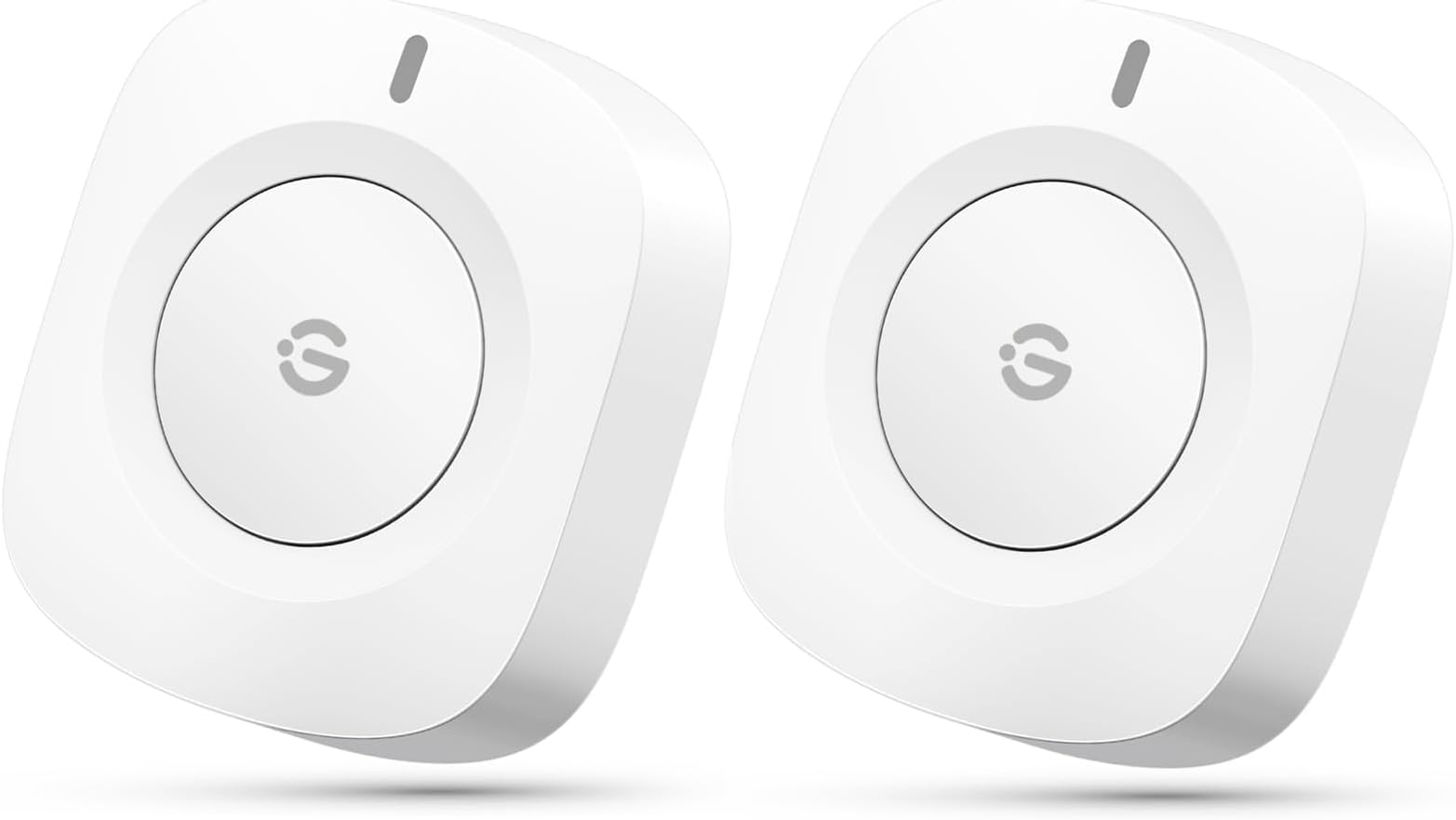
🎯 Elevate your smart home game with a button that does it all—control, connect, conquer!
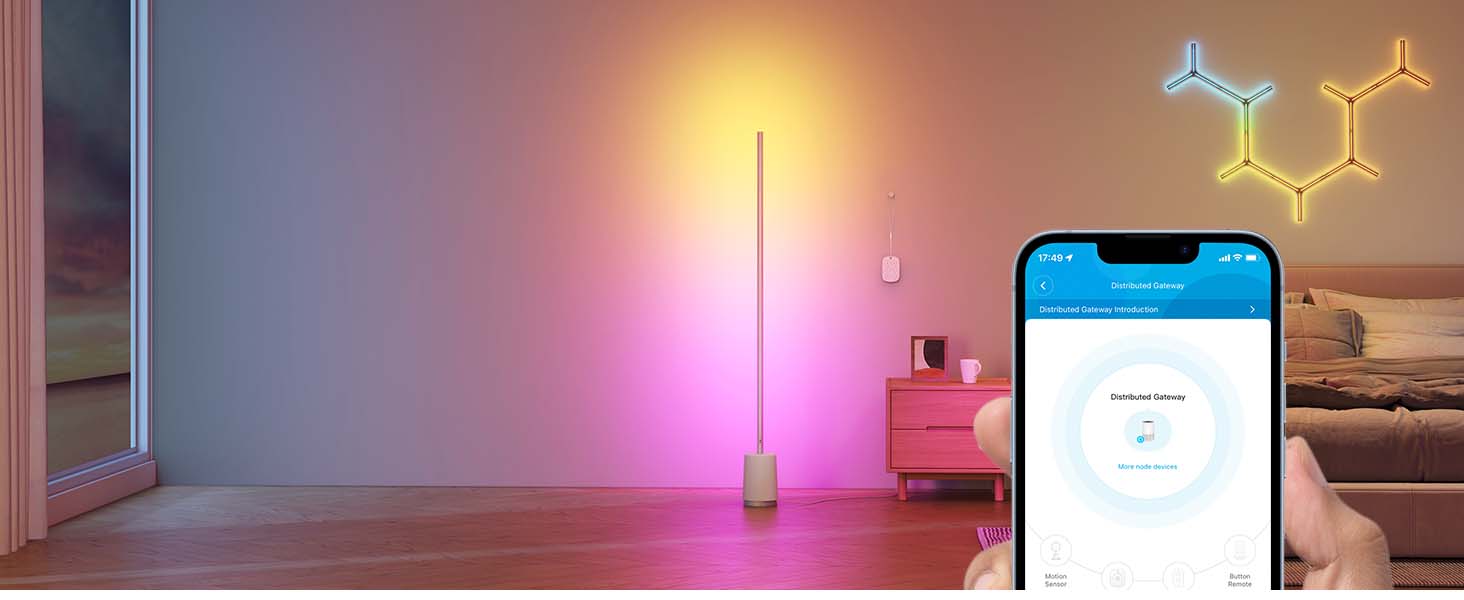
The GoveeLife Wireless Mini Smart Button Sensor is a compact, battery-powered controller designed to manage up to 50 GoveeLife smart devices simultaneously. Featuring dual-mode Bluetooth and Wi-Fi connectivity with a 55-meter range, it offers one-touch group control and an alternating on/off command mode. With a sleek design and up to 4 months of battery life, it’s the perfect addition for millennial professionals seeking seamless, intuitive smart home automation without relying on voice assistants.


| ASIN | B0D17B48HK |
| Batteries | 2 CR2 batteries required. |
| Best Sellers Rank | #11,583 in Tools & Home Improvement ( See Top 100 in Tools & Home Improvement ) #21 in Home Automation Hubs & Controllers |
| Date First Available | April 9, 2024 |
| Item Weight | 1.44 ounces |
| Item model number | B5122 |
| Manufacturer | GoveeLife |
| Product Dimensions | 1.69 x 1.57 x 0.47 inches |
T**S
Handy smart buttons for controlling Govee products
These are great buttons to control Govee products. They're handy to toggle lights or trigger more complex automations you configure through their app. They're holding up great after hundreds of presses and still show as full battery, so I would expect them to last a long time before needing to swap out the coin cells. The price seems very reasonable. They were easy to set up and work with every Govee ligh/appliance I own.
A**N
Perfect addition
I’ve been upgrading areas of my house to smart plugs and lights and my partner was going crazy that she couldn’t turn my lights off without using an app. Perfect solution! Connected easily and mounted to my wall with the adhesives seamlessly. Button clicks just fine to turn on and off and connect multiple devices to. When turning on and off they do not always turn on in sync, if that’s a deal breaker, but it’s compatible for all my Govee devices, if you want some control without using your app I recommend.
A**S
Great Functionality, But Quality Control Needs Improvement
I purchased the GoveeLife Wireless Mini Smart Button to enhance my smart home setup and integrated them with my home assistant via Bluetooth. Setup was straightforward, and the buttons are compact and stylish, fitting well into a minimalist aesthetic. However, one of the buttons in my initial purchase was defective. It drained the battery within 24 hours, even after replacing it with a fresh one. This was disappointing, as I had to go through the hassle of returning the product. Thankfully, the replacement set worked perfectly. The buttons respond quickly, and their integration with my system has been seamless since then. I appreciate the functionality and convenience they add to my smart home, but the defective unit was a frustrating setback. Overall, it's a good product, but quality control seems hit or miss. If you’re willing to deal with a potential return, it’s worth considering for its compact design and smart home compatibility.
B**A
Good idea but poorly executed
It’s a good concept just wish they expanded on it. For example, it’s literally just a single press button! There is no way (not to my knowledge) to have one press turn off the light when it’s on and turn on the light when it’s off. There is no “double press” function you can only put ONE automation. So just keep that in mind. I personally use it to switch to a “white” mode if I need to see better (cuz colors can drown out certain colors yk?). It’s handy but again, wish they would’ve expanded on the concept.
M**D
Must have for Govee ceiling lights
Perfect for any Govee light. I installed Govee ceiling lights in each room and these mini switches were perfect because you can use them anywhere you want and if you want 2 or more switches for a subtle light you can do that. You can even control multiple lights with a single switch. My only complaint is that I didn't know about these sooner. If you want nice smart lights and don't want to rely on your phone or voice commands all the time these are the perfect option.
N**N
Govee is now a toy company
Over the years I purchased many different govee devices and still use them. The app was straight forward, the devices were very responsive to swith them on and off and just worked. However, the most recent devices are junky. Toy like filmsy plastic mounts for the ceiling lights that feel like they will fall off the ceiling any time. The spotlights bulbs are very slow to respond. They never go back to full brightness unles you move the bar on the app. The button is a joke, the light comes up seconds after you press and most of the time does not work. Goodbye Govee, was a good run. I will replace every govee device I have with something else, not sure what yet. Kasa Smart looks good, immidiate response to a single switch I have, will try a few more devices.
J**L
GREAT Button Function for the Govee Smart Plugs!
I have LOTS of TPLink Wifi plugs of all types. I have started to also adopt these Govee brand plugs as I have had great experience with their Strip LED Lights and Smart Moisture Detectors. Their plugs do not disappoint! It also is detectable by Alexa and can be controlled by voice. This button is then also used as an alternative to voice. Basically pushing the button relays a voice command to the Govee brand plug. It comes with a 3M sticker to mount the plug and has a replaceable 2032 button cell. NOTE: Your Govee Smart Plug is your gateway! So you have to add your Govee Smart Plug first to the Govee Home App. Then after that you add this Govee Smart Button to the App. 1. Open the back of the Button cover, should pop right off starting at the tab. Pull out the blue plastic battery preserver. 2. Open your Govee Home App and click the top right + button > bluetooth button. Then hold the Smart Button for 3 secs or so and it should start blinking Red. 3. The device should now show up in your Bluetooth Device Nearby. Select the device and follow the app steps to Name it and test the device. 4. Connect it to a compatible gateway or their compatible Govee devices like the plug. 5. Click the plug and create an Auto Run RULE: If: Click + > "Name of Button" > Button Pressed > (Check on top Right) Then: Instant Execute> Select the Smart Plug you want to control> On or Off > (Check on top Right) Alternate Mode: Turn On (Blue) Note: This will basically alternate between On and Off for the plug each time you press it. So it does not matter what you select in Instant Execute if you are using this ONE button version. *You can opt for the two button version and bind one button to On and the other button to OFF. 6. Make sure you Select YELLOW Check top right to Confirm Changes and Saves. 7. Test your button! Enjoy. It does have a second delay from pressing to plug actually switching, it is normal latency for smart devices in general. Warning: Using Alexa may throw off your on/off alternating function. The button will always alternate between ON then Next press will be OFF. It does not know when the actual plug is on or off. So using button to turn On your plug then Alexa voice to turn off the plug. The next time the button is pressed, it will alternate to OFF command. So you would just have to click again for On function. Hopes this helps some one that is having trouble on configuring this. These are very useful as Alexa can be slow sometimes and have hard of hearing! Or very useful for those less tech savy family members that would prefer a physical button than talking to an AI.
J**O
Handy and tiny
These are a handy little item to keep around. You can assign a single device to them or an autorun-tap to run command. I have it in our office so the wife can push it to activate movie dreamview on the tv in there. Batteries have lasted a long time.
Trustpilot
2 days ago
1 month ago