Buy anything from 5,000+ international stores. One checkout price. No surprise fees. Join 2M+ shoppers on Desertcart.
Desertcart purchases this item on your behalf and handles shipping, customs, and support to OMAN.
☀️ Code the future, power it with the sun!
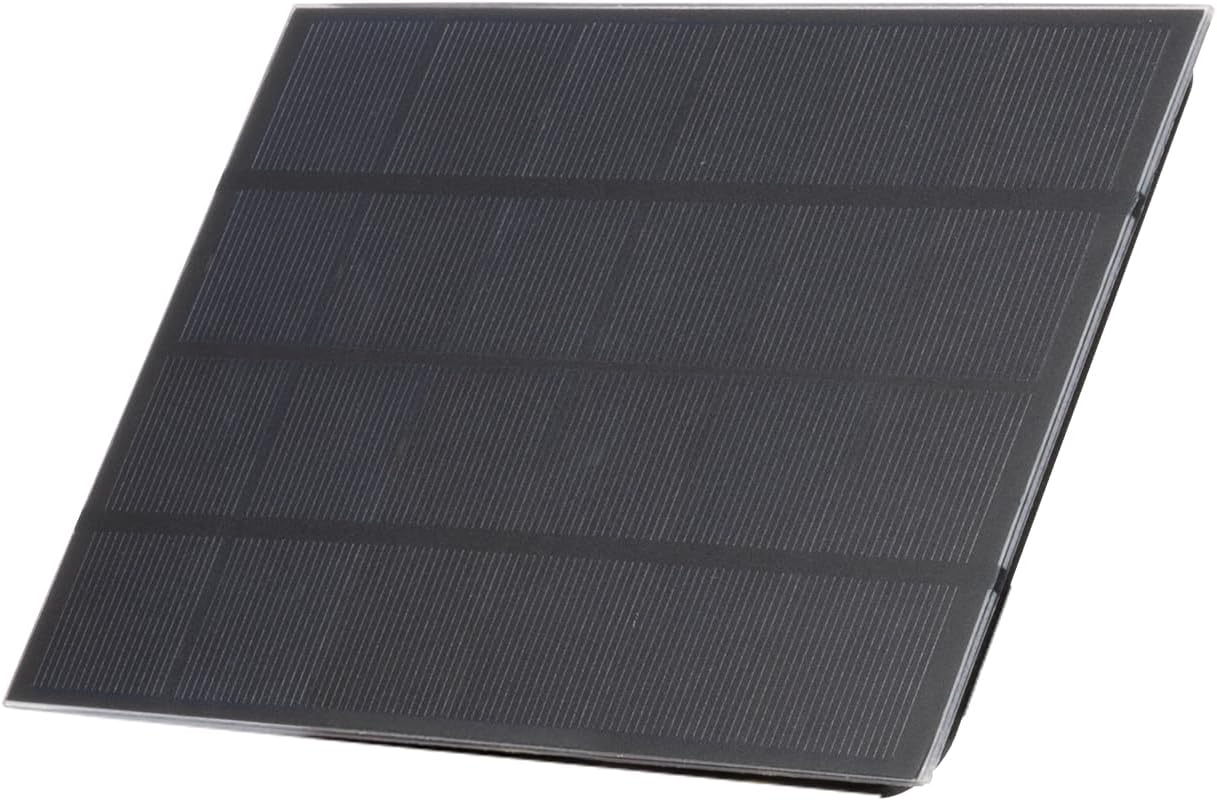
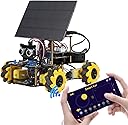
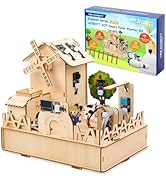
The ACEBOTT Smart Car Solar Energy Expansion Pack is a cutting-edge STEM kit designed for ages 16 and up, featuring a solar panel with PTZ servo for automatic light tracking, an ESP32 control board compatible with graphical and text-based programming, and comprehensive tutorials. This durable outdoor solar charger module enables hands-on learning in renewable energy, robotics, and coding, making it an ideal gift for aspiring tech-savvy millennials eager to master sustainable innovation.


| ASIN | B0DHS4CNVT |
| Age Range Description | 16+ |
| Best Sellers Rank | #35,196 in Toys & Games ( See Top 100 in Toys & Games ) #247 in Solar Power Kits #344 in Educational Science Kits |
| Brand Name | ACEBOTT |
| Color | Solar Energy Expansion Pack(without Car) |
| Customer Reviews | 4.1 4.1 out of 5 stars (103) |
| Educational Objective | creativity |
| Included Components | As show |
| Is Assembly Required | Yes |
| Item Dimensions | 6.7 x 1.97 x 8.87 inches |
| Item Weight | 0.61 Pounds |
| Manufacturer | ACEBOTT Co., Ltd. |
| Manufacturer Maximum Age (MONTHS) | 1200 |
| Manufacturer Minimum Age (MONTHS) | 156 |
| Manufacturer Part Number | QD008 |
| Material Type | Metal, Plastic |
| Model Number | QD008 |
| Operation Mode | Manual |
| Power Source | battery |
| Supported Battery Types | Batteries required (type not specified) |
| Theme | Solar Energy |
| UPC | 081904395140 |
R**D
Great toy definitely need to get in bootloader mode to flash
IMPORTANT! In order to flash any code to the board you need to get the ESP32 in boot loader mode, unfortunately this 3rd party board does not have a boot button only a reset button on the corner. You have to manually short 0 pin and GND (I used the GND that’s in opposite corner of reset button near the pins TX RX GND and Voltage. Connect GPIO pin 0 to GND with no battery connected, disconnected from computer, and with the top motherboard unmounted from the bottom motherboard. In the settings Gear icon of the ACEBOTT software on the computer change the BAUD rate down to the lowest range at the bottom of the drop down, I think it’s like 115200 or something. Hope this helps, spent 2 hours reading and researching the solution. Also mainly just need to use the web app code from the tutorials sample drop down box, I had v1.0 on the board so I used that version not v.2
C**E
very good
great
S**R
Good learning tool for the price
As others have mentioned the assembly instructions aren't great - it's a YouTube video broken up into steps, with each step prefaced by the parts you'll need for that step, but several times the parts list was wrong which got confusing. The other small issue is that the servos are MG-900s and as such should have metal gears within them (MG == metal gears) but they've been swapped out for plastic ones, the only metal gear is the external one. I learned this after I burned out one of the servos the first time I tried to use it. But overall the kit is pretty nice and it's a great way to learn and tinker with robotic arms on a budget. Since the only electronic components are the servos you don't even need the car kit, I just used an old arduino UNO I had lying around to control it and mounted it to a base plate.
M**A
Keeps the kids busy!
Nephew loved it!
M**N
Be aware that the tutorial’s are not clear. But the build quality is very good!
Why only 3 stars: first it’s a good quality and good to build, but.. there is no good building tutorial, the YouTube tutorial’s are really bad quality it’s not clear enough which connector goes where. There is no building guide in pdf and there is no good numbering of connectors so it’s hard to get it right. Yes we have got it to work and connected but that’s after 4/5 times reply of the tutorial’s. Also it’s hard to find if there the battery wil be charged automatically and how to do it. It’s not or it’s no were to be found in tutorial’s or with chat gpt. so we have ordered a separate chargingstation.
D**H
Good thing to work with
Exactly what it says
H**Y
Mixed Results: Good Build Quality, but Functional Issues
This kit includes all necessary components, along with a few spare parts, which is a positive. The overall build quality is reasonable for its price point (around $60), and the physical assembly process was straightforward. All parts fit together as expected, and the unit powered on with visible LED indicators. The included software uses a block-based coding interface, which is intuitive and appropriate for beginners. In “Online Mode,” I was able to successfully run a simple test program that made an onboard LED blink, confirming that basic connectivity and communication were working. However, more advanced functionality did not perform as expected. When attempting to upload and run programs (such as moving the car forward), the device did not execute the code. The only consistently working function was the LED test in Online Mode. To rule out user error, I tested a second, identical unit purchased separately. That unit exhibited different but still problematic behavior—only two wheels operated, and they did so inconsistently. Like the first unit, it failed to reliably run uploaded programs. There appears to be limited troubleshooting guidance available, which makes diagnosing these issues difficult. While the kit shows promise as an educational tool, the inconsistent performance significantly limits its usability. Summary: Pros: Easy assembly, decent build quality, beginner-friendly coding interface Cons: Unreliable program execution, inconsistent hardware behavior, limited troubleshooting support Due to these issues, I was not able to fully use the product as intended.
D**N
Didn't work
My 11 year old son built it but it never worked. We contacted customer service, tried trouble shooting, and never got a reply.
Trustpilot
2 days ago
3 weeks ago