
DOWNLOAD THE APP


Customer Services
Copyright © 2025 Desertcart Holdings Limited
DOWNLOAD THE APP

⌨️ Elevate your workspace, protect your wrists, and stay effortlessly connected.
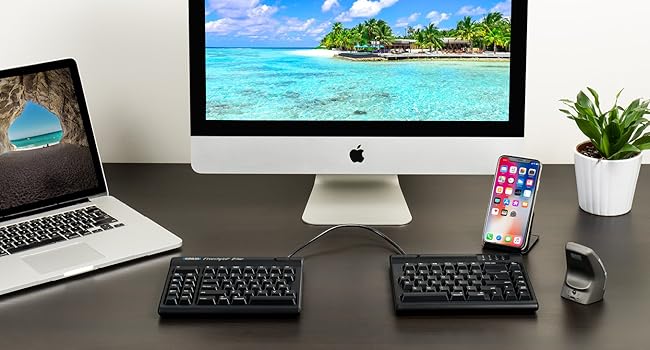
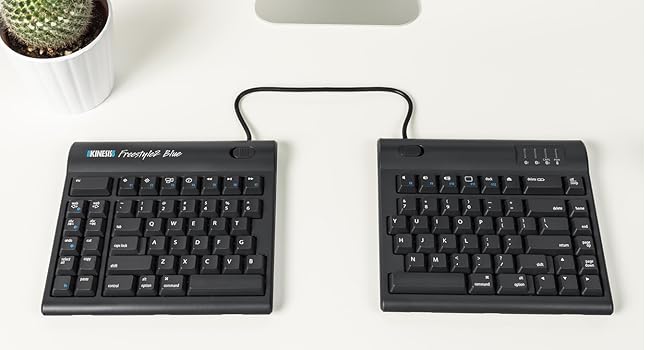
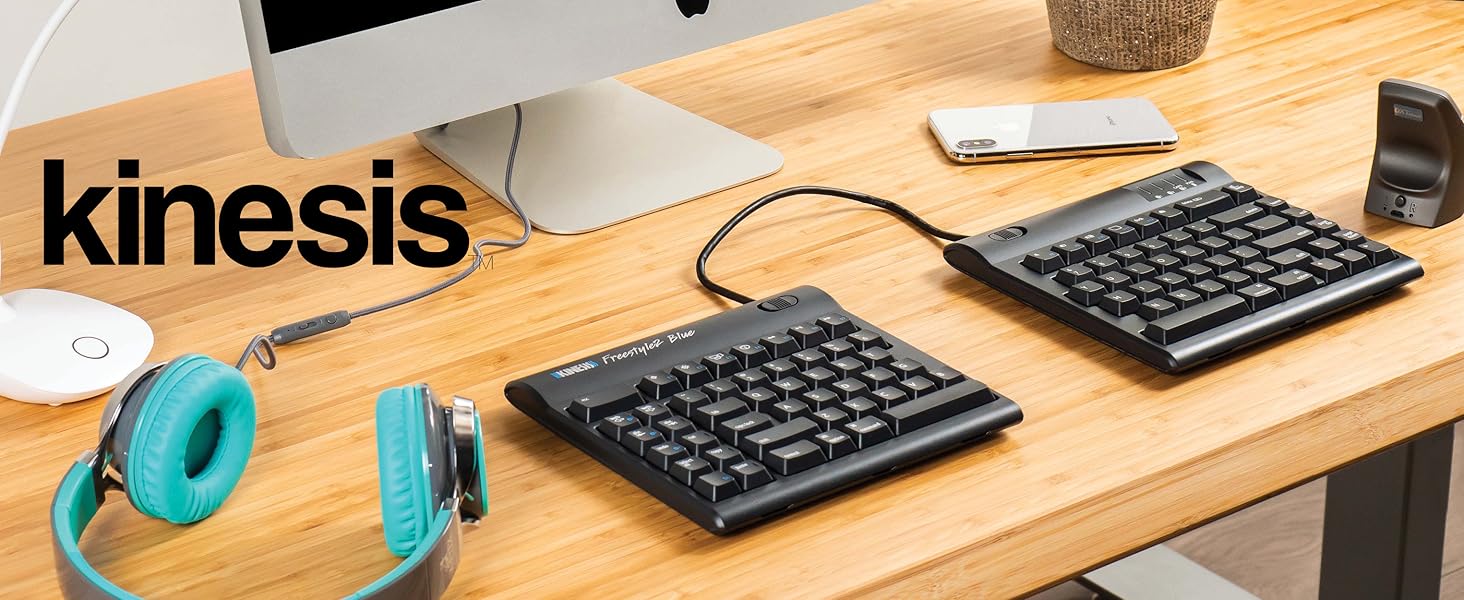
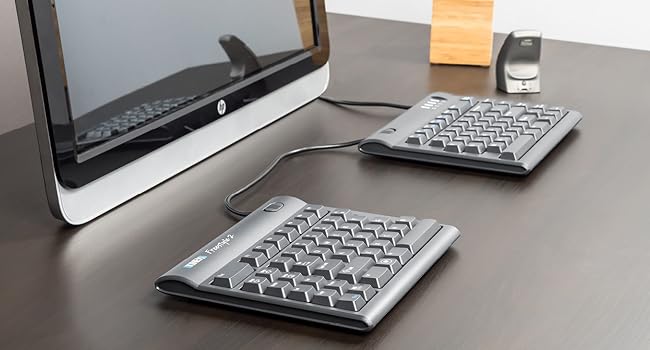
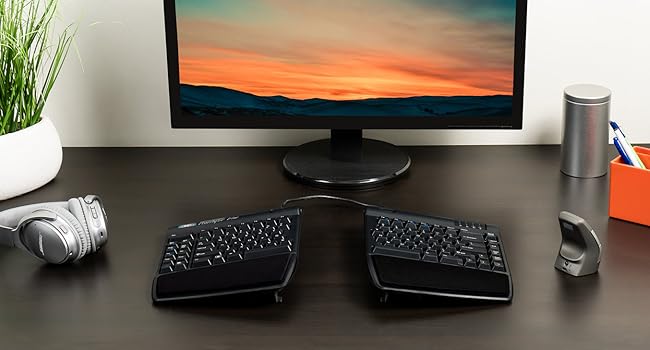
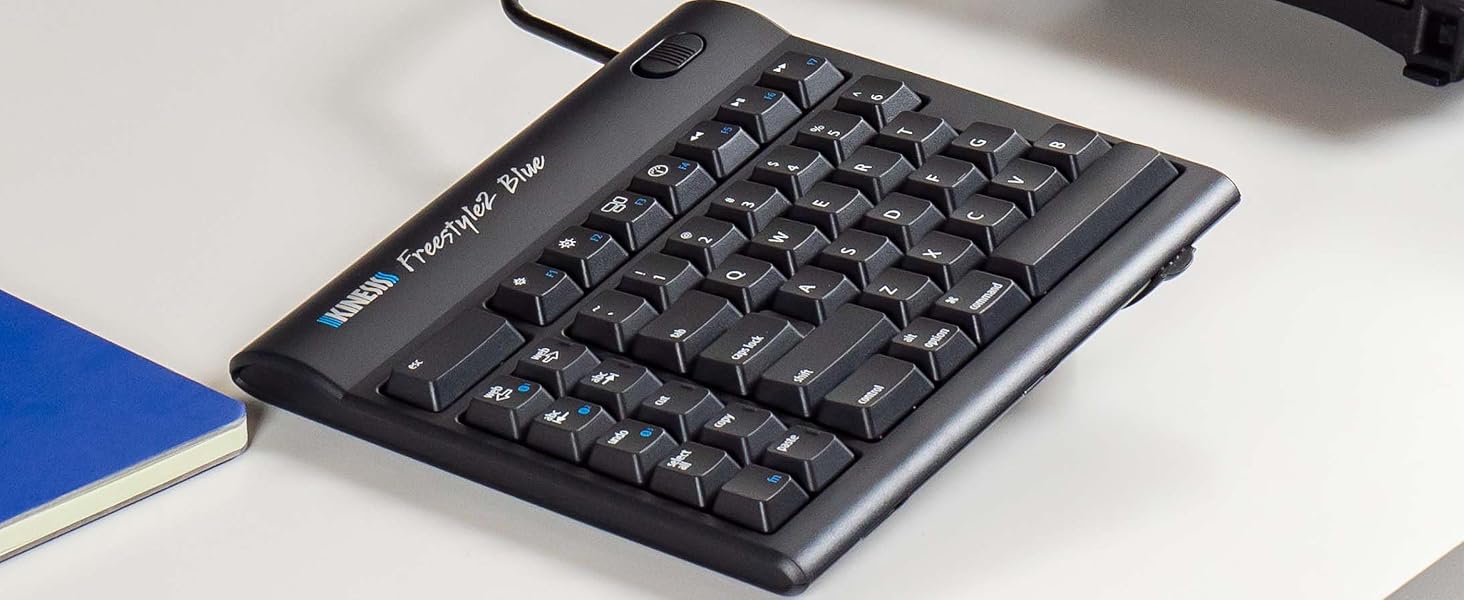
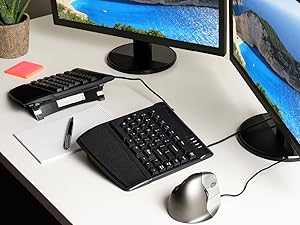
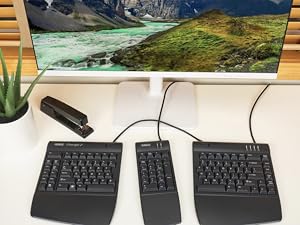
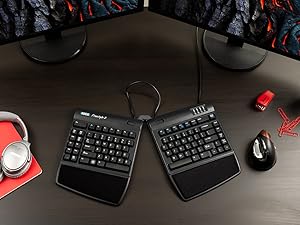
The KINESIS Freestyle2 Blue Wireless Ergonomic Keyboard for Mac features an award-winning split design with up to 9" separation for personalized ergonomic comfort. It supports multi-device Bluetooth pairing with up to 3 devices, a rechargeable battery lasting up to 6 months, and a Mac-specific layout with dedicated hotkeys. Its low-force membrane keys reduce finger fatigue, making it ideal for professionals seeking productivity and wrist health in one sleek, wireless package.











| ASIN | B00NMVJYEW |
| Batteries | 1 Lithium Ion batteries required. |
| Best Sellers Rank | #634 in Computer Keyboards |
| Customer Reviews | 3.9 3.9 out of 5 stars (662) |
| Date First Available | September 16, 2014 |
| Is Discontinued By Manufacturer | No |
| Item Weight | 2 pounds |
| Item model number | KB800MB-BT |
| Manufacturer | Kinesis |
| Product Dimensions | 15.4 x 0.9 x 7.1 inches |
T**K
Great customer service & ergonomic design!
I love that this keyboard enables me to position it as I need to ensure proper alignment of my wrists. Significantly decreases discomfort in my left wrist comparted to when I use a regular keyboards. I have used other ergonomic keyboards, but the split design of this keyboard allows me to tailor the angles to meet my needs. The keyboard was easy to connect to both my computer and my cell phone. The directions for using Bluetooth were easy to follow. Additionally, the company provides top-notch customer service. I had an issue with the power port. The company quickly replied and help me resolve the issue, and went above and beyond to ensure I was happy with the outcome. I would highly recommend this keyboard.
D**N
Not perfect but getting pretty close...
I already have used the older Freestyle 2 for years and love it. This keyboard has the same strengths -- and most of the same drawbacks. Strengths (apart from the obvious of the split keyboard and the wireless connectivity) include: - it is straightforward to pair this keyboard via Bluetooth (Linux and Windows both work; Linux can be a bit more troublesome) - the ability to switch "on the fly" from one Bluetooth pairing to another is a nice touch (really convenient if you work with two computers side-by-side) - the J and F keys have ridges (finding the correct hand position by touch becomes important given that the two halves of the keyboard can be spaced arbitrarily far apart) - nice LED indicators for 'Caps Lock', etc. - while the keys are not silent, they are not excessively loud either - the connector which can be used to hold/tether the two halves together is easily released using switches on each half - portability: the two halves can be conveniently packed into a backpack or bag Reasons I'd give it a 4.5 instead of a 5 if that were an option: from my perspectives, shortcomings include: 1. the absence of a physical insert key (only accessible using a Fn combination) 2. the size of the keys (the keys are approximately laptop-sized keys, not regular full-sized keys) 3. the keyboard itself is not backlit (I find this especially useful when working in relatively dark conditions) 4. the placement of the 6 key on the left half of the keyboard (this is fine if one uses the LH for 6 but I find myself stabbing into empty space with my right hand... while this can be relearned over time, it is hardly ideal...) 5. the wired USB connection is only for charging (if you're just trying to get something done, Bluetooth pairing can be a hassle -- e.g., this isn't the "go-to" keyboard if you want to plug into a headless server and quickly deal with something) Bottom line: overall, the wireless is well worth the minor price differential between this and the wired Freestyle 2-- well worth the additional money. If you want to take care of your hands and wrists, this keyboard should certainly be on your "short list" of those under consideration.
A**R
Good Ergo, Some Flaws
I have broad shoulders and during an ergonomic assessment they recommended this keyboard to better align my wrists so they are straight and not at an angle. It's better than the normal keyboards but still not quite wide enough for my body given the cord in-between the 2 keyboards. They could easily make this a few inches wider so it fits anyone. It does take a bit to get used to the keyboard being split. It's a brain thing and my brain adjusted pretty easily after less than a day. The first couple of hours I had to slow down a bit but my brain figured it out pretty fast. The bumps on the home keys are not pronounced so I do sometimes find my fingers are misaligned but that of course is simple to fix. The Kenisis Pro is easy to set up and use. On the PC, it does require you go into settings and connect via bluetooth. It generates a Pin. One downside is when the battery runs low and it needs to be recharged, it stops working completely and you must reset the bluetooth connection and generate a new pin. I needed a 2nd keyboard (my system has a screen lock so I needed my other keyboard to get past that). It did last more than a week, possibly 2 on one recharge so I'll try charging it in this weekend to see if that keeps it from having to be fully reset. The first one they sent had connection issues and stopped working, requiring me to turn it off and on a few times a day. I requested a new one and it arrived the next day and I shipped the defective one back so very easy. Overall I am happy with it. I hope as they improve it they can add a bit more length to the cord between the two sets and also fix the need to reset the bluetooth connection. A light to warn battery is getting low would also be helpful.
S**T
Everyone I meet likes the design concept. I did not buy the accessories yet and just have the base model. I find it very convenient compared to regular keyboards and keeping my hands further apart does help reduce strain. It works with Windows 10. I liked the concept of multiple bluetooth channels. It did not pair with my Samsung Galaxy 5 and I have yet to try it out with other versions. I have trouble with the placement of delete and backspace which causes me to accidentally swap the operations. I gave it only 4 stars because of the price. I would like to purchase the accessories to test them out buy am unhappy having to pay so much for plastic accessories that may or may not help. I was very happy with the Seller
A**O
My wrists used to hurt with regular keyboards, but since I bought this keyboard, my wrists have stopped hurting. I like the separation and the tilt. It makes typing really comfortable. I also like how I can seamlessly switch from connecting to my macbook pro to my macbook air to my ipad. I'm very happy with this purchase. The only thing I am slightly unhappy about is how additional accessories need to be purchased. Without the additional accessories, the keyboard is too low and flat.
N**C
Bought: Mar 2, 2021. Review: June 14, 2021 Use: daily (9-5pm + 7pm-11pm = 12hrs per day, almost every weekday + occasionally on weekends). This is it everyone! I have tried over 10 "ergonomic" keyboards over past few years at various jobs + purchases of my own. I will never go back to a 1 piece keyboard again!! split keyboards are the way of the future and also the way to save your body from the stress of typing all day. the pain I experience in my hands, wrists, arms, shoulders neck and back have dramatically improved. Is it gone completely? no. but I didn't expect this since I have chronic conditions that are likely to be a part of my life ongoing. But this keyboard was a huge help to keep me working and help with pain mitigation/pain management in a non-invasive and also non-pharmaceutical way. I love this thing. the reason I decided to write this review today was because today was the first time I actually had to charge my keyboard after the initital charge required when it arrived the first day. So it has been going strong for just over 3 months. AMAZING! I also absolutely adore the shortcut keys on the left hand side. the Bluetooth connection has lost connectivity to my PC only a few times (2-3), and it is super simple to reconnect. A non-issue for me. DON'T WORRY ABOUT HOW HARD IT WILL BE TO GET USED TO THE SPLIT KEYBOARD!!!I ITS NOT HARD AT ALL!!! You will find you have adapted to it within the first few days, and for me it was a breeze, barely experienced any "culture shock" moving to the split keyboard. I have zero affiliation with this brand. I just want them to succeed! My only wish is for there to be zero cord connecting the two keyboards. Otherwise it is an incredible keyboard which has been a major investment in my health. Absolutely adore it. Will never go back to the others!!
A**R
execelente
M**R
Not really up to expectation for Kinesis. The parts are not good quality at all, especially the Pivot Tether. The keys are not as good as the Advantage2 neither is the lay out. howeve, the ability to adjust the distance of the key pad is great. Can feel my body is more at ease when using this keyboard. Still worth the buy, but Kinesis can do better and have done better.
Trustpilot
1 month ago
1 week ago