We remain fully operational. Our teams are working around the clock to ensure your deliveries continue safely.

DOWNLOAD THE APP


Customer Services
Copyright © 2025 Desertcart Holdings Limited
DOWNLOAD THE APP


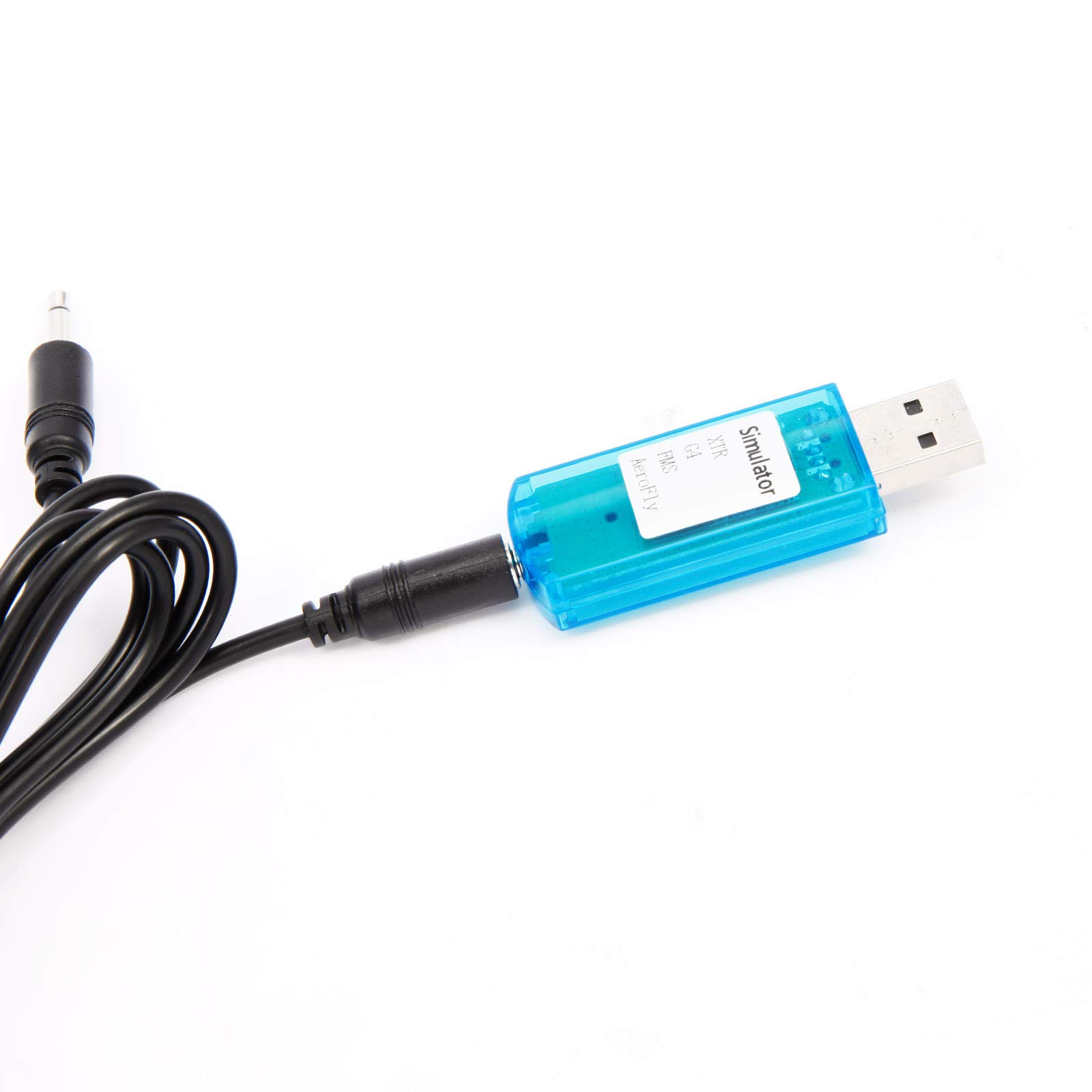


🚁 Take Your RC Skills to New Heights!
The USB Flight Simulator Cable is a high-quality accessory designed for RC enthusiasts, allowing you to connect your DX5e, DX6i, DX7, JR, and Futaba controllers to your PC. With a generous 143cm length and multiple adaptors included, this cable supports a variety of flight simulators, making it the perfect tool for honing your flying skills in a virtual environment.
| ASIN | B00HRYAM78 |
| Customer Reviews | 3.7 3.7 out of 5 stars (79) |
| Is Discontinued By Manufacturer | No |
| Item Weight | 7 ounces |
| Manufacturer | Surepromise |
| Manufacturer recommended age | 15 months and up |
| Package Dimensions | 7.32 x 6.81 x 0.75 inches |
P**.
Works with JR XG8
I actually ordered it to use it with my old Futaba FM/PCM MHz band radio. The dongle was recognized on my Windows 7 PC without any issue. However, it did not work with my old Futaba radio, so I just put it aside. I recently got the JR XG8 radio and I was curious to see if this thing will work with it. And it worked! RC Desk Pilot responded to the radio flawlessly. It also worked with my ClearView flight simulator. Overall I am very happy with it.
V**C
No User Guidance in English
The product comes with no guidance in English. Actually no guidance. The CD with the product includes a betta version of FMS (freeware RC flight simulation software), but I cannot get it to work. (Understanding is that an additional *dil file is needed?) Other installable programs are formatted in Chinese and electing to install them in English does not seem to be an option. The software provided, though, appears to indicate that one can use his/her RC transmitter with Aerofly or Real Flight G4 with cables provided. Positive: I can now use my DXe with Clear View (a cable included with the product makes it so I can use my DXe with Clear View).
B**N
Blew up my transmitter batteries
Just didn't work. Everything on the CD is in Chinese so I can't be sure but it appears that there are no drivers or instructions, just a bunch of pirated RC sim software. After 10-15 minutes of being plugged in to the trainer port of my DX6i the batteries heated up and one burst. Fortunately the transmitter still seems to work. Less than 30 minutes after I opened the package everything is in the garbage where it will stay. If you have a DX6i just use a stereo cable and the SmartPropoPlus software. It's free, it took less than 10 minutes to set up, and so far it hasn't tried to blow up my radio.
=**=
Works with Spektrum DX5e! with a little persistence.
Not easy to setup, but it works well. My computer recognized the Dongle wrong. In the Japanese document, translated with Google, it says to uninstall the driver, then restart the computer. I did that 4 times. Then finally got something with a secondary controller that I don't plan on using, An E-Flite CCPM controller does work. After that the Spektrum DX5e wouldn't work unless it was in Mix mode. Which won't work, a forward movement translates to forward and to the side. Not good. After a few tries and re-calibration it would recognize non-Mix mode. After recalibrating one last time it did work. Only one of my switches worked, so I set it to reset. Now I'm learning DRL with a real controller. Happy that it works, not happy it took my a half dozen restarts, and a few hours to get it to work. There are no English instructions, the CD does not include a driver to what I could tell, I tried the "I have the disk, Manually select driver" but none of the folders had a driver file. I'm not sure how it got the right driver. The blue light blinks constantly while in use. A little annoying.
Z**Y
Works with dx6i on Mac
Using Heli-X, I created a new acro (airplane) model on my dx6i. Didn't change any settings, simply went to an old heli model I don't have anymore, switched it to acro and reset the model. Plugged the cable in and I currently have 5 channels, which is plenty for my needs.
S**Y
Does not replace factory cable.
Does not replace the factory cable for advertised units.
M**E
Great buy.
For the price this is great. Worked with no problems.
P**4
Possible Illegal software, hit or miss hardware
Yikes where to start! The main reason for my purchase was to connect my Dx7 to Aerofly Pro (Steam edition), and lets start off by saying that all the sims seem to be pirated versions. Attempting to register and use the updater for RF results in a "This serial is black listed or invalid/ call XXX-XXX-XXXX to resolve this issue". The dongle does not even work with the "working" version of RF that is in 3 or 4 butchered languages on the disk. It wont work with the legal copy I have or Phoenix either - the latest edition of that being version L at this time. The only semi bright spot is that it kinda works with Aerofly Pro (Steam) but there was a lot of reassigning controls that needed to be done to get it to work. In the end, not thrilled with this.
Trustpilot
1 day ago
4 days ago