
DOWNLOAD THE APP


Customer Services
Copyright © 2025 Desertcart Holdings Limited
DOWNLOAD THE APP

🔗 Connect smarter, charge faster, work cooler.
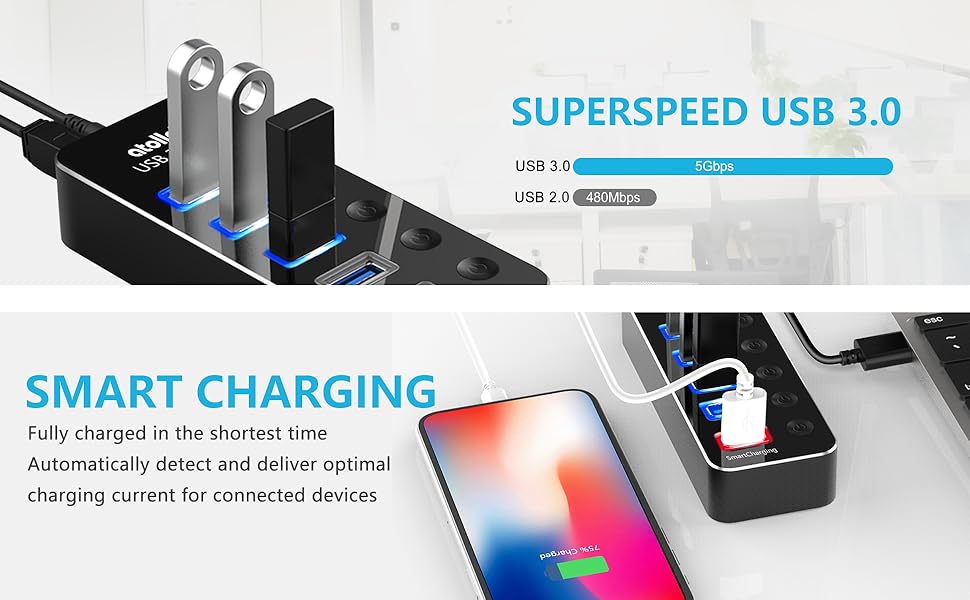
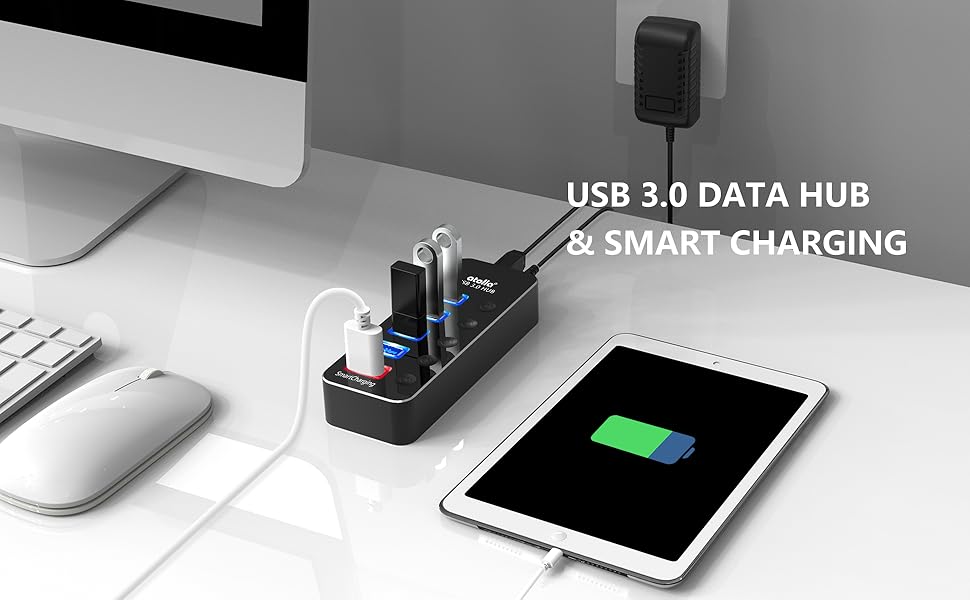
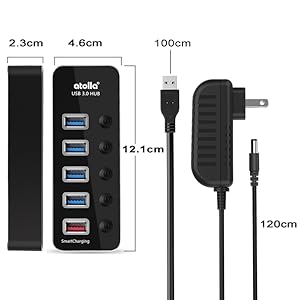
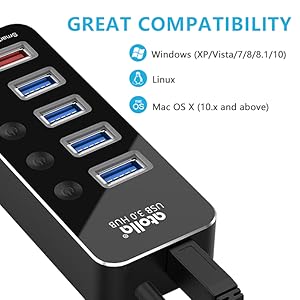
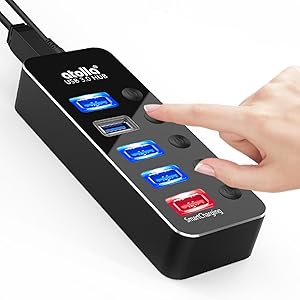
The atolla 5-Port USB 3.0 Hub combines four high-speed data ports with a smart 2.4A charging port, all housed in a sleek aluminum chassis. Featuring individual power switches with LED indicators, it offers precise control and energy efficiency. Compatible across major operating systems and backed by an 18-month warranty, it’s the ultimate productivity booster for any professional setup.

| ASIN | B08926X7LP |
| Best Sellers Rank | #150 in USB Hubs |
| Customer Reviews | 4.6 4.6 out of 5 stars (1,804) |
| Date First Available | May 21, 2020 |
| Item Weight | 8.5 ounces |
| Item model number | THX-050300KD |
| Manufacturer | SHENZHEN TIANHANGXING ELECTRONICS CO LTD |
| Product Dimensions | 4.76 x 1.81 x 0.91 inches |
G**A
Easy to use and very reliable
Love this piece. Perfect for plugging in all my usb devices. Highly recommend. Wish the cord was a bit longer.
D**S
Works Perfect
Does what it says and looks good while doing it. No complaints after several months of use.
K**T
Works
Fine. Easy to use. I didn’t use it enough and it’s now in my storage totes for my home office.
M**H
Works great for both uploading and charging!
Works great for both uploading and charging!
T**T
Nice USB hub
Solid! Nice hub, good quality.
C**N
Powered USB Hub Atolla Alum 5-Port USB 3.0 Hub w/ 4 USB 3.0 Ports+1 USB Charging Port w/ On Off LED
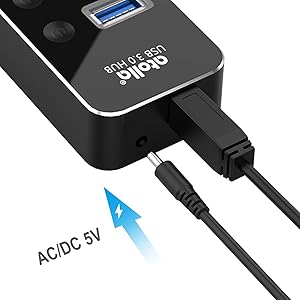
Powered USB Hub, Atolla Aluminum 5-Port USB 3.0 Hub with 4 USB 3.0 Data Ports and 1 USB Smart Charging Port, USB Splitter with 5V/3A Power Adapter and Individual Switches. Since I'm using this Atolla Hub only for a Wired Keyboard and a Wired Gaming Mouse - It's not Necessary to connect the Hub to a Power Supply. The Hub's connection to a USB 3.0 Port on the Computer supplies plenty of Power for the Keyboard and Mouse. Setup is Easy: #1- Connect the Hub to a USB 3.0 Port on the Computer, #2- Connect the USB-A Cables of the Keyboard and Mouse to USB Ports on the Hub, and #3- Push the Button next to each USB Port you're using on the Hub and Each Ports LED will Lite up BLUE. Now you're ready to Turn Your Computer ON and you're Ready! Word of ADVICE: If you're planning to use the RED Charging Port at the Bottom of the Hub - You'll have to Connect It's Power Supply to the Hub before trying to Charge anything. The Hub is of a Reasonable Size and its Case is Aluminum - Not Plastic.
W**N
Excellent Expansion of Limited USB Slots
Many newer computers lack sufficient USB slots (assume is due to use of wireless / cloud features). But some of us still need (or want) USB slots for storage of files locally, printers, external CD drives, etc. This hub provided excellent expansion capabilities with the added feature that allows one to connect / disconnect USB slots with a 1 or 2 second push of a button and a lighted notice if the slot is in use. I only needed 4 additional slots so this model was perfect for my needs. The directions are a bit incomplete. I discovered that I don't need to connect it to a power source to use it for USB sticks. The power is mainly if you wanted to charge a device (SmartPhone, Tablet etc.) I'm not sure if power is also needed for powering a DVD/Blueray burner. I'll test that after I get one during the Prime Black Friday deal days...
D**O
Powered Hub with Benefits
I needed more USB ports that would fit in a limited space. These are 3.0 ports with a USB charging port. Fit my needs perfectly and it works as advertised.
Trustpilot
1 month ago
2 days ago