
DOWNLOAD THE APP


Customer Services
Copyright © 2025 Desertcart Holdings Limited
DOWNLOAD THE APP



🎧 Elevate your audio game—plug in, record, and own every sound moment!
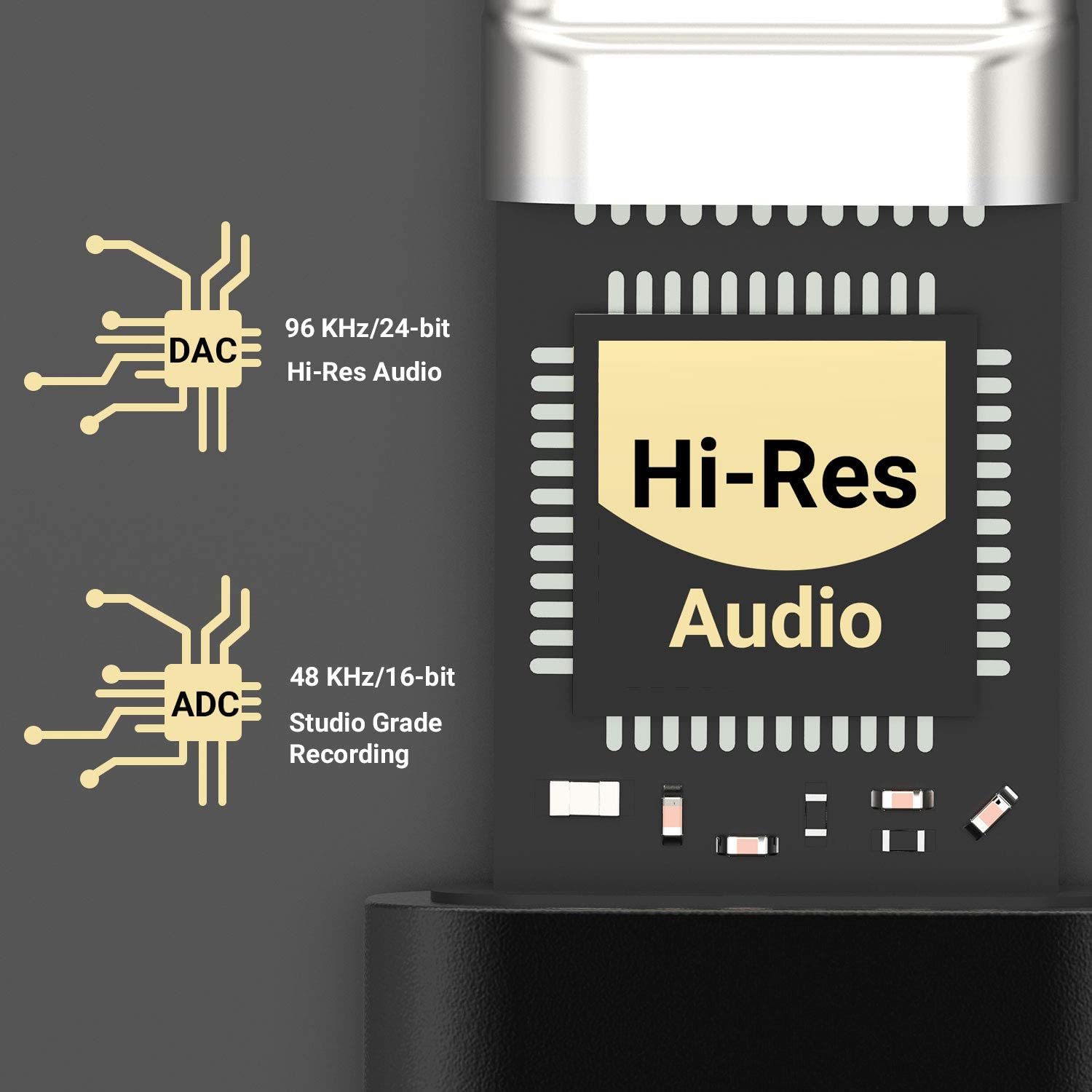
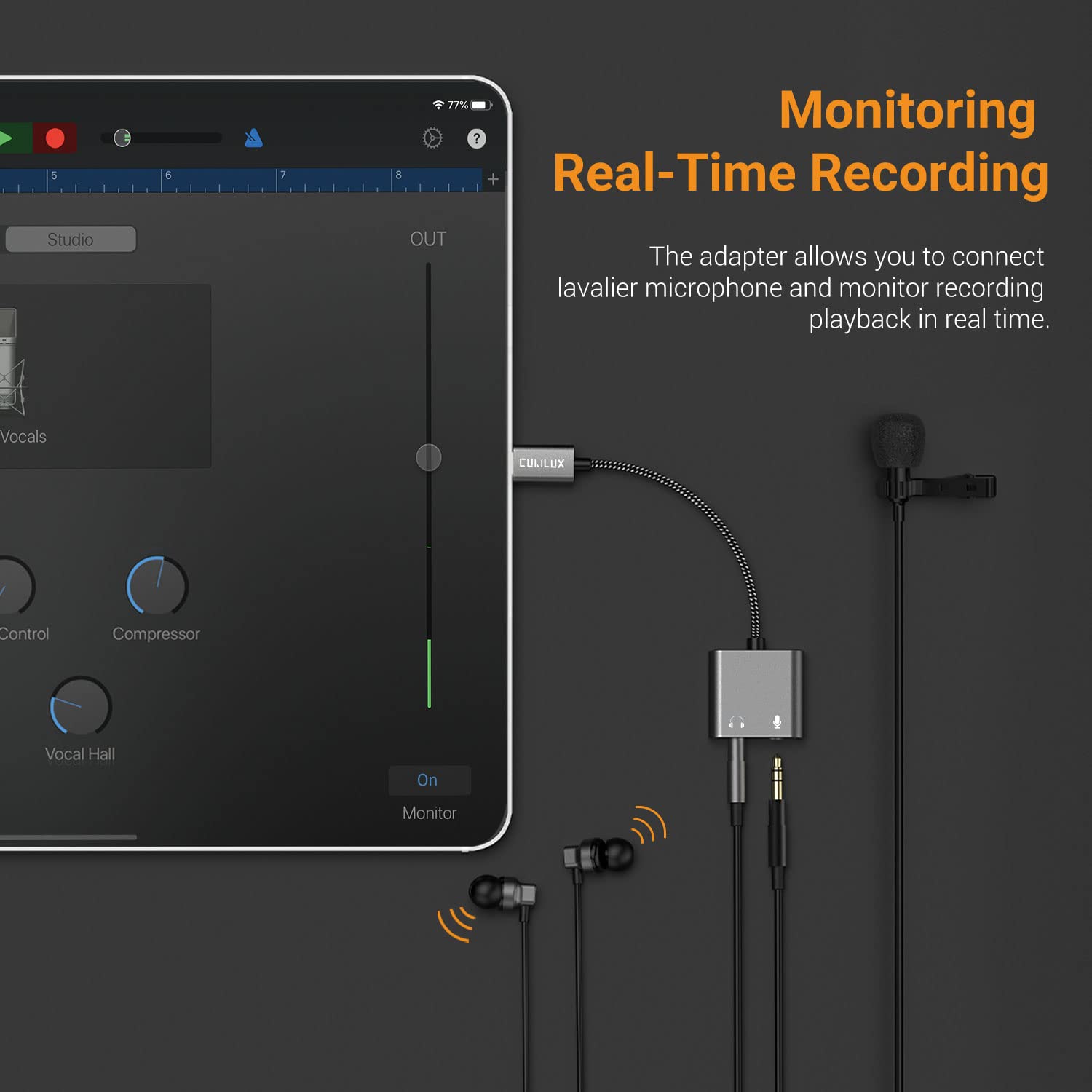
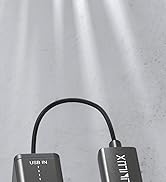
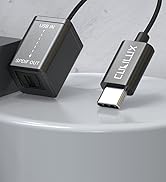
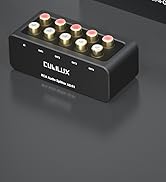
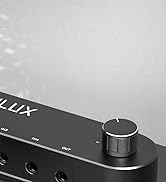
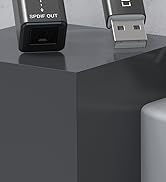
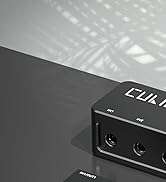
The Cubilux USB C to TRS Microphone Headphone Splitter is a compact, high-fidelity adapter that enables simultaneous microphone input and headphone output on USB-C devices. Featuring a high-resolution DAC and ADC, it supports crystal-clear audio recording and playback up to 96kHz/24bit and 48kHz/16bit respectively. Compatible with a wide range of modern smartphones, tablets, and laptops, it bridges legacy 3.5mm headsets with cutting-edge USB-C technology, ideal for professionals seeking seamless audio solutions for meetings, content creation, and live streaming.



| ASIN | B07KPY6BKG |
| Best Sellers Rank | 284 in Headphone & Earphone Adapters |
| Guaranteed software updates until | unknown |
| Item model number | 35YFEP8S |
| Manufacturer | Cubilux |
| Package Dimensions | 6.35 x 5.59 x 1.02 cm; 18 g |
S**N
Plug in and start recording
I have iPhone 15 pro and a Sennheiser XS wireless lavalier mic terminating on a 3.5mm jack, I previously had a working system on iPhone 13 using a Rode TRS to TRRS adapter and the Apple 3.5mm to lightning adapter. I tried Apples USB-C to Lightning adapter which I was assured would handle audio, it did not, iPhone just saw it as headphone plugged in. However this little unit worked a treat, I plug the 3.5mm TRS cable straight from the mic and iPhone 15 recognised it straight away as USB mic. Perfect!
B**6
Tricky to link a radio mic to an iphone 15 pro max, but got there in the end. Sound quality fine
Not sure how many people will use it in the same way I have, but just in case, here's how. I have a radio mic (with a 3.5mm jack) I wanted to plug into an iphone 15 pro max. It drove me nuts trying to make it work, but at last I think i've cracked it. Download the Black Magic app for the iphone, and in the BM settings go to 'Audio Source'. This will show the iphone mic only. Then, plug your radio mic receiver unit into the HEADPHONE socket on the Cubilix device, NOT the Mic socket! Plug the Cubilix into the iphone USB, and after a few seconds the BM app should show 'USB Device'. Only then should you replug the jack into the (proper) MIC socket on the Cubilix. Now turn on your radio mic and all should be well. You can go to an audio-only App and that too should be receiving the Radio Mic audio. You can listen back on headphones to confirm. If you unplug the Cubilix however, you need to follow the first few steps again. Basically, you have to trick the iphone into doing the right thing. Good luck!
M**S
Cubllux usb with android and music software
Works great. I would like to have had the mic input as a stereo line in option as well. Maybe Cubilux will produce one soon.
M**N
Does the job
No problem, perfect for my iMac and Behringer mixer using mix minor.
A**H
Doesn't work with iPad mini 5
Very neat little thing but plug to iPad ini 5 wrong. My mistake and will have to return.
D**E
DOES make my phone show "external mic"
This is a quick and easy way to get my “Moto G9 Play” to show “external mic” when using standard camera app and “audio recorder” app. There's definitely a small amount of noise listening via the headphone socket and you can hear the difference between my DSL's mic and the dynamic one going through the convertor in my video. Not too much added noise via mic and would work nicely when traveling and needing a better mic than my phones. No clue how long it'll last. It's smaller than I thought. The price is £5 too high. It is shown in my video to work with a dynamic mic AND records from line in also in MONO.
B**N
Transforms my phone audio
The phone camera is good, but adding extrenal radio-lavalier mics makes it into a pro tool. This little widget and Filmic Pro gives hollywood quality for a fraction of the cost.
M**N
Not working
not working
M**R
necessaire pour branché écouteur et micro sur iPad Pro. Fait un bon travail
A**Y
Doesn't work with OnePlus Nord. EDIT: It does seem to work. When it doesn't I think it's the phone's fault actually. Never buy a OnePlus!
T**S
Wird automatisch in den Systemeinstellungen erkannt und funktioniert an einem MacBook Pro und iPad Pro einwandfrei.
S**L
So the Vive Pro has these two mics, one for ambient noise cancellation and one for voice... They are both pointed at your nostrils so you sound like Darth Vader without his inhaler in VR. SOME people have mic issues with their VR that causes them not to be heard, something with the built in mics and the HDMI/USB connection adress they are given I guess. Either way, this is a quick and easy fix for both those problems, just plug it into the USB-C in the headset, velcro it to the side, and pop a gaming headset mic into the mic port on the unit, and you're good to go. IT WORKS AWESOME, the audio quality is better since you can use a decent condenser mic on it, or a nice gaming headset mic, and you can position the mic where it has the best chance of picking up voice and not breathing (your friends will thank you) (I know my cable is routed weird, but there is a kink in it and i don't want it to break a connection) But yeah, this thing is awesome and if you ever need a sound card for a device that has a messed up internal sound card, OR none at all that has a USB-C connection, this is a great choice. And for the price, you can't go wrong! AND on top of all that, if you are buying it for your Vive Pro, it matches ^O^
M**N
I have a mac mini which has a single combination mini jack for audio input and output. This device turns out to be a solution to wanting to record an instrument and monitor at the same time. It works well for me, but as far as durability- time will tell- just in case there is a problem it does come with a 12 month warranty.
Trustpilot
3 weeks ago
1 week ago