
DOWNLOAD THE APP


Customer Services
Copyright © 2025 Desertcart Holdings Limited
DOWNLOAD THE APP
![Norton 360 Platinum 2026 Ready, Antivirus software for 20 Devices with Auto-Renewal – 3 Months FREE - Includes Advanced AI Scam Protection, VPN, Dark Web Monitoring & PC Cloud Backup [Download]](https://m.media-amazon.com/images/I/71OFYR9xzUL.jpg)
🛡️ Stay one step ahead—secure your digital life like a pro!
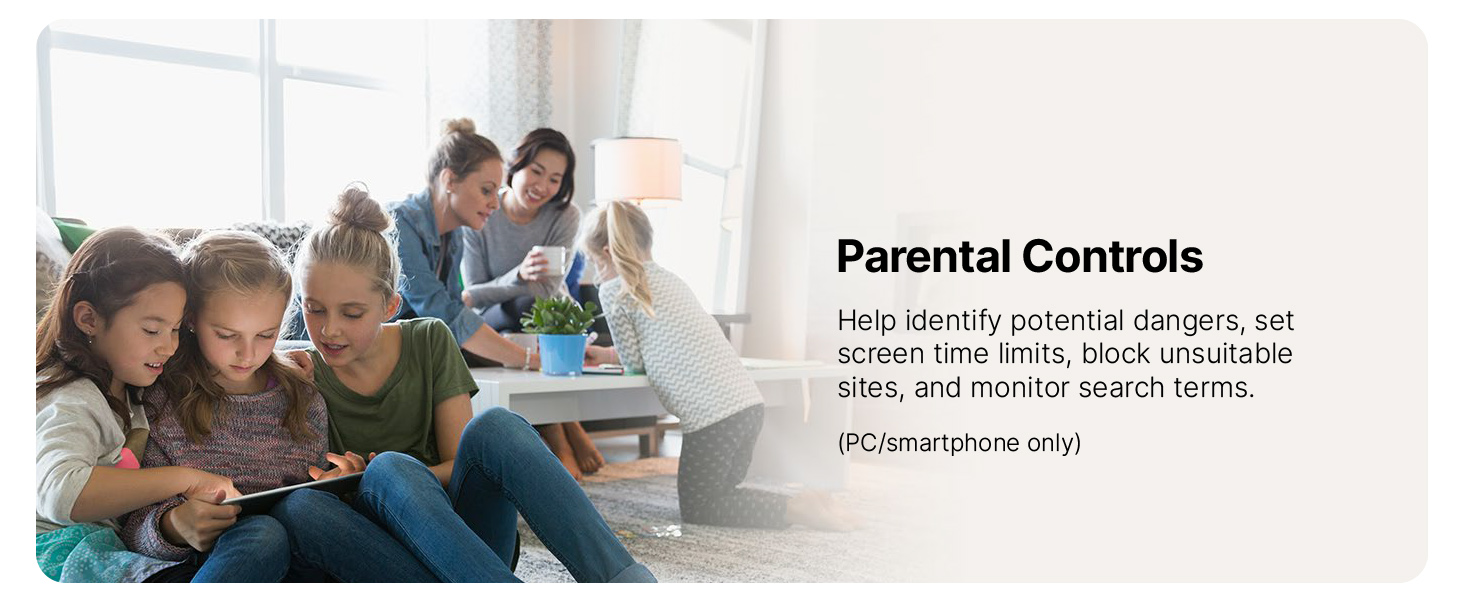
Norton 360 Platinum 2026 offers robust, AI-enhanced antivirus protection for up to 20 devices across all major platforms. It combines real-time malware defense, advanced scam detection, a secure VPN, dark web monitoring, and 100 GB of cloud backup to keep your data and identity safe. With auto-renewal and instant download, it’s the ultimate all-in-one security suite for professionals who demand seamless, comprehensive digital protection.





| ASIN | B07VGCN1K2 |
| Best Sellers Rank | #48 in Software ( See Top 100 in Software ) #25 in Internet Security Suites #35 in Mac Software |
| Customer Reviews | 4.1 4.1 out of 5 stars (2,248) |
| Date First Available | January 1, 2020 |
| Manufacturer | NortonLifeLock |
K**G
Norton 360
Amazing and covers up to 20 units. Cost is competitive and download speed fast. It helps me to keeping my computers sales. I love the anti-phishing block and ads blockers on my workstation. I love this product and it suggests more prompts on how to keep ones computer running smoothly.
H**N
Great product
Great anti virus protection
D**Y
SCAMS instead of SCANS! BUYER BEWARE!
Why did you pick this product vs others?: It was offered at around 70% off to cover 20 devices--and for 15 months instead of 12. It had been a long time since I used Norton, and it seemed like a great deal with all the protection I would receive. I'm now about 2 weeks into my subscription, and I'm going to uninstall this garbage from my computer, and I will never purchase a Norton POS product again. When I first installed it, I spent about two hours going through the features: seeing my info that was found on the dark web (supposedly) and requesting sites to remove it, the secure VPN, the cloud backup, etc., and it really felt like I was doing something. But starting the second day, my computer began slowing down and continued slowing down gradually each day after. Playing hearts on Yahoo was so slow, it took longer than 30seconds to play a single card, and I kept getting booted. So I ran smart scan. Suddenly I had all these "issues" that was slowing my computer. "Registry errors" and "startup clutter". Problem was, the 360 software didn't/couldn't fix these issues--but for ANOTHER $70 I could get an upgrade, THEN I could fix my computer. So all these features to the current 360--it can monitor the Dark Web...and detect AI scam language, backup my cloud storage-- but it can't fix "startup clutter"? WTHEACTUALF was going on here? By the end of the first week, I 'submitted some feedback' Norton (no response as of yet), and cancelled my auto-renew. Now IT'S A REALLY SLOW COMPUTER on yahoo games, but FB isn't slow. Youtube isn't slow. Only the one thing that I spend most of my internet time on--yahoo hearts. So I stayed off hearts for a few days, unplugged my router, and waited. Today's scan revealed almost 12000 issues that are slowing me down, but again, the Norton that bragged in its ad about how it can protect me from all this danger, now suddenly can't do jack sheet unless I spend more to buy an upgrade. But all their assurances ('there's no need to pay now, we just need a card on file", and "cancel any time you want" and "payment won't be due until almost 2027") is sounding more and more like a long con. And odd that only the thing I spend most time doing is the only thing affected--almost like Norton puts its own malware in your system when you download their software to bog down whatever sites you visit the most to make you more prone to upgrade and signing up for auto renewal. Something stinks here, and I believe it's Norton's azz. A waste of time and money. I wouldn't keep it now if they GAVE their software free for life.
D**E
I guess it's working....
So I am somewhat frugal (cheap) when it comes to certain services on the PC's and devices in my household. I have for years got buy on Avast, Avira, and even recently good ol' Microsoft Windows Defender. Defender or whatever it is branded now is actually not as bad as it was when it initially launched eons ago. Recently, a friend who has used Norton protection for years told me about the 20 device Platinum package on a daily deal from Amazon. I know Norton has had its ups and downs too over the last decade but I believe in the last 3 or so years, it has actually gotten decent again. After doing some research and reading some reviews from PCMag and other Internet sources, and having yet another friend also say he has been using it forever, I took a chance and bought it. Amazon sent me a product activation key and it was no big deal to sign up for a Norton.com account. From there I was able to login and register my key. Sure enough, it gave me 15 months of service so I am good till early April 2022. From the online dashboard, downloading the client for PC was straightforward enough. There is a tiny downloader that they push to you and from there it downloads roughly a 250MB package that installs the client. It appears they do some "magic" because once installed, it was intelligent enough to activate itself and I did not need to log the Norton client into anything. It just activated and registered itself as one of my devices. So I did this with 4 desktop PC's and 1 Dell laptop. All no issue. Now to be clear, from each PC I did have to log into norton.com to get the installer and after each successful activation, the norton.com portal did show a device registered. I also installed the mobile version as well on the 4 Android phones in my household. The norton.com portal had a QR code that my old Samsung Galaxy S9 recognized by just pointing at with the camera. It sent to a link in the google Play store, installed itself and it also seemed to register itself without issue. Setting this up was a little more tedious as the mobile client walks you through finding the Norton 360 service and basically giving it free run of your phone. Again, was not hard. Just took a little time. I did manage to set the VPN to auto so it appears if you are on an open non encrypted wifi the VPN client should kick in and encrypt your mobile data. The remaining 3 android phones were a little more cumbersome. I did the camera trick with the QR code again on my daughter's Motorola G Power and it went to the app in the Chrome browser not Play store. So it wanted me to sign in with her Google account credentials and I did not understand why it did not work as smoothly as it did on my Galaxy S9. However, I did figure out I could just install the Norton 3760 mobile app directly from the Google Play Store app. When launched, it asks you to sign up and subscribe or just login in. Logging in with my existing newly created norton.com account was sufficient and the mobile app was sufficient to activate the phone. I did this for the remaining 2 phones. Just downloaded and signed into the Norton 360 mobile app. Didn't bother with QR code. Setting up the remaining 3 phones was the same. Just let the Norton 360 mobile app tell me to give permissions to the Norton 360 service on the phone, set them all to Auto VPN. Done. So installation and set up was easy enough. I used Live Update on the PC's and watche dit update virus definitions and patch the client. I played some with the VPN. I have 1Gb Fios. The Norton 360 PC client has a place to turn on the VPN. Just a toggle On and it says the connection is secured. If I did a "What is my IP" in Google my IP address was definitely different than what my Verizon Fios IP was. Matter of fact doing a lookup the IP range I was on appears to fall into Amazon Web Services ranges. Also going to speedtest.net it said I was coming from Amazon. Speedtest.net had me connect to some west coast server. Speeds were around 300Mbps up and down. So seemed plenty quick. I looked a little at the Firewall. I do have some holes punched in the Windows firewall on my PC's for various servers. Filezilla, Minecraft, Serviio come to mind. While I figured out how or so I think I have, to manually add custom rules to the Norton firewall, I have not had a chance to see if I can get my custom ports configured correctly and working. Not that I am an expert of any sort, but I was fairly competent at getting the proper holes punched in the Windows Firewall. Guess we will have to relearn Norton firewall. My son absolutely refuses to let me install it on his desktop gaming PC and his laptop. HE is kind of paranoid that it will break his game servers and such too. He still runs standard Microsft Defender. To be honest, I never really had an issue with virus infection. Granted I do not do anything overly risky online. I try to be diligent about phishing emails and things that just look sketchy. Still, I received an email spam once that had a partial password in it threatening me to pay bitcoin or else alleged pictures of me looking at unscrupulous material would be emailed out to friends and family. While I do not have a webcam pointed at me at any given time and I do not look at such materials anyway, I was more concerned about the spam having a partial password. The scrupulous individual claimed he used a keylogger. So my concern was did my freebie AV solutions not catch the keylogger? Which machine was compromised? What did I even do to get compromised? So I figured like I said before a paid solution may be better than a free one. Just because I am paranoid does not mean that they are not out to get me. Lastly, I am concerned about the renewal process. So you have to sign up for Auto Renewal. My referring friend advised me that come Holiday season 2021 I should be on the look out for another holiday deal for Norton. Whether it be an extension of the current product, a new product or what not. I guess renewal at Norton rates is in excess of $120. However, if I can get another holiday discount, I can sit on that key and say a week or two out, cancel auto renewal. Then when the current license expires, just enter the new key into my norton.com account. My friend advised me he has done this method for years. Only caveat he said is that if you enter a new license key into an existing subscription, it will destroy your existing license, forfeit any remaining time on that license and start the new one. In this day and age with Google Calendar and Alexa to remind me about things months away, I am confident I will "remember" with help to stop auto renewal. You need to keep the auto renewal enabled so that Norton will honor their Antivirus promise. As it is now that I am actively subscribed and auto renewal enabled, I do not see any place to enter a key anyway now. I suspect this will change either when I shut auto renewal off and/or my current subscription expires. Hopefully after having 15 months with the product I will have a better feel for its effectiveness and value. As of now I have 9 out of 20 devices activated. Maybe I will update this review periodically as it has a chance to gestate on my devices.
D**L
Great Option for Renewing Notion
Antivirus is unfortunately a necessity in today's world. This package also includes VPN and some other functionalities. The problem is once you have an antivirus the manufacturer tries to auto renew you at a much higher price than buying a new edition each year on Amazon. Typical I'm saving $30-$45 a year by buying a new edition each year. Be sure to turn off the auto renew when setting it up and watch that Norton doesn't "courtesy renew" (charge you for a renewal) that they claim is a courtesy that occurs 30 days before your expiration because they "don't want you to accidentally not have an anti virus". If they do, you have to contact their customer service and they'll refund the nearly full priced renewal they tried to force on you.
V**5
Great product fast delivery
The download offers different downloads. I've been a Norton engineer and downloaded the wrong product by mistake. Still a good product but too busy to remove downloads and start over
Trustpilot
2 months ago
2 days ago