

Desert Online General Trading LLC
Dubai, United Arab Emirates
Desert Online General Trading LLC
Dubai, United Arab Emirates


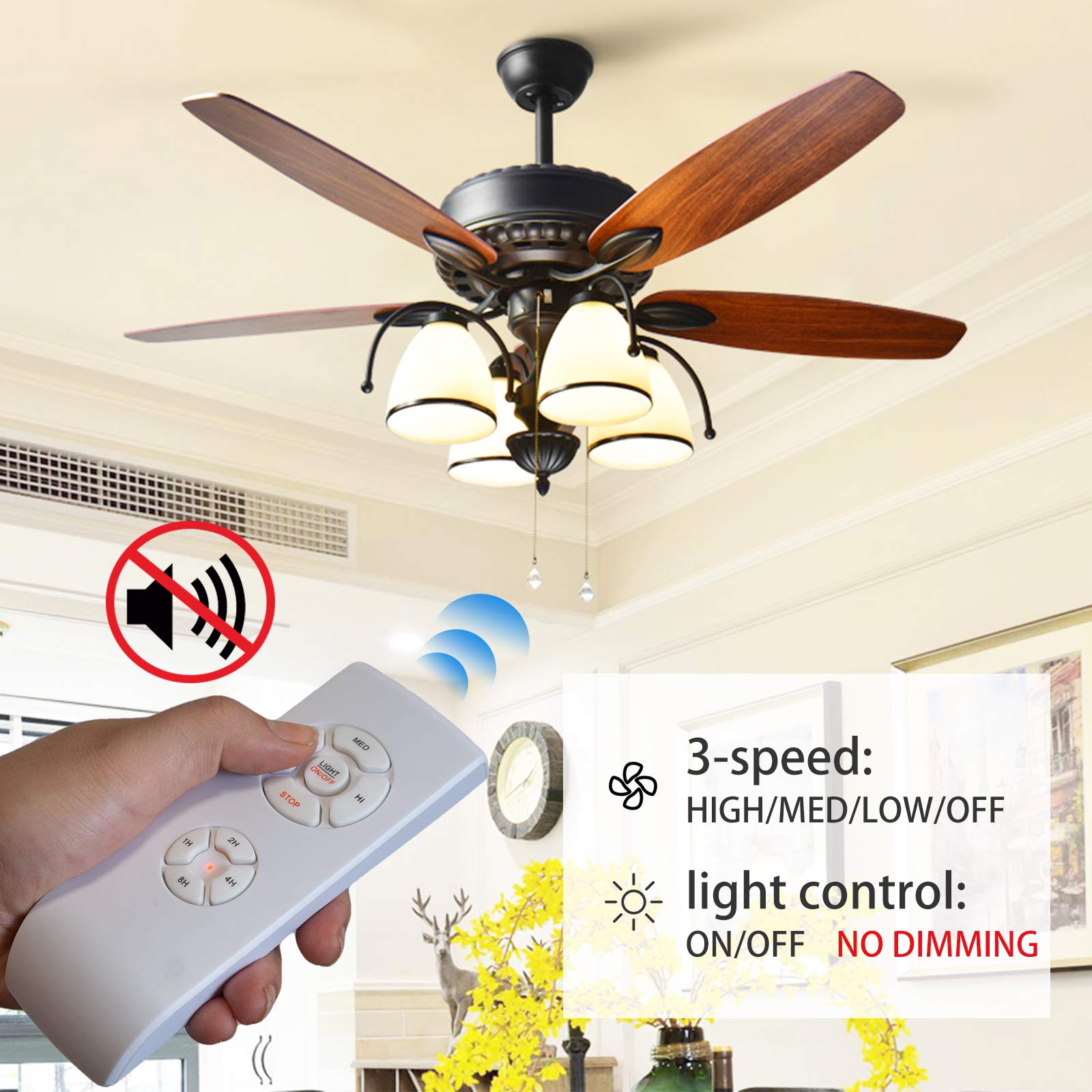


🌀 Upgrade your airflow game—control comfort with a tap, not a hassle!
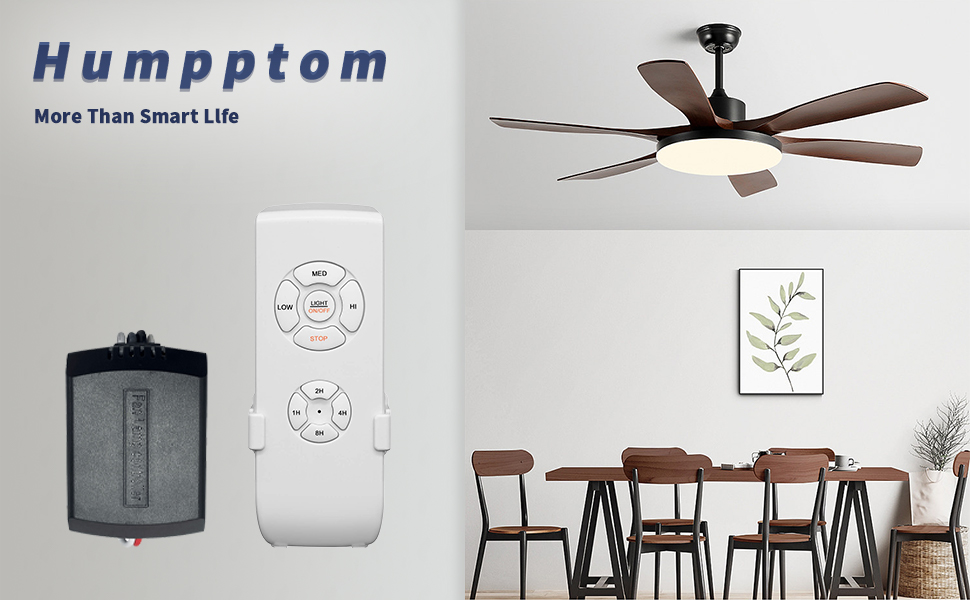
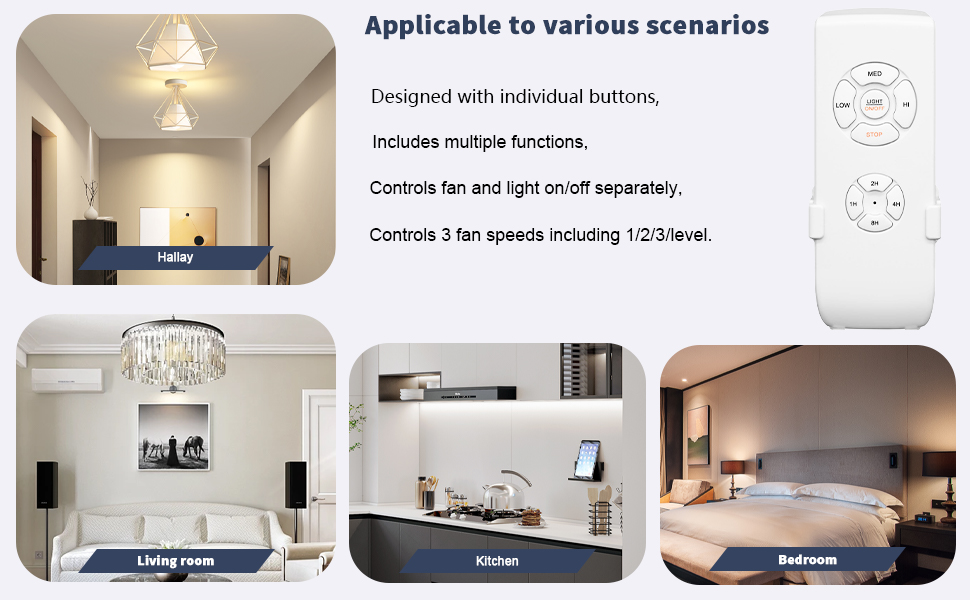
This Universal Ceiling Fan Remote Control Kit offers a compact, easy-to-install receiver compatible with major fan brands like Harbor Breeze, Hampton Bay, and Hunter. Featuring a silent operation mode and a customizable 1-8 hour sleep timer, it replaces original remotes effortlessly, enhancing your fan control experience with modern convenience and sleek design.

S**R
Easy to install. Power Failure Test Results
Why did you pick this product vs others?:Ceiling fan remote control. Non-Dimable model. This WiFi remote control ceiling fan controller was simple to install and to pair with the Smart Life app. Power Failure Restore Mode**. I saw some reviews talking about power failure restore modes, worried that the light comes on when the power restores so I did some testing. I purchased two units and tested both and have found that when the power restores, the fan resumes the mode it was in when the power went out. This is the same for the light, and the fan speed. If the light is on, it comes on after a failure. Off, but fan on, it restores that mode. So tip, if you had the light on when the power went out, and you are going to bed or away, you could pull the chain on your fan to turn the light off that way so it doesn’t wake you up in the night. Just remember that so you can pull the chain again to get your light back on. But regardless, it works great. Installation**. Installation was simple. I was replacing a different remote control and wire for wire, it was the same as the old remote. There are two wires in, Hot and Neutral, and three out, two to the motor and one to the light. These wires are clearly marked. For a normal supply line, you would connect the black wire to the red wire on the fan remote input, and the white to the white. The green, or ground wire should be attached to the fan bracket and green wire on the fan, but if you’re just adding this remote, that should already be in place. The overall size was not as long as the ones I was replacing, but it was slightly taller which made fitting into the fan bracket tight, but I was still able to make it fit.Pairing**. Pairing with the Smart Life app was simple. Open the app, press the + icon, then turn the power on to the fan. If the fan has been powered for more than a few minutes, simply press the fan STOP button and hold it for a few seconds until the light on the fan flashes twice. It then showed up almost immediately in the app. I saw one review of someone who doesn’t have a light kit. That doesn’t matter, just hold that button for 5 seconds and you should be good. The flashing light just is an indicator. I did install and pair one fan, then pulled the power wire on that one when I powered up to pair the second fan. Both were on one breaker with no wall switch, so this was an easy way to keep the two from trying to simultaneously pair. Through the app, I created a group so when I ask Alexa to turn on the lights, both fan lights come on. Same with the fan motors. Each fan also has a unique name so I can ask Alexa to turn them on or off individually if I want, but I rarely do that. Two fan installation**. I have two fans on my back porch and had seen that this unit does not have dip switches to have the remotes work individually. I found that wasn’t a problem though and the fans came up as individuals and each remote controlled only the one that it came with. I see in the instructions that you can re pair a remote control with a fan though by turning off the power to the fan for more than five seconds, then when you restore power, immediately press and hold the Light and HI buttons for five seconds to repair. I did not try that, but it sounds like you could set it up to use one remote to power and control two or more fans together. The price point is great and we’ll see how long they last, but for now I give it a full five stars. Well designed and works great.
R**W
Works flawlessly on my Harbor Breeze Fan
I'll try to keep this short and to the pointPros: Affordable, Easy to Install, Zero Fan Hum, Easy pairing, seamless integration with Alexa and Google with full control of both the fan and light using voice plus an RF remote for the less tech savvy.Cons:. The dimmer box is big and barely cleared the top of the rotating part of my fan assembly but with some zip ties pulled tight I made it work but of course your millage will vary depending on your fan type.Detailed Summary.I have three identical fans in my home, last year I bought the much more expensive Lutron Fan controller so that I could be a slob and not have to get up to pull the chain. Installation of that was easy as it was just a switch change but it offered zero lighting control and my fan hums like crazy using it. Like you can feel it on the ceiling. So I only installed it on one of the fans.Fast forward and I changed out the lights on all three fans from one that used little dinky candalebra bulbs to a 4 light monster that used regular A19 bulbs and this made them so much brighter to the point I needed a dimmer when it was dark out. I was looking for a product that was Alexa capable and had fan and dimmer control and came across this product. It was easy to pair and install except getting it mounted in the housing. It's a decent size unit but if you work it you can zip to it in place. I love how I can dim the lights, turn them off and set the fan speed using the remote, the app or my voice and best part there is no need to have two lower leads going to the fan and their is ZERO fan hum.I'm going to order a third one of these modules and rule out the expensive Lutron one because this one is so much better because it doesn't hum.
T**N
Works Well, But Installation Instructions Need Help
I bought this remote because my ceiling fan had more mood swings than I do watching reruns of The Office. One day it worked. The next day it spun like it was trying to launch into orbit. I needed help. Enter: Humpptom.First off, the name Humpptom sounds like a Victorian butler who moonlights as a rapper, but don’t let that fool you. This thing works.The smart fan controller works as advertised, but the installation instructions are missing some important steps. Setup was mostly fine—aside from trying to wedge the compact receiver into the ceiling fan's control box, which was a tight squeeze. Think “stuffing a sleeping bag back into its pouch” energy. But I got it to fit.Heads-up: it only works with 2.4GHz WiFi. If you’re using a newer WiFi 6 router, you may need to create a separate 2.4GHz network or use your router’s guest network to get it connected. Ask me how I know (no, actually don’t).To get it working properly, you’ll need to:Follow the fan and wiring instructions (don’t freestyle it).Download the Smart Life app.Pull the fan and light chains once each to set them to “on.”Use the remote to turn both off.Hold the light + high buttons on the remote for 5 seconds until the light blinks—this puts it into pairing mode.Add the fan in the Smart Life app under “Ceiling Fan (BLE+Wi-Fi).”Link it to Alexa or Google Home, and rename the devices so you’re not yelling “Ceiling Fan ABC123” like a robot.Once configured, no issues. The remote is responsive, no buzzing, and while there’s no dimming function (seriously, they warn you about this like it's a plot twist), the fan speeds and light toggle work great. Voice control is smooth, and now I get to shout “TURN ON THE WIND” like a suburban weather wizard.P.S. This remote is officially smarter than my toaster and half my fantasy football league.
Trustpilot
2 weeks ago
2 weeks ago