We remain fully operational. Our teams are working around the clock to ensure your deliveries continue safely.

DOWNLOAD THE APP


Customer Services
Copyright © 2025 Desertcart Holdings Limited
DOWNLOAD THE APP
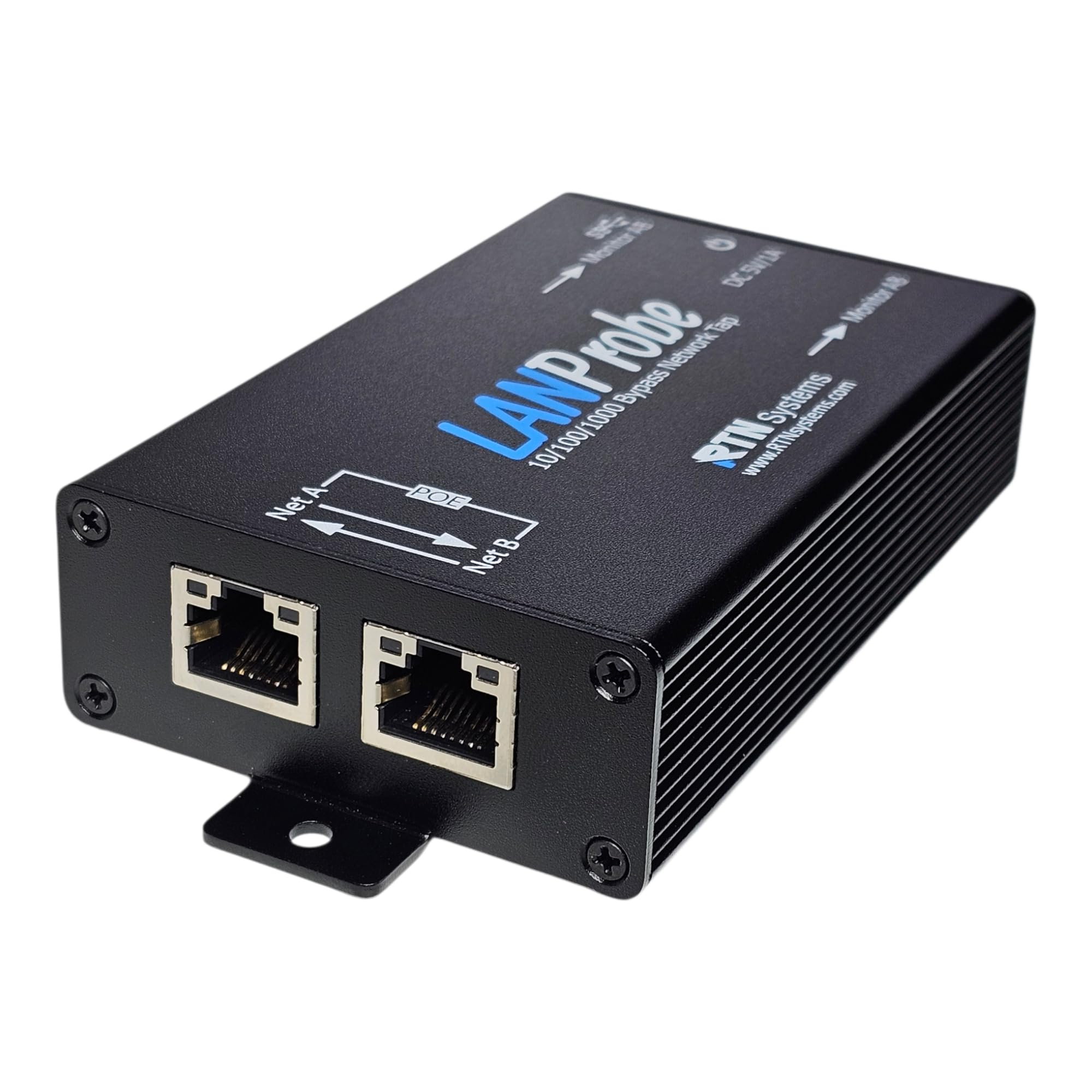


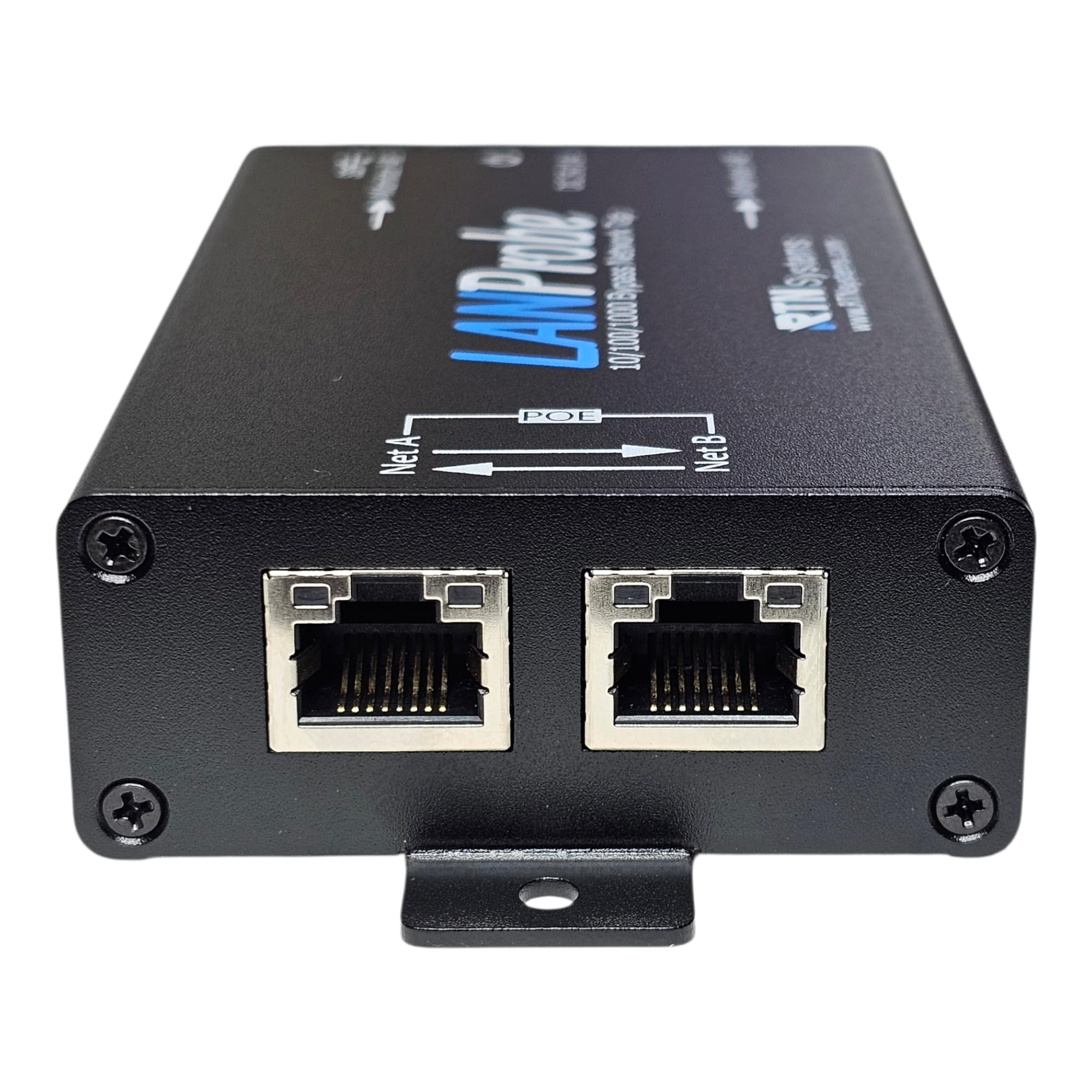

🚀 Stay ahead with fail-safe, real-time network visibility
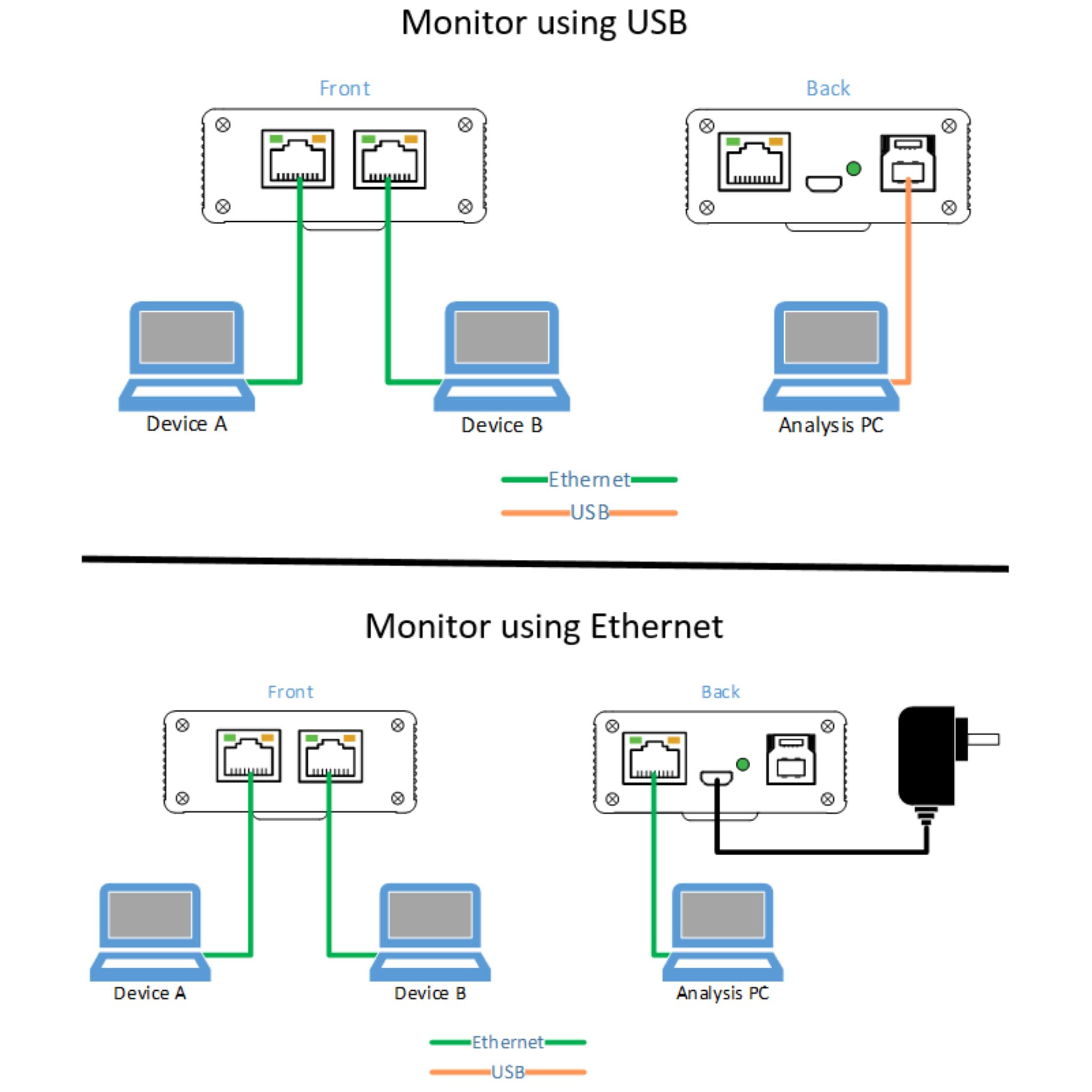
The 10/100/1000 Gigabit Ethernet/USB Bypass Network Tap by Q-linx is a professional-grade, non-intrusive network monitoring device that supports Power-over-Ethernet pass-through and automatic fail-safe bypass on power loss. It enables real-time packet capture, including CRC error and jumbo packet detection, via USB3.0 or Ethernet ports. Housed in a compact, durable aluminum case, it offers dual isolated monitor ports for secure traffic analysis, making it an essential tool for network managers seeking uninterrupted, high-fidelity diagnostics.
| ASIN | B08HSYJV3W |
| Best Sellers Rank | #70,777 in Electronics ( See Top 100 in Electronics ) #1,020 in HDMI Cables |
| Manufacturer | Q-linx |
| Manufacturer reference | 6T-QIBQ-WF7T |
| Product Dimensions | 12.32 x 6.6 x 2.54 cm; 281 g |
A**I
It was as good as we expected.
K**E
Works well, very useful.
A**X
Would not pass traffic towards the host with data which is already port mirrored. Will replicate all data to tap port but the very same data won’t reach host. Acts more like a switch. Details about wired behaviour. When sending a test pcap file from one of the Lines and with Wireshark running with one port connected to the receiving port where the traffic is being sent to and Wireshark running on the monitoring port of the tap. They give different values. The monitoring port gets all the traffic being sent, but the receiving port only receives what looks to be LLC frames and nothing else. It's as if the tap when receiving the traffic that is sent from tcpreplay is filtering out any irrelevant traffic. This will be a problem when were the tap is receiving mirrored traffic, it will replicate the traffic on the monitoring port, but the other end of the tap (where the traffic is being sent through) will filter out most of what it is receiving. If it is just regular traffic that is passing through the tap (i.e. actual traffic), this seems to be all replicated fine and passed through the tap properly. It seems that the TAP has a switch chip in it filtering out some data, frames of a certain type, I.e. most frames are dropped. But the monitor port just mirrors what it receives. For comparison The throwing star passive network tap was better at this because it could replicate and pass through all what it is receiving. Updating from 1 to 4 stars seller/vendor support got back with clarifications on limitations for use cases.
G**G
I love this tool, but I have two comments that might help you: (1) The USB3 port is NOT just to power the LANProbe - it is a USB Ethernet adapter which makes using the device on a single development PC really easy. If you don't have USB3 cables laying around, order one suitable for your PC when you order the LANProbe. On my PC, LANProbe shows up on WireShark as "Ethernet 2". You're Welcome. (2) There have been a few occasions where it seems the LANProbe was dropping packets of a certain type (DHCP on one occasion, DNS on another occasion) and cycling power on the LANProbe was the only thing that allowed Wireshark to correctly capture the packets there were obviously being exchanged between my device and the router (i.e. My device was correctly looking up URLs in DNS, but Wireshark showed no DNS packets until I cycled power on the LANProbe). Ethernet devices are complex, so it's not surprising they occasionally need to be rebooted. Even with this caveat, I LOVE the LANProbe!
E**C
I have had this tap for 2 years now and it works great!
Trustpilot
2 weeks ago
1 month ago