
DOWNLOAD THE APP


Customer Services
Copyright © 2025 Desertcart Holdings Limited
DOWNLOAD THE APP


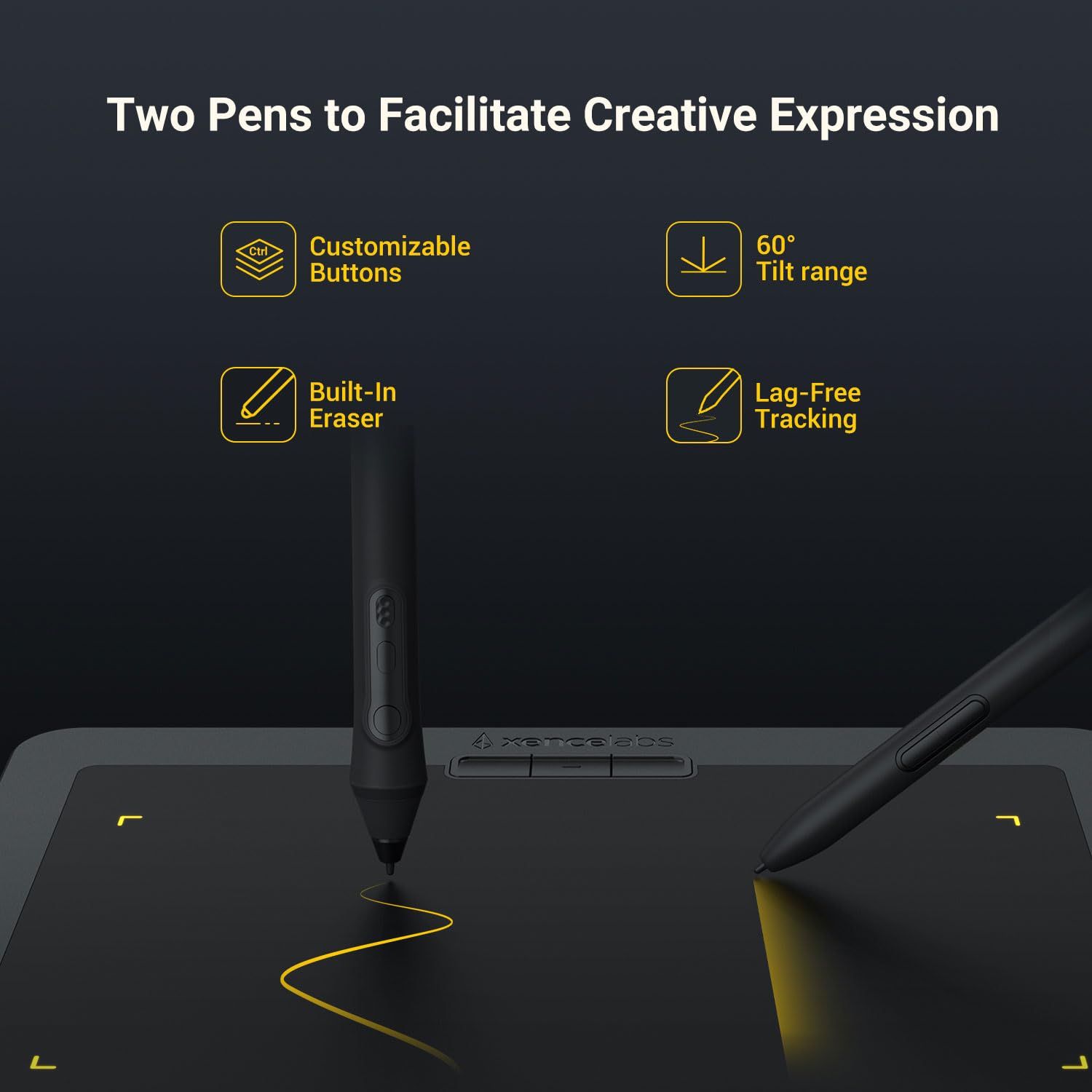
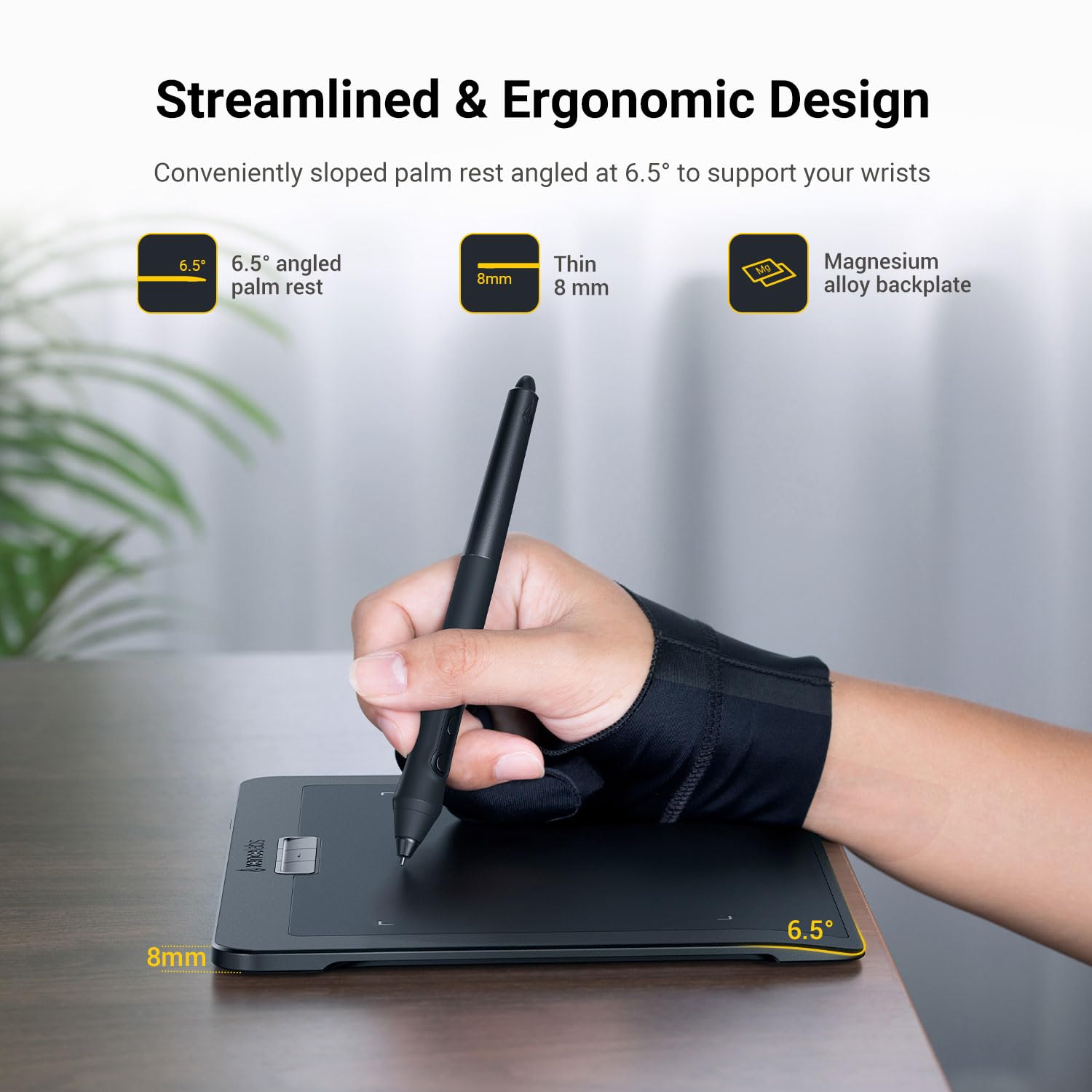


🖌️ Elevate your creative game with precision and freedom — don’t just draw, dominate!
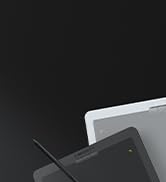
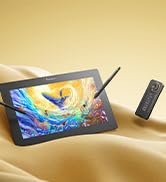
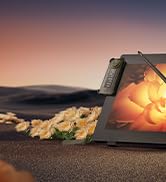
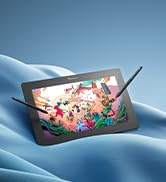
The Xencelabs Small Professional 8" Wireless Drawing Tablet offers a true 16:9 active area tailored for creative pros, featuring dual battery-free pens with 8192 pressure levels and 5080 LPI resolution. Compatible across Windows, Mac, Linux, and ARM platforms, it boasts a sleek 8mm ultrathin design, wireless connectivity with 16-hour battery life, and easy plug-and-play setup, making it the ultimate portable tool for graphic design, animation, and digital artistry.








| ASIN | B09PRBTNSP |
| Best Sellers Rank | 72,842 in Computers & Accessories ( See Top 100 in Computers & Accessories ) 122 in Graphic Tablets |
| Guaranteed software updates until | unknown |
| Item model number | BPH0812W-A |
| Manufacturer | XENCELABS |
| Product Dimensions | 23.4 x 18.5 x 0.8 cm; 398 g |
A**T
works very well on my Mac Mini
This works very well on my Mac Mini easy installation
R**N
Amazing piece to add if you are into photo editing
Very well packaged good delivery. And reasonable price. Very easy setup. Literally plug in and go.
S**D
frustrating
All looks very smart, setup reasonably easy although instructions a little ambiguous. i really wanted to like the Xencelabs 8" wireless tablet The "thin pen" unsuitable for my (adult male) grip and I find the buttons on the 3-button pen not well placed and not raised or tactile enough. Biggest problem is that the tablet / screen mapping keeps drifting of (i.e. I can't move pointer into corners of the screen etc etc - VERY frustrating and time consuming involving power on / off / reset to defaults etc Who knows, this may be user error but, documentation / support is insufficient to accurately diagnose the problem The tablet comes with spare pen nibs and a "glove" in a nice case, together with bag to transport the tablet (it never leaves my desk so a bit pointless for my uses!) Disappointing as I'd heard several good reports, I'll be checking the returns policy :-( My ancient wired Wacom Intuos 2 has never had any issues whatsoever Mac OSX Sequoia 15.7
B**Z
Totally changes the way I work
I've used various drawing methods for computer in the past. I used to have an old Wacom tablet and have recently switched to using my S-Pen on my Galaxy Tablet but always missed being able to draw on a computer. This graphics tablet has totally changed the way I work for drawing! This graphics tablet has two separate pens which can make switching between tools as easy as putting one pen down and picking the other up. Set up is extremely simple and within a couple of minutes you're up and ready to go. Pens work inductively so no need to worry about charging. Pressure and tilt work reliably and there's a very nice quality case included too. There are a small pile of extra tips and a remover included also. Though the brand may be somewhat unknown to the uninitiated, xencelabs are making waves in the graphic tablet world and are a huge up and comer. This package oozes quality from the moment it arrives. Absolutely stellar unit. The only thing worth mentioning is that this is quite a small unit. Proper pros will probably want to spring for the larger version.
J**L
Impressed
I've been a customer of the market leader for well over a decade but have been less impressed with their more recent models and how fast nibs wore out. I thought I'd try a competitor this time around, and the XENCELABS tablet looked like a good equivalent to the tablet I'd been using. It was a good chunk cheaper too. I wish I'd switched sooner. The tablet is very well made and is a pleasantly weighty premium product. The lights at the edges of the useable area are a fun touch. I set them to match the lights on my keyboard. I also appreciate how the USB cable connects at the back of the tablet instead of awkwardly at the side like the tablet I had previously used. I use the tablet permanently plugged into my desktop PC, so I cannot comment on the wireless functionality or how long a charge takes or lasts. The tablet comes with two pens. The largest is the one most familiar to me and the one I use. Unlike the competitor's pen, the Xencelabs's pen has 3 buttons (the supplied slimmer pen has 2). I find the lower button a little tricky to use, so I stick to the upper two. Using it is very similar to the pen I'm used to. I don't notice a difference. The larger pen is comfortable to hold and glides along the tablet smoothly. There's a slight sense of texture as you draw, perhaps like drawing on card. I am more of a vector graphics guy, though, and do little freehand work, so I can't comment on what it's like to paint or draw with. I haven't used the slimmer pen. The tablet comes with a case for the pens, spare nibs (6 regular, 4 alternative), nib removal tool, USB to USB C adapter and wireless dongle. It's a bit like a sunglasses case and has a magnetic snap as you close it. Like the tablet and pen, the case is well made and premium. The tablet also comes with the USB cable needed to connect it to your computer. The only thing that I wished came in the box is a pen stand/holder. My muscle memory means I am constantly trying to put the pen in a stand/holder when I get up from my desk! I purchased a generic stand/holder separately on eBay (the familiar inkwell style). I'm delighted with this tablet. It's comfortable for hours of use. The transition from the competitor's model to this one has been seamless and I believe the XENCELABS is a better product. Edit (08/07): What a difference 10 months makes. Tablet surface has worn and is scratchy on the right, where I use scroll bars when browsing websites or scrolling through documents. Never had this happen with a tablet before, even after years of use. I am not a heavy user either. Nibs last a long time, but the tablet surface itself has not held up. Would sadly have to go back to 'the other brand', though their nibs are rubbish. Can't win! Downgrading review score to 3 stars because it was great for a while.
A**R
Does not work as advertised
The tablet can not recognize my monitor size so I can’t reach the top/bottom of my monitor. Resetting it, or manually setting the monitor size does not help. In Mouse Mode, the cursor will not activate the Dock on Mac. You have to keep trying before it actually works. These flaws makes the tablet useless. Contacted their Support but they don’t respond. I will not recommend you buying this tablet.
R**E
Very poor driver for MacOS
Very poor driver for MacOS, see my video for details.
M**K
Amazing Quality, works well
Bought this based on an online review stating how good the quality was and decided to pay the extra over the cheaper versions available, for me it was well worth it. Be careful though, I bought the small version by mistake as the dimensions given are the overal size and not drawing area like other companies, however decided it was good enough for now. All parts feel heavy and well made and comes with all accessories you could need, even carry/storage cases. The software works well, I bought the optional quick keys and everything syncs and works together incredibly well. Very impressed coming from an Wacom, albeit a very old one
N**R
C’est ma première tablette graphique et je suis très surpris à quelle point c’est simple d’utilisation et précis ! Je suis photographe et je m’en sert pour des retouches photos/masquages et c’est un vrai bonheur, c’est fluide, la pression est ajustable, le survol de la tablette est très utile pour l’utiliser comme une souris.
A**O
I've been using Wacom (several Inturos Pro series) my whole life. But, needing a new tablet I decided to broaden the view a bit to see what's on the market, since there have been some new players the past years. This Xenselabs was on sale, so I thought, lets try. I'm honestly surprised by the quality and feel of the pens and tablet. The precision, especially when clicking the pad, really feels snappy without those "you moved you tip by accident 1px so It's not working" feedback, which even Wacom still has, which is super annoying. 2 pens? 1 with 3 buttons? Love how they feel! This really is better than Wacom pro level stuff. But, where the hardware (and some of the software) shines, the software has too many issues to even call It usable. On Mac OS at least. Wireless there's lag at times, I haven't figured out yet what's causing It. The pan/scroll works horribly. Unusable. It mixed scroll with making unwanted selections. Can't make screenshots of selected areas, It just registers already the moment you hit the pad before making a selection. Also, It sometimes stutters when I get to the edges of the (to ratio) mapping of the tablet. And I don't like that It can't wake the computer. I made sure I uninstalled all pen tablet software to make sure there's not driver conflicts, on a vanilla Mac Os installation. Contacting support is that "treat the customer as beta tester instead of checking It out ourselves" kind of support which leads nowhere. Their level of acceptance is super low apparently. They rather let the consumer resolve basic functionalities like scrolling or selection. There's potential, but they still have a way to go, on Mac OS at least. They were quick in response though, even sent me beta firmware very quickly to try. But you also notice they don't really test things before sending It out or reporting an issue, because It was still riddled with the same issues, and then I found more ... which made me wonder, what's their criteria then? Very low. Seems to be focused on Windows, because on Mac It's horrible. But according to support, It all works wonders on their Mac OS. Honestly, It's hard to believe that If I'm running a vanilla install on a new Mac Studio ... This is where you really notice It's a Chinese company. That typical frustrating support that puts you to work "to prove (basic) things" and not take any responsibility. In terms of hardware I think this is really a brand to look out for. But It's seriously let down by Its software. It's almost unusable as It Is now. And seeing how they handled support, I don't see much potential there, unless they can professionalize.
J**A
Ocupa poco espacio en mi mesa de trabajo y es muy versátil y efectiva.
O**A
Ich habe ein Tablett (andere Marke) bereits jahrelang benutzt, und jetz war es an der Zeit, ein Upgrade zu machen. Im Vergleich mit einer Maus nicht gerade billig, aber ein Tablett ist halt eine andere Welt - für Photoshop / Lightroom (für mich) unentbehrlich. Für "office"-Tätigkeiten geht eher die Maus. Die zwei vertragen sich aber gut - den Stift zur Seite legen, das Tablett ein Stück zum Monitorr schieben, und die Maus, die daneben wartet, auf den frei gewordenem Platz zu nutzen ist WIRKLICH kein Problem.
V**V
Trustpilot
2 months ago
1 month ago