We remain fully operational. Our teams are working around the clock to ensure your deliveries continue safely.

DOWNLOAD THE APP


Customer Services
Copyright © 2025 Desertcart Holdings Limited
DOWNLOAD THE APP
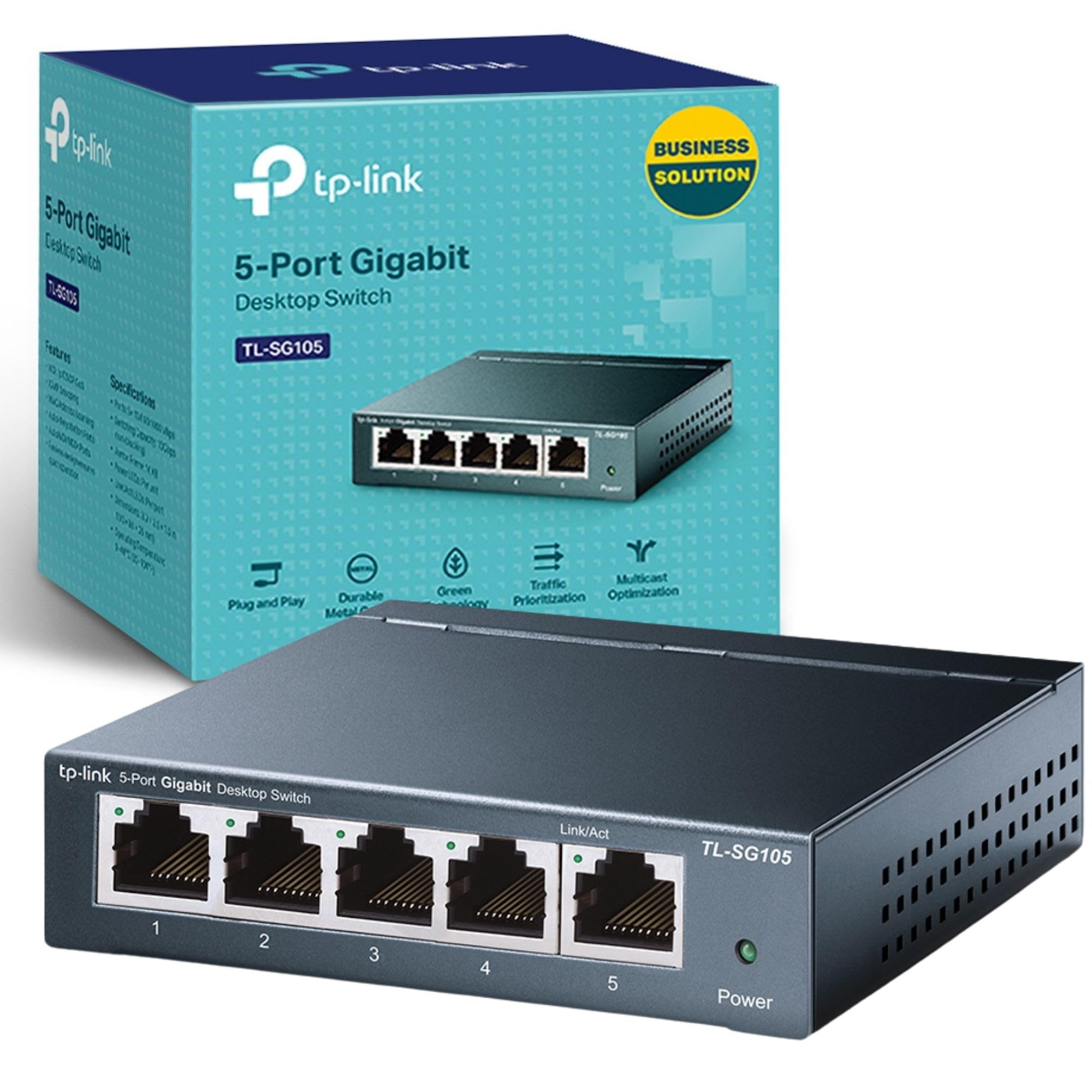
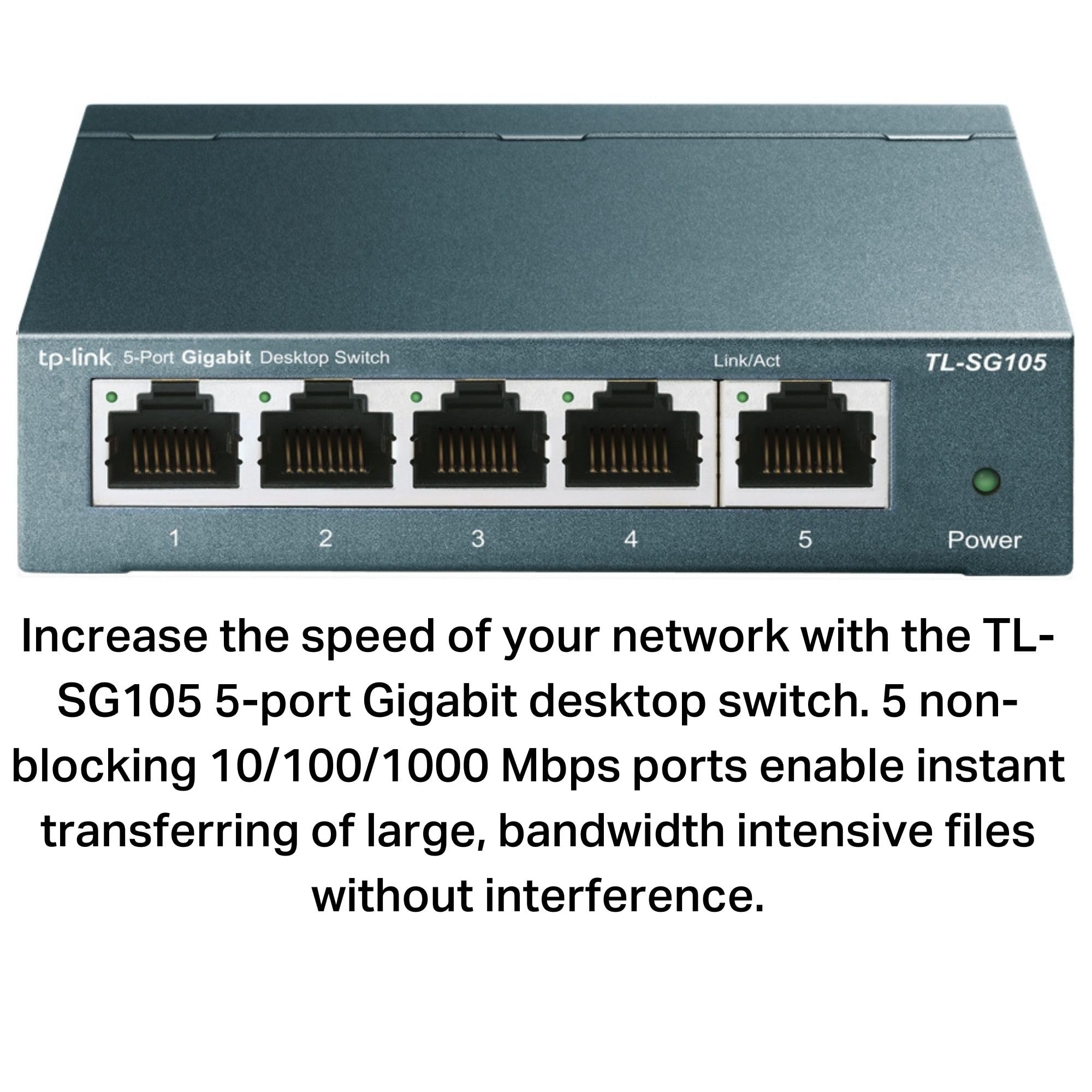
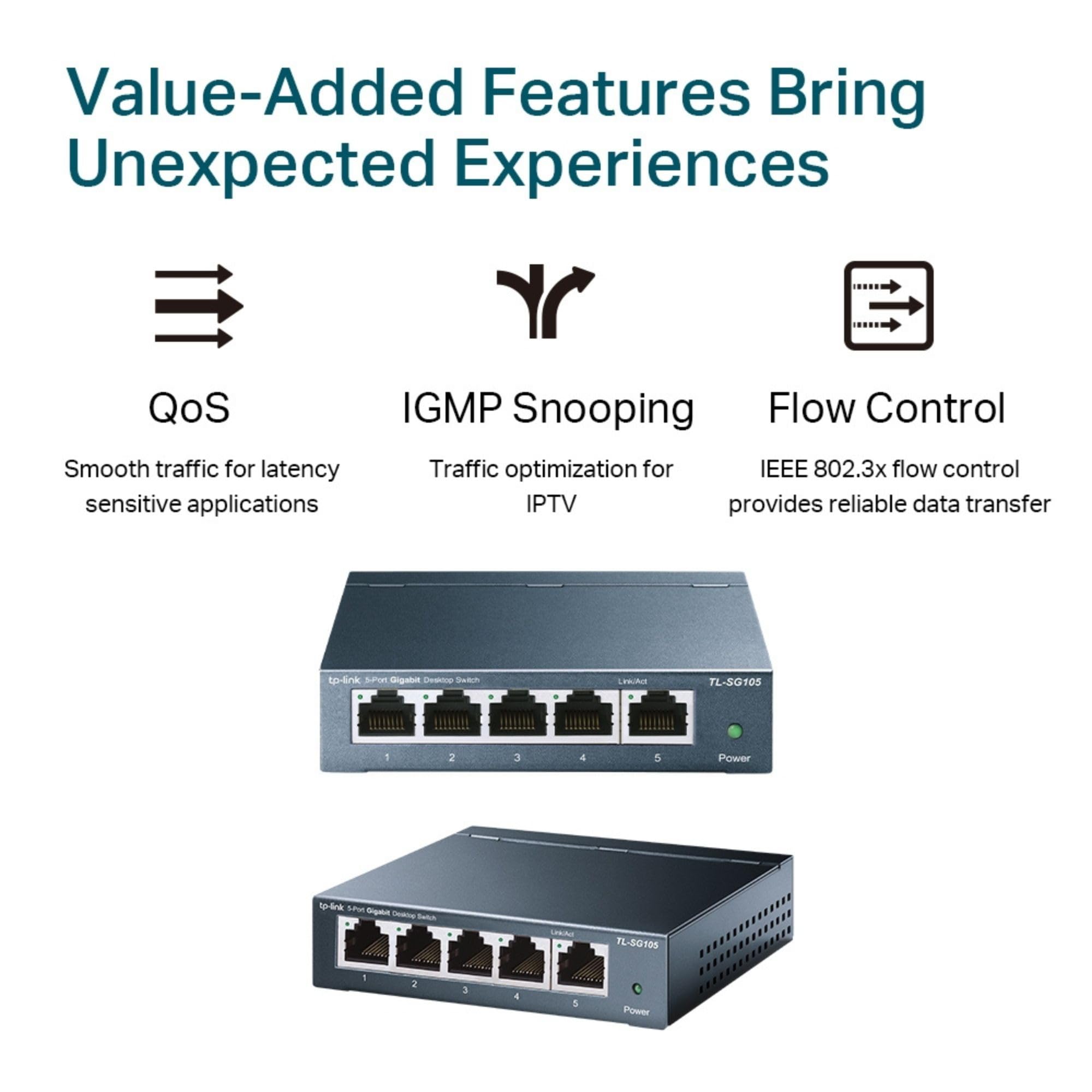
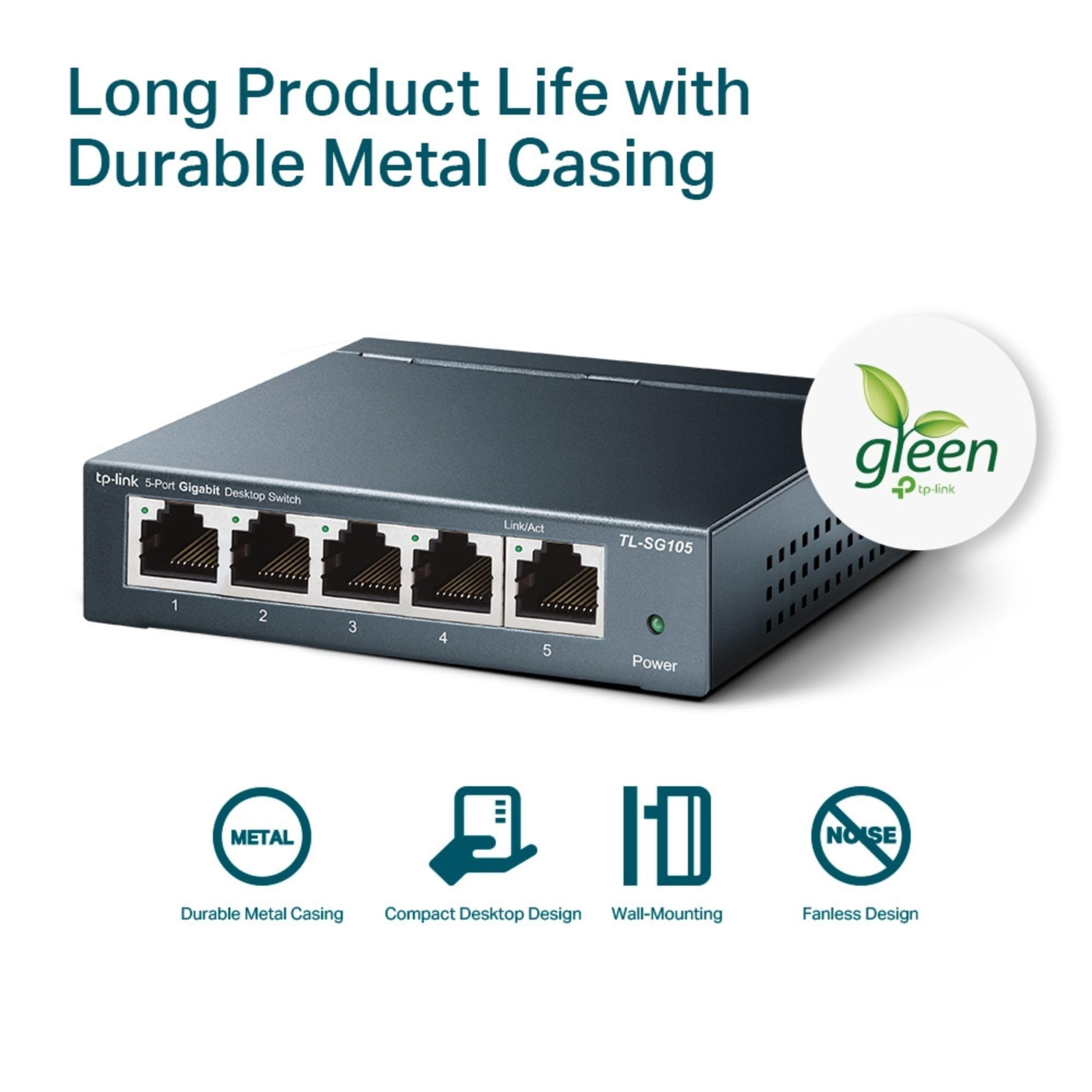

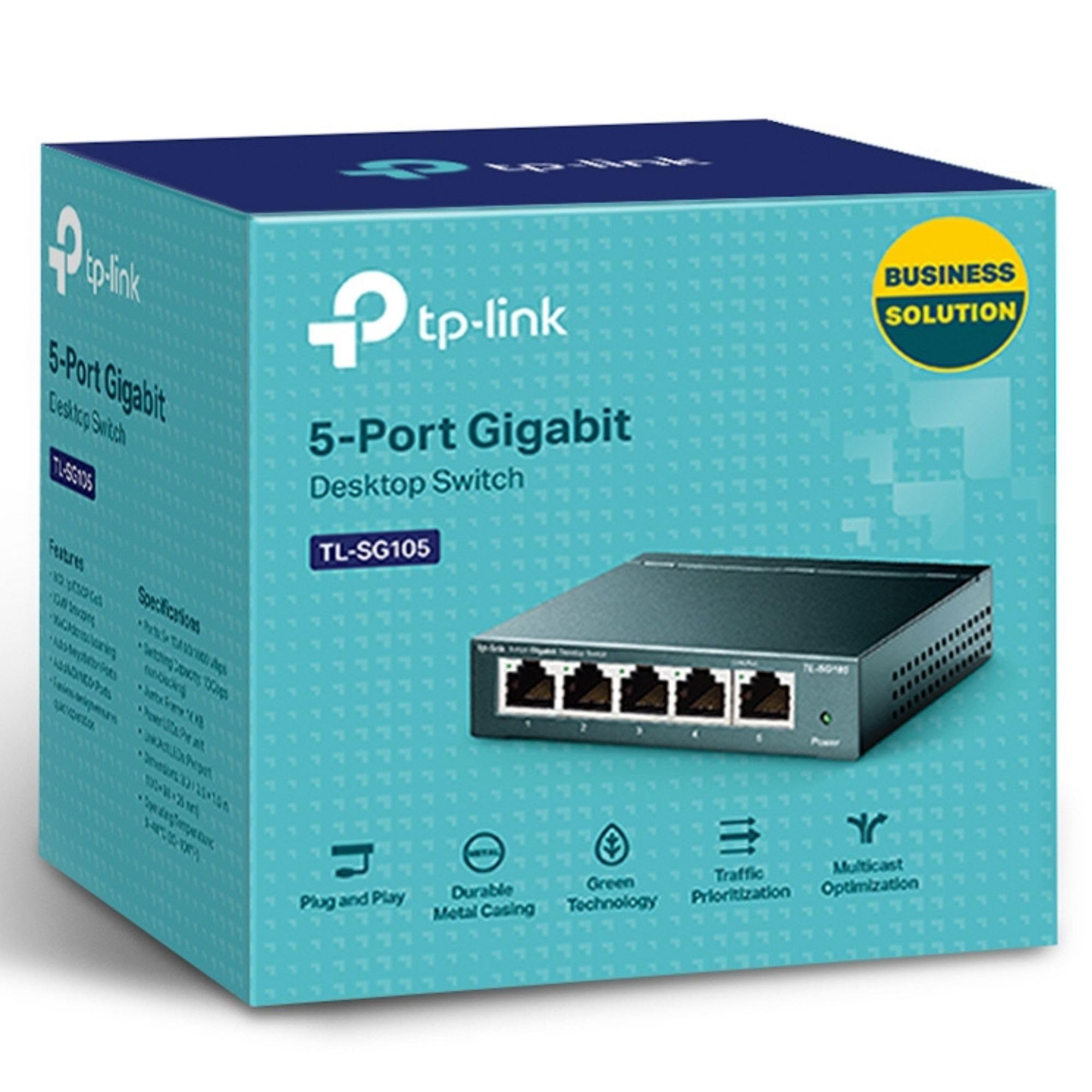

⚡ Power your workspace with speed and style — no compromises!
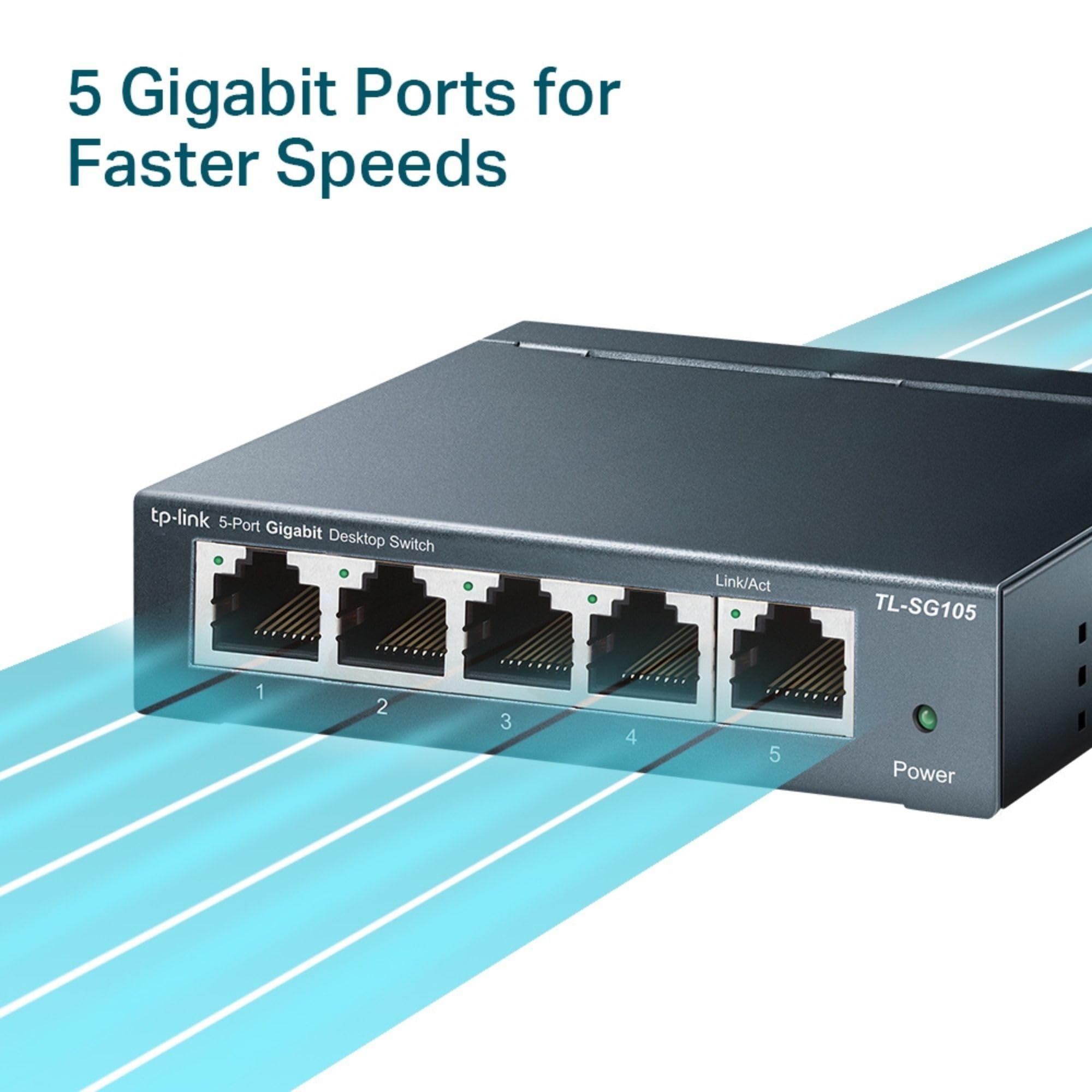
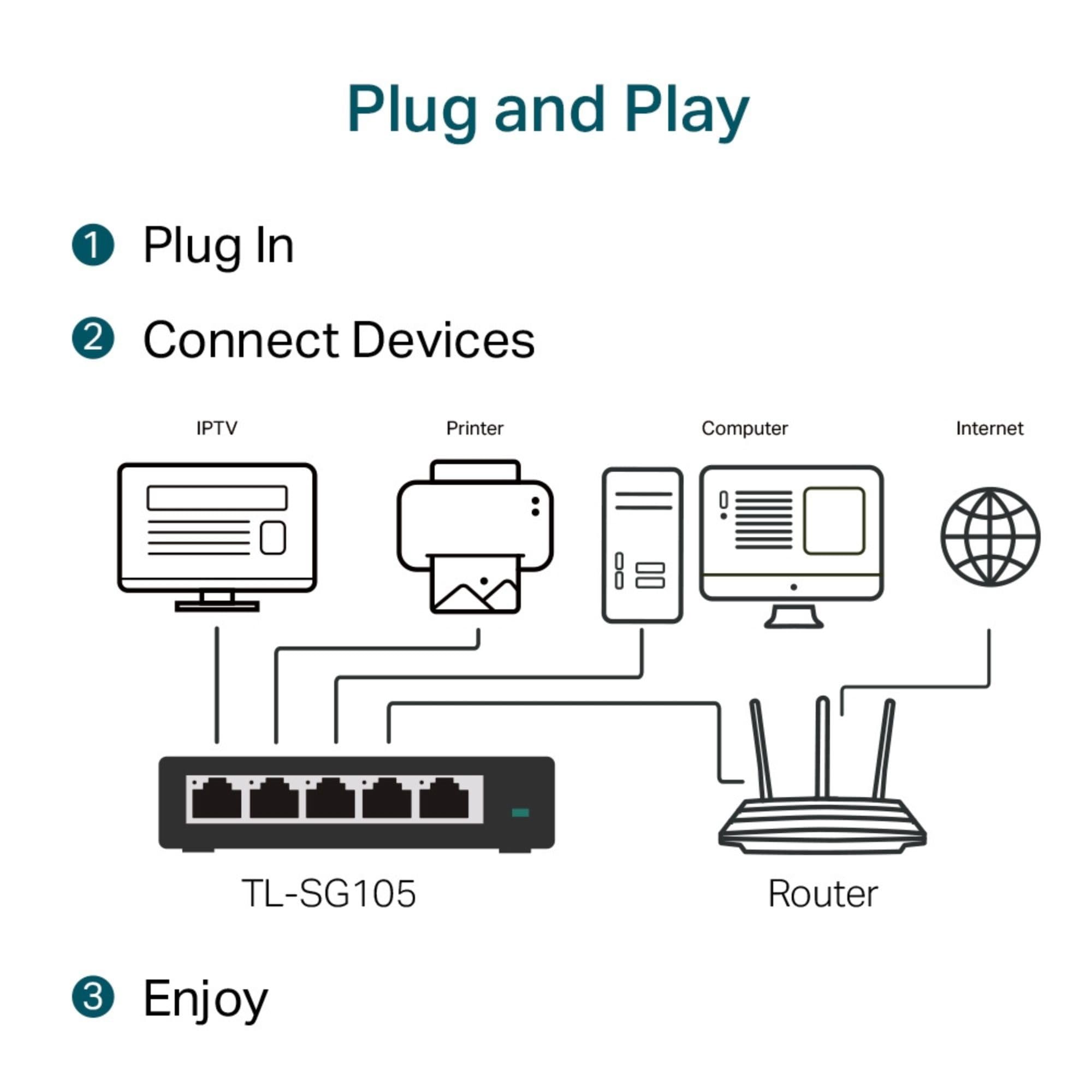
The TP-Link TL-SG105 is a compact, fanless 5-port Gigabit Ethernet switch featuring a rugged metal case and plug-and-play setup. It supports advanced traffic management with QoS and IGMP snooping, while its Green Ethernet technology reduces power consumption by up to 84%. Ideal for home offices and small business networks, it offers reliable, high-speed wired connectivity with flexible desktop or wall-mount installation.


| ASIN | B00A128S24 |
| Are Batteries Included | No |
| Batteries | 1 AAAA batteries required. |
| Best Sellers Rank | 68 in Computers & Accessories ( See Top 100 in Computers & Accessories ) 199 in Network Switches |
| Case material type | Metal |
| Connectivity Type | wifi |
| Current rating | 1 Kiloamps |
| Customer Reviews | 4.6 4.6 out of 5 stars (125,161) |
| Data transfer rate | 1000 Megabits Per Second |
| Date First Available | 14 Nov. 2012 |
| EU Spare Part Availability Duration | 2 Years |
| Global Trade Identification Number | 00845973021146, 06935364021320 |
| Guaranteed software updates until | unknown |
| Interface type | RJ45 |
| Item Weight | 220 g |
| Item model number | TL-SG105 |
| Item weight | 7.76 Ounces |
| Lithium Battery Energy Content | 2.6 Watt Hours |
| Lithium Battery Packaging | Batteries contained in equipment |
| Lower temperature rating | 1 Degrees Celsius |
| Manufacturer | TP-Link |
| Number Of Lithium Ion Cells | 4 |
| Number of Lithium Metal Cells | 1 |
| Number of USB 2.0 Ports | 1 |
| Operating System | Standard |
| Processor Count | 1 |
| Product dimensions | 10L x 9.8W x 2.5H centimetres |
| Series | TL-SG105 |
| UPC | 840460604031 845973021146 |
| Upper temperature rating | 1 Degrees Celsius |
| Voltage | 230 Volts |
| Wattage | 2.43 watts |
| Wireless Type | 802.11n |
N**L
Perfect solution!!
This was perfect for what I needed which eas to take an Ethernet cable from one building to another am then to split off into different rooms. No issues with it at all and the speed doesn’t stop at all from the source router
V**L
Works well and appears well-made.
The switch works properly and appears to be well constructed. I bought it to use in my ham radio station, hence I chose one with a metal case that could be grounded to reduce RF interference.
G**N
Really good value for money
If you simply want to increase the number of available ports off your broadband router, this is the ideal solution. I bought the 5 port version but other options are available and I am really impressed with the simplicity of the device. As others have said, one of the 5 ports is used as the input from the router, so you can connect other devices to each of the remaining ports. It is an extremely well made and solid item (roughly 10 cm square) and that makes up for the ugliness of it. It is well packaged and the box also contains the power adapter/lead, an instruction booklet and four adhesive rubber feet to stick on the underside where marked. Some may well want to read through instructions about how to tell what speed the connections are and the light colours to confirm, but I just wanted simple extra capacity and you only need to provide the additional leads to plug it into the router and to attach your extra devices. Plug it into the mains and it works and the lights do change colours and flash, if that is important to you. The one thing that did concern me was whether it would run hot, but it hasn't so far after being left plugged in 24-7. Both the case and power adapter have remained at room temperature only.
V**S
Fast, consistent and easy to install. Not quite 5 stars tho.....
Over the years I have always enjoyed using TP-Link products. They have seemed to offer great value for money without compromising functionality. They also tend to last as well..! These five port metal housed switches are so well made I can only imagine that they would survive the toughest of environments. For me it was worth paying the small difference in price to have the metal cased version over that of the plastic. I have included three photos of these V5 five port metal switches. The first photo shows four of the five ports used to connect to devices and then the fifth port to connect to the LAN. The second photo shows the five ports connected and then the rear of the switch where the power supply connects. The third photo shows the throughput over the LAN with three of these switches connected. Of course the actual throughput will vary with factors other than just the switches deciding the overall sustained transfer speeds. For me I get sustained 113MB/sec transfer speeds on single large files and then a reduced speed if there are many small files being sent across the LAN. The theoretical maximum speed is 125MB/sec. The forth photo shows the box they are packaged in, well made and sturdy packaging with a UK based support address. In total I have four of these switches, a fifth on my LAN is an eighth port version. The other type of switch in use is a POE six port Netgear for my CCTV cameras. These five port V5 metal cased switches are a delight to use, robust and solid and they simply work. So why drop a star in the ratings..... The first reason to drop a star is that they don't offer a Yellow light for a 100Mb connection. They do offer the green light for the 1000Mb one, often the green and yellow are on each side of the connected port. This might bother you or not. The other point is the positioning of the power connector. It is on the opposite side to that of the plugged port connections, that means it can never fit up flush to a wall in certain situations as either the front or the back protrude. Aesthetically, for some, it looks "cleaner" if the connections are all facing on the same side. That being said I do have a couple of Netgear 8 port metal switches and they too have the power port on the opposite side to the LAN ports, altho other models that I have do not have that arrangement. If the above bothers you then look elsewhere. So to summarise, these small metal 5 port switches are unmanaged, simply plug and use but no port or speed etc management via a UI, very well made and simply work with a life time warranty. I do recommend these switches and I do hope that you have found this review useful to help with your buying choices. Best wishes
T**G
Perfect!
I wanted to be able to connect multiple devices but only use one port on my router. I have found this product to be perfect for my needs, one of my devices is a desktop pc and I have not noticed any internet issues when using it. I have not tested it speed wise, whether I actually needed an ethernet switch is debatable. I have up to 120Mb internet and it seems to handle this speed absolutely fine. Maybe I didn't need an ethernet switch but at least I'm future proofed. Another device I have connected to the hub is a network hard drive (WD MyBookLive), this again works absolutely fine and I guess there may be a slight speed benefit when the desktop and hard drive talk to each other but I have not tested this, it works how I want it to so that's all I need to know. One thing I have seen coming up in reviews quite a lot is an issue with using dlna through switches like this. The network hard drive I describe above comes with dlna media streaming and it works absolutely fine for me. There is no difference between how it works when connected to this switch versus connected directly to the router - I had been concerned about this before purchasing as I use the hard drives media server capabilities to watch family videos on my TV. It does have some issues streaming full 1080p HD videos but the switch is not to blame for that as the issue is still present when the hard drive is connected directly to the router, I guess that could be an issue with my router, hard drive, or the capabilites of wireless N. Anyway, I thoroughly recommend this product if you need to connect multiple devices to one port on your router!
P**M
Extra ports came in handy
I needed extra ports for my devices that needed physical internet connections so bought this extension hub to gained additional ports connecting a ethernet cable to my router. Setup was simple and did exactly what I needed.
P**S
excellent switch/ splitter
The item arrived quickly and works exactly as described. No advanced. IT skills are required.
E**N
Harika. Hızlıca kolayca bağlanıyor. Bir anda kablolu internet bağlantımı çoklayabildim. Teşekkürler
N**S
金属筐体なので質感が良く、放熱も良いです。 1000Mbps出るので、現在の環境では重宝しています。 価格も安いので迷っている方にお勧めです
S**O
Jag fick TP-Link TL-SG105 idag, och efter att ha installerat den kan jag säga att jag är riktigt imponerad. Det är precis vad jag behövde för att utöka mitt nätverk hemma. Snabb installation: Så fort jag packade upp den, var det bara att plugga in och köra. Inga krångliga inställningar eller konfigurationer, vilket gjorde att jag var igång på bara några minuter. Perfekt för någon som inte vill lägga tid på tekniska detaljer. Byggkvalitet: Jag blev förvånad över hur solid och robust den känns. Metallchassit ger ett intryck av hög kvalitet och hållbarhet. Trots att den är liten, känns den som en rejäl produkt som kommer hålla länge. Snabba anslutningar: Även om jag bara har haft den en dag, märker jag redan en stor skillnad i mina anslutningar. Jag har anslutit flera enheter, inklusive min dator och NAS, och allt fungerar blixtsnabbt utan några som helst störningar. Perfekt för hemmanätverk: Om du som jag behöver lite extra portar för att hantera flera enheter i hemmet, är detta ett utmärkt val. Den tar nästan ingen plats på skrivbordet och kör på utan att bli varm eller låta. Sammanfattning: Första intrycket av TP-Link TL-SG105 är extremt positivt. Det är lätt att använda, välbyggt och levererar direkt på prestandafronten. Om du behöver en pålitlig gigabit-switch är det här en perfekt lösning. Jag är riktigt nöjd med mitt köp!
D**N
a good quality switch for cheapest price, you can't ask for more for the quality this offers for the price.
B**R
Its a switch! Does what it needs to do. Pros: * Runs cold to the touch even when under decent load with multiple devices so its probably very energy efficient. * Seems to be very high performance! No latency or bandwidth changes vs direct CAT6a connection on gigabit ethernet. Tested with up to 3 devices under load. Latency was statistically unchanged and bandwidth/QoS was what you'd expect on paper so overhead is super low and on board protocols are implemented extremely well! Grain of salt though... I haven't formally benchmarked or even really used SOHO switches since the 10/100 days. Maybe all makes/models are similar nowadays, but 20 years ago using switches was only a tad better than a hub in terms collision prevention and simple QoS. * Physical build quality is top notch, with one caveat (see Cons) Cons: * Design of metal casing is probably perfect for mounting on the side of standard 1U or 2U racks, warehouse racks, or anything else with standardized screw hole placement and (ideally) the ability to come in from behind or at least see what you're doing. I needed to mount this to a wall in my home office where I couldn't just screw into a rack with standard mounts and slide the switch in place 5 seconds later. There may be a much better way, but the only solution I could come up with (in order to use the rubber feet as standoffs to allow airflow) was to take the housing apart and unscrew/remove the PCB to see what the correct distance between screws needed to be. In theory this would be the last step but unfortunately problem #2 (really the only roadblock in retrospect) was that when wall mounting, the shape of the mounting cutouts are such that you (or at least me?)don't give you enough "turning radius" to get the switch mounted without the offset from the screw head and the wall surface being stupidly long. The only solution where the standoff distance was both far enough to get the screw heads in there while ALSO getting it to mount securely without flapping around loose was to clip the opening a bit with sheet metal snips. This was a tad challenging but doable, mostly because of the cramped areas for maneuver. My recommended wall mount steps (unless someone has a better way) are: 1. Insert the screws in the mounting holes, and position in the narrower "top" area where they loosely stay in place when held in by hand. This will be the distance when mounted. 2. Gently press the switch and screws into the wall just enough to create 2 small dents so you know where to drill. 3. Drill. I didn't need a drywall screw due to wood paneling, but use drywall screws if bare drywall. If you think you don't need to just do it anyway. Its cheap, easy, and a good best practice to prevent yanks from plugged in devices, etc. 4. Screw the screws in 95% of the way. You may be able to just mount the switch ok. If not, you may need to do step 5... 5. (Optional). If necessary AND you know what you're doing, AND you don't care about warranties, open up the mounting cavity with metal snips, but only after you have unscrewed the device housing and have carefully removed all the (guts). Put them aside in an anti static bag to keep them safe. Start by clipping tiny slivers from the two mounting cavities on the bottom device housing piece. Adjust the screw depth until you can easily mount the housing without it feeling loose. You may need to test/adjust a few times, since the screw head will be blocked by sheet metal. This is the core design flaw, otherwise you could just (at worst) unscrew the top housing cover, remove the "guts", and just screw it in by hand, with the final step being to put everything back together (annoying but simple if you own magnetic screwdrivers). Again, only do this if no viable alternatives exist for you, as I'm sure it voids the warranty. Conclusion? Buy this excellent product, just be prepared for a "project" if this is going on a wall in a SOHO setting.
Trustpilot
1 week ago
2 months ago