

Desert Online General Trading LLC
Dubai, United Arab Emirates
Desert Online General Trading LLC
Dubai, United Arab Emirates




📈 Print Your Success: Where Function Meets Flair!
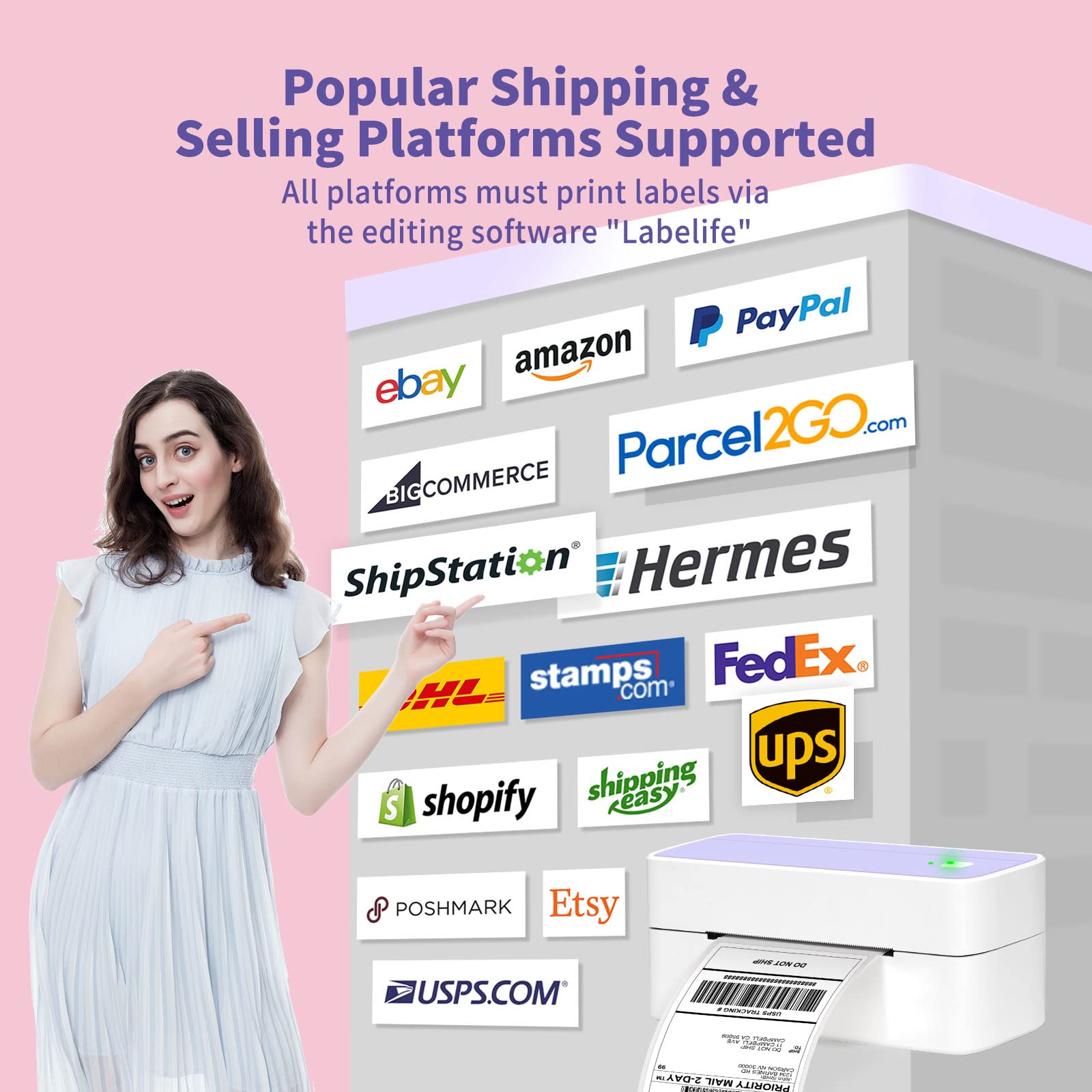
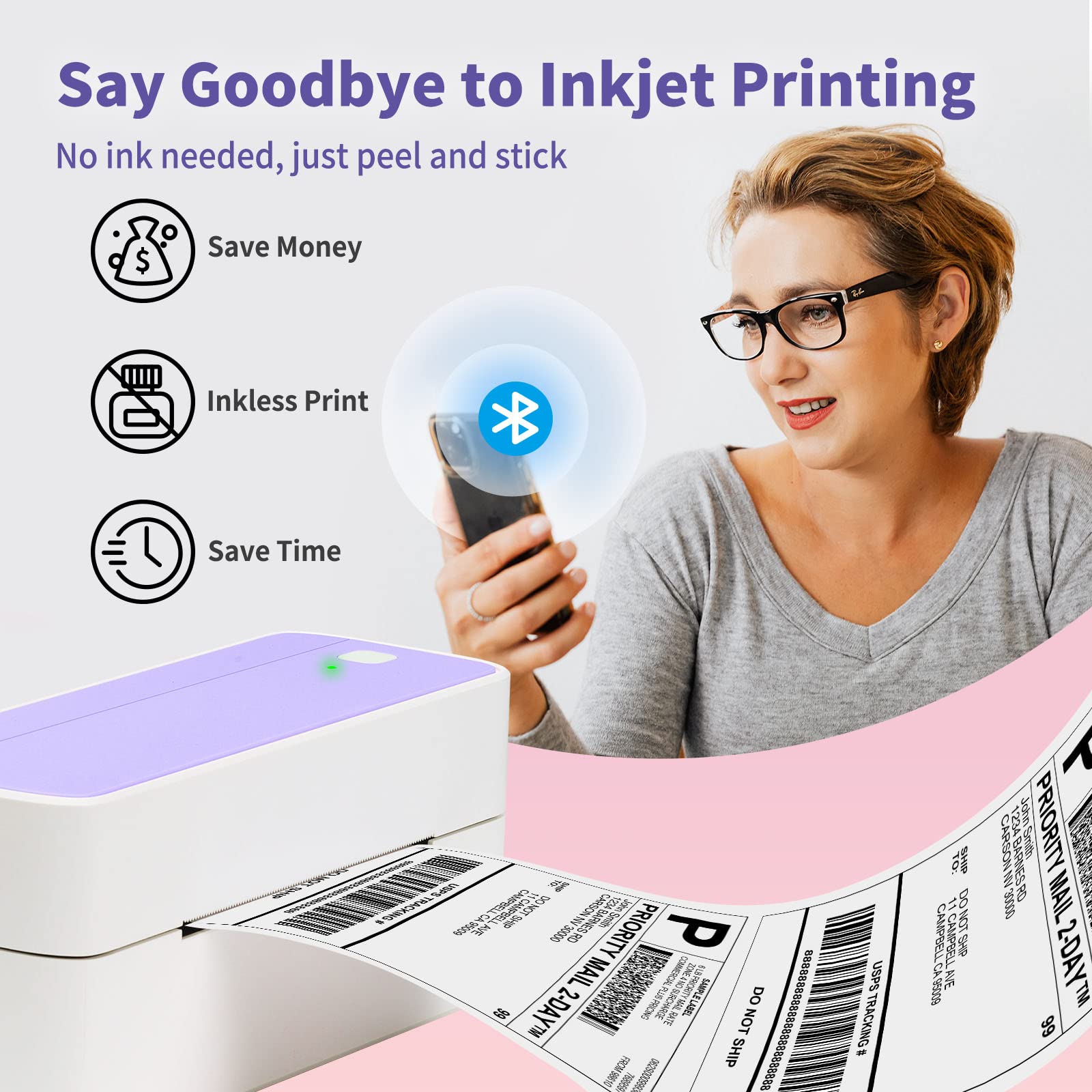
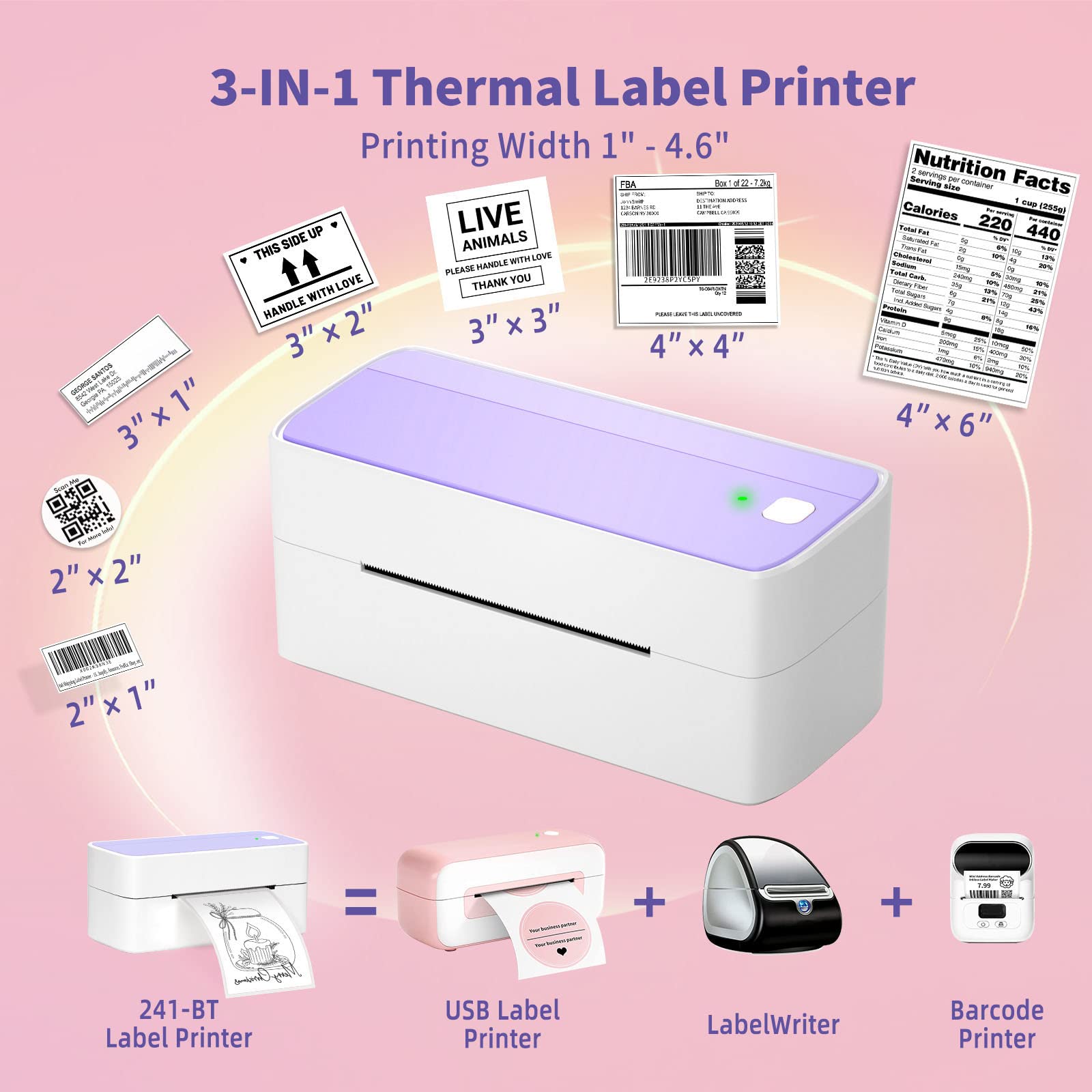
The ASprink Bluetooth Shipping Label Printer is a versatile and stylish thermal label printer designed for small businesses. It supports both Bluetooth and USB connections, is compatible with a wide range of platforms, and utilizes advanced thermal technology to eliminate the need for costly ink. With a unique purple design, it not only enhances your workspace but also streamlines your shipping process, making it an essential tool for modern entrepreneurs.
M**T
Great printer at an affordable price!
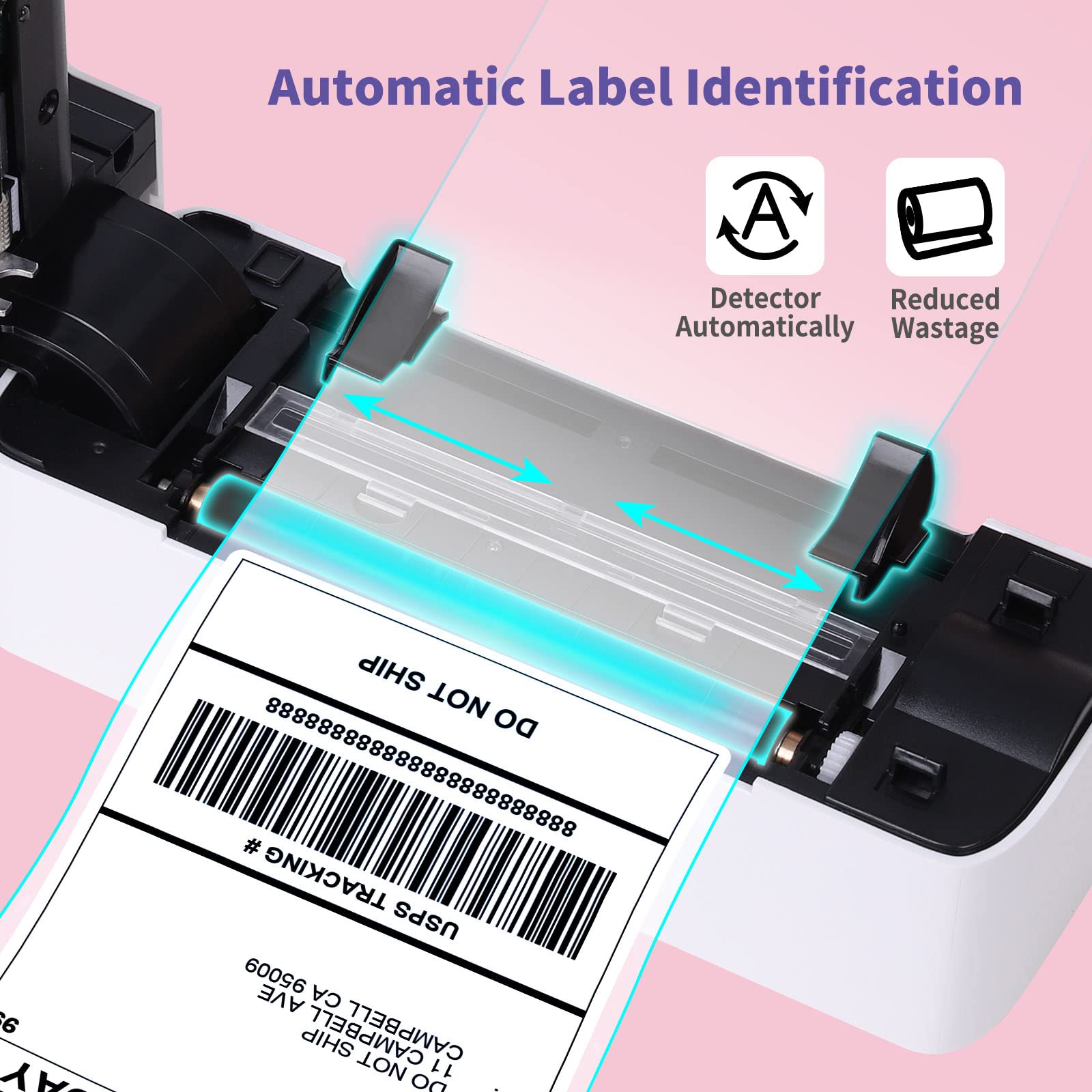
I'm so glad I bought this bluetooth thermal shipping label printer! It's so portable and easy to use, and it prints labels so quickly. I'm starting a small business and hope to soon be shipping out a lot of products. I used to have to use a regular printer and cut out labels, but this printer is so much faster and easier. I can just print out a label and stick it on the package. It's also really portable, so I can take it with me to trade shows or other events. I would definitely recommend this printer to anyone who ships a lot of products.Here are some of the things I love about this printer:After using this printer for awhile I am enjoying it. It's very portable, I like that I can take it with me and move it in and out of the office. Connecting to my smart phone was very easy, having a wireless bluetooth connection is really nice. I also have the Chrome extension installed which makes printing from a web browser super easy. I did notice that the print quality seems to be better from the smartphone app vs the computer; this may be due to settings I may need to adjust.It prints labels very quickly. I can print out a label and stick it on a package in just a few seconds.It's very easy to use. I can just connect it to my computer or phone and start printing labels.It's affordable. Good quality for the price paid.Print quality is very good (photos in this review for example)Things I do not like:I wish it had a try to better hold the labels or the ability to add print rolls. (Not sure if there are after market accessories for this).I have a few labels that are separated from the pack and unfortunately due to the automatic label recognizing it doesn't seem to accept a single label (keeps spitting it out).Overall, I'm very happy with this printer. It's been a great addition to my business, and I would definitely recommend it to anyone who ships a lot of products. Would recommend to a friend.
A**R
Versatile Thermal Label Printer
This is a great little thermal printer. I was able to print small 2"x1" labels all the way up to 4"x6" shipping labels. The printer was easy to set up and figure out after I read the directions. The biggest issue that I had with the printer was that *I* didn't read the instructions first for how to set up the labels XD.I was able to print from both the app as well as using the print driver for Windows. The print driver on windows produced true to size prints with slightly better quality than the app. When I used the Labelife app, the print size changed slightly (it seems like the app automatically has a 'reduce to print size' feature even if the label was correctly sized). I have used this to print address labels and shipping labels, but I mostly use it to print personalized stickers for my kiddos.The app doesn't have a great selection of images to choose from in order to create your stickers, but it is easy enough to download an image and insert it.I was able to use the mail merge feature to import data from Excel spreadsheet, it worked great for sequential numbering.The print tolerances on this are pretty good as well. Once I got my paper loaded in straight and sized correctly, I was able to print over 20 labels with minimal shifting, and all of them printed correctly.I recommend this printer.
B**Y
Quality Fast Prints
I love this printer! It is simple to use and prints fast, good quality labels. I bought this for our home business where we need to label shelves for product storage. Depending on the stock we keep on hand, we often need to change the shelf labels, and this portable printer is the perfect tool for that. We no longer need to go inside and print full sheets of labels on our home printer. Its handy portable size makes it simple to take out to the storage area and print directly from our phones via Bluetooth. The best part is that I can print as few or as many labels as I like and there is no waste.Things I Love:Prints FastPortableLarge selection of label sizes and shapesEasy Bluetooth ConnectionThings I don’t Love:No Integrated Roll HolderI had to purchase a label roll holder separately. It would be nice to have one integrated with or included with the printer, but I was able to find one for under $10. So overall I would recommend this printer.
H**Z
If you need to crop, make sure to only select what you need to print, not white spaces!
I was very frustrated at first because I was trying to print a fedex label and i didn't know how to make the fonts bigger, I almost returned it, until I figured out that if you have a label that you need to print, you have to crop only the information in the label, not the 4x6 space. I get labels sent to my phone to print on a regular printer. There is the extra step of downloading the labels into your file folder and then use the label life app to import it, which is not a big deal. Once you first time on your phone it connects automatically, which is a nice feature. If you decide to buy a roll of labels, you need to get a roll holder, they sell it for 7-8 bucks.
J**N
Good for what I need but a few technical issues
I love this thermal printer don't get me wrong-super helpful to have for a small business I suggest you purchase it. It is much more affordable compared to other brands (MUNBYN) and its pink! The only issue I have is that I have an iPhone 7 plus and I think there are some compatibility issues in the app (wont wirelessly connect to the printer no matter what) because it works just fine with my sister and boyfriends phone (they have newer phones). I have resorted to downloading the app on my mac, and then connecting the printer to my computer via usb- I download the shipping label to my computer, upload pdf crop, crop it, input dimensions, and then print it, and although takes a little more time than if it were compatible with my iphone- i don't mind this roundabout way of doing it. If you are having issues with it printing, i noticed i had pressed print so many times it was backed up on my mac- deleted the pending prints, and then it worked just fine. If you have basic technical knowledge these little issues are easily resolved.
J**Z
Es perfecta!
The media could not be loaded. Completamente vale su precio, es exactamente lo que necesitaba y no encontraba por ningún ladoTanto me funciona para la impresión de guías como para los códigos de barras y lo que la imaginación nos diga! Fácil conexión con iPhone y iPad, algo que también es difícil de encontrar1 de cada 100 etiquetas impresas sale con algún defecto, pero basta con que en la configuración de impresión pidas alta calidad y salen perfectas
Trustpilot
2 months ago
1 month ago