

Desert Online General Trading LLC
Dubai, United Arab Emirates
Desert Online General Trading LLC
Dubai, United Arab Emirates
![FUYUTEC Milight 5W Wifi Led GU10 (50Watt Equivalent) RGB+Warm White Dimmable Colorful Spotlight 490 Lumen, Color Change Controlled By Remote or Smart Andriod IOS Phone Via Wifi iBox [Energy Class A+]](https://m.media-amazon.com/images/I/51SzqKb8sqL.jpg)

✨ Light Up Your Life with FUYUTEC!
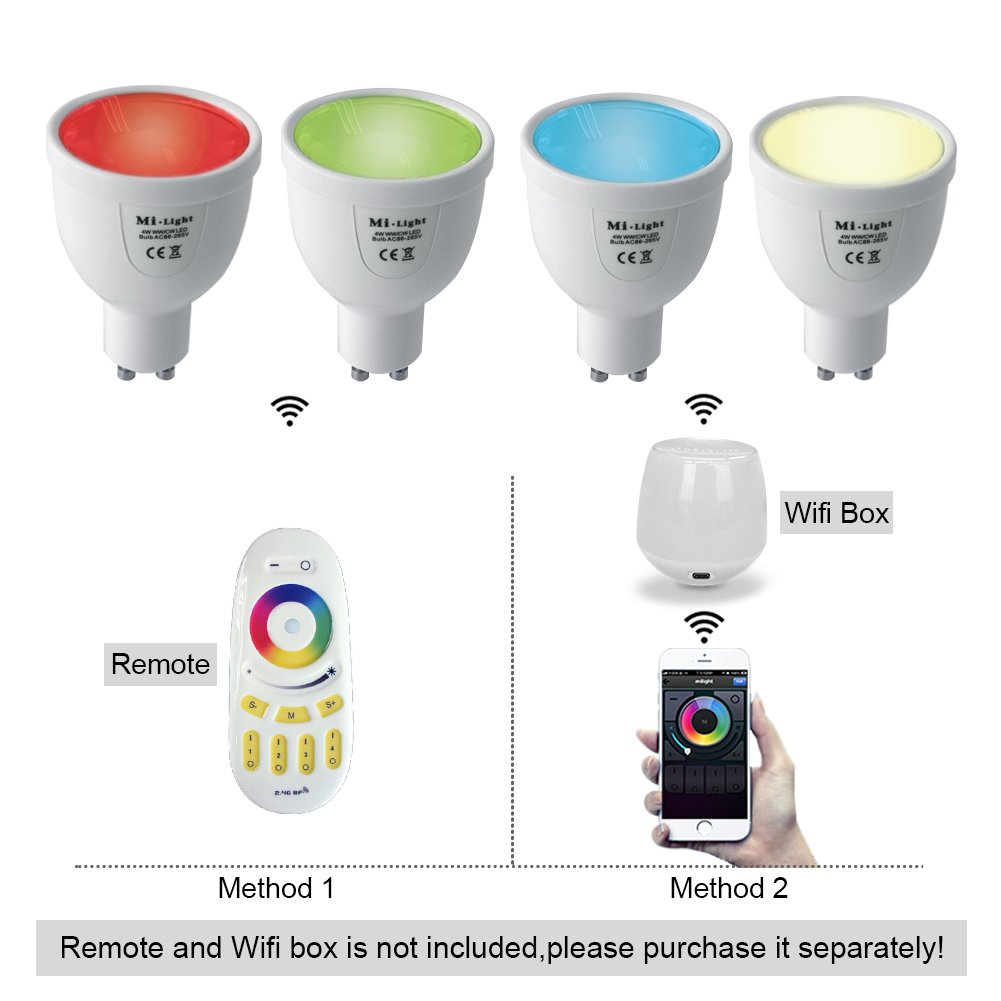
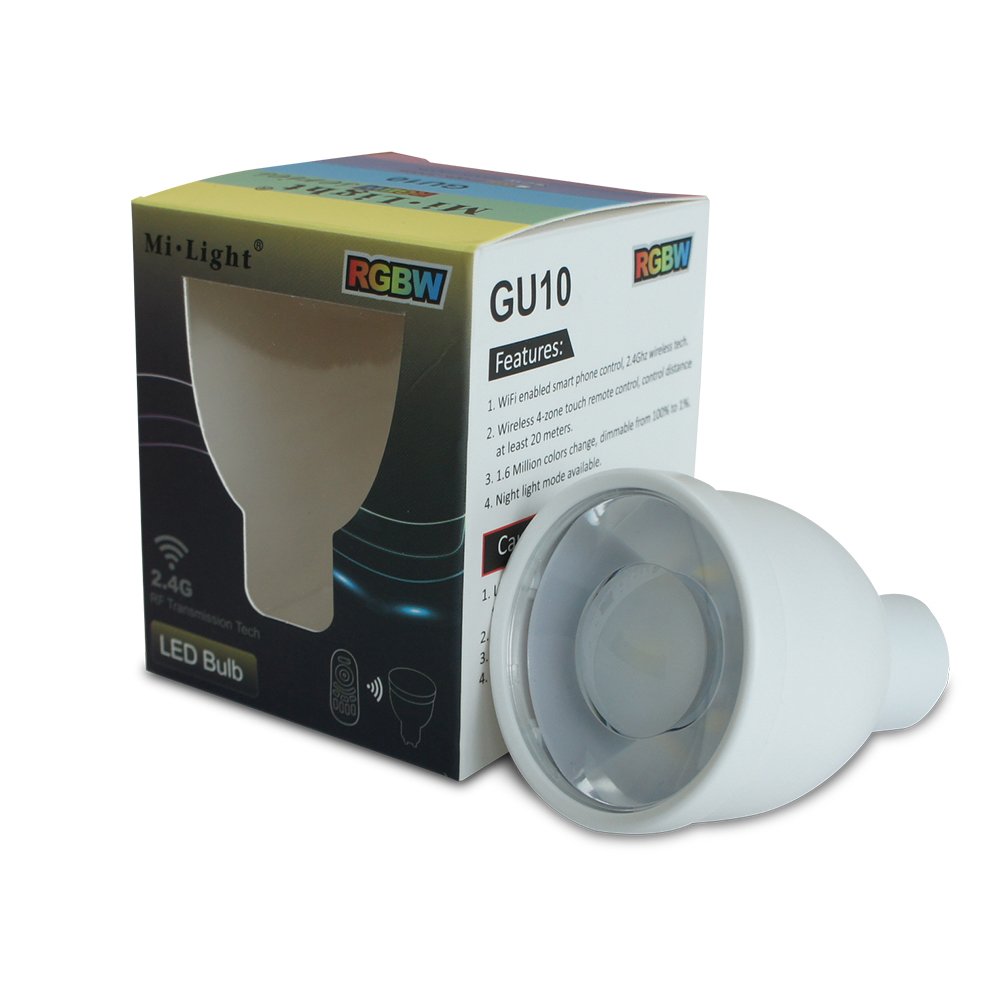
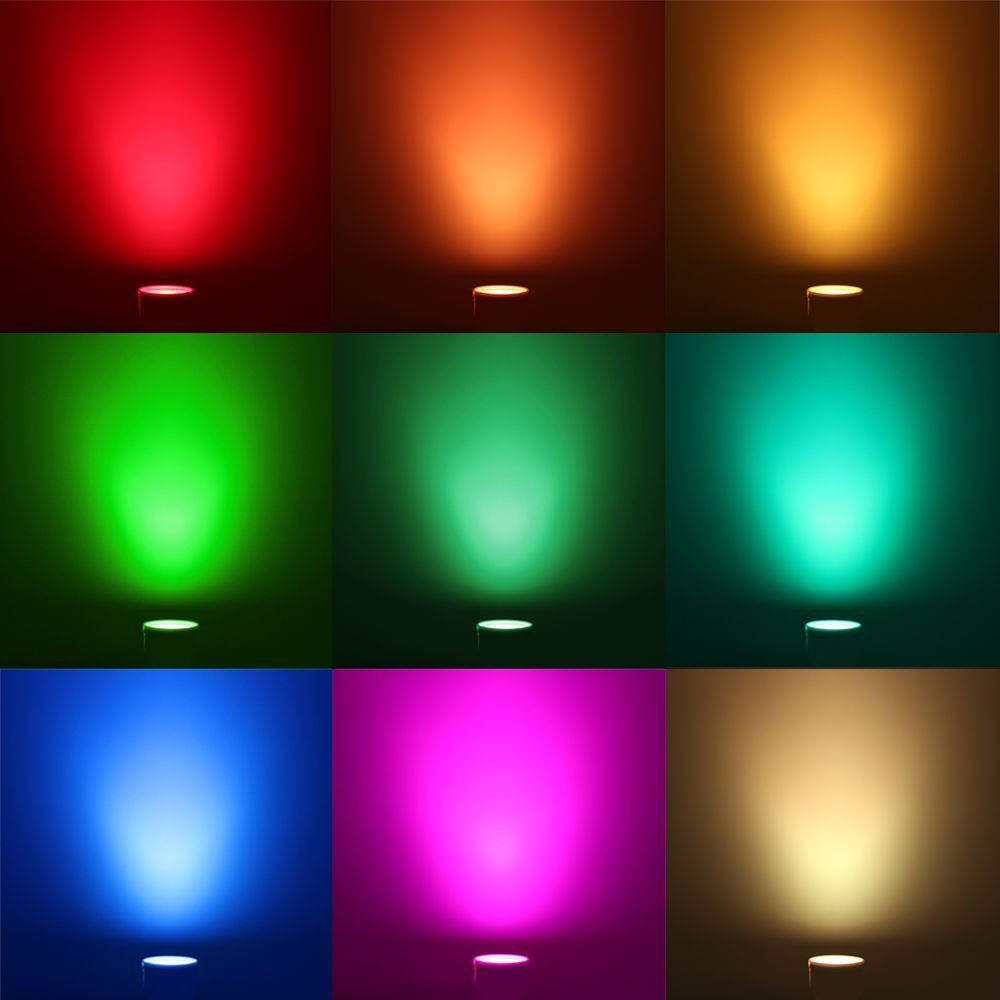
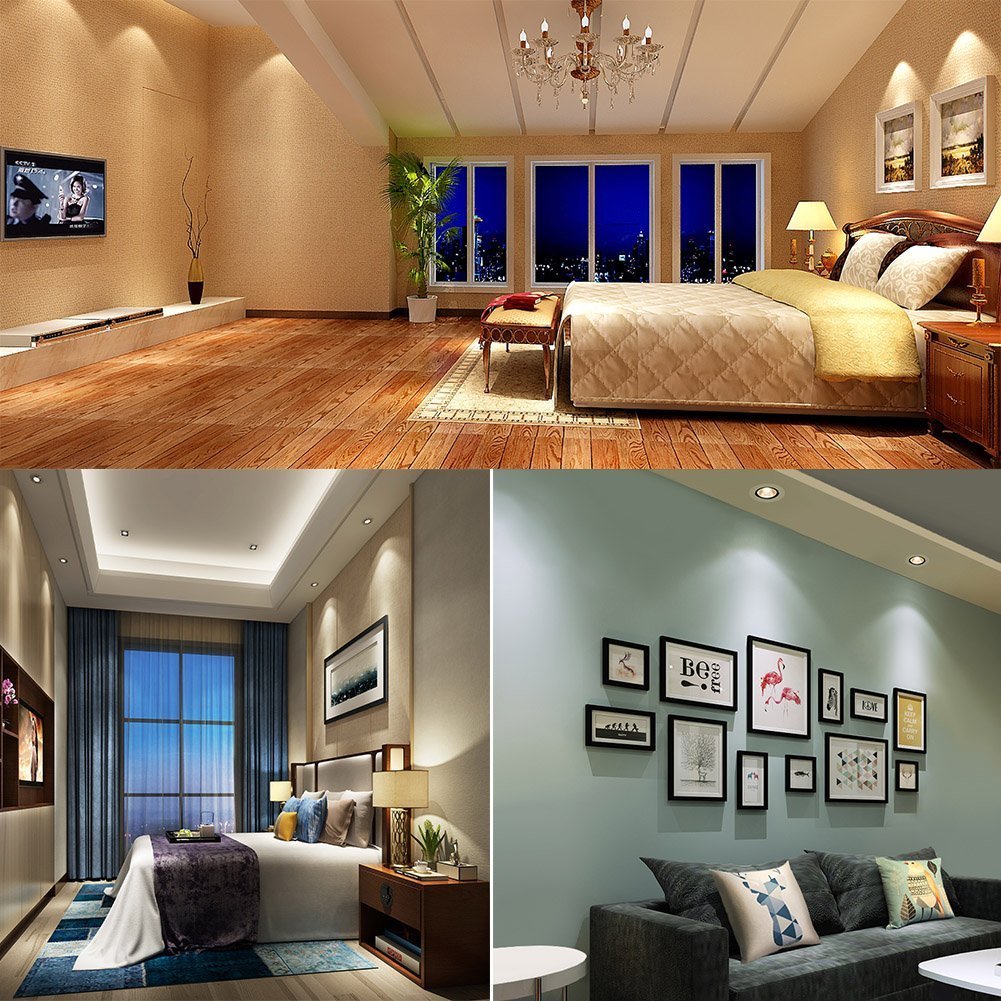
The FUYUTEC Milight 5W Wifi LED GU10 is a versatile and energy-efficient spotlight that offers 16 million color options and dimmable brightness, controlled effortlessly via a smartphone app or remote. With a lifespan of 50,000 hours and a sleek design, it's perfect for enhancing any indoor space.
| Package Quantity | 1 |
| Material Type | Plastic+Alu |
| Item Shape | Reflector |
| Power Source | Corded Electric |
| Color Rendering Index (CRI) | 80.00 |
| Average Life Span | 50000 Hours |
| EU Energy Efficiency Label | A+ |
| Type of Bulb | LED |
| Light Source Wattage | 5 Watts |
| Control Method | App |
| Light Color | RGB, RGBW |
| Voltage | 220 Volts |
| Color Temperature | 3000 Kelvin |
| Luminous Flux | 400 Lumen |
| Connectivity Technology | Infrared, USB |
| Controller Type | Android |
| Light Type | LED |
| Special Features | Dimmable, Colour Changing |
| Wattage | 5 watts |
| Bulb Shape Size | MR16 |
| Bulb Base | GU10 |
| Specific Uses | Indoor use only |
A**R
Not clear that you need the LED, a remote control and a WiFi box - all purchased separately
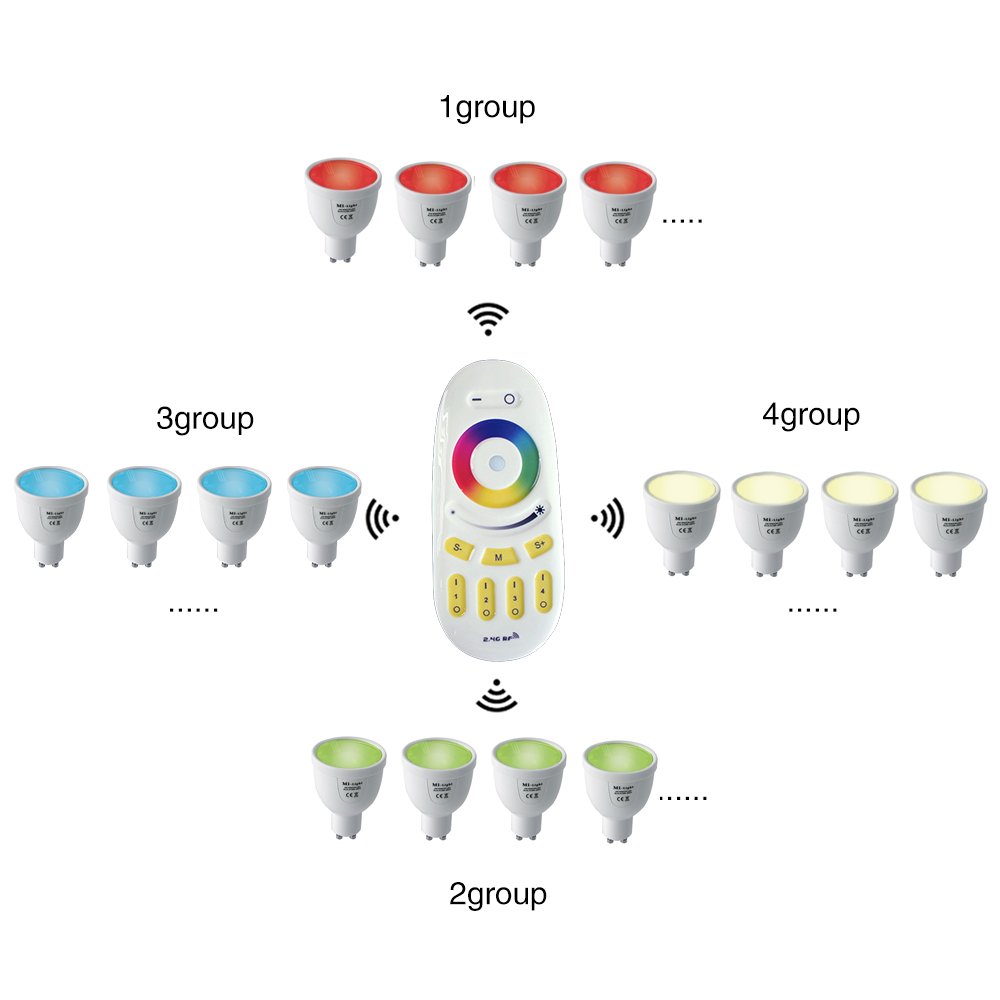
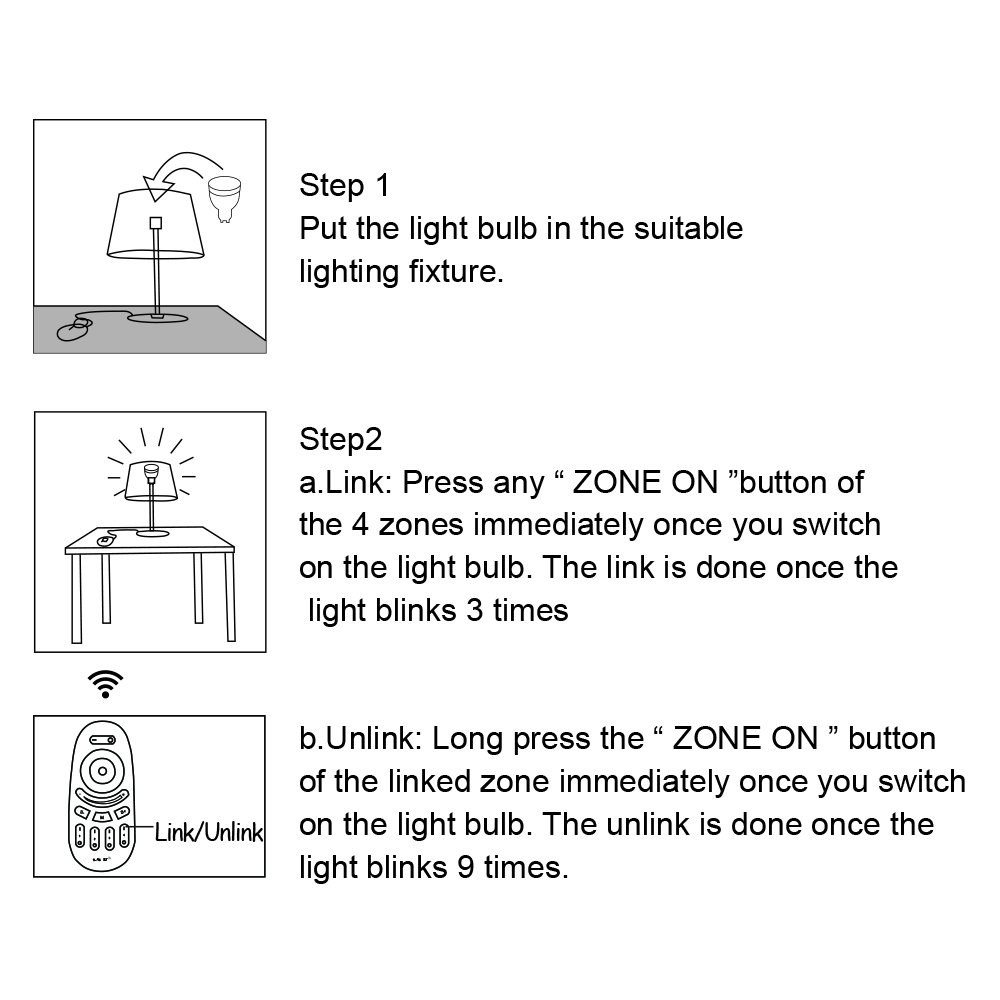
I am sure once we get it working it will be OK - the problem is that the description is so poorly written that I did not realize that you had to get the bulb, a remote control and a WiFi box to get this working - so before you can start it already costs £50. Likewise the App used to control the light from your phone is also very poorly written and takes a while to work outFollow up: I have now got this working but not on the app - don't waste your money getting the WiFi box which you need for the app (unless you want to control your lights remotely) - the remote works fine - we spent a lot of time trying to get the WiFi working but it just wouldn't connect - maybe we weren't doing it right but the instructions are very poor - for the remote it is very easy - plug the light bulb in - hold down the "I" button above number 1, 2, 3 or 4 for 3 seconds. The light will then flash 3 times and you are now connected
A**R
Brilliant
Fantastic bit of kit.
Trustpilot
5 days ago
1 week ago