

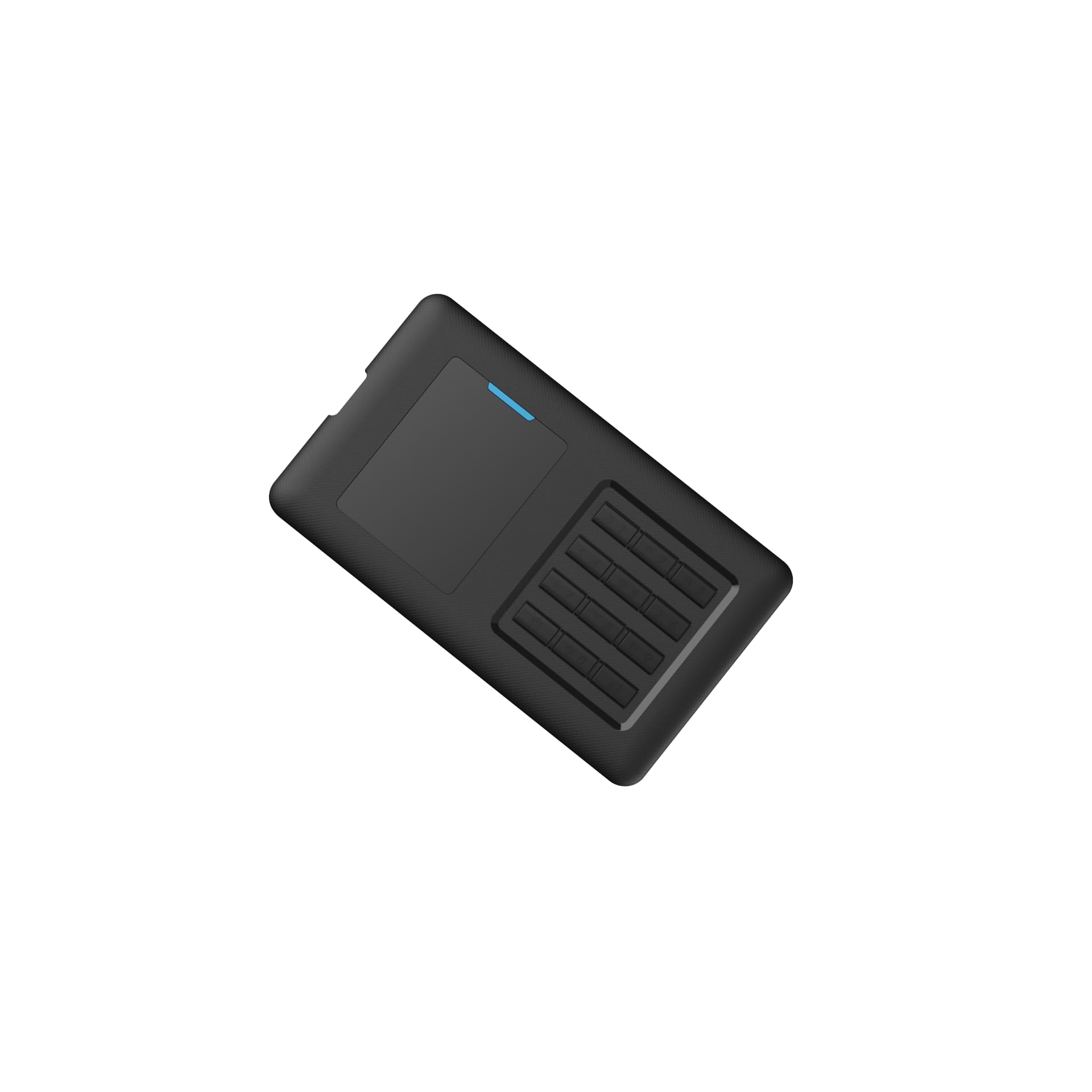

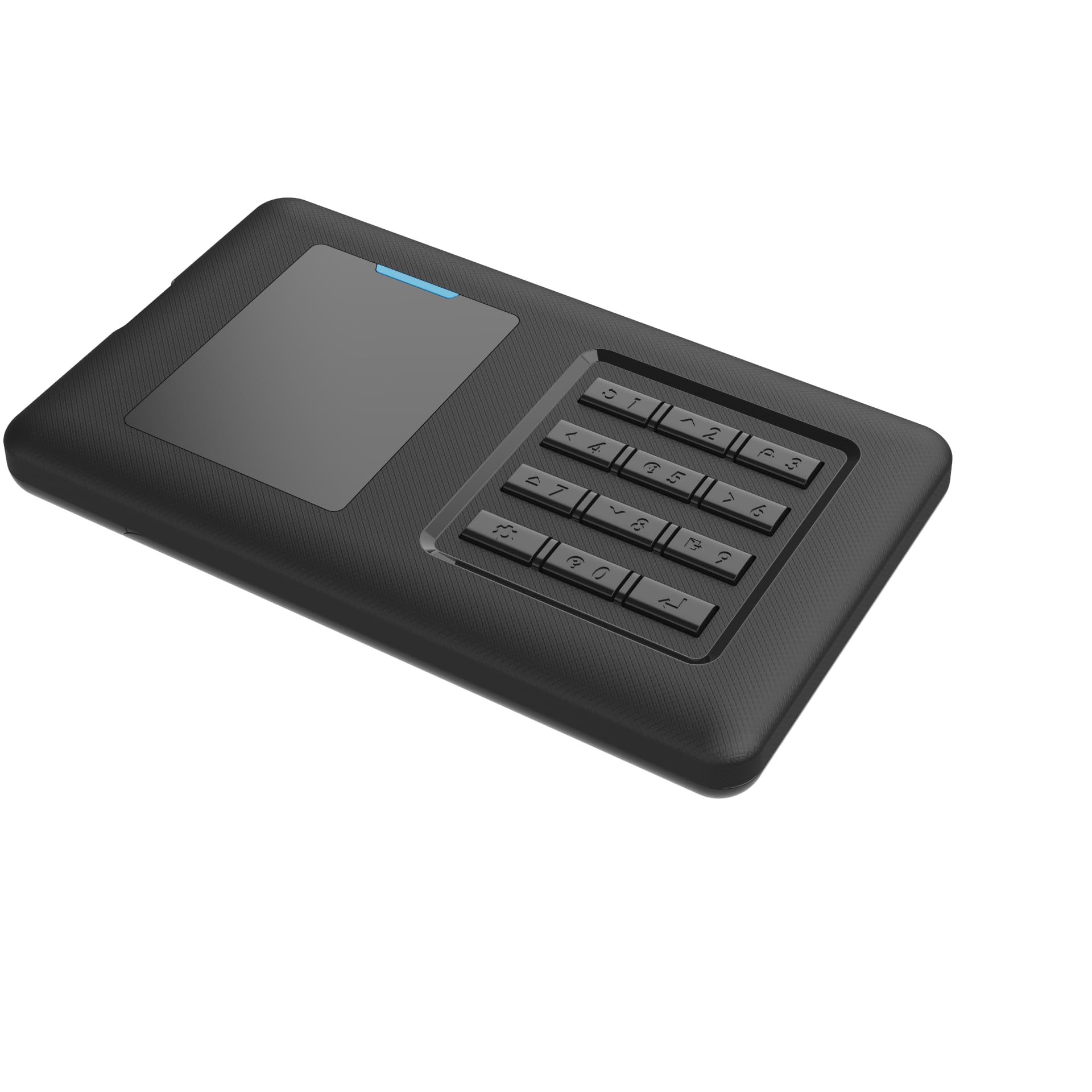
🚀 Unlock your tech arsenal with the iodd ST400 — boot, protect, and perform like a pro!
The iodd ST400 is a 1TB 2.5-inch SSD enclosure featuring advanced AES256-XTS encryption with up to 76-digit passwords, recognized as a bootable virtual optical and hard drive device. It supports multiple simultaneous virtual drives, write protection, and auto sleep, all powered by USB 3.1 Gen 1 Type-C for ultra-fast data transfer. Designed and manufactured in Korea, it offers high compatibility for booting various OSes including Windows, Linux, and Mac OS, making it an essential tool for IT professionals and tech-savvy users.


| ASIN | B0C8MXFP62 |
| Are Batteries Included | No |
| Best Sellers Rank | #143,046 in Computers ( See Top 100 in Computers ) #454 in External Solid State Drives |
| Brand | IODD |
| Color | Black |
| Customer Reviews | 4.6 4.6 out of 5 stars (7) |
| Date First Available | 26 June 2023 |
| Form Factor | 2.5-inch |
| Hard Disk Description | Solid State Drive |
| Hard Drive Interface | USB 3.0 |
| Hard Drive Size | 1 TB |
| Hardware Platform | Laptop, PC, Tablet |
| Item Weight | 85 g |
| Item model number | IODD_MINI |
| Manufacturer | IODD co.,Ltd. |
| Operating System | Mac OS X 10.0 Cheetah, Windows 7 |
| Power Source | DC +5V USB power |
| Product Dimensions | 9 x 4 x 0.9 cm; 85 g |
| Series | IODD_MINI |
A**R
This is good when you have a variety of ISOs big or small for a technician. I used to install Windows Server, Linux. Can also boot live ISOs whether in BIOS or in UEFI, tested it. Also supports large ISO files the biggest one I chucked was just over 64GB in size. Not sure officially the max file size limitation. From what I read from the Manual it seems that for a 2TB SSD there is no limit. But I could be wrong.
A**R
I'm always needing to boot from some LiveCD, or rescue CD, or utility, or install some OS or other. Until now I just rummaged through my box of flash drives looking for one I can erase, or burned an ISO to a CD. Not anymore ... I put all the ISOs on here and choose the one I want through the menu. Also if there's a utility that will ONLY write to a flash drive, you can create a VHD of the required size and copy it to the iodd and then select it as a VHD. The OS will see it as a flash drive and the utility will write to it. I use this to take backup drive images before reinstalling the operating system. The drive image software is an ISO I boot from and the HDD is where I write the backup. Then I can take the drive anywhere I want to copy the backup off. The read and write performance is very good. Other reviewers say it feels cheap ... it doesn't feel cheap to me. It's plastic but it's not flimsy plastic with a chicklet keypad which is what I was afraid of. The keys are discrete objects, not a membrane on the drive. I don't see why it won't survive reasonable wear and tear. The only thing I don't like about this device is the documentation. It is terrible. I had to take the drive out and reset it 3 or 4 times before I realized that the password they call the "2nd password" is the password you enter FIRST ... and that the 2nd password is NOT the same ad the administrator password. Once I got that sorted out everything is fine. The only thing I wish I had changed is getting a bigger drive, I was thinking 1 TB was overkill for holding ISOs but I wasn't thinking about the fact that I would be writing backups to it as well. But replacing the internal drive is easy if you have to do it. By the way, I tried Ventoy and it never worked properly at least on my hardware. Either the machine wouldn't boot, or it would boot but was all messed up ... for example I use Parted Magic to secure erase NVMe drives. I could get it to boot, but actually wiping drives didn't work under Ventoy. With this thing because the OS sees it as a discrete hardware device, there are no such concerns. Not everyone needs something like this, but if you do, this thing will do what you need it to do, no sweat.
P**C
Being able to mount virtual drives, iso's and the security features are awesome. The interface is difficult to navigate until you memorize what everything does. The admin program and VHD program for it doesn't seem to work under Windows 11 just throws errors when you try to talk to it. I have not tried it on older systems yet. The documentation is... decent. I really hope they come out with better software/firmware to simplify things a bit and make a real winner that lives up to all the potential this has.
Trustpilot
1 month ago
1 month ago



