Some deliveries may take a little longer than usual due to regional shipping conditions.

DOWNLOAD THE APP


Customer Services
Copyright © 2025 Desertcart Holdings Limited
DOWNLOAD THE APP

🚀 Upgrade your laptop’s wireless game — don’t get left behind!
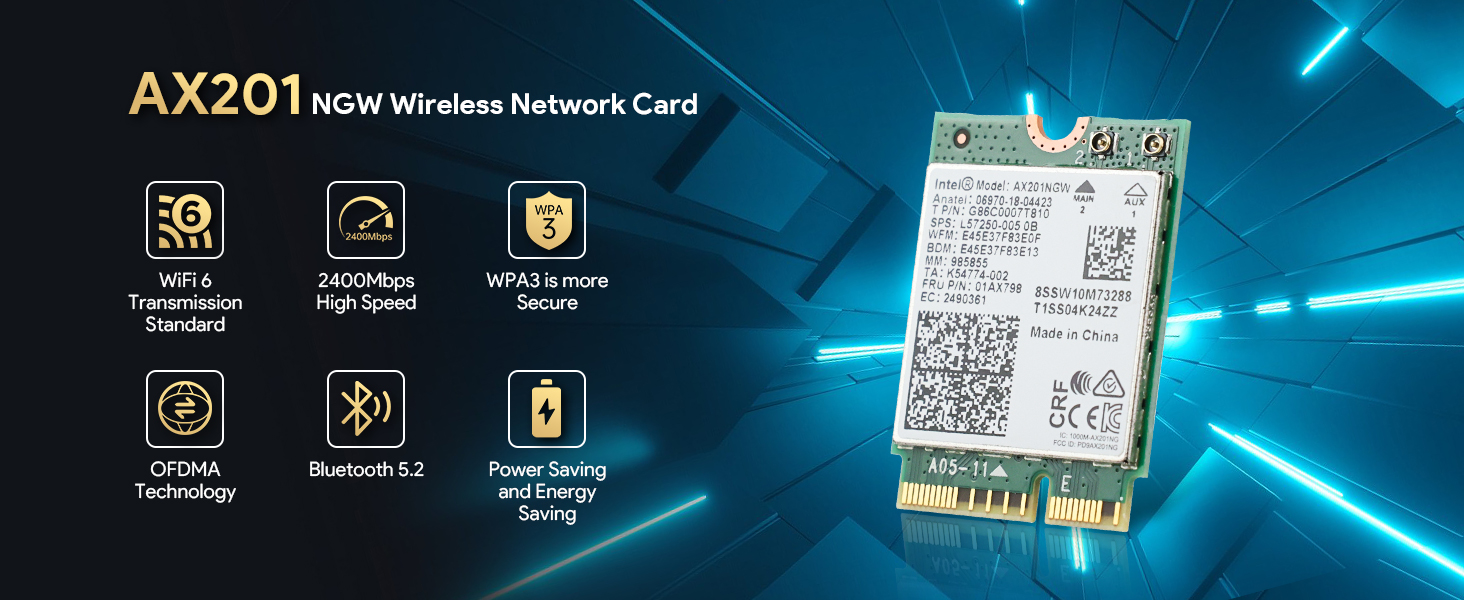
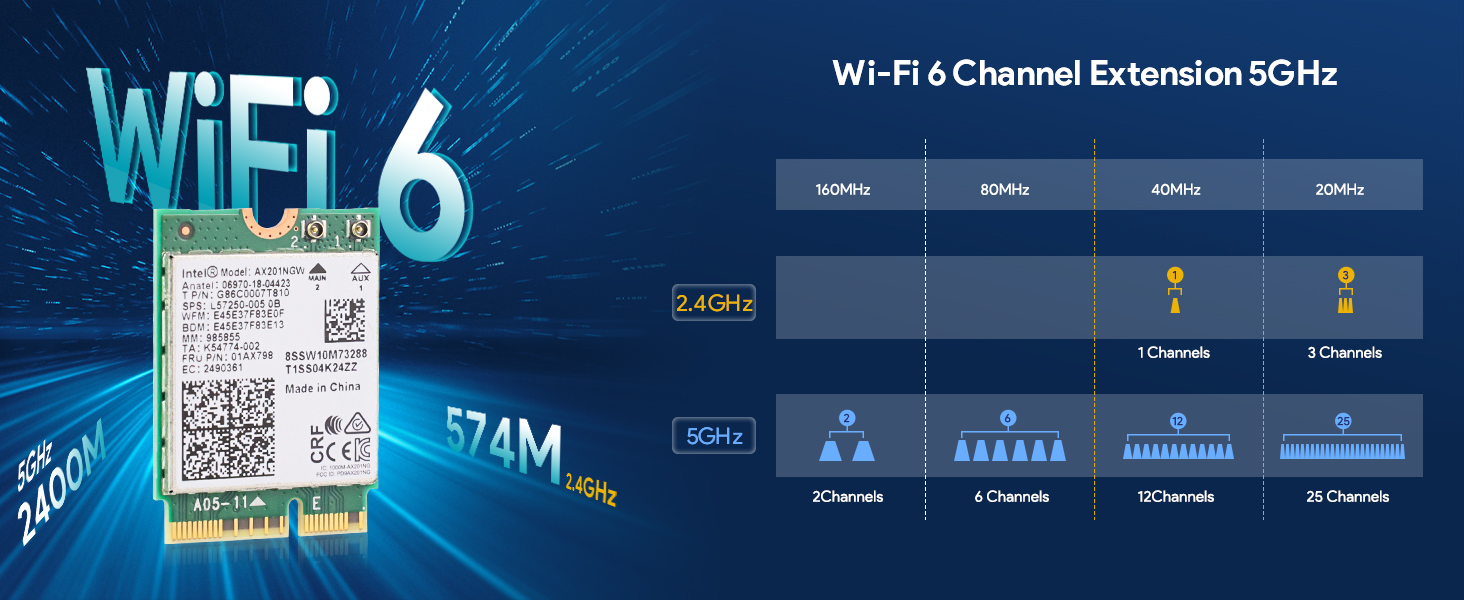
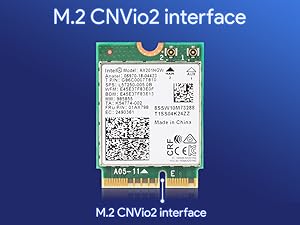
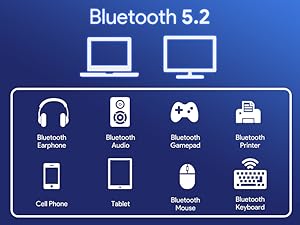
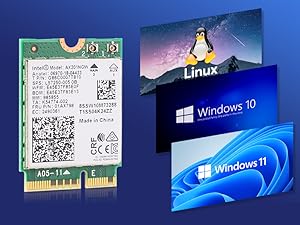
The Intel AX201NGW Wi-Fi 6 Wireless Card is a high-speed M.2 CNVio2 network adapter designed exclusively for 10th Gen Intel CPUs and above. Delivering dual-band Wi-Fi 6 connectivity up to 2400Mbps and Bluetooth 5.2, it ensures ultra-responsive, low-latency wireless performance across Windows 10/11, Linux, and Chrome OS platforms. Perfect for professionals seeking a future-proof, seamless upgrade to their laptop’s networking capabilities.




| ASIN | B0C7Z8WSX1 |
| Best Sellers Rank | #44 in Internal Computer Networking Cards |
| Brand | EDUP |
| Customer Reviews | 4.6 4.6 out of 5 stars (697) |
| Date First Available | June 14, 2023 |
| Item Weight | 1.76 ounces |
| Manufacturer | EDUP |
| Operating System | Windows 11, 64-bit, Windows 10, 64-bit, Linux, Chrome OS |
| Package Dimensions | 4.53 x 3.74 x 0.67 inches |
A**R
Works great as an upgrade or replacement but do your homework.
If you are replacing a failed card with the identical model, you don't have to sweat it. This is a good quality part from Intel. If you're repairing and want to go for a little more performance then be careful. You've probably seen all the other reviews and internet forums warning about these being tied to 10th. Gen Intel procs and it's all true. I've attached the info from Intel that shows the range of adapters that you can swing if you have the right proc. I replaced a dodgy AC9461 having connectivity issues with the AX201 because I have a WiFi 6 network here and wanted to exploit it. When the 9461 started to flake out it would work at 40-80 Mbps speed tops and the laptop would sit at "Restarting" for a long time while trying to reboot and it sometimes required me to hit the power button. The AX201 speed tests above 400 Mbps speeds from the better part of my network and about 1/4th that from the worst. It's all signal strength dependent, of course. My internet tops out at 520 Mbps for wired ethernet connections out so I'm happy with the boost. The laptop here is the HP Pavilion 15T-300CS. It's not too hard taking apart if you have the right tools. I've pulled a few laptops, tablets and cell phones apart in my day so I have a lot of the tools required. EDUP supplies you with a small screwdriver and it fits the bill for the tiny screw that holds the card into the M2 slot. Note that it's a very small screwdriver and it may not be sufficient to get the OEM screw out. Why? Well, HP puts Loctite on the threads of a lot of their stuff so you may need help from a good pair of needle nose pliers to remove the screw to get the old card out. Otherwise, just watch a video showing you how to take your laptop apart. After the install I didn't have to do anything in the BIOS to make sure the card worked. It came up ok in Windows 11 and both the wifi and bluetooth showed up in the Device Manager. The card didn't want to connect to my wireless and Windows said it was not turned on. It wouldn't turn on from the network diag menu. I figured it might be a driver issue so I did the driver update from Device Manager and Windows said that the system had the latest driver. I opted to have Windows Update look for newer drivers and it found and installed them. They didn't work any better so I went to EDUP's website and downloaded the driver install packages. Once i got these installed the card worked great for both WiFi and bluetooth. Don't always trust Microsoft on drivers, the ones from EDUP were version 23.x and the ones from MS were version 22.x. I ran all the HP hardware diagnostics on the card and it passed with flying colors. The only other thing of note is that the AX201 has two antenna connections and my laptop had only one antenna. I connected it to the main connector #2 and wifi worked but later I noticed the bluetooth signal was very weak, mostly with headsets. I took the laptop apart a second time and moved it over to the AUX #1 connection and that fixed bluetooth issue without affecting the wifi signal....go figure.
A**R
Works Perfectly!
Does exactly as expected. easy to install. works fine. My DELL G15 fixed!
R**R
Fast and easy Wi-Fi 6 card
High quality, great design, thoughtfully priced. Fast speeds, plug and play, strong signal, drivers installed automatically. Would recommend in the future!
R**E
Great WiFi card except the connector tabs
I've installed a half dozen of these into my Orange Pi 5 plus single board computers. They work great when installed. The problem is getting the tiny external antenna wires snapped onto the board's two connectors. I've wrecked a good 4 of these boards trying to attach external antenna connectors. The connectors on the board tend to deform much more prevalently than the connector on the antenna wires.
C**R
Worked perfectly!
Worked perfectly! Dropped in and away it went, no issues at all. Would buy again, would recommend!
J**R
Perfect fit
Perfect replacement for an older wifi adapter that had failed. Very easy to install. Much faster than the older adapter.
S**D
Big improvement over default Dell Qualcomm wifi/bluetooth
I have a Dell Inspiron 15 3000 (basically a 3511 motherboard and body) with a Qualcomm QCA9377 802.11ac Wireless Adapter. The max wifi speed is 433 mbps and it's hard to tell which bluetooth I had - either 4.1 or 5.0. Either way the bluetooth reception was pretty limited - about 20 ft (down a hall) before reception was lost. I recently upgraded my internet speed to "up to 1 GB" but my wifi was still barely over 250 mbs. So I wanted to upgrade. It's a bit fuzzy finding the exact replacement but this worked perfectly! It shows up as "Intel(R) Wi-Fi 6 AX201 160MHz" and is bluetooth 5.2. I'm able to go about 40 ft in my house now before reception is lost (lost of turns and corners). Wifi speed is now in the 400s. The adapter itself displays 866 mbs but due to how routers work with wifi I'm not going to hit higher speeds than what I have now. I'm putting these notes here for anyone else looking to upgrade their wifi with this chip. Here's the steps I took that also let my bluetooth devices work properly again: 1) Download drivers for new wifi card prior to installation. Do not install yet. URL is in the package with this wifi card. 2) Remove backplate 3) Disconnect Battery 4) Uninstall old wifi-card, noting wifi/bluetooth wire location. They pop on-off and are really finicky. 5) Install new card, reinstall wifi/bluetooth 6) Reconnect battery 7) Turn on PC 8) Install drivers for wifi and bluetooth RECOMMENDED: Go to Device Manager, View then "Show hidden devices" 1) All grey-out items in Bluetooth and Network Devices should be Uninstalled. 2) Bluetooth would be the chip and any older connected devices 3) Wifi would be old chip and 2 virtual adaptors (which should uninstall automatically when the wifi card is uninstalled). Screenshots of before and after wifi speeds and old/new chips. The old chip was not as wide and had an additional notch in it. This is a M.2 / PCIe slot.
N**H
Loses connection
Has similar (though not as bad) intermittent packet dropping issue the card it replaced had. Connection dropping is more appropriate because when it acts out no communication happens for some period of time. Now it just doesn’t happen for as long or as often, but particularly occurs right when timing is critical too - so it makes it unusable for activities such as gaming. I’m not too bummed as it was cheap, but I think the only way to truly fix the problems with these adapters is to just avoid the this chipset entirely! I have narrowed it down to the card (different laptops, different OS’s), but I guess I can’t rule out some strange compatibility problem with my network and this specific card type. Other WI-FI 6 devices do not have this issue. Let’s be real, speed becomes irrelevant in most cases when your connection isn’t stable! A USB Wi-Fi dongle has been more reliable for the laptop that uses this - which doesn’t get much use due to the aforementioned problem.
E**K
Was very easy to install. On windows you need to install both drivers: wifi and Bluetooth and reboot. With Linux Fedora it works immediately.
R**N
La instalación fue fácil, la instalé en una laptop hp y la verdad creí que por alguna razón no sería compatible o algo así pero al instalarlo me lleve la sorpresa de que funcionaba y de verdad que funcionó bien, hice pruebas con el WiFi 6 y la velocidad de descarga y de subida así como el ping me daba casi lo mismo que si la tuviera conectada con Ethernet, es un excelente producto y a un excelente precio.
S**E
Troquei a placa de rede original do meu portátil (ASUS TUF F15) por esta Intel AX210, e a diferença é do dia para a noite. A anterior era claramente fraca — o sinal Wi-Fi caía com frequência e a velocidade oscilava muito, especialmente quando estava mais longe do router. Com esta AX210, a ligação ficou muito mais estável e rápida, o alcance melhorou bastante e o Bluetooth também passou a funcionar de forma impecável com auscultadores e rato sem falhas. Instalação simples, plug-and-play — o Windows reconheceu logo e instalou os drivers automaticamente. Recomendo vivamente a quem tenha um portátil compatível e esteja farto de quedas de rede. Uma das melhores atualizações de hardware que já fiz — pequena peça, grande diferença!
F**R
ich habe die karte als Upgrad für mein 5 jahre altes Notebook benutzt. Die Datenrate hat sich erhöht und die Verbindung ist insgesammt besser.
A**A
Habe eine "MediaTek Wi-Fi 6 MT7921" in meinem Asus ROG M16 GU603HM Notebook mit Intel i7 gegen die "EDUP WiFi 6E Wireless Card Intel AX210 NGW" ausgetauscht. Die Intel AX210 verbindet sich jetzt seit mehreren Wochen stabil und ohne Unterbrechungen mit 2400Mbps. Mit der MediaTek waren max. 1200Mbps möglich. Der Einbau war ohne Probleme möglich, alles hat mechanisch und elektrisch gepasst. Nach Neustart des Notebooks hat Win11 automatisch die passenden Treiber installiert. Bin mit dem Kauf sehr zufrieden.
Trustpilot
2 weeks ago
2 months ago