
DOWNLOAD THE APP


Customer Services
Copyright © 2025 Desertcart Holdings Limited
DOWNLOAD THE APP


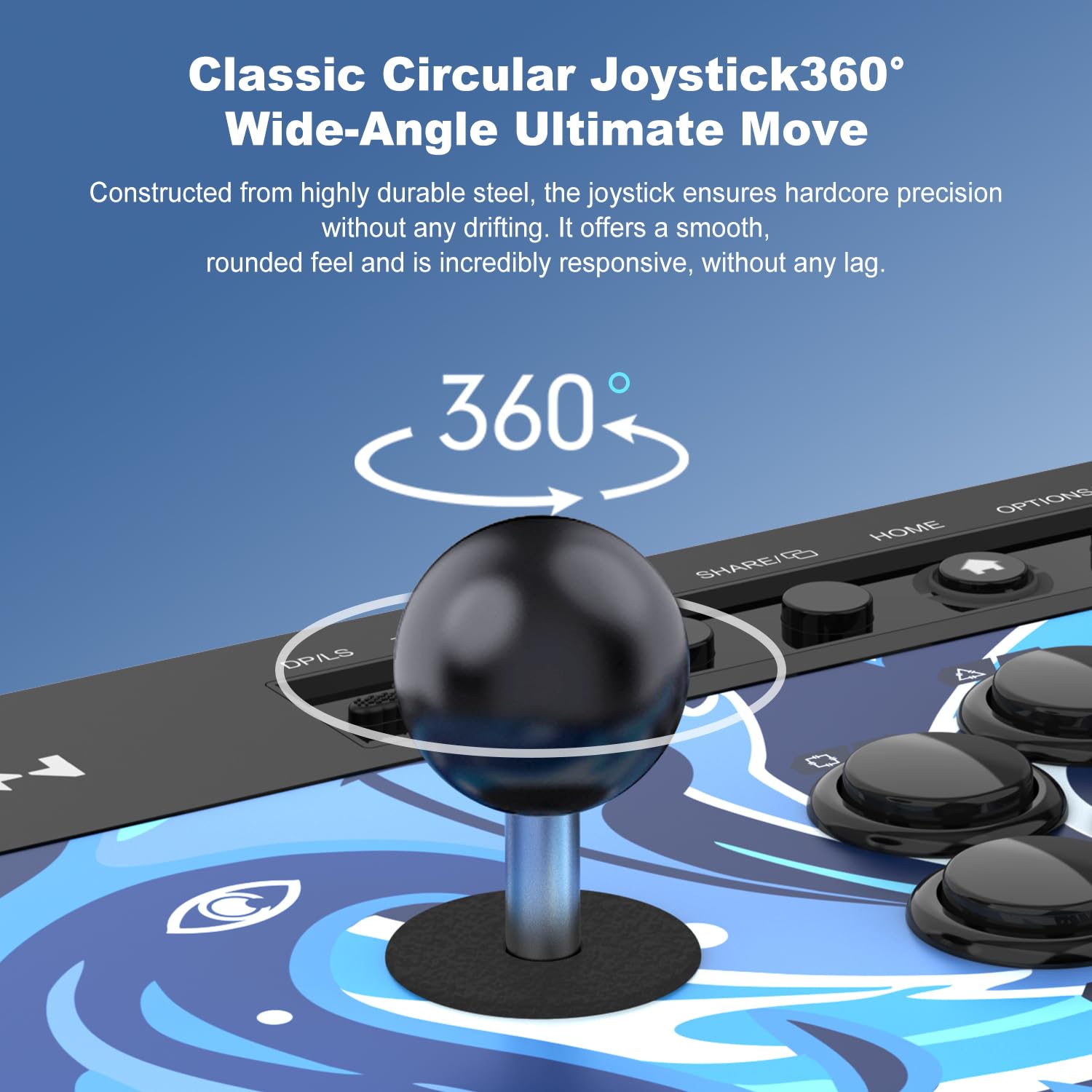


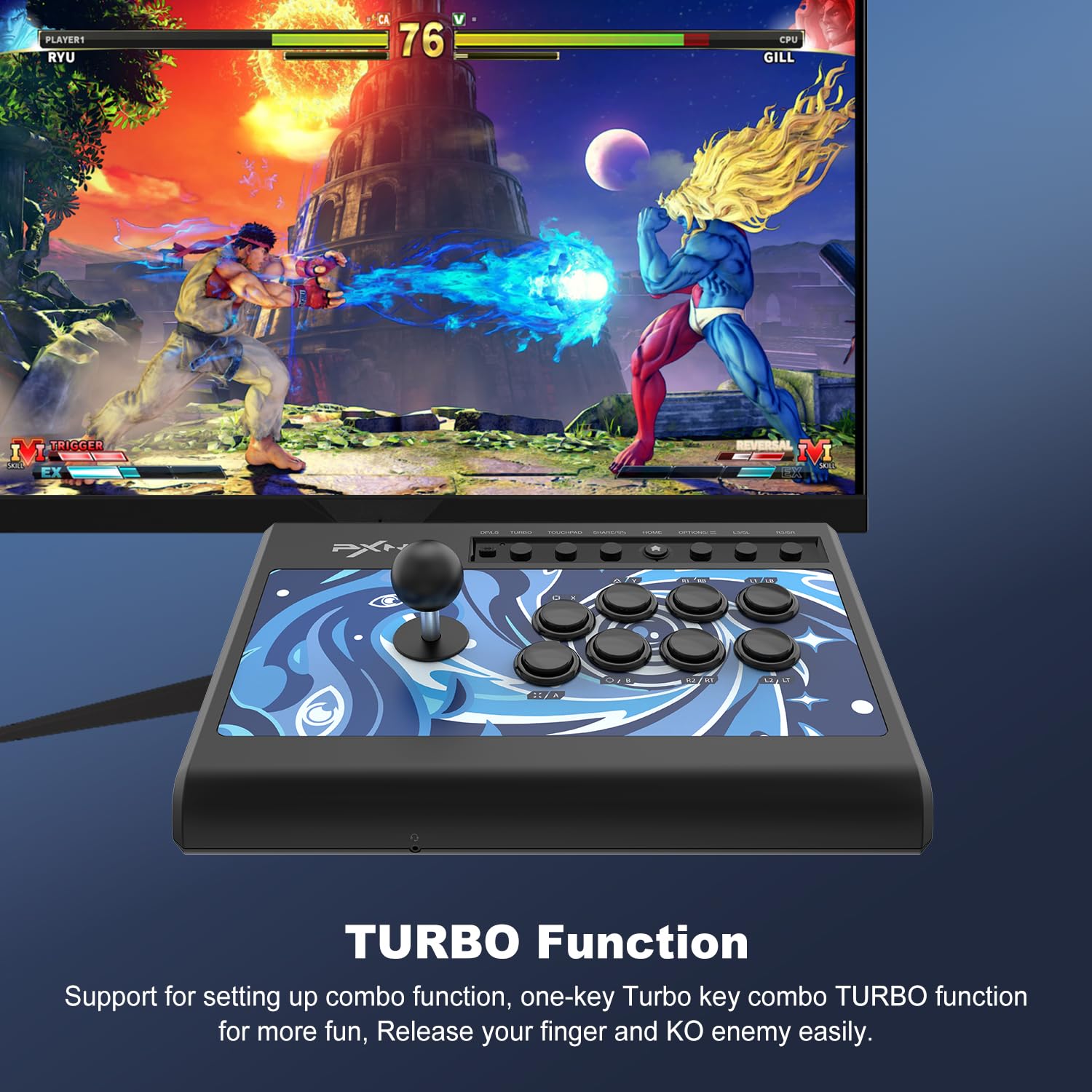
🎉 Level Up Your Game with PXN 008!
The PXN 008 Arcade Stick is a versatile USB game controller compatible with multiple platforms including PS3, PS4, Xbox One, and Windows PCs. Featuring durable Cyan Axis mechanical buttons with a 5000W lifespan, a turbo function for easy combo execution, and a robust design, this fight stick is perfect for serious gamers looking to enhance their fighting game experience.


M**S
Wonderful
I have had this for a week now and I enjoy using it. I use it for MAME and it works great. Much better than using a controller or the keyboard.
W**Z
Absolutely love it!!!
Absolutely love it!!!!! Works for my PlayStation 3, PlayStation 4 and also the Nintendo's Switch O~LED Switch!!!!!! Thank you so so much!!!!!
R**E
Works as expected.
I purchased this so I can play my Old school games like Pac-man. It works good. There is a bit of delay. But not so much that it diminishes gameplay. It does need to stay corded so, get a long one if you need distance from your screen and console. Over all, it's fun.
E**N
What they don't tell you
It is a good option economically but you need to have this control and your regular control connected at the same time. The description needs to have more specification on how to use it. This happens only on console.
J**I
Very NICE, and high quality.
Very classic arcade-like. Super high-quality, great feel, works great for classic arcade games. Linux/Raspberry Pi compatible. I love this thing!
F**2
Super Cool for MAME, Atari and other Emulators
Exactly what I was expecting. Nice feel and works great for my retro games when I need an arcade like joystick.
S**K
My son loves it!
Bought for my son's birthday! He was so excited and hooked it up immediately to his game system to play Brawlhala!
G**M
Good
TL:DR at the end.Good arcade stick, but could’ve been great. I’m not the most hardcore arcade stick enthusiast so I may not be using the correct terms here, but I did always want an arcade stick of my own and have used them here and there. I’ve tested this arcade stick on multiple devices. The photos in the product page may seem a bit misleading by making it look like a wireless pad because they don’t show you the USB cable that is attached to the arcade stick. The arcade stick comes with 2 USB cables that connect to a USB C and a Micro USB controller.So for this thing to work, which I disliked so very much is that the arcade stick needs to connect to physically connect console AND to the console controller. You can not connect the arcade stick to any USB port like on a wall or charging brick to give it power, it has to be connected directly to the console via attached USB so unless your console is 10 feet away, you’re going to need a USB extension cable. Having to connect a controller was very annoying because that added another cable to the arcade stick. This whole thing just seemed pointless especially for handling/portability. Another thing is, even with everything connected, you can’t even turn on the connected console through the power button of the arcade stick.When playing on an Xbox (Series X) or Playstation (5), you just connect the controllers to the arcade stick that is connected to the controller. For the Nintendo Switch, I connected to the USB of the dock. If you have a USB to USB C OTG adapter, you can connect directly to the Switch. You still can’t turn on the Switch through the arcade stick. Unlike Xbox and PS, every time you turn the Switch on, you need to use the Joy-Cons or any other controller and go to “Controllers” for the Switch to see the arcade stick. Not only that, but the Switch will see this as Player 2, so you will want to turn off the Player 1 controller. For PC, all I had to do was just plug it into one of the USB ports.The plastic quality on these are great, thick hard plastic thats got a bit of weight. Everything is plastic, no rubber textures for grip anywhere.Every button is smooth and clicks nice.The buttons are concave (rounded top), not concave if you prefer those like I do. They work and I didn’t notice any input lag with any of the fighting games I tested. Again, I’m not hardcore into these so someone that is into arcade sticks may notice an input lag that I couldn’t. The layout of the buttons don’t seem right to me. Going by Xbox buttons, the top set of buttons go X, Y, RB, and LB. Bottom buttons go A, B, RT, and LT. I feel like it would’ve been better if they went X, Y, LT, LB and for the bottom A, B, RT, RB. The reason for this is because depending on the console (especially playing retro games on emulators), LB and RB do not exist so having these further out from the center of the arcade stick would’ve been better.The shaft of the stick spins, which personally, I am not a huge fan of since I’ve only ever used to the ones that don’t spin. I’m not sure if this can be adjusted so that it doesn’t spin. Combination of this spinning shaft and the knob being glossy, there isn’t much of a grip if your fingers get greasy.TL:DR Overall, minor issues with the button layout, which could be fixed by tinkering with settings through the game/retro emulator. I can forgive the fact that the product images make this look like a wireless arcade stick, but the main annoyance is having to connect a controller to the arcade stick while also being connected directly to the console. This would’ve been a 4.5 (rounded to 5) stars and if a controller didn’t need to be connected. If something like that doesn't bother you or you plan on strictly using this on PC, then great, definitely get this because I do enjoy using this more through my PC than my consoles.
Trustpilot
2 days ago
2 months ago