
DOWNLOAD THE APP


Customer Services
Copyright © 2025 Desertcart Holdings Limited
DOWNLOAD THE APP
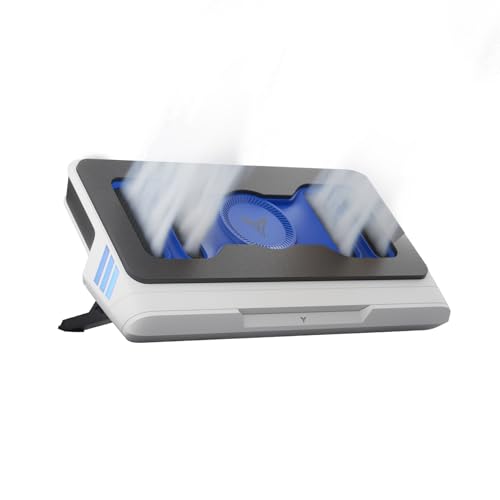
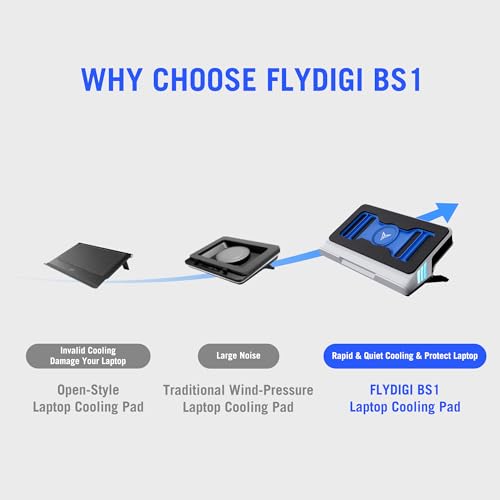
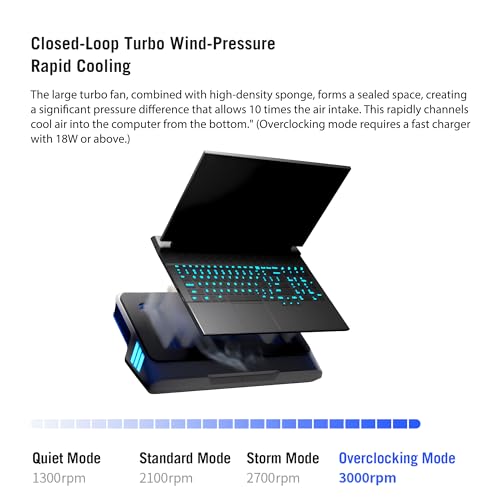
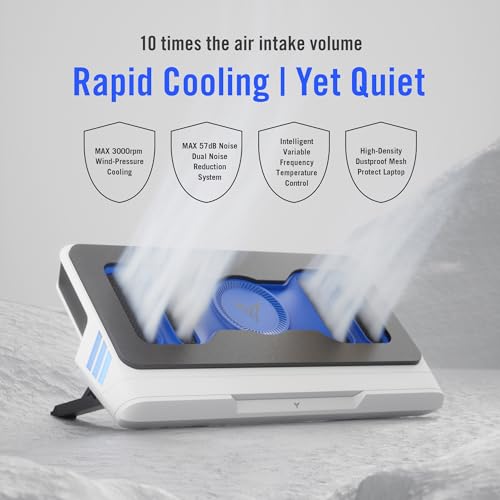
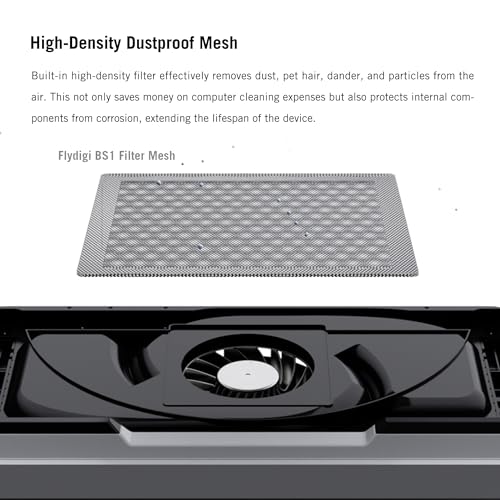

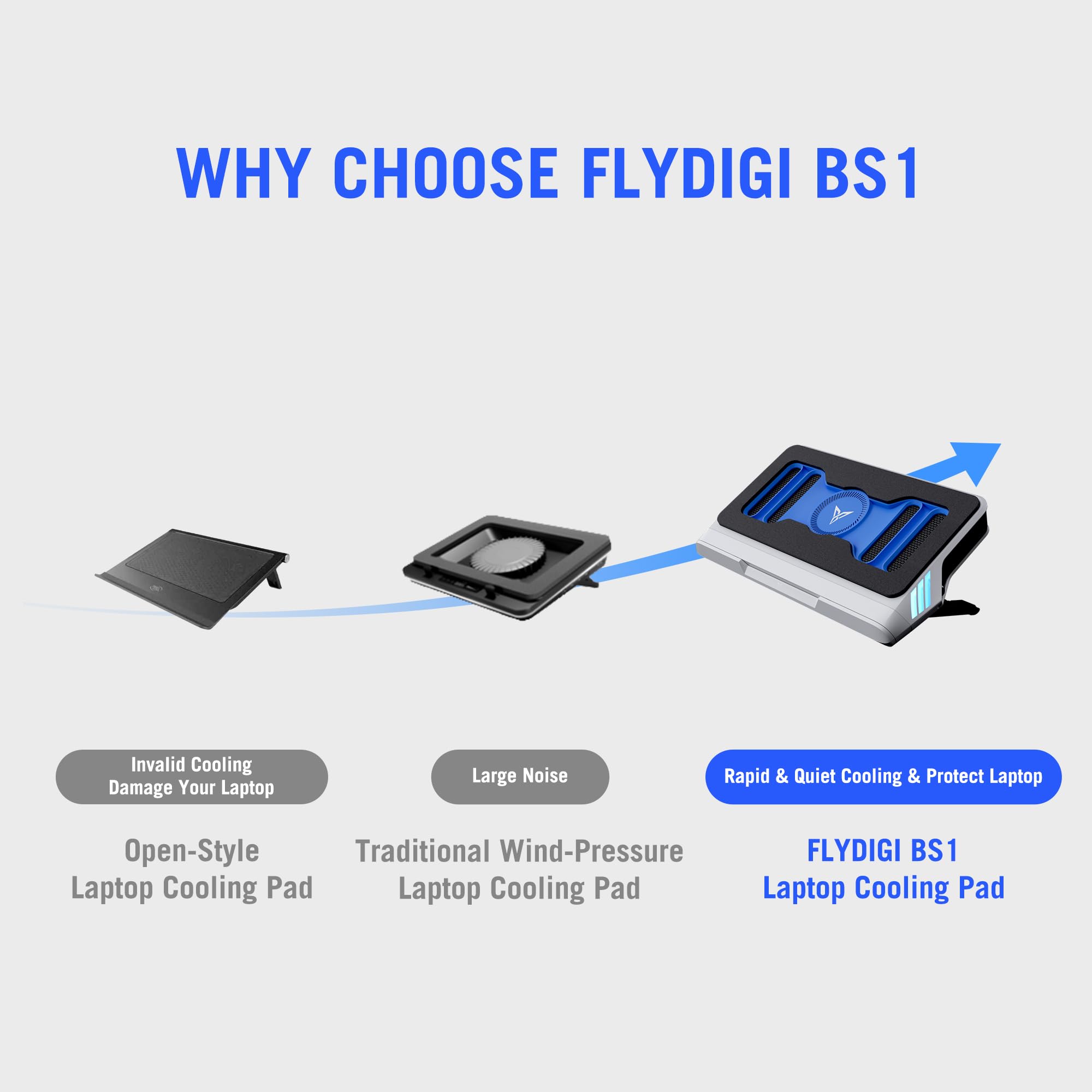
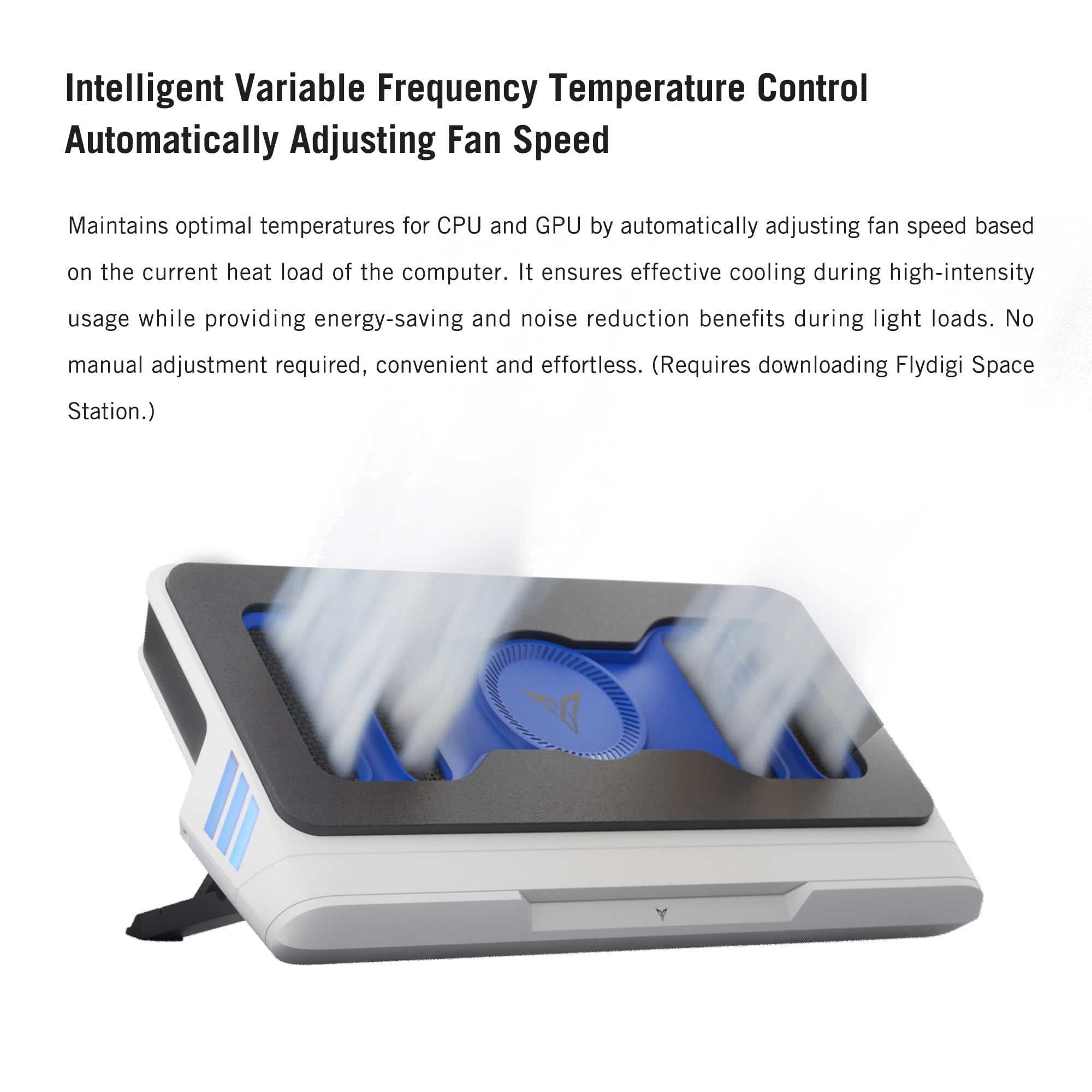
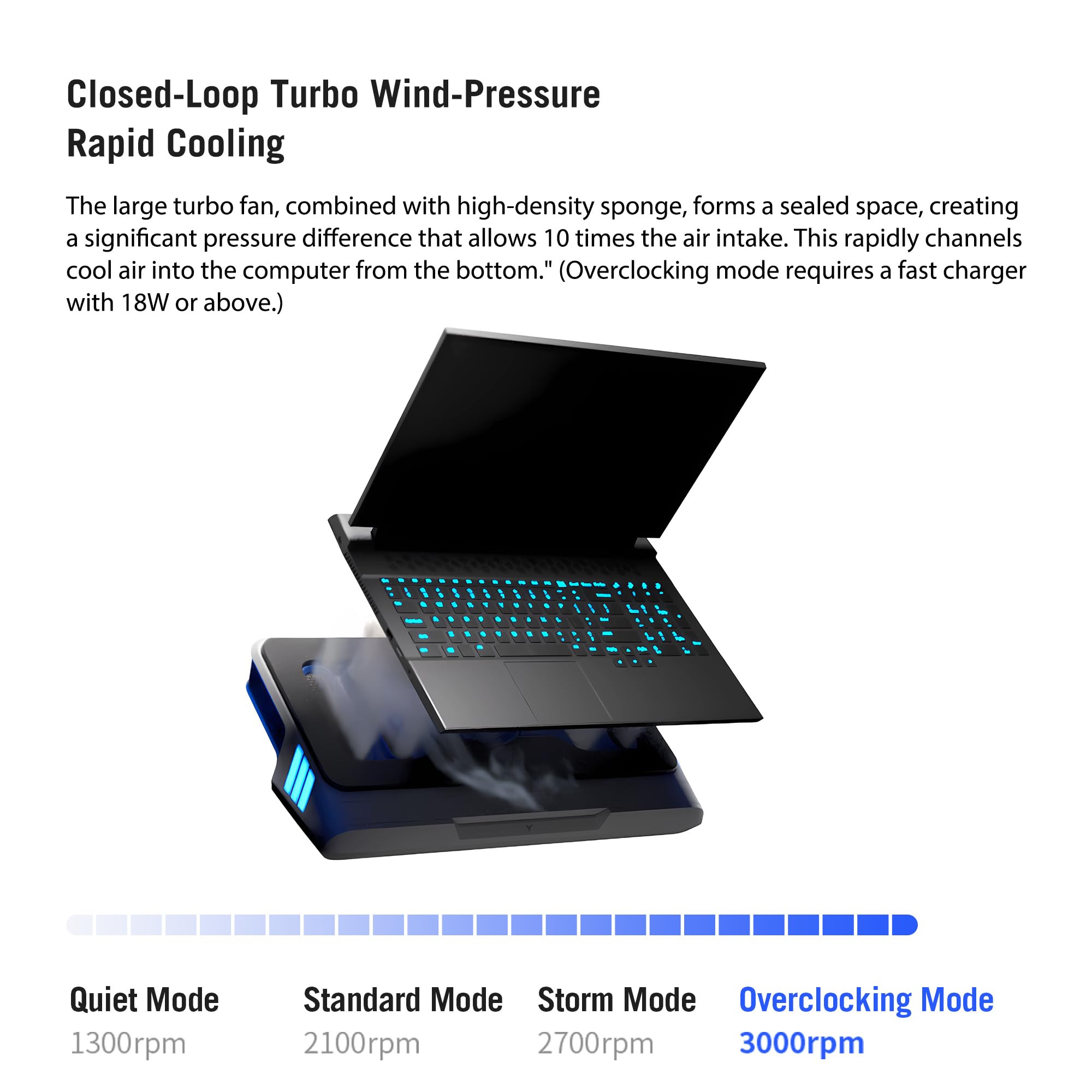

❄️ Cool smarter, work harder — the Flydigi BS1 keeps your laptop chill and your workflow unstoppable!
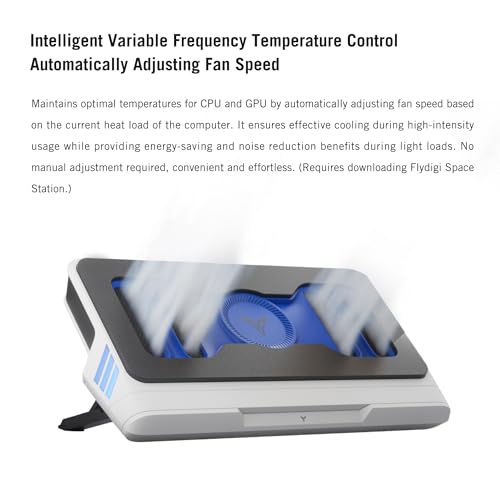
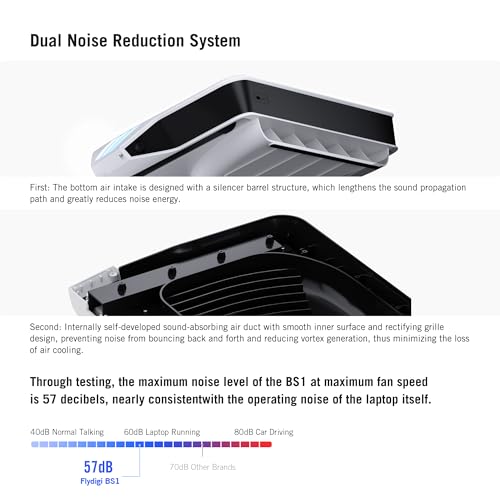
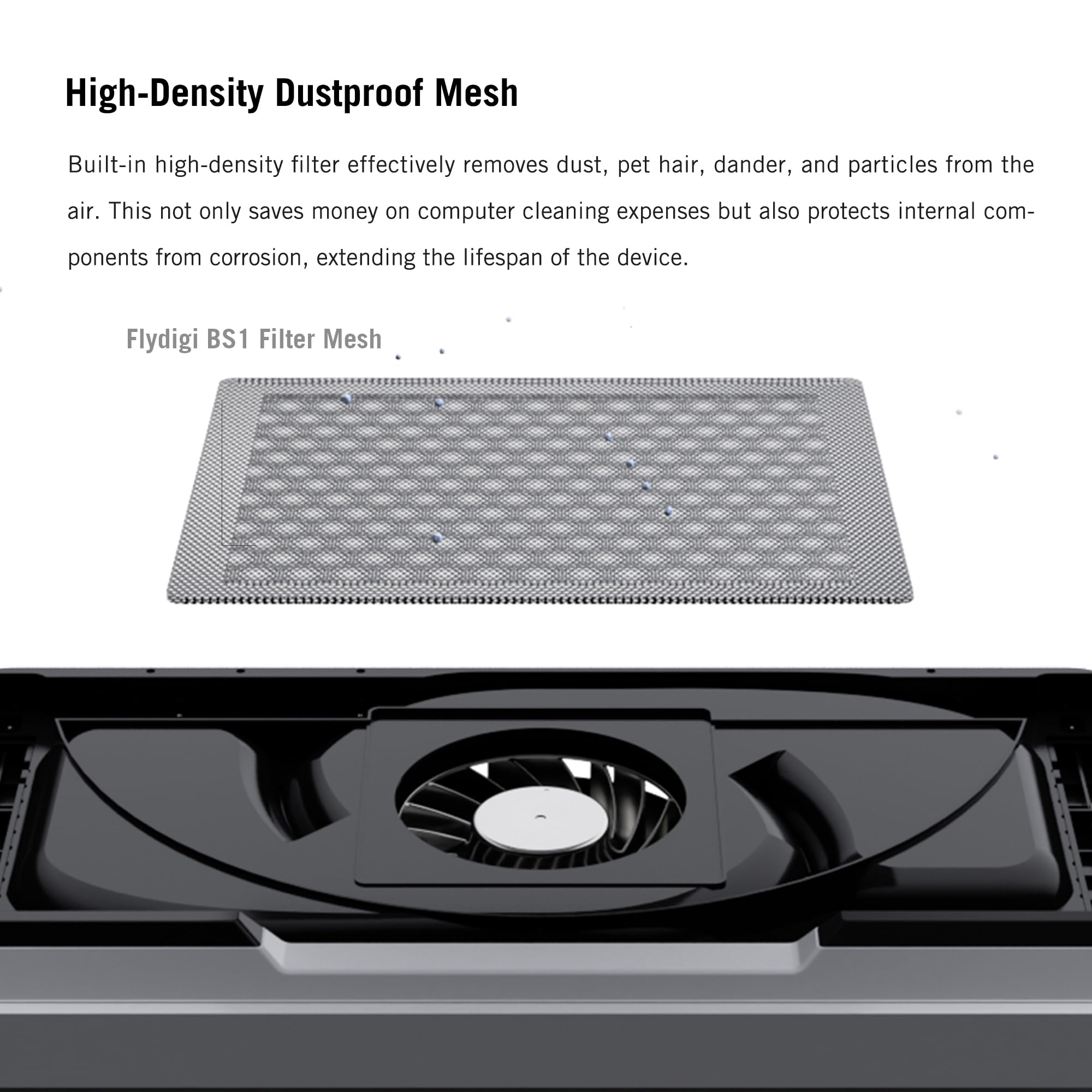
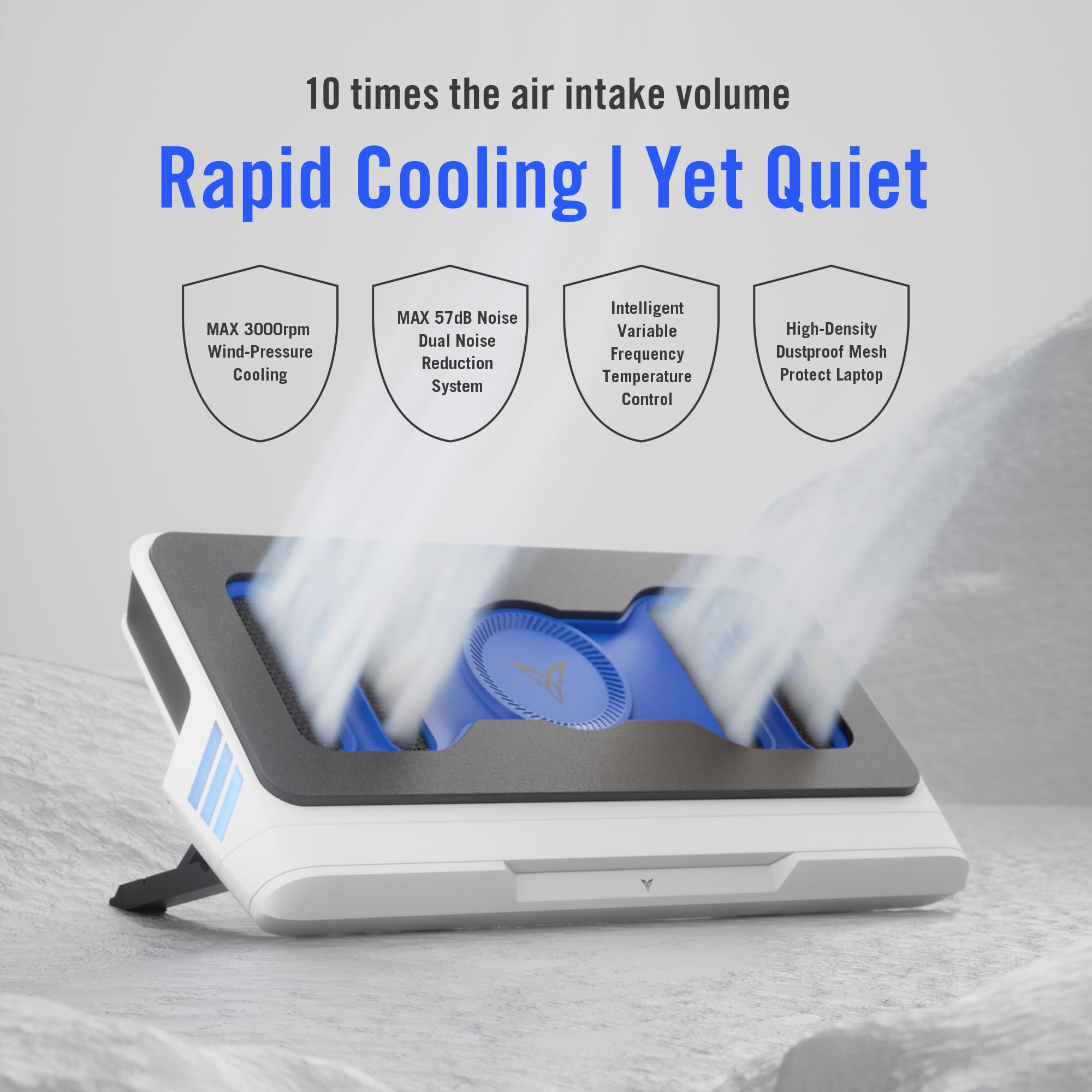
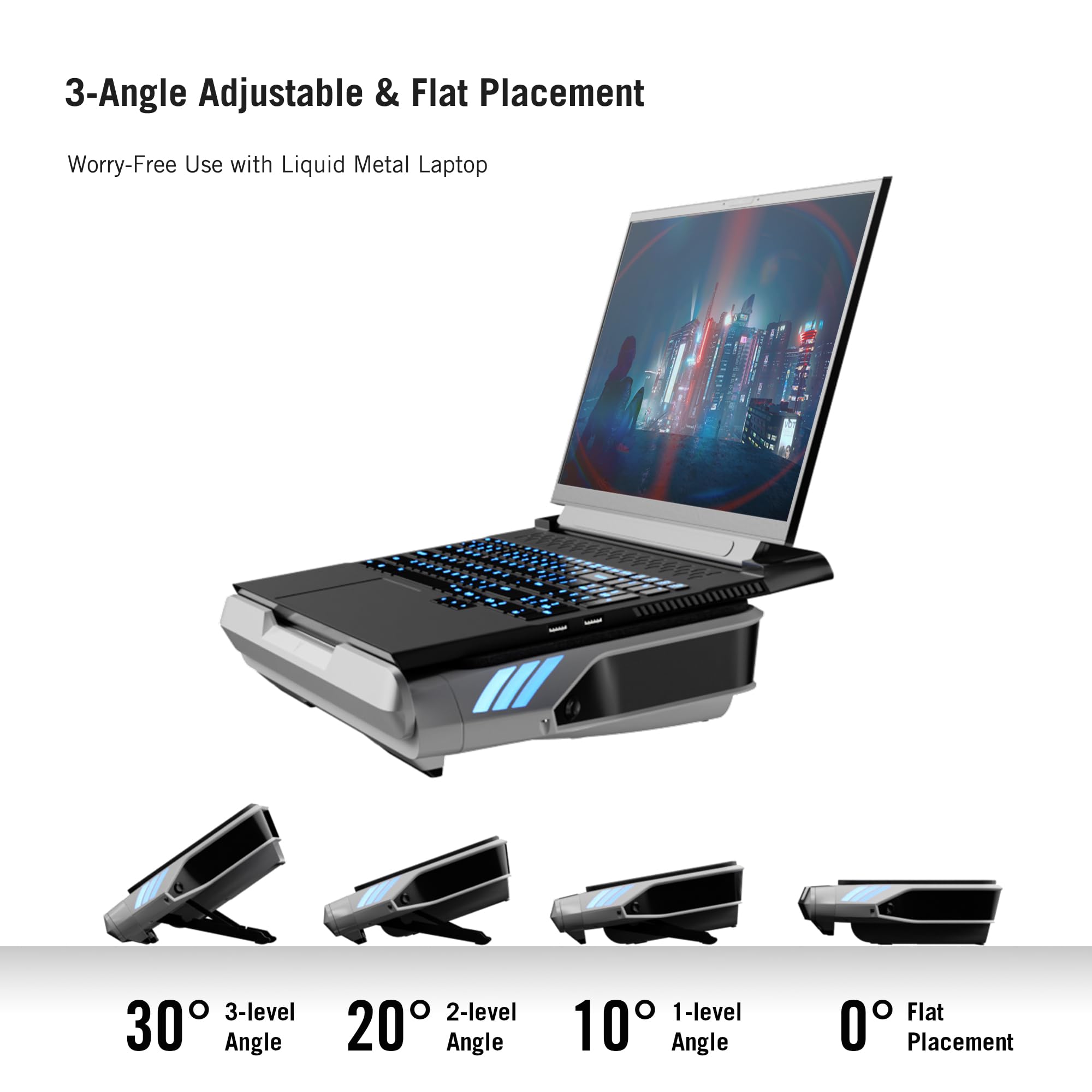
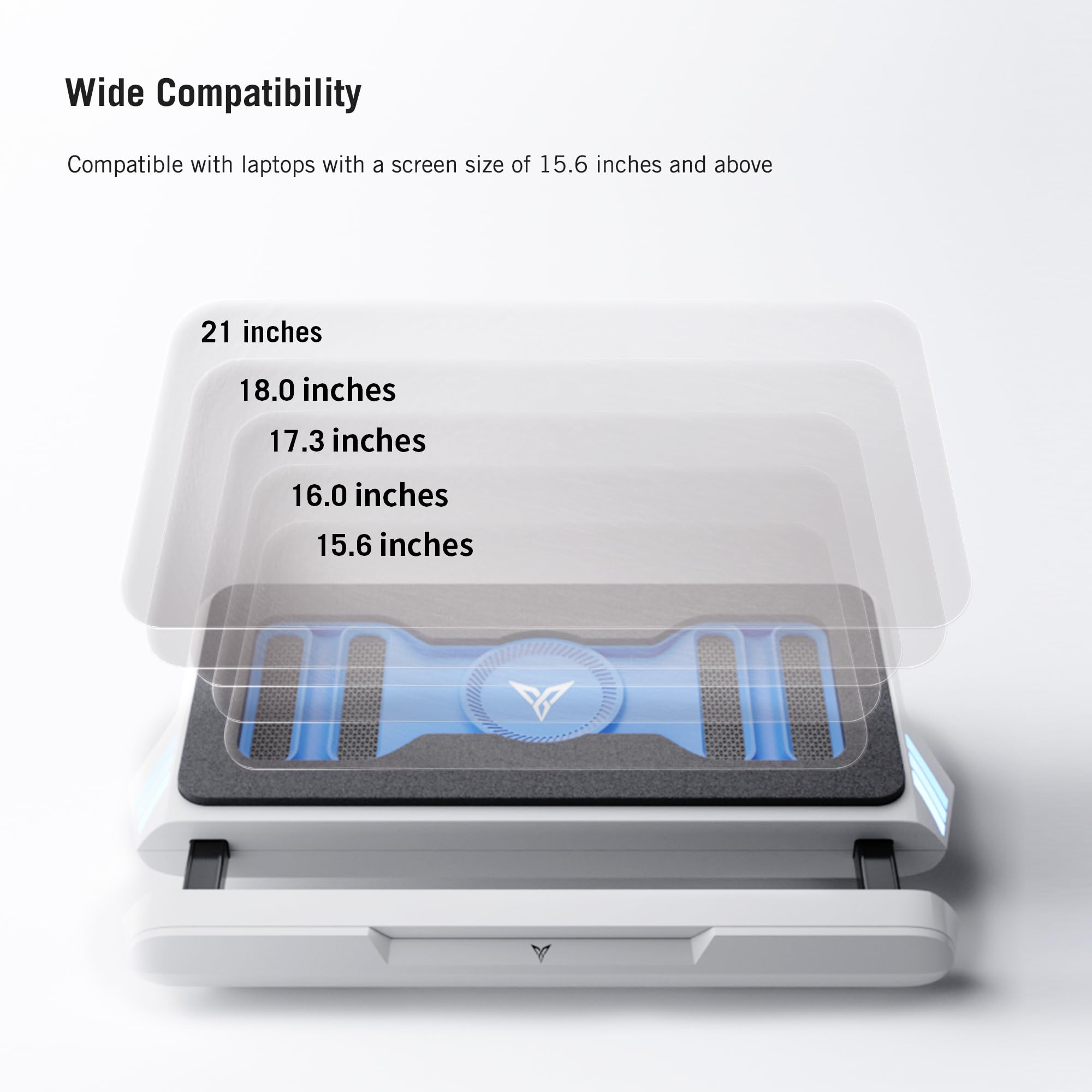
The Flydigi BS1 is a premium laptop cooling pad featuring a powerful 3000RPM closed-loop turbo-fan that delivers rapid cooling with up to 10x air intake. It operates quietly at a maximum of 57 decibels thanks to dual noise reduction technology and intelligently adjusts fan speed based on your laptop’s temperature. Designed for ergonomic comfort, it offers 3 adjustable angles and flat placement, compatible with laptops 15.6 inches and larger. Additional features include a high-density dustproof mesh filter, silicone anti-slip mats, and a compact, portable design with retractable handles.


| ASIN | B0D2MXHM19 |
| Batteries Included | No |
| Brand | Flydigi |
| Customer Reviews | 4.4 4.4 out of 5 stars (93) |
| Date First Available | 25 May 2024 |
| Item Weight | 1 kg 990 g |
| Manufacturer | Flydigi |
| Material | Metal, Silicone |
| Number of items | 1 |
| Package Dimensions | 48.89 x 28.7 x 11.3 cm; 1.99 kg |
W**Y
If I have a gaming laptop... Just get the bs1 and save your insvetment... Worth every penny... And a lot quicker than the rivals.... Reduces temps UpTo 15-20 degrees all while remaining quiet and does not sound much louder than the laptop fan speeds at full blast!
Z**Z
My how laptop coolers have changed! If you were considering a Llano or IETS 500/600 etc model cooler - but somehow found this cooler as well - welcome. That's how I ended up here myself. Finally a powerful cooler that doesn't need to plug into the wall! I wish this cooler came with some English instructions. It comes with a large extra piece of foam - that I believe is meant to be cut and used to customize the fitment of the foam seal to your laptop. While not immediately apparent - this foam sheet is a high quality sticker - and it adheres well to the existing foam. Once you have a piece cut to size - pinch a corner to get the backing to start to come off. Take some time looking at how your laptop lines up and how to cut a decently shaped seal in larger/longer pieces. I ended up adding a layer all the way around to boost the thickness and I have almost half of the extra foam left over - so there is plenty if you end up making a mistake. I am using this on a Lenovo Legion Pro 7i with a 4080 - which is a 16" laptop that has pretty tall feet on the bottom. These make it necessary for me to use the extra foam and customize the fitment to get a good seal. A good seal is absolutely essential to making this thing whisper quiet - and it also will affect how well it cools the laptop. Once you have a good seal you hear a big difference in noise when you lift the laptop off the pad. You will also be able to feel a nice stream of air being forced through your laptop especially on setting 2/3. On my 16" laptop this cooler has about and extra .5" each side - so it could fit a 17"+ comfortably. The shape of the seal - after adding a layer to thicken it - is perfect for my laptop. At max fan speed im looking at a 20c+ temperature drop on the GPU in 3dmark Timespy - and a similar 18-21c drop on the CPU at 100% load set to full power mode. (Sensors say GPU pulled a maximum of 179w on extreme) Max fan speed is quite loud and I can't say I'll be using it outside of benchmarks/tests - although the sound is not high pitched. It's a nice rushing air sound that you could tune out much more easily than the shrill laptop maximum fan speed sound. Average GPU temp of 60.0c in benchmarks on the 4080 at up to 179w draw is quite good though for a laptop. Low fans is nearly inaudible and will be the setting I use most. Medium fans is definitely audible - but if you have any sound playing in the background I don't think you'll be able to hear it. I am still testing - but medium fans seems to offer excellent cooling as well. Performance set to quiet mode (low powe) nets me 37-40c in games on the 4080 which is quite cool even considering the low power. (Was getting 48-52c without the cooler under similar conditions) While I haven't tried the IETS or Llano coolers - I will be keeping this thing if it lasts. Since it pulls air from the rear you can use it on your lap or a bed without obstructing the airflow. It's super thick - and I wish it came in black - maybe I'll paint it. Edit: USB C port on mine is solid - will update if that changes.
M**G
Tried the traditional laptop coolers and they don't do a good enough job and now with newer tech we see these vacuum seal ones. I have tried the Llano and it was super loud but did it's job the end of the day and Flydigi was a good enough compromise between noise and effectiveness. Would recommend.
J**.
This cooler drops temperatures between 5 and 16 degrees Celsius on my Legion 7I depending what setting I use from 1-3. The cooler is also much quieter than the IETS GT500 and other similar coolers which get results it's actually possible to play without headphones. You can make the fans go even quicker by plugging the cooler into a "PD" charger which activates the 4th speed. There is also an app that can control the fans depending on temperature. Lastly it's not as bulky as people say it fits perfectly into my laptop backpack and is only slightly bigger than an IETS GT500.
A**R
I’ve not had over heating issues with my laptop but wanted it to run a little quieter when not being pushed. I also use my laptop on my lap 90 percent of the time and the design of this cooler was the first thing I liked as it looked like it should work well as a lap platform which it does. The sides where it angles out are perfect place to grab it and move to or from your lap. I found the cooler to highly effective. When using, if I’m not pushing the CPU or GPU hard I don’t hear anything. Without the cooling pad I can’t play any games without the computer fans being audible, with it I can. I’ve also found if I’m pushing the limits of what my laptop can do to where it starts to stutter as the laptop heats up this cooling will prevent that. With the cooling I can run the laptop at 100 percent for hours without issue. Of course, doing this means it’s loader than with just laptop fans but it can also maintain peak performance which it can’t without it (very close though). This will not make your games start running at playable levels but it can help your computer run at it’s peak performance. I like numbers so here’s some testing data if this helps. I’m using a Lenovo i9 pro with 14900 and a 4090. The first test is Civilization 7, I used HwInfo64 to monitor the system. I let the game run for over an hour before testing. I reset HwInfo64 prior to each run and made several moves each time. Civ 7 no cooling pad. CPU E-cores 76; CPU P-cores 96; GPU 76.5 Cooling pad 1st setting silent. CPU E-cores 71; CPU-P cores 75; GPU 69.1 2nd setting, you can hear it but doesn’t bother my wife. CPU E-cores 66; CPU P-cores 69; GPU 69.1 3rd setting is about as load as the laptop fans at 90 percent CPU E-cores 65; CPU P-cores 68; GPU 66.3 4th setting is when my wife asks if that’s cooling pad she hears. CPU E-Cores 62; CPU P-cores 66; GPU 64.6 I next ran 3dMark Time Spy Extreme. Score first followed by temps for the 3 sections of the test. All numbers are taken from the graph just prior to the end of the test. Foor the CPU that means single thread portion of the test but temps dropped through each of the multi threaded portions. No cooling pad. Score 10430 1st phase temps GPU 72, CPU71 2nd phase temp GPU 76, CPU 73 3rd phase temp GPU 57, CPU 83 Cooling Pad 2nd setting Score 10524 1st phase temps GPU 67, CPU 67 2nd phase temp GPU 69, CPU 73 3rd phase temp GPU 50, CPU 77 Cooling Pad 3rd setting Score 10515 1st phase temps GPU 65, CPU 64 2nd phase temp GPU 67, CPU 67 3rd phase temp GPU 48, CPU 77 Cooling Pad 4th setting Score 10515 1st phase temps GPU 63, CPU 63 2nd phase temp GPU 65, CPU 64 3rd phase temp GPU 48, CPU 71
Trustpilot
5 days ago
4 days ago