
DOWNLOAD THE APP


Customer Services
Copyright © 2025 Desertcart Holdings Limited
DOWNLOAD THE APP


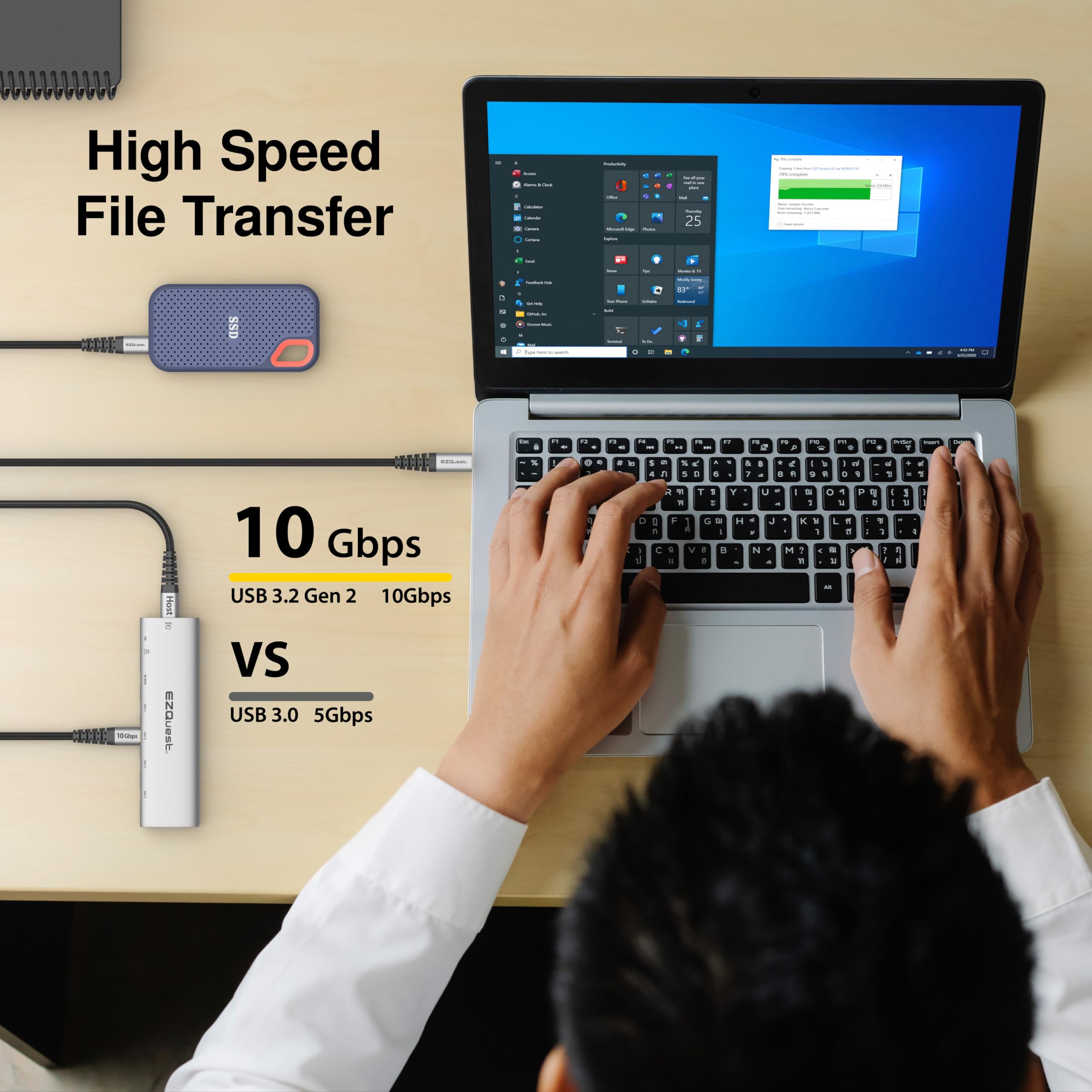
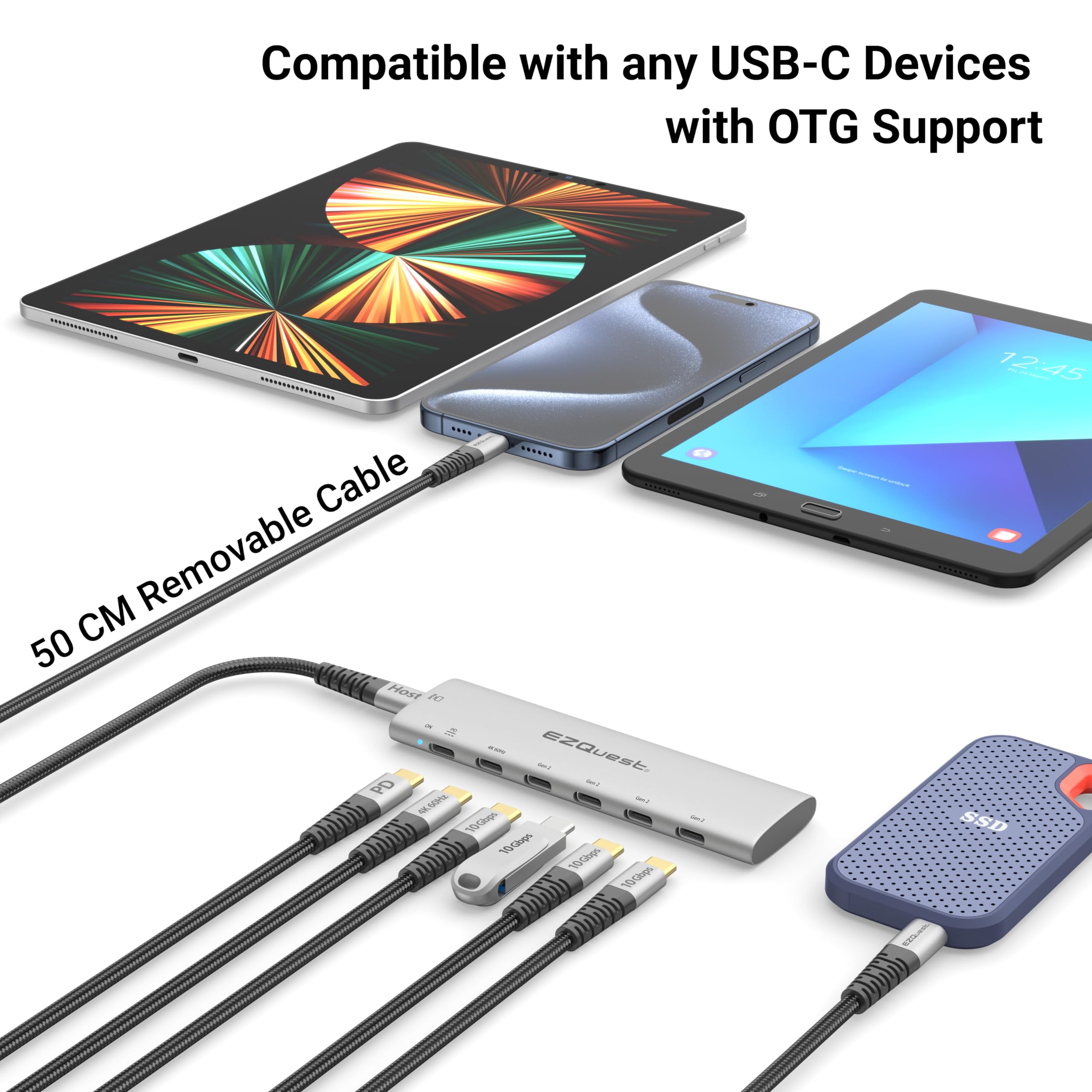


🚀 Elevate your desk game with the EZQuest 6-in-1 hub — power, speed, and style in one sleek package!
The EZQuest USB-C Slim Gen 2 Hub Adapter is a premium 6-in-1 connectivity solution featuring a 4K/60Hz video output, four USB-C Gen 2 ports with 10Gbps data transfer speeds, and a 100W Power Delivery 3.0 port for fast charging. Its removable nylon braided cable enhances desk ergonomics, while broad compatibility with USB-C and Thunderbolt devices makes it ideal for professionals seeking high-speed data, power, and video in a compact, stylish hub.


| ASIN | B0D71ZPBK6 |
| Best Sellers Rank | #324 in USB Hubs |
| Customer Reviews | 4.2 4.2 out of 5 stars (484) |
| Date First Available | June 13, 2024 |
| Item Weight | 4.2 ounces |
| Item model number | X40030 |
| Manufacturer | EZQuest |
| Package Dimensions | 8.82 x 4.02 x 1.46 inches |
M**R
Perfect for disk expansion of an MI Mac
I'm a Windows PC guy, at heart, and I never would have considered purchasing a modern closed-system Mac, because I like maximizing my hardware, overclocking everything I can overclock, and expanding my desktop systems at will. Now, i engage in two main activities in life. I teach neuroscience at a local university and I engineer, produce and record electronic music in my home studio. The coincidental occurrence of two events (1) a majority of my students are now using Macbooks and often ask me questions I couldn't answer because of my unfamiliarity with the platform; and (2) the one piece of music software (Alchemy) I knew I needed but wasn't available anywhere but on a Mac running Apple's DAW Logic Pro X; led me to purchase a Mac Mini. The price of the base 8GB/256GB Mini seemed reasonable, but from years of experience handling sample libraries of up to 80-90GB, I knew that 256GB of disk storage just wasn't going to cut it. So, I ended up purchasing the next tier unit 8GB/512GB, and hoped that I could make up for the lack of disk storage by utilizing the Thunderbolt ports. That gets me to the current review.... After spending a couple hours looking at expansion devices at Amazon and Newegg, I decided on this device because it had all the ports I wanted/needed and none that I didn't. It has three USB 3.0 ports (5Gb/sec) on the front and three USB 3.1 Gen 2 (10Gb/s) on the back, and because it had a USB-C plug at the end of its cable that is compatible with the M1 Thunderbolt ports. The USB ports on the front function as you would expect them to (using a Samsung 256GB USB 3.1 Bar Plus flash drive, I get Read speeds in the 250Mbps range and 35Mbps range for writing). However, it is the performance of the 10Gbps ports on the back that make this device so outstanding. Right now, I have three external drives connected to the three USB-C ports. (1) is a 2TB Samsung 970 EVO Plus PCIe Gen 3 NVMe drive in a MOKIN NVMe/SATA 10Mbps enclosure (see my reviews on that enclosure); (2) is a 2TB Samsung T7 Shield portable drive; and (3) is a 2TB Inland Prime PCIe Gen 3 NVMe drive in a GMM 10Mbps enclosure. Note: the Inland is a $150 drive). All three disk setups performed admirably, with the two NVMe-stick varieties performing slightly better. The 5GB stress speeds acquired using Blackmagic Disk Speed Test were for each (1-3) pairing: (1) 763MB/S Write and 692MB/s Read; (2) 740MB/S Write and 603MB/S Read; and (3) 755MB/S Write and 654 Read [Note: these Read/Write numbers are correctly stated, in each instance the drive wrote faster than it read]. While nowhere near the speed of the 256GB Mac internal disk (> 2500MB/S both directions), the speeds for each of the USB-C solutions are adequate for anything but the most intensive (12K) video editing, and much, much more than adequate for any music application (remember when we thought 550MB/S for an internal SATA drive was "incredibly fast"? Well each of these solutions is about 40% or more faster. While it is true that it is pretty easy to get above 1500MB/S using a PCIe 4 memory card in an NVMe enclosure with a real Thunderbolt interface. That solution would cost over three times as much and would only be practical if you needed to edit the highest resolution (12K) video. So if you have a Mac that needs to have a disk expansion (and also get three usable USB 3.0 ports to boot) I can't think of a better way to go. Think about it. I added 6TB of high speed disk storage to my Mac M1 for less than $700, and only using one of the two available Thunderbolt ports.
M**S
Great performance for the price
I saw a M1 Mac oriented YouTube video on this product. It INCLUDES a 1TB SSD. You have to use the Thunderbolt ports for this device. It did not work (and should not) on the USB C port. That said - it is fast - really fast. I use it for my TV app on the Mac as its primary library - access speed for movies is the same as internal memory for me.
K**W
Works well, with two potential problems
The hub works well but I've had two problems, one not caused by the device and one maybe a not related to the hub... - I have a Dell laptop that was supplied with a 65W power supply. Apparently the laptop expects all 65W. The hub uses around 8W, so every time I turn on the laptop, it complains about only getting 57W. The laptop seems to run OK but to avoid the error message (and possible problems), make sure your power supply can support the hub's additional power requirements. - I've had problems with the orientation of the USB-C plug. The USB-C connection is not supposed to 'care' about the plug orientation but I've has seen a problem with an attached SSD. The SSD seemed to work OK but the laptop would repeatedly display an error saying it detected an attached USB device that would not work. The error was eliminated by shutting down the computer, turning over the plug, and restarting the laptop. BUT AGAIN... the hub works fine.
S**R
Asus ROG Ally recommended
This is exactly what I was looking for, it fits in the case with my rog ally / steam deck, with the 100w power I can cage while I play, it disconnects nicely so it won't add as much extra stress to my only usb-c port, and it runs my AR glasses too.
T**N
Ok for Mac, Useless on PC.
Work on Mac, but useless on my PC. I’m switching from Mac back to PC, so I bought 2 Lacie drives. I’m using one to copy files from my mac-formatted drives to the second pc-formatted drive. My PC only has 2 USB-C ports, so I thought this hub would allow me to expand them. The hub worked to connect my Mac drives to the Lacie, but the Lacie won’t connect to my PC unless it’s directly connected to one of my PC’s 2 ports. I’ve connected both to 100W power lines, but it doesn’t help. It doesn’t work with most of my other drives either. I have an old 3-USB-C hub & it works beautifully, without requiring any additional power. So it is definitely these hubs causing the problem. At least now my drives actually work. Too bad it took me too long to realize this, so I’m stuck with these useless hubs. I’ll look for newer versions of the brands I have, that work all these years later.
I**T
Best (and only multiport USB-C hub) i've found and used!
It's only been a few weeks in and this device has severely improved my workflow. I work with multiple small ssd drives and sometimes need to transfer files across multiple drives, which gets hard when I have limited usb-c ports on my MBP. I've gotten between 3-4 gbps between two drives, and about 0.5 - 1.5 gbps across 3 drives. Not perfect, but still very fast and convenient. The hub is slim and sleek, and fits perfectly under my desk. I've already rec'd this drive to a few friends and will continue to update my experience with this hub.
P**I
Good old fashioned USB hub for USB-C
I have an Apple Pro Display, which offers three downstream USB-C ports, which simply isn't enough. In addition, I still devices that require a USB-A connection, which only exacerbates the issue. This little wonder not only gives me an addition three downstream USB-C ports (have to account for the fact that it takes up a USB-C on the display), but three downstream USB-A ports as well. The only issue I have with this product the cord to attach it upstream is way too short; fine if you want to treat it like a dongle, but not for a desktop set up.
C**.
Mieser Service. Die Leistung entspricht nicht der Erwartung, das war laut Produktbeschreibung nicht erkennbar. Der Hub produziert Fehler, nachdem die Amazon Rücksendung nicht mehr möglich ist. Support des Herstellers nur auf Englisch. Nach erstem Kontakt zwar Hilfestellung versucht, nachdem diese nicht erfolgreich war keine Antwort mehr. Nicht nur dieses, auch kein weiteres Produkt des Herstellers lässt sich nach dieser Erfahrung empfehlen.
H**T
Pas mal
M**L
M**Y
I had all ports on the hub connected to flash drives and wd external hdd's and they all worked fine.
C**É
Parfait
Trustpilot
2 weeks ago
1 month ago