🎬 Elevate your AV game—4K switching made sleek and smart!
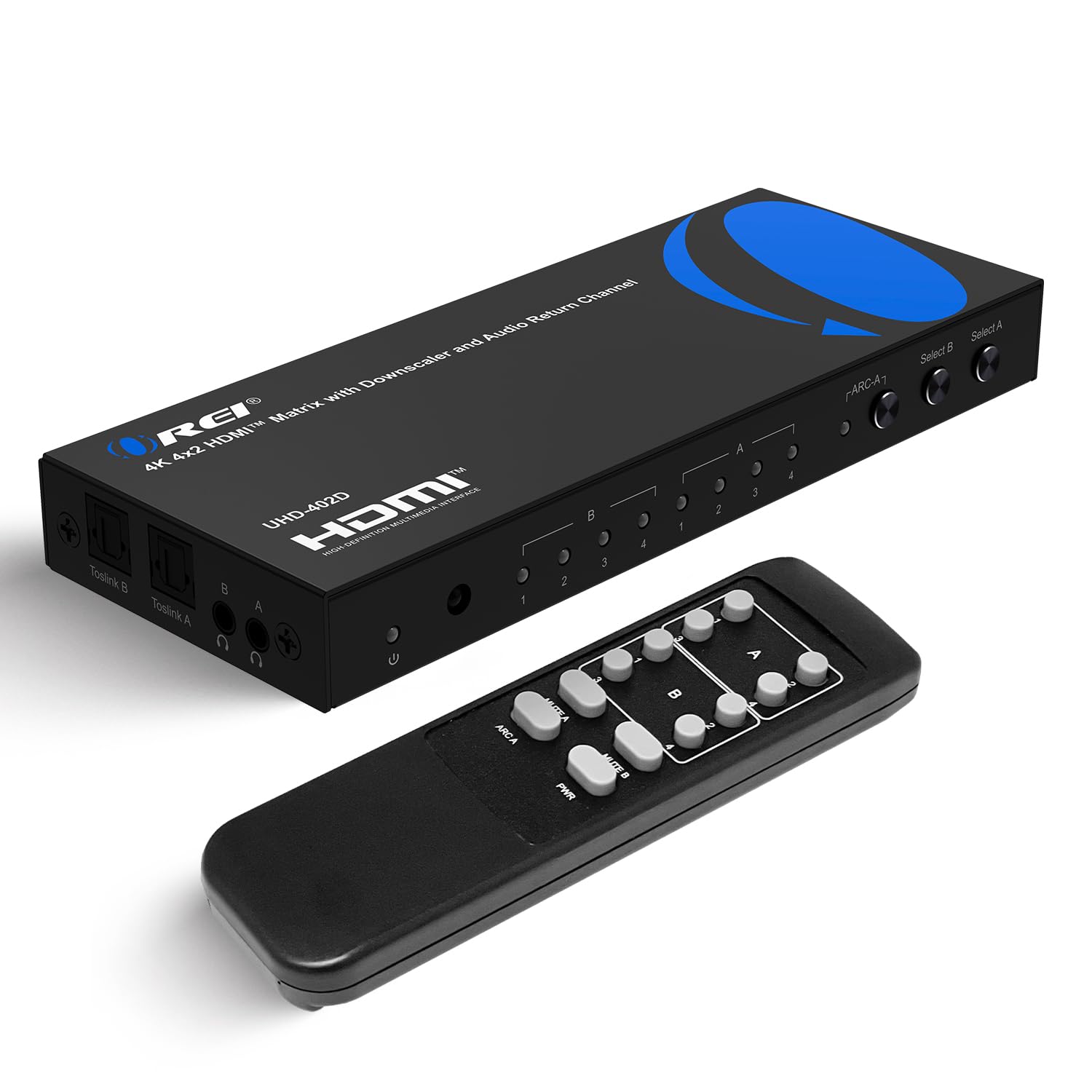
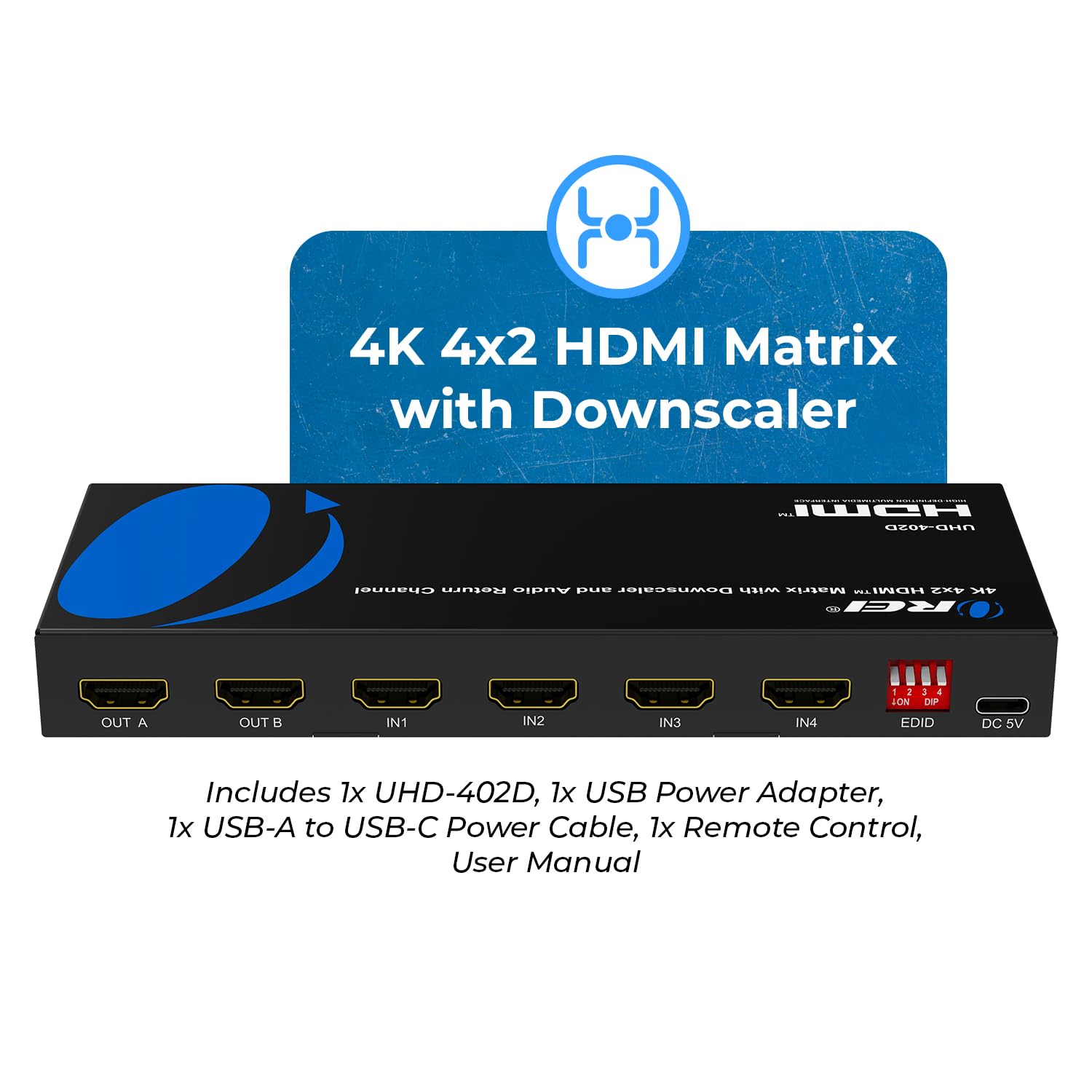
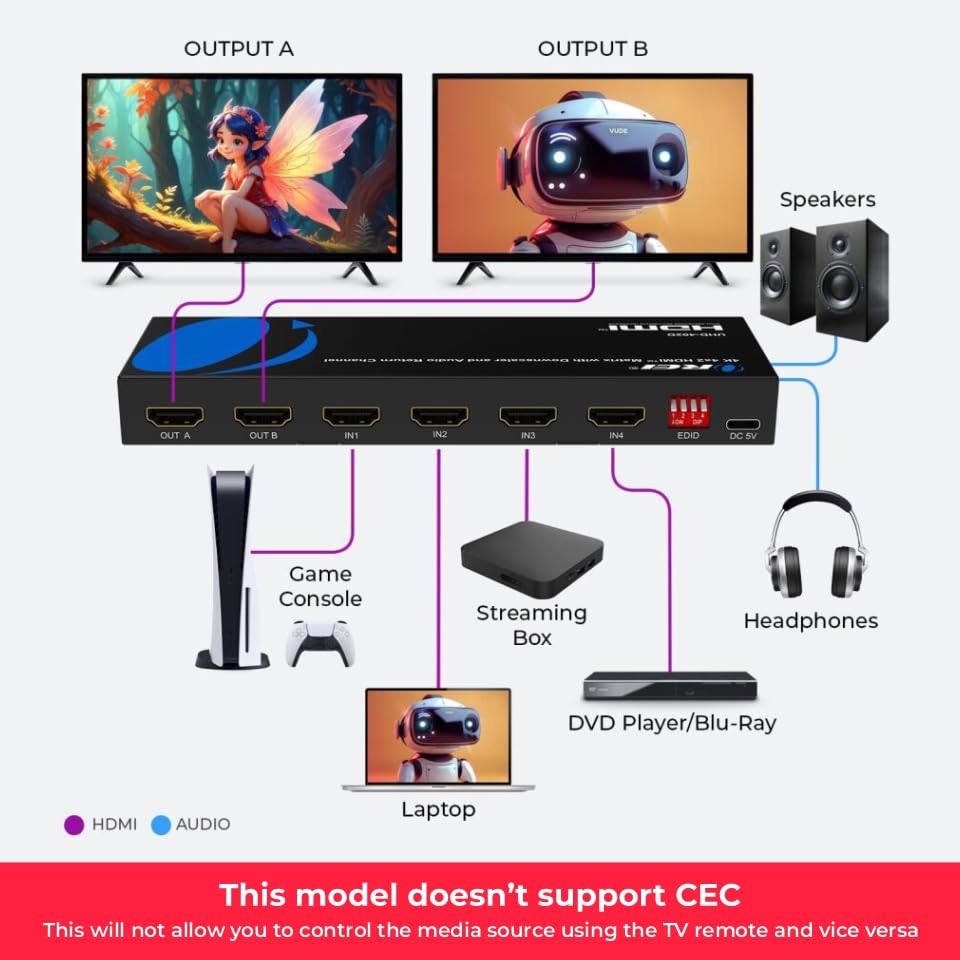
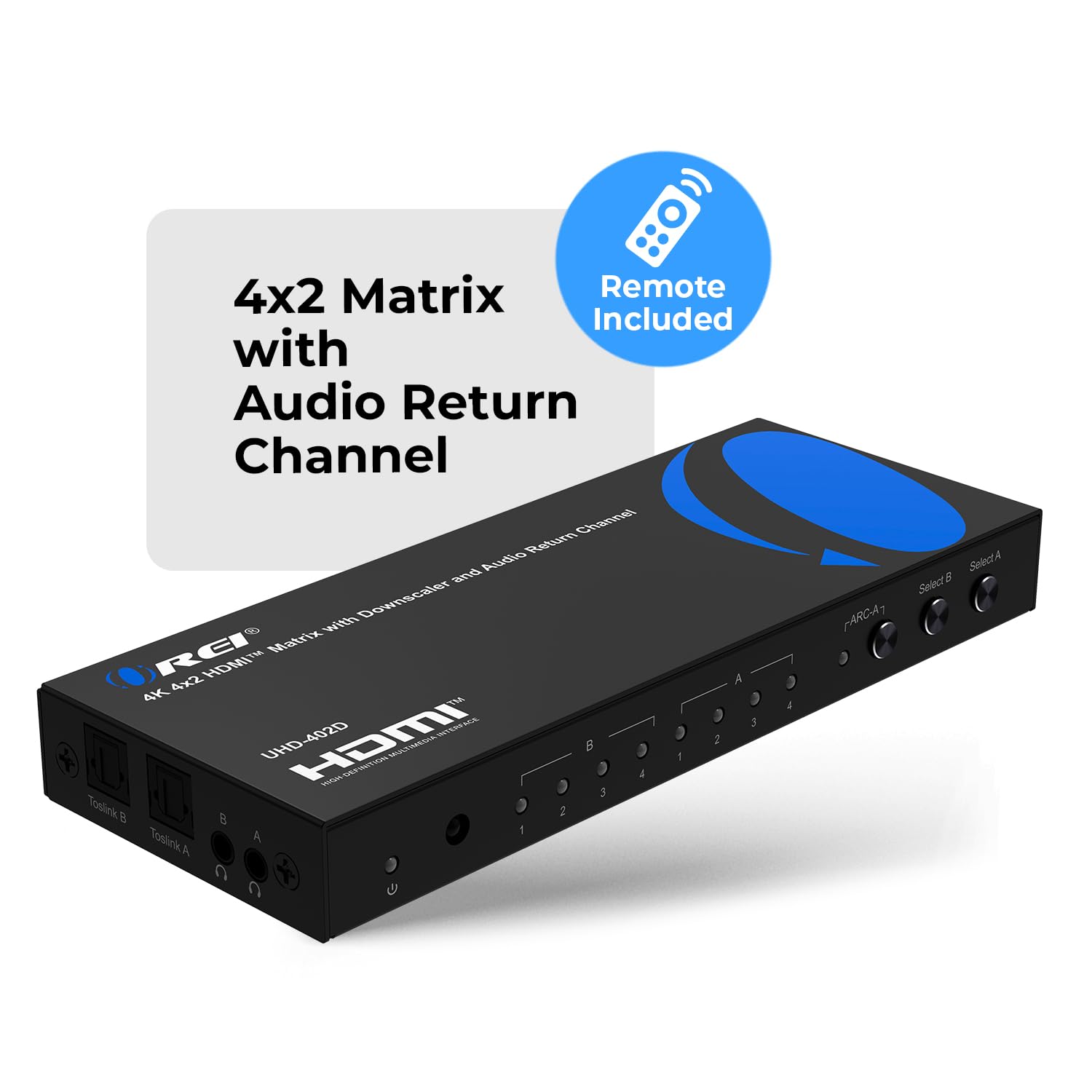
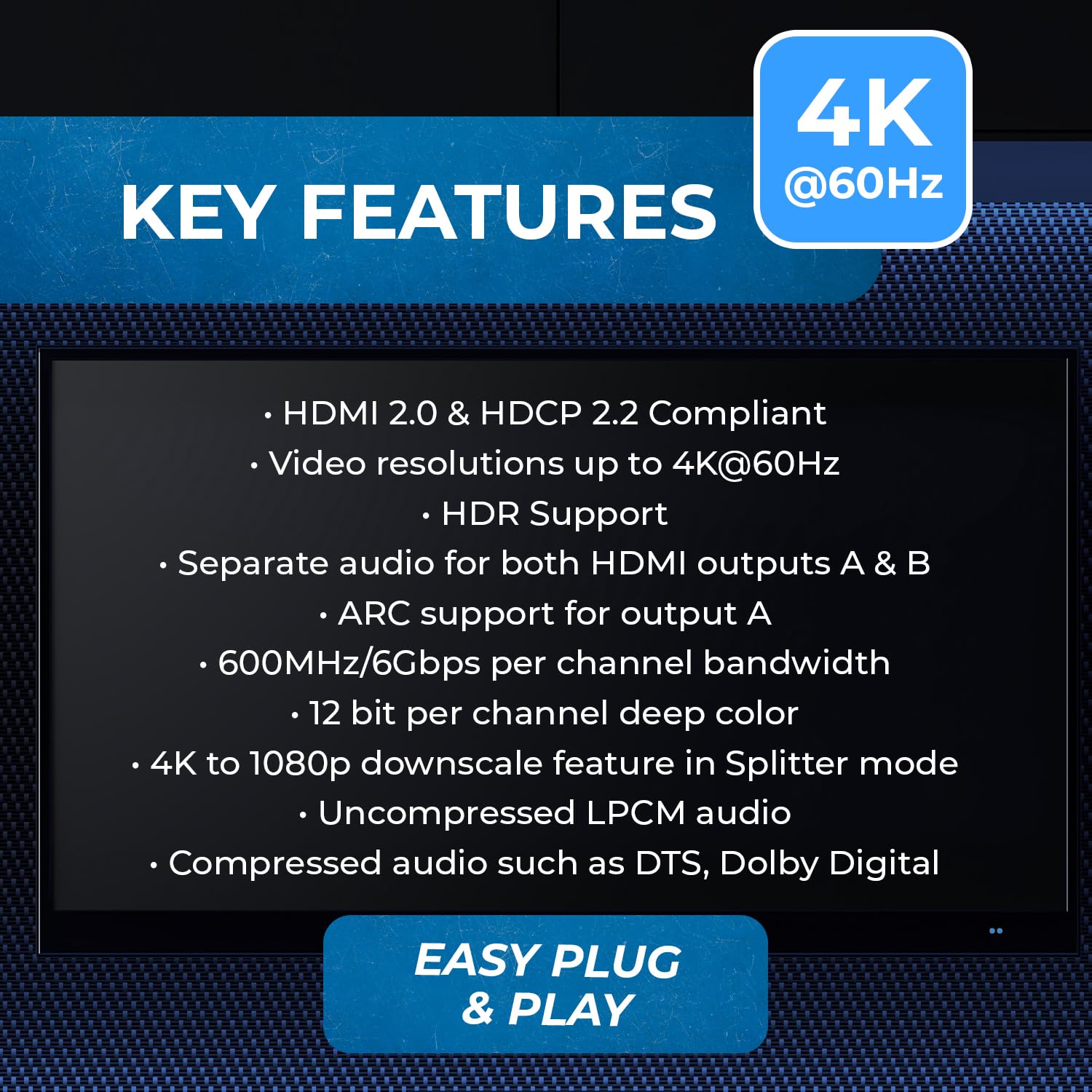
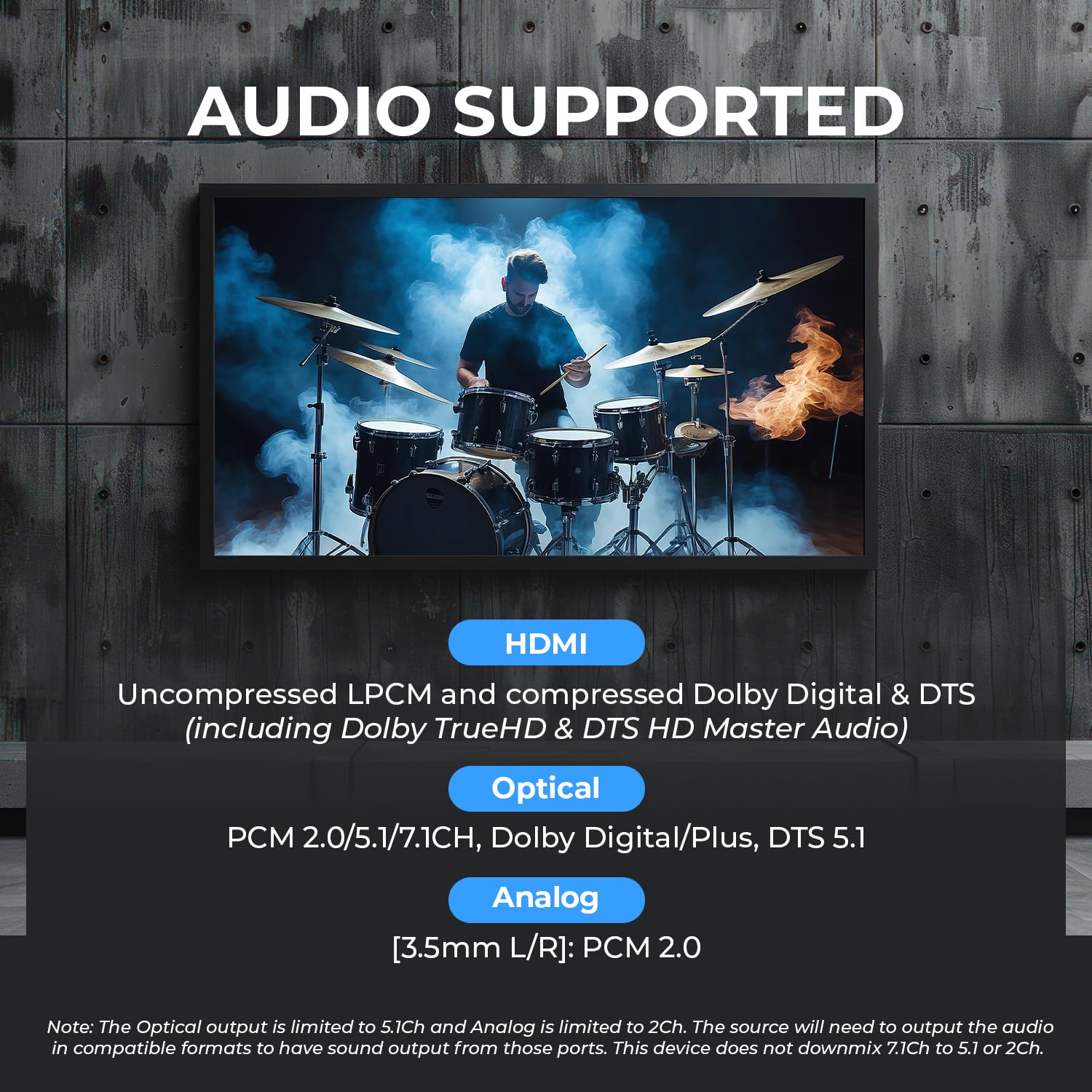
The 4K HDMI Matrix Switch 4x2 delivers professional-grade AV management with support for four HDMI sources and two displays, enabling simultaneous or mirrored content at stunning 4K@60Hz HDR quality. Featuring 18Gbps bandwidth, advanced audio extraction with ARC, and compatibility with premium video and audio formats, it’s ideal for dynamic environments like gaming centers, conference rooms, and entertainment venues. Complete with IR remote control and international power adapter, this compact switcher ensures seamless, high-speed connectivity and control.


| Cable Type | HDMI |
| Number of Ports | 4 |
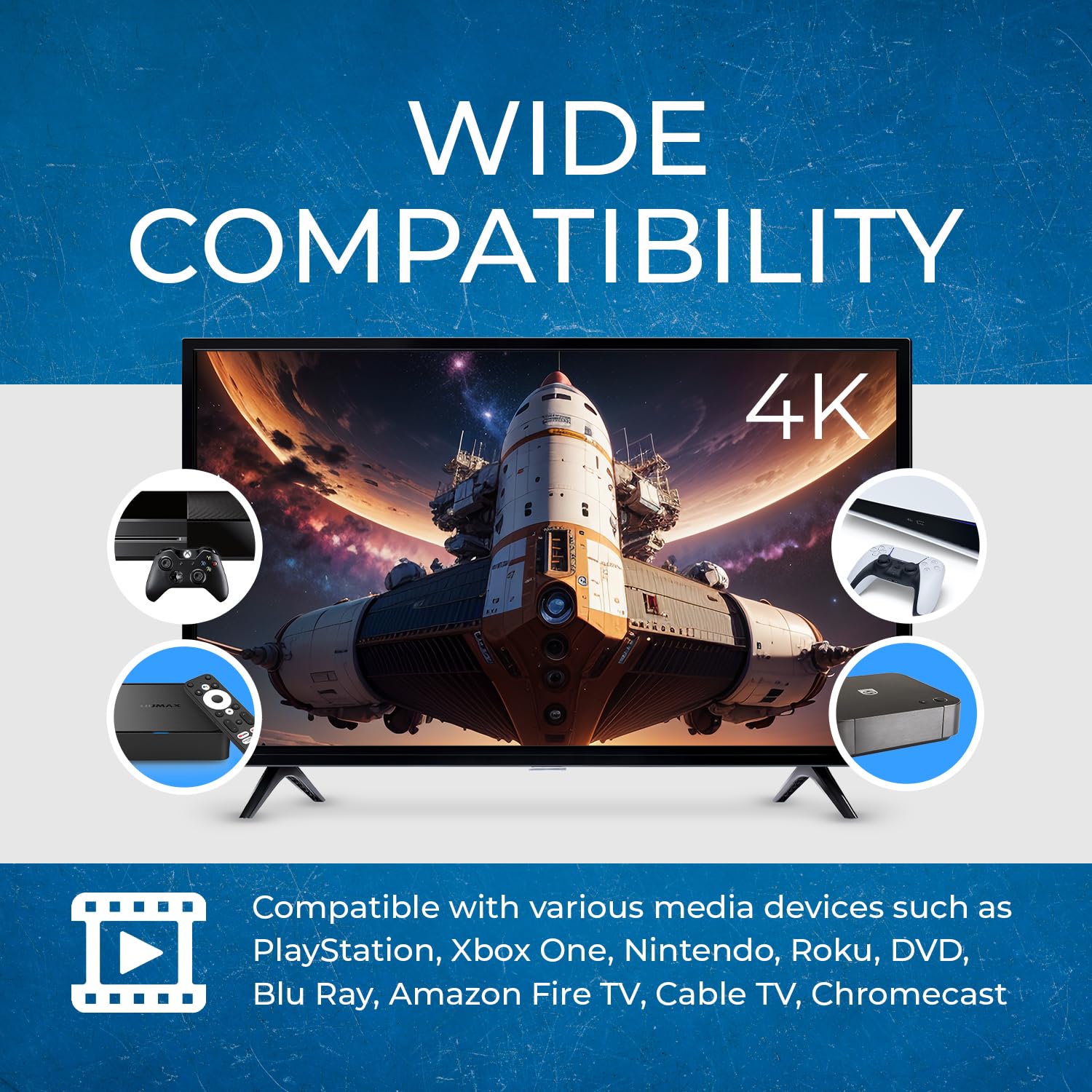
| Compatible Devices | Gaming Console, Television, DVD Player, Personal Computer |
| Connector Type | HDMI |
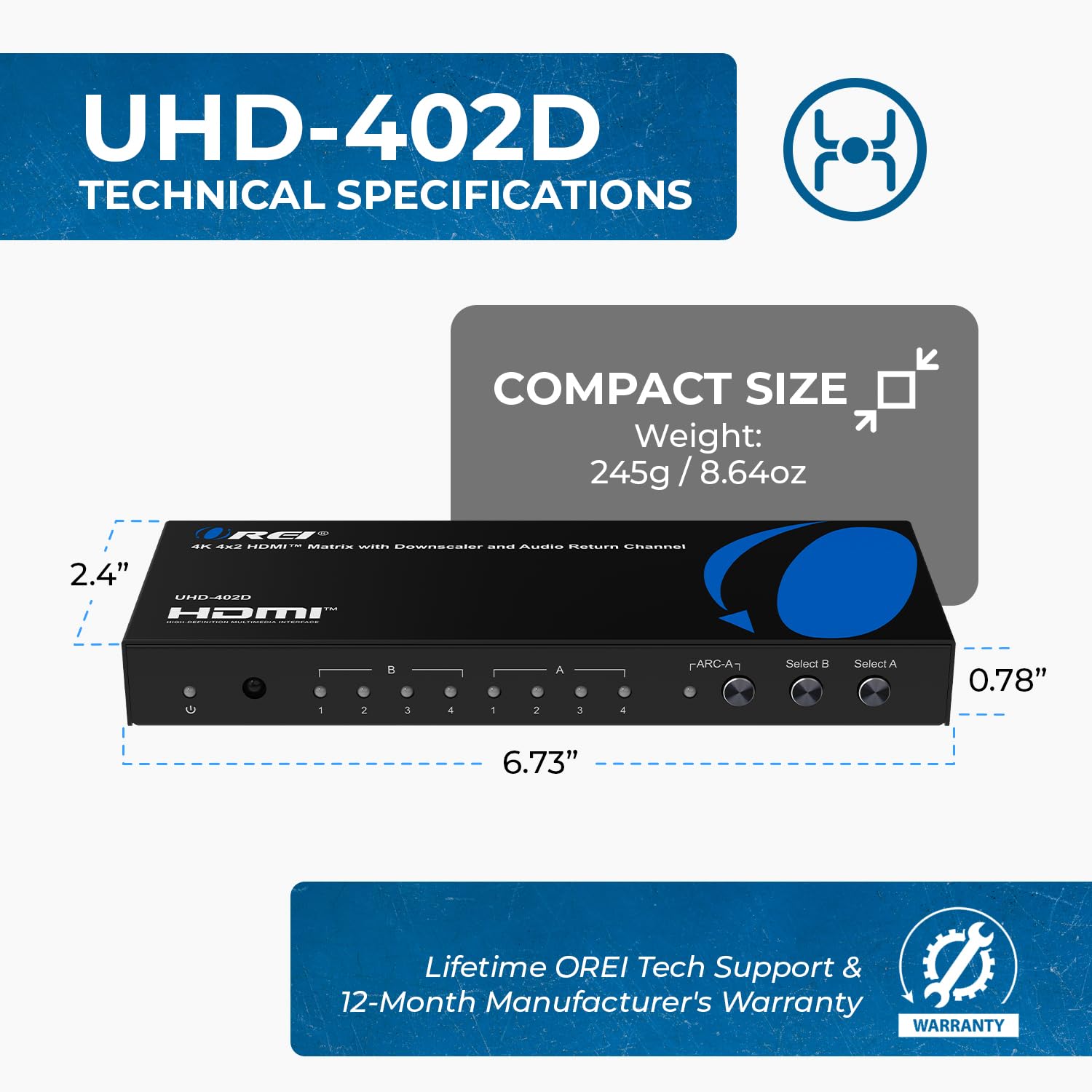
| Item Dimensions D x W x H | 2.75"D x 6.75"W x 0.8"H |
V**E
Very pleased with the purchase
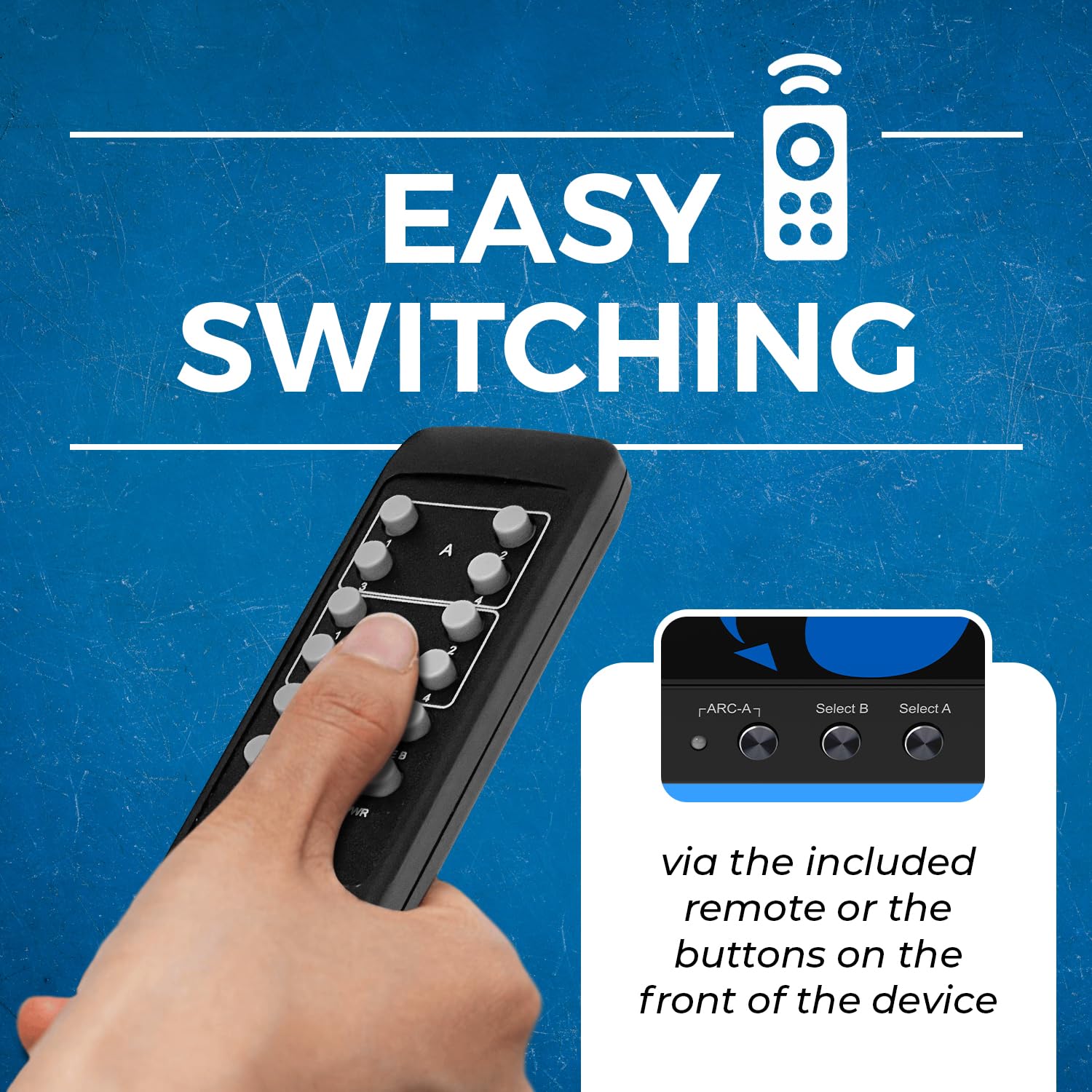
I purchased OREI 4x2 hdmi 2.0 matrix switcher from amazon after doing a lot of research on best way to connect multiple devices to older projector and also Sonos beam via HDFury Arcana. This unit allows me to connect to my HTPC, fire TV, DVD player and PS5 without any issues. It comes with remote to easily operate between the devices. It does have a small lag when switching from one device to another, but that is expected. The unit is small and can be mounted on wall. I have it installed in the A/V cabinet. As always, amazon delivered is quickly. I have been running this for over a month without any issues. Overall, i am pleased with this purchase. I’d recommend this product if you are looking for something that works very well with HDFury Arcana.
C**X
Solid Build
Purchased this Orei, because the cheaper no-name brand I bought was having port problems within weeks. I have good faith in this Orei, I only just hooked it up a day ago because I just received it so I cannot speak for its longevity, but I own a Orei splitter that I’ve had for seven years now and never had one single problem with. This product is well built, solid, a screw lock to the power cord so it cannot be unplugged from the unit by mistake and has an on off button; which I really like because I think that saves wear and tear on the product overtime. It hooked up to my system with not a single problem a very nice remote control that seems to be more powerful than most that come with other brands. As of now I am extremely happy and impressed especially with the solid build of the unit. Only time will tell but as I said my prior Orei purchase seven years ago on another product has been fantastic. I actually would have purchase this over the offbrand that crapped out on me within weeks to months, But I was patiently waiting for a sale price.Had this product just shy of two months, working absolutely Flawless, just like their other product that I purchased many years ago.
L**I
Great quality HDMI switch
This HDMI switch works great. I chose it over the other ones for two reasons:1) It doesn't automatically switch between inputs when a new one appears.2) It has a nice substantial remote control that isn't easy to lose.I personally only want to switch inputs manually because, with my old switch, I had a few experiences where it switched away from my video game on its own because another device was auto updating. It was very frustrating.
K**S
Good! Full Arc, 4K 60, Atmos, HDR xbox one x compliant
I've been using matrix switches for years and have upgraded them as home A/V specs have changed. This Orei is my third matrix box.I can confirm with Xbox one X that ARC works, 4K works, HDR10 works, 60fps works and Atmos sound works. Which is exactly what I bought it to do, my previous matrix didn't have all these features.One thing that I found annoying though is that the OREI has EDID. Which isn't a bad thing, but it will require both your TVs to have the same capabilities. Like for me, my side TV was 4K but no HDR and my primary screen was 4K HDR10. So the xbox one x was reporting that i had no HDR10 capabilities available even if the side TV was not showing xbox one x content. This means i now need to go buy a more fully featured side screen, thankfully those have really come down in price. So you might need to take this into consideration for your environment. If one of your TVs is a potato like my side TV, it could impact your overall gaming capabilities until you upgrade the screen to match your primary.Overall though pretty happy with the box. IT does what it needs to and has all the capabilities for current gen Xbox one X gaming both for audio and video.
2**G
Awesome Device. (Set the DIP switch to avoid random disconnecting.)
Good and now awesome.Device was as Constantly loosing signal and reconnecting. If watching NETFLIX or any streaming it will cut the stream off every time like 10 mins.Seller got in contact asap - and pointed me to the dip switches in the back. Just SET the sip switch according to your device resolution and you are golden.
E**4
Optical fail. BT.2020 compromised when 2nd output active.
Buyer beware on this. If you don't care about HDR, you can probably use it for 4K60 SDR content. But if you do, read on...Here's my test setup:Sony UHD player : UBP-X700 -> OREI hdmi input 1LG UHD player : UBKC90 -> OREI hdmi input 2Projector: JVC DLA X790R -> OREI output A over FIBBR fiber optic cable 32’ (already proven HDR10 worthy in previous direct to Sony UHD tests)AV Receiver: Sony STR-DN840. Optical inputs and hdmi inputs for audio. Does not support HDCP 2.2 which is needed for 4K60 in HDR mode, so I was not expecting the video to pass through. If it did, I would not need a switch like this. In the end, I may have no choice but to upgrade this component, but was trying to avoid the cost.Content:Planet Earth ii, which has HDR10 support as well as DTS-HD 5.1 surround sound. I put disc one into the Sony player, and disc two into the LG for fast switching checks. The disc menu sound track is identical so this was good for audio testing as well.Side note: I also ran some 4K content from DirecTV, but here the OREI handshake failed completely. While this content is not even HDR, the OREI forced this content down to 1080i 60Hz. I don’t understand why this is true. I verified the content on the projector directly so it was confirmed to be in 4K(3840)60 mode with BT.2020 color, and I have the C61K-700 box.As a cable baseline, I started with my Goronya 3:1 switch to demo that BT.2020 and HDR (ST.2084) were intact. I am using wirelogic Sapphire cables rated to 18Gbps. Having recently purchased Zeskit cables rated slightly higher for HDMI2.0b, I also tried those but this did not solve the problems below.OREI Power On:Both input 1 and input 2 appeared fine, on the JVC projector as follows (info):Source: 4K(3840)60Color Space: YUVColorimetry: BT.2020HDR: ST.2084Picture Mode: HDRTo simplify, this is the “good” state, and matches what I get when I just connect the Sony or LG player directly to the JVC. Also, it should be noted that this projector is an e-shifter, not native 4K, but for the purpose of the HDMI handshake, the source should not be able to tell the difference since it is JVC that handles how to reproduce the 4K image.However, I could not get any audio from the optical output while in EDID AUTO or COPY mode. When I switch to STD then audio works, but this setting downgrades my video 1080p which defeats the purpose of using this switch. Maybe there is a firmware fix available? I’ve reached out to OREI directly for support on this.The video colorimetry is compromised when EDID:AUTO is set and the second output is connected to my receiver input. I was able to get audio from hdmi OUTPUT B but it cost me BT.2020 (reverted to BT.709) and HDR went from ST.2084 to SDR. This could be related to using a receiver input that is not HDCP2.2 compatible, but that is also the point of buying this switch - to bypass the receiver for video, while retaining audio. To avoid this discrepancy, I went through a down converter (monoprice 2.2 to 1.4) to achieve any audio at all - without it I get silence. Is there any way to use OUTPUT B as audio without this problem? ARC did not work but maybe I configured it wrong. My projector does not support ARC so the switch would have to handle it by feeding back audio from input 1 or 2 or 3 to my ARC channel from the receiver hdmi input 4 (like a TV would). The video made a brief mention of this.So this unit won’t work for me. Either the optical extract needs to work or the 2nd HDMI output for audio needs to not degrade the video at the same time.I also tested the 3.5mm jack to see if audio was working when ARC mode is disabled, but it didn’t work either.
Trustpilot
5 days ago
1 month ago



