We remain fully operational. Our teams are working around the clock to ensure your deliveries continue safely.

DOWNLOAD THE APP


Customer Services
Copyright © 2025 Desertcart Holdings Limited
DOWNLOAD THE APP
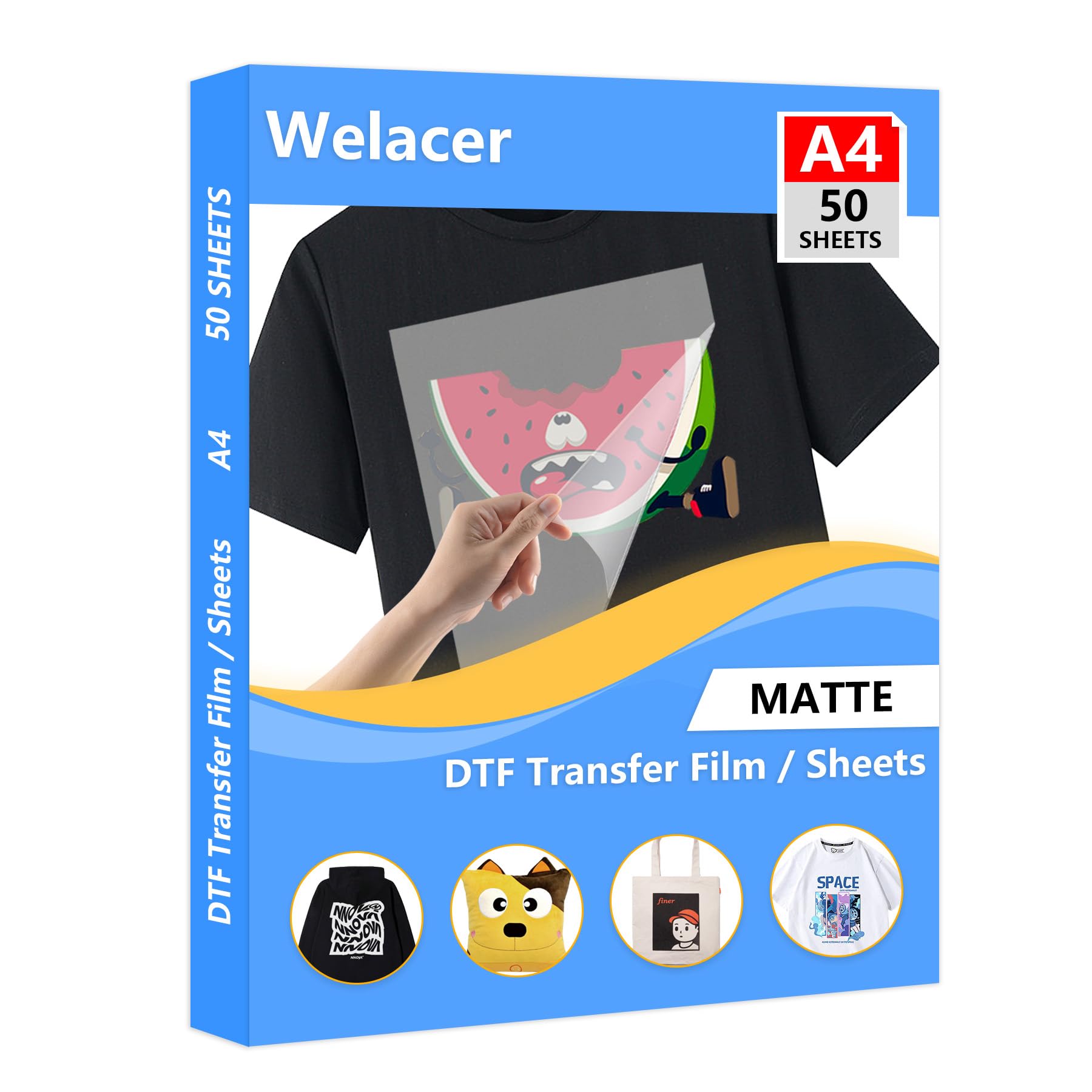


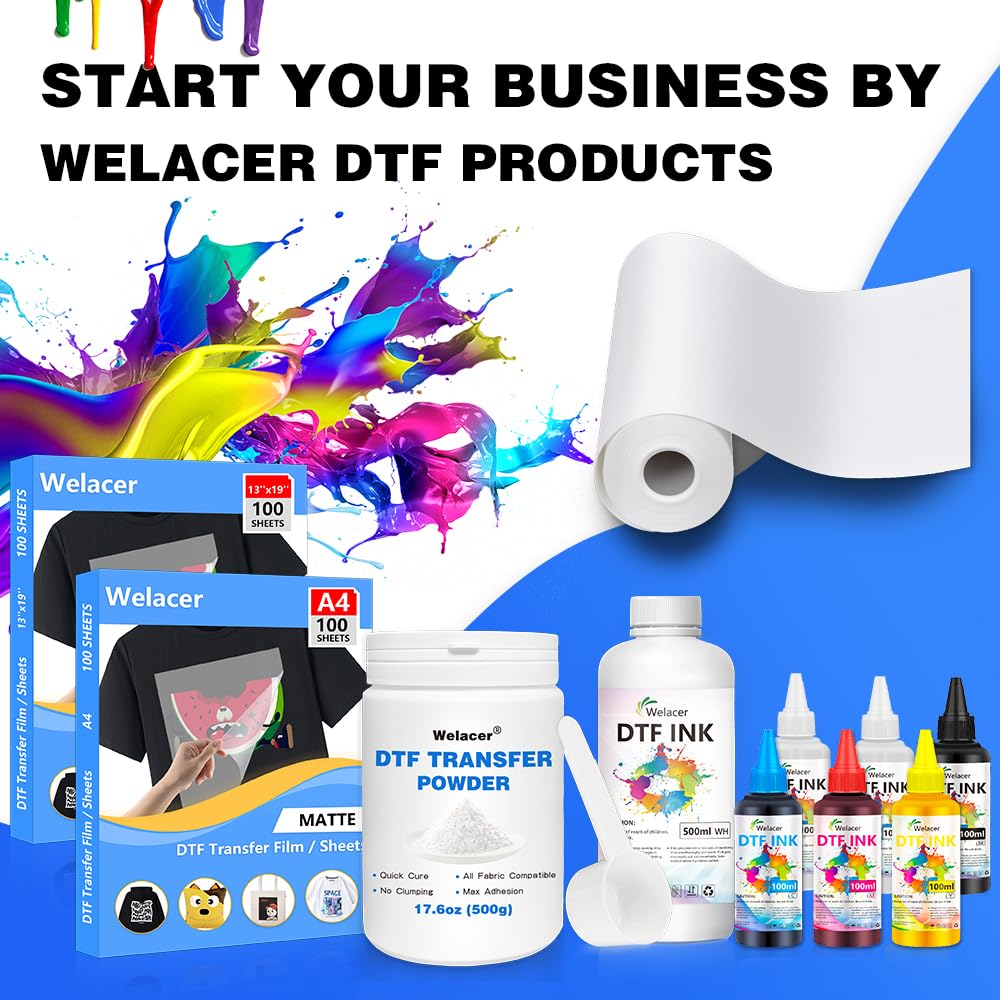
🔥 Elevate your custom apparel game with flawless transfers every time!
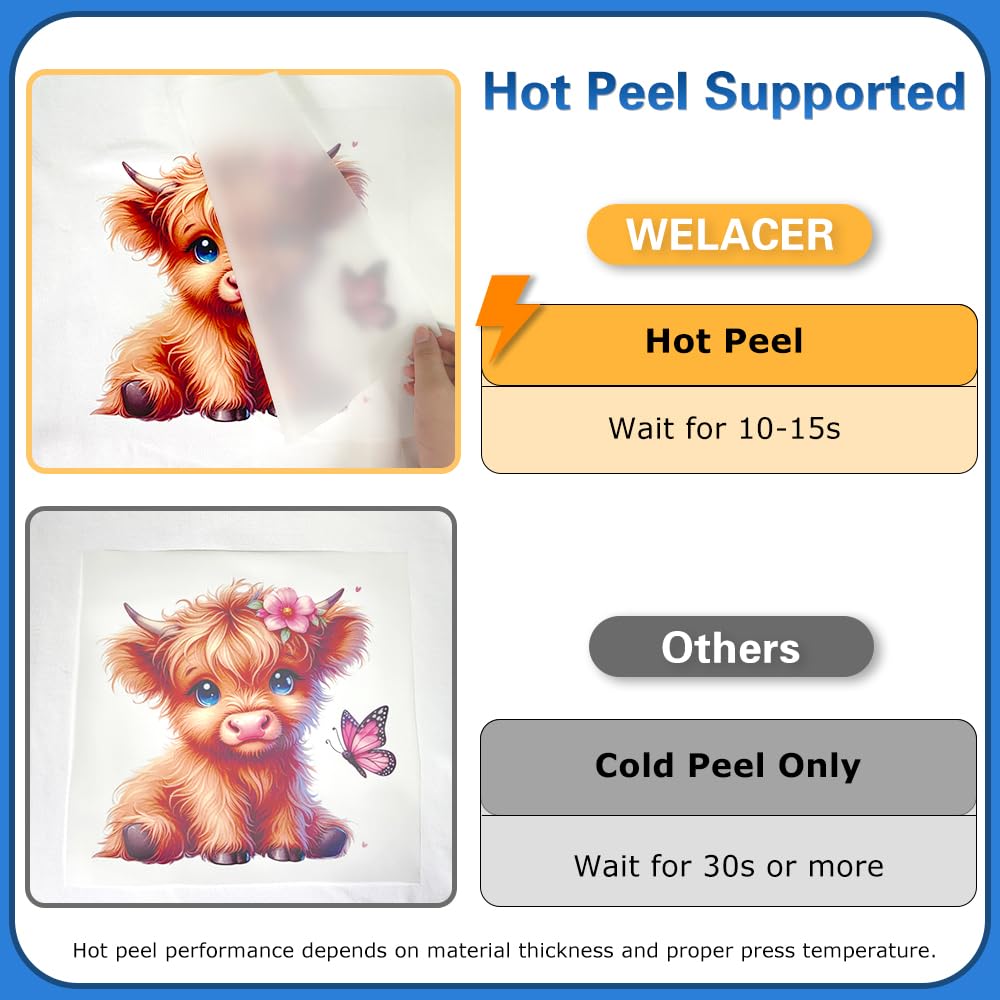
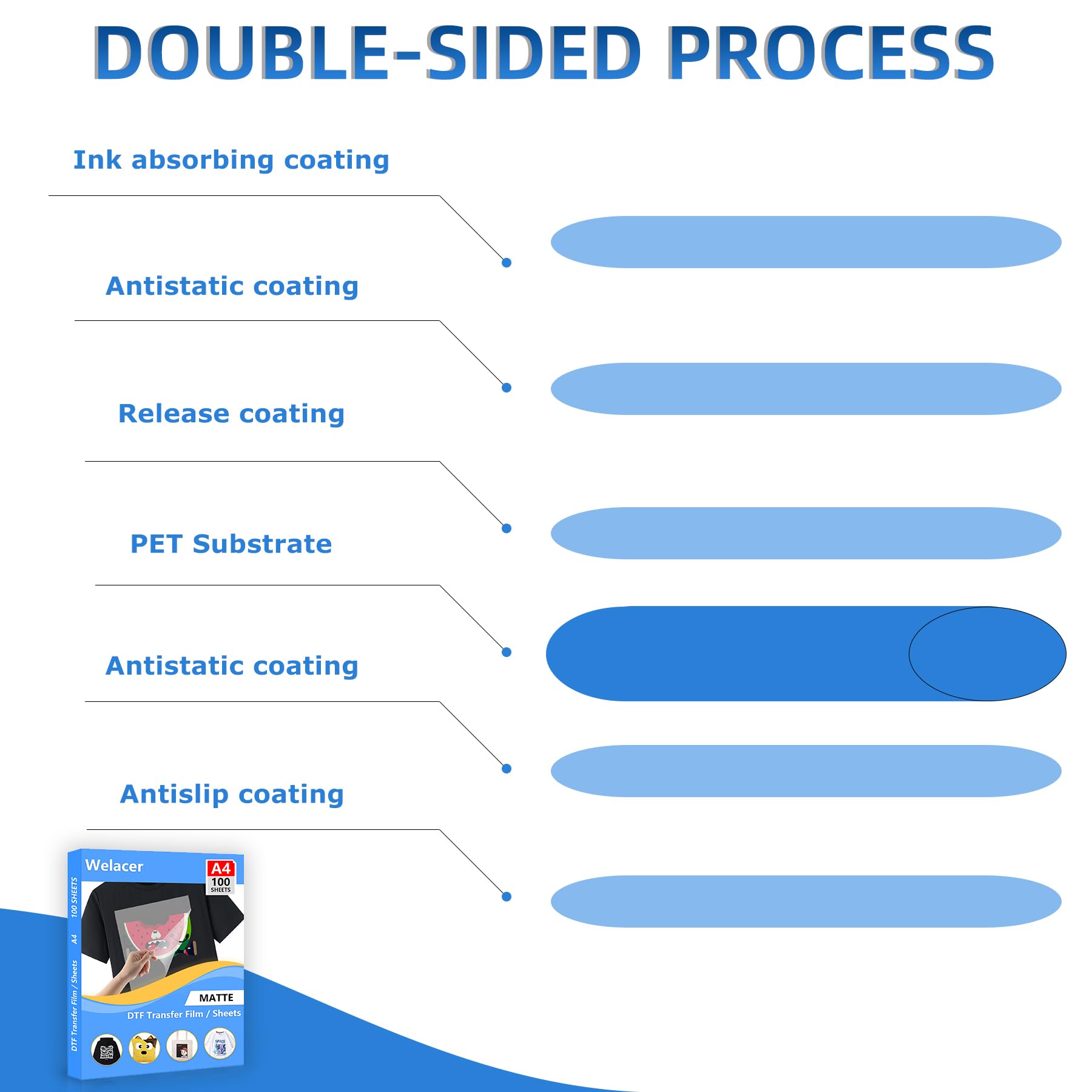
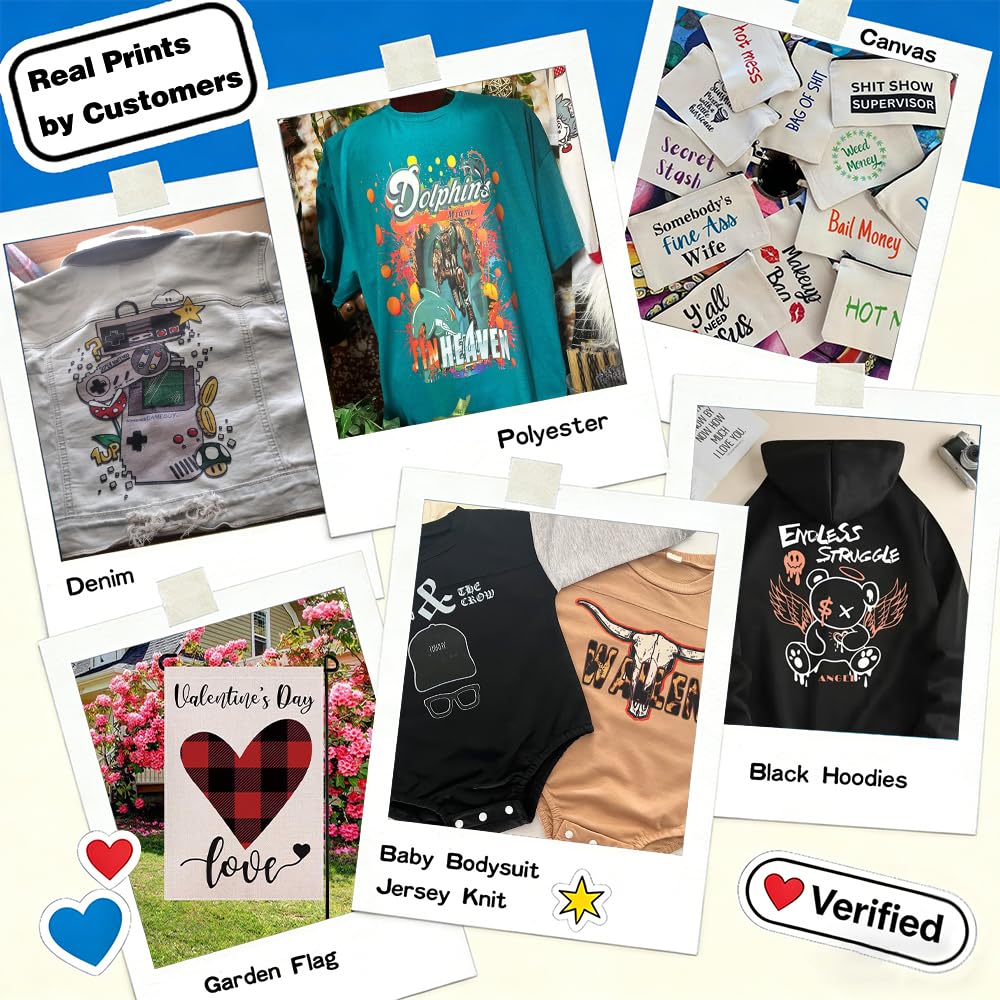
The Welacer DTF Transfer Film A4 50 Sheets is a professional-grade, double-sided matte PET heat transfer paper designed for direct printing on all fabric types and colors. Compatible with DTF and inkjet printers, it delivers vivid, durable prints without the hassle of weeding. Ideal for cotton, leather, polyester, and more, it supports both cold and hot peel methods, saving time and money by eliminating pretreatment steps.


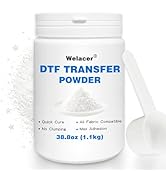
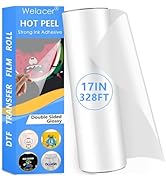
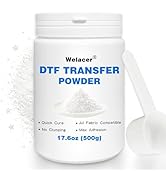
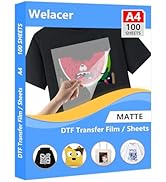
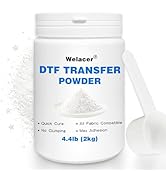


| ASIN | B0D896Z86G |
| Best Sellers Rank | #3,226 in Arts, Crafts & Sewing ( See Top 100 in Arts, Crafts & Sewing ) #16 in Transfer Paper |
| Brand | Welacer |
| Color | A4 50 Sheets |
| Cover Material | DTF Transfer Film |
| Customer Reviews | 4.3 4.3 out of 5 stars (1,086) |
| Date First Available | June 28, 2024 |
| Ink Color | A4 50 Sheets |
| Item Weight | 14.4 ounces |
| Item model number | DTFF11USA |
| Manufacturer | Welacer |
| Manufacturer Part Number | DTFF11USA |
| Material Type | DTF Transfer Film |
| Number of Items | 1 |
| Package Dimensions | 12.83 x 9.61 x 0.35 inches |
| Paper Finish | Matte |
| Paper Weight | 80 |
| Shape | DTF Transfer Film |
| Sheet Size | A4 |
| Size | A4 50 Sheets |
Z**C
Works GREAT with sublimation inks - See Tips and Samples
The product will most likely produce the best quality with a DTF printer, but they are extremely expensive for the amount of fabric printing I do. I tested using an Epson Sublimation printer and after perfecting the temperature and pressing time, I was super happy with the results. So, contrary to manufacture's statement, which reads, "Must use with DTF ink. Regular ink, sublimation ink can not be used, with the same brand DTF transfer film, DTF ink and hot melt powder, the transfer effect is more perfect." While that may be true, for a more "perfect" transfer, I disagree entirely that "sublimation ink can not be used". YES! Sublimation ink can be used. :-) What did I use: Epson SureColor F170 sublimation printer with genuine Epson Sublimation inks WELACER DTF Transfer Film Sheets Godora Transfer Powder (DTF White Powder Hot Melt Adhesive) - You can not skip this step! VEVOR Heat Press (12" x15") Tips: PRINTING ON THE TRANSFER SHEETS: This slowed down the process but made it fool-proof 100% of the time. These sheets are very thin. Putting a single (or multiple sheets) in the printer tray caused a misfeed, and printing started midway down the sheet which ruined that sheet. When that happened, I didn't want to ruin any more sheets, so I taped the top of the sheet to copier paper (glossy side of transfer sheet against the paper so it prints on the dull side of the sheet). I used only a sliver of tape (about 3/8" in length) on the top left and top right. I place only one set of taped sheets at a time in the tray. It fed perfectly each time. I prepared all sheets with the copy paper so it was ready to use when I needed it) APPLYING THE HOT MELT POWDER: Immediately after printing, carefully and quickly remove the copy paper, lay the transfer sheet on a flat surface (I use a 3" deep 11 x 14" bin), shake the transfer powder over the entire printed area, fully covering it. Let it rest on top for a few seconds; at least 15. Grab the sides of the sheet firmly, lift the sheet and curl the sheet, allowing the powder to roll from side to side, top to bottom over the printed image; don't agitate, you might smear the printed image. Slide all excess powder off the sheet and into the bin. Holding the sheet firmly along the edges, Gently tap the edge of the sheet inside the bin to release remaining excess powder. Visually examine the sheet. If you see excess powder on the non printed areas, gently tap again. CURING THE POWDER before the transfer: The powder needs to "set". There are special ovens for this, but you don't need the additional expense. I use the heat press, about an inch away from the platen, and place the transfer sheet (of course, powder side up) and leave it under there (380 degress) for 3 minutes. PLEASE TEST YOUR OWN SETTINGS! During these 3 minutes, I empty the bin of the powder, into a small plastic container so I can re-use it. I see people (on DIY videos), emptying it back into the original container. Why? You might end up mixing unwanted particles with the unused powder. In a small container you can see and remove any unwanted particles. But, that's just me. TRANSFER IMAGE ONTO SUBSTRATE: I highly recommend you "sacrifice" an actual garment that you plan to transfer onto, and test small areas at a time, multiple times on the test garment until you find the best temperature and timing. For my equipment, 380 degrees, at slightly more than medium pressure for 40 seconds yielded the very best results. Always press the garment first for about 6 seconds to remove wrinkles and moisture. Even though the powder has been baked, it can still be damaged if touched. So, eyeball the placement carefully before placing the transfer sheet onto the garment. It can be very slightly nudged if you need to reposition it, but I would not recommend it. REMOVING THE TRANSFER SHEET. Welacer states that the transfer can be removed while it is still hot (or cold). This may be true for DTF inks, but I found that for sublimation inks, WAIT until it is fully cooled off. Removing warm tugs at the fabric and takes a bit of effort to remove. It generally doesn't damage the image, but it will pull on the fabric and can nick off part of the image. When fully cool, it lifts off effortlessly, and no tugging at the garment. Important to note about this Seller: This is my second order of this product. I needed more sheets to finish a job and was thrilled that they were offering a nice discount this time around. Unfortunately, the discount was most likely offered because ALL OF SHEETS had fingerprint marks along two of the edges. Luckily, it did not interfere with print area, but, I am extremely disappointed. I would rather have paid full price if I thought the discounted product would be defective. The worst part: They inserted the sheets INCORRECTLY into the cellophane wrapper. There's a sticker on the wrapper that states "Print Side". The print side is dull and the non-print side is shinny. However, the difference between the 2 is very slight, so you have to view it at an angle to make sure. Well, these were inserted wrong. Had I NOT already worked with my first order (which was packaged correctly) I would have ruined a sheet or two. This would have been disastrous for a first-time user. There are other DTF Transfer sheets out there... I will try others before I trust this vendor again.
E**H
I’m the problem
Update: they reached out and made things right! Even if I was the problem their customer service is a 10/10 for fixing an issue that isn’t even their fault! Honestly they look like they are great quality. I’m sure they’ll be great for someone to use with the right stuff. I tried to use it with my Epson ecotank and sublimation ink and it just smeared on the paper. More than likely a user error. I’m sure it works great with the right equipment.
K**W
Defective film roll
I have bought this film a few times now and thought that it was great for the price. But this last roll I ordered can’t be used. Every time I try to print a design, there are these little random lines in my prints. And it’s not my printer. I switched out the roll with another film roll and the prints are perfectly fine. It’s almost as if the ink isn’t sticking to certain parts of the film 😭 Update: the company messaged me and offered me a refund for the inconvenience. Great customer service. Must have just been a defective roll.
A**R
Using with Sublimation Inks
First, I want to say that these state "double sided" I have no idea what that means, dues or mean you can print on either side, because the instructions that come with state to print in the "matte" side....ummmm... both sides are exactly the same??? I tried anyway using sublimation printer. First sheet I had attached to copy paper crunched up, thankfully all came out of printer, but that was scary, and it ruined a sheet, and ink is expensive on these Sawgrass's! Tried again, still no idea what side to use, went for a vintage looking print, which was good, as using with the powder, the print isn't vibrant at all. I opted to cure the sheet at 380 degrees F for 3 min on clamshell with Teflon under and 1-2" above as another reviewer suggested, and then 380 degrees for 40 seconds. I let cool, as with sublimation inks it seems to work best, and it did perfect. It turned out great, though not as vibrant as I'd hoped, AND, I'm still not sure if that was even the right side I printed on since both look exactly the same, so it may all come off when I wash it! But, if you can use both sides this is something I'll do again and again!!!!! I don't like being held down to just sublimation on polyester, and kids all prefer cotton, so I love this, just need manufacturer to explain which side to use if they are "double sided" or I'll have to go to a different brand.
V**V
Game Changer!
Works great! Hot peel is the way to go! I used to use cool peel and had to wait so long before peeling. Now with this, I just wait a few seconds and peel while it’s on the press.
C**U
Está compañía es muy responsable. Me gustó mucho este papel. Lo envían bien cubierto, evitando rasguños.
J**D
Do not waste money.
DO NOT BUY!!! Horrible. Ink does not adhere the white runs! Hard getting entire image to adhere to shirt. I would never recommend this film to anyone. I used it for two hours and adjusted all I could and did not work. Horrible product.
J**M
Never worked for me
Dod not have much luck with these may just be me as I'm still a beginner but overall would not purchase again
S**.
Good
J**O
I received this product and at first it was not what I expected. The product itself works fine but it was matte and the ad said clear. I contacted the seller and they communicated right away and offered a very fair resolution. I am very satisfied and very happy with this outcome.
I**S
works great. very nice quality. and color for hack comes out great
R**T
Absolutely love the product. Went to order again and noticed the price hike 😭 won’t be ordering again till the price drops.
R**S
Works as intended. I would recommend
Trustpilot
1 month ago
3 weeks ago