
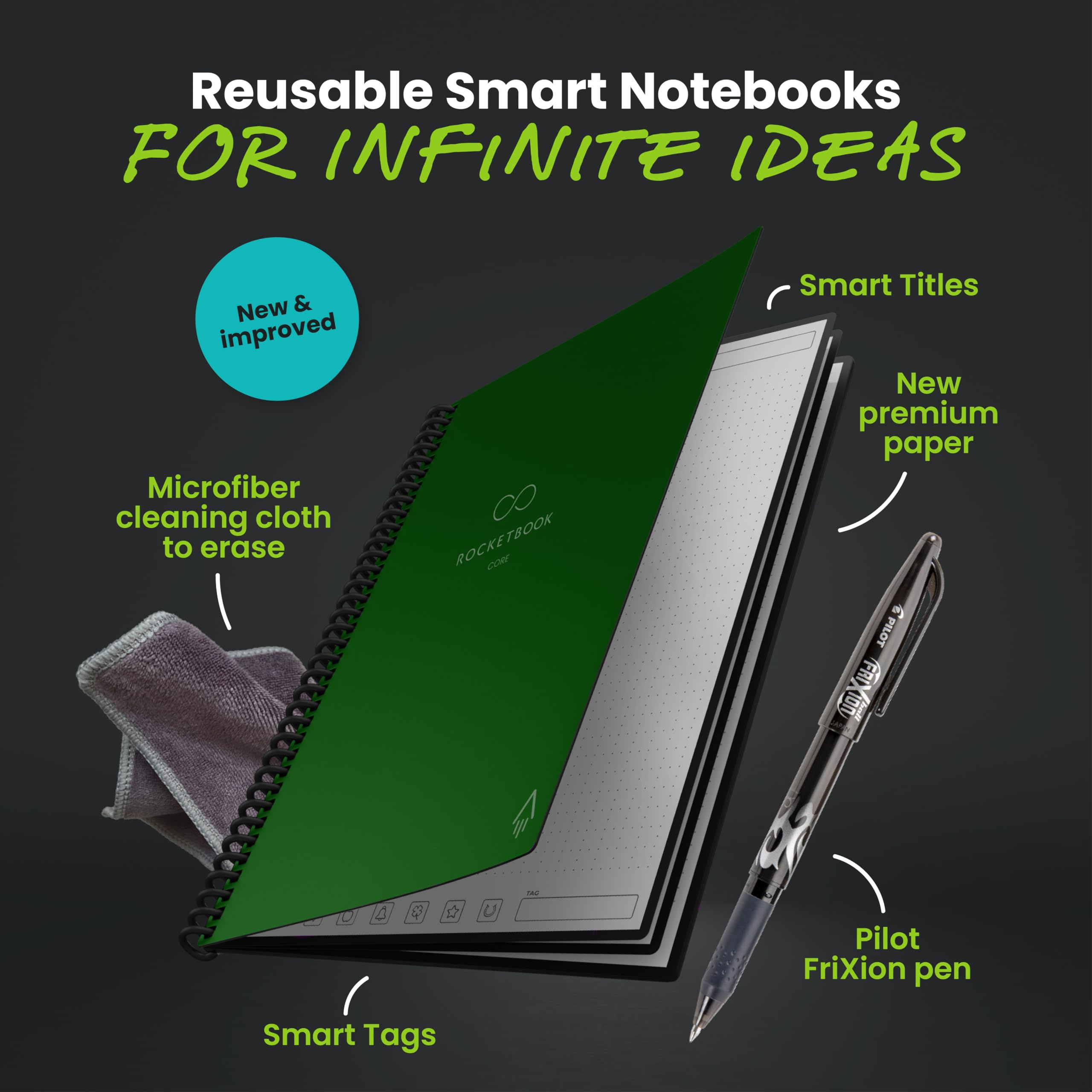




🚀 Elevate your note-taking game — smart, sustainable, and always synced!
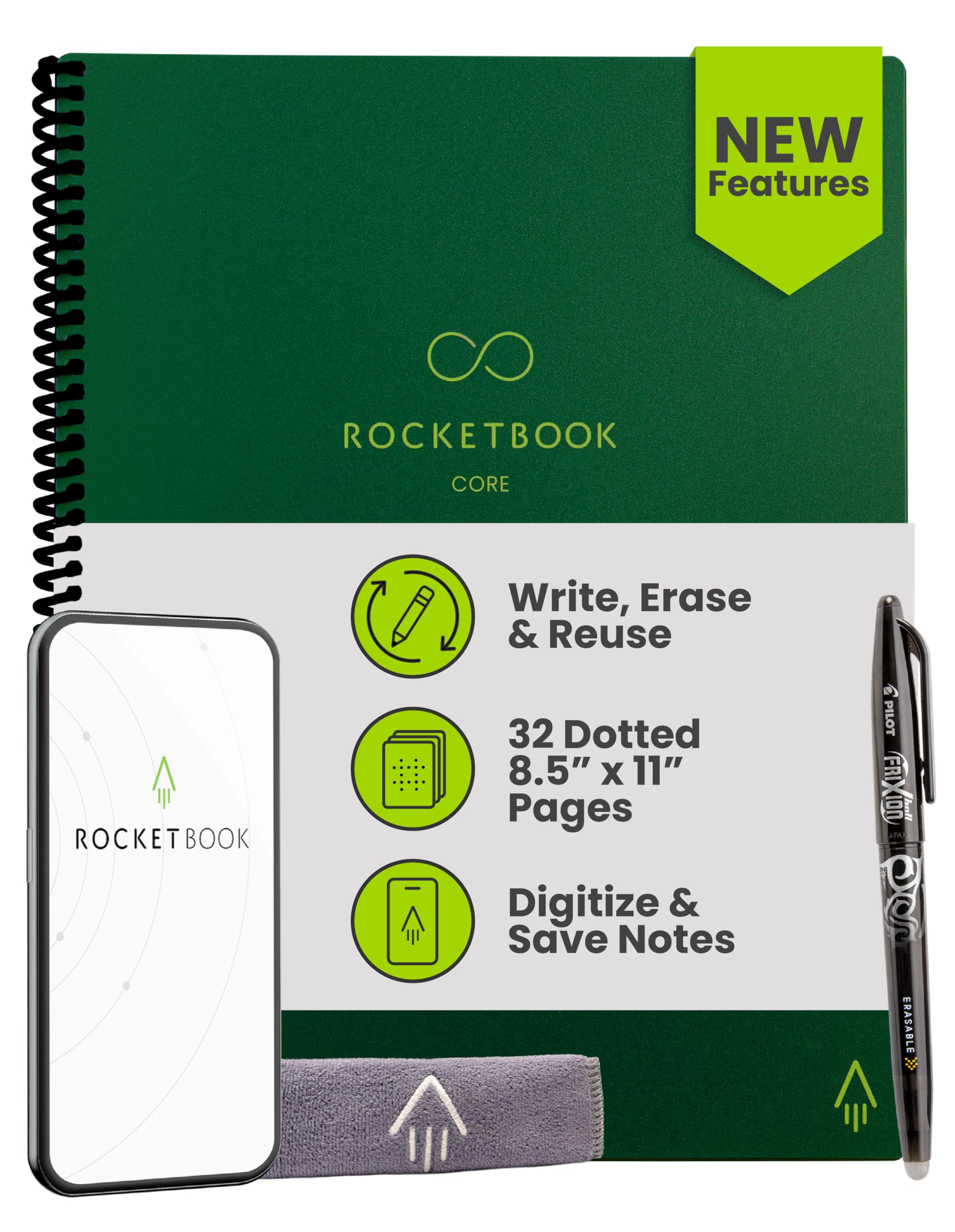
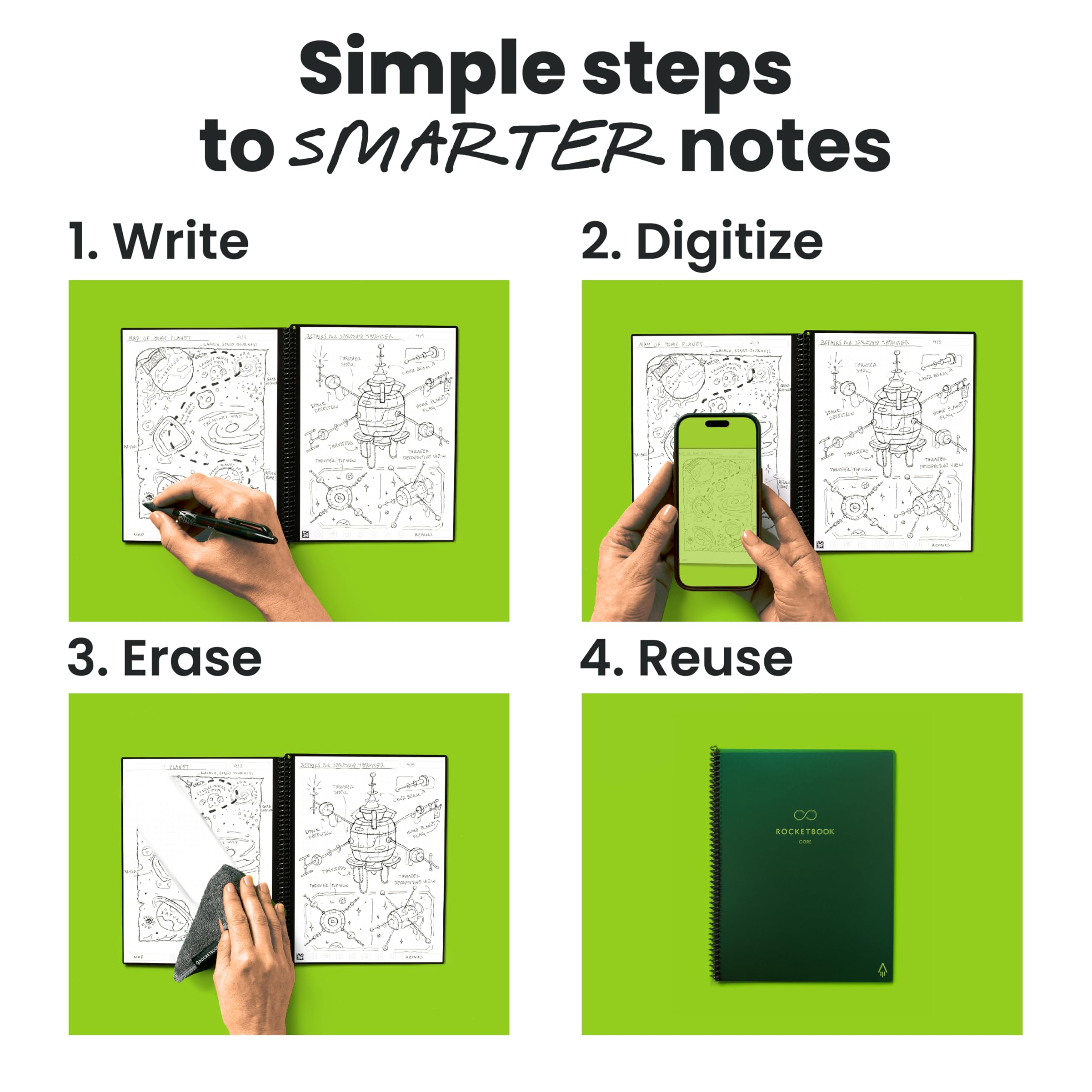
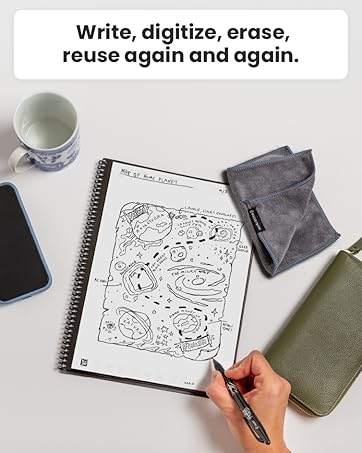
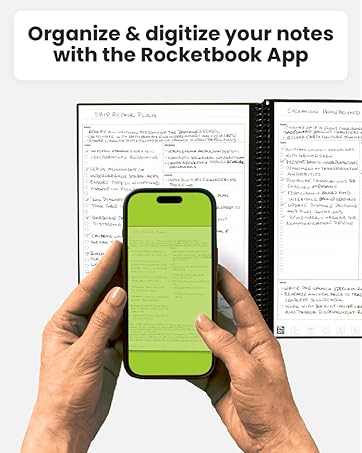
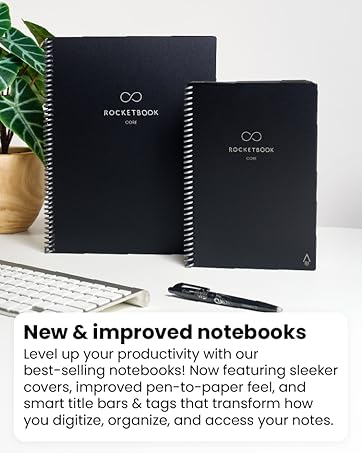
The Rocketbook Core is a premium reusable smart notebook featuring 8.5x11 inch dot grid pages with a scratch-resistant cover and spiral binding. It pairs with Pilot Frixion pens to write smoothly on synthetic pages that can be wiped clean with a damp cloth, enabling endless reuse. The Rocketbook app digitizes notes instantly, organizing them with Smart Titles and Tags, and syncs seamlessly to popular cloud platforms like Google Drive and Dropbox. Designed for professionals, students, and creatives, it combines eco-friendly innovation with high-tech convenience to transform how you capture and manage ideas.










| ASIN | B0DP3HQRF6 |
| Best Sellers Rank | #4,597 in Office Products ( See Top 100 in Office Products ) #76 in Spiral Notebooks |
| Brand | Rocketbook |
| Color | Green |
| Customer Reviews | 4.4 4.4 out of 5 stars (66,893) |
| Date First Available | November 26, 2024 |
| Item Weight | 8.4 ounces |
| Item model number | CRLTDT-ENAM-GRN-01 |
| Manufacturer | Rocketbook |
| Manufacturer Part Number | CRLTDT-ENAM-GRN-01 |
| Number of Items | 1 |
| Product Dimensions | 10.98 x 8.5 x 0.51 inches |
| Ruling | Dotted |
| Sheet Size | 8.5 x 11 inches |
| Size | Premium Letter |
T**E
Too good to be true??
I wasn't sure what to expect from this product because the idea seemed too good to be true. I read tons of reviews before purchasing and while they were generally positive, there were some that had me worried. I took note of the reviewers who stated that the pen included didn't work very well and they had to buy another Pilot Frixion pen. To be one the safe side, I also ordered a two pack of the 07 Pilot Frixion ball pens. I'm glad I did, but not for the reasons you think. I'll get to those later... My detailed review is below, but for those of you looking for a quick overview, here's the bottom line: The Rocketbook notebook exceeded my expectations. I'd even classify it as amazing!! The pages are coated with a synthetic polyester blend which provides a fluid writing experience and the ability to scan the page and send to almost any destination is one of it's best features. I highly recommend it to everyone from students to writers to business professionals and everyone in between. For a more in-depth review, here are my thoughts... First, the RocketBook Notebook. I love it! In fact, it's NOT too good to be true! It's just as advertised. I'm one of those people who buys a ton of notebooks/journals but then is afraid to write in them. They're so pretty, I don't want to mess them up! Yet, I still buy them. I also buy lots of pens and markers. It's an addiction... I journal regularly and have done so since 2003. I have several notebooks full. I love the feeling of pen on paper! My favorite pen for journaling is the Pilot G-2 with 1.0 thickness. I love the smoothness of the ink and I never have a problem with smearing despite being left-handed. I wish they made the G-2 pens with 1.0 thickness in multiple colors, but sadly, the 1.0 thickness only comes in blue and black. (I hope someone from Pilot is reading this!) I've considered going electronic with my journaling but I think handwriting tells part of the story. When I go back and read past journal entries, my handwriting provides additional insight into my feelings at the time. I can often tell what mood I was in when an entry was written just by flipping through the pages. The same can't be said for journaling on a computer and that's what makes the Rocketbook so perfect! The Rocketbook allows the pen and paper feeling (only better) with the added security of knowing my thoughts won't be lost if I misplace my journals. As others have stated, it doesn't feel exactly like pen on paper. Personally, I think it feels better! The pages are slick, the ink is smooth, and the writing is fluid. The pen included with the Rocketbook Notebook is a .05 clicky pen and I didn't like it. I admit that I didn't give it much of a chance. When I opened the package, the first thing I did was use the pen to test out the first page. I only wrote a couple of words. Disappointed, I put the notebook and pen aside. Was this another purchase I'd never use? A couple of days later, I decided to try again. The only difference was that I used the pens I purchased separately, the Pilot Frixion Ball pens. The Rocketbook requires Pilot Frixion pens. Instead of the 05 clicky style pen that's included, the Frixion Ball pens I purchased are 07 and have caps. I don't own or use any other pens with caps (or erasers) so I don't have to worry about using the wrong pen. When I want to write in my Rocketbook all I have to do is grab the pen with the cap and start writing. I didn't think I'd like the 07 since I prefer 1.0, but I have no problem with the Frixion 07 in my Rocketbook. It feels great! Now that I'm used to the feel of the Rocketbook, I'll have to give the 05 another try. I've been using my Rocketbook for a couple of weeks with no problems. The ink takes 15 seconds to dry, but that doesn't seem to be an issue for me. Fifteen seconds isn't long and once it's dry, it's set! I used the cloth to wipe away the ink several times on the same page over the past several days and have yet to experience ghosting. The Help section of the app states that notes should be erased frequently (with the cloth). Notes left longer than a couple of weeks may result in staining or ghosting. Today I used the cloth to wipe away notes that I'd written on a page several days ago and I had no problems with ghosting or wiping away the ink. The 05 clicky pen that's included has an eraser. So does the Frixion Ball pen with/cap. The eraser on the Frixion Ball pen is on the end of the pen, not on the cap, so to erase you have to take the cap off. The eraser should be used sparingly. According to the app, abrasion from erasing may damage the coating on the pages. The last time I used an erasable pen was back in junior high school. Do you remember the PaperMate pens that supposedly erased, but didn't? After using the eraser you could still see the ink. For those of you who like to erase, the Pilot Frixion erases just like a pencil. The eraser is a nice bonus, but it's not a necessity for me, especially when I can use the cloth to erase. I love the Rocketbook Notebook and I look forward to using it for all my writing needs.
M**E
Fantastic tool for studying and note taking
I wanted to rate the rocketbook 5 stars for how much I was enjoying it. Then I ran into a bit of an issue. I was reusing the first page fairly often, not that I foresaw this as being an issue, but then my pen started having trouble writing on the page as good as it would on a page I had not yet wrote on much. I started to think I was wearing out the pages and this began to worry me as to the longevity of the pad. Then about a week later, only after about a month of use, the pen ran out of ink. So I am not sure what the issue was really. A new pack of pens is fairly inexpensive and I plan on trying the new pens out on what I thought was a page I was somehow wearing out. It the new pen writes well, then I suppose it was something to do with the failing ink supply in the pen. If not, then I am back to my concern about how long this reusable pad will actually remain reusable. Outside of all that, the pad is pretty fantastic and the app they have to accompany the pad works flawlessly. It's versatile enough to allow you to automatically scan and forward your pages to wherever or whomever you need to with a simple mark at the bottom of the page. Mind you there is a short setup to identify where things will go depending on what you mark, but it's really straightforward and extremely simple to setup. Their app takes very little time to setup and introduce you to the functionality of the rocket pad. The frixion pen is smooth and provides a steady writing experience. Couple that with the ability to erase your "ink" marks and you have the best of a pen and pencil setup. It really is a good mix. The microfiber cloth they provide for wiping your sheets clean feels really good and appears to be of good quality. Between all the items you get in the box, nothing seems to be of bad quality and attention to detail looks dead on. Now the issues I mentioned originally are still of a nature where I am unsure if its the failing on my part or the pad or the pen. Until I purchase new pens, I am going to settle for it being the way I personally used the pad and the pen. Even if it isn't, this is still a very good product and I would recommend you purchase one as the use case seems to far exceed your initial considerations. It certainly exceed mine.
M**U
This is a really nice product, and so far it has worked very well for me. I use OneNote for project-related notes, but prefer to write notes during meetings and for to-do lists, etc. In the past I've switched between keeping an actual notebook and just writing on blank paper on a clipboard, and I'd occasionally photogrpah my important notes, crop the photos, and insert them in my OneNote pages. The problem with this system was that taking photos, cropping, saving, uploading to my cloud, then importing them to OneNote was really time consuming, and on top of that I was ending up with either full notebooks or stacks of hand-written pages that I no longer need. The Rocketbook is an ideal compromise. Just the right size for meeting notes and other similar things, pages are easy to write on, and the app is great - just point the camera, click through a few things, and my notes are already in OneNote. The OCR is surprisingly good for basic text (especially considering how bad my handwriting is); only problem is it doesn't automatically format bullets, extended sentences, and similar. Pages clean up very easily; I even accidentally used a regular pen on one, but it didn't take long to clean it up with a bit of isopropyl. I don't regret buying it. I also bought the carrying case for it; I'll review that in another post.
A**N
Love this piece of technology. It actually ensures all my notes are saved on Clouds like iCloud and One Drive. It is extremely helpful in retaining notes that you may need at a later instance. Only the wiping part is a bit of a work, but hey, this is available at 3,000INR and an eink tablet like the Remarkable costs 40,000+ INR. What more could you ask for?
D**D
The Frixion pens are affordable and widely available for purchase. The app transcribed my challenging handwriting pretty well, impressive.
R**U
Für ein Notizbuch sehr teuer. OCR der Begleitapp ist ein Glücksspiel und wenn man es nicht zeitnah reinigt (am besten innerhalb weniger Tage), bleibt nach der Reinigung ein "Schatten" der Schrift auf den Seiten zurück. Ich hatte es nach nicht einmal 2 Wochen abgewischt und habe diese Rückstände mit dem mitgelieferten Stift gehabt. Außerdem empfinde ich das Schreiben auf den Seiten nicht als angenehm und das Trocknen der Tinte dauert mir zu lang. Die Beschränkung auf diese Art Stifte ist nachvollziehbar aber ein zusätzlicher Punkt, den man beachten muss. Man kann sich nicht mal einfach so einen Stift leihen, wenn man den Frixion Stift vergessen hat oder dieser plötzlich leer ist. Individueller Versand aus USA ist zudem nicht so super. Nette Idee aber für den Preis hat es mich nicht überzeugt - ich würde es nicht noch einmal kaufen.
M**È
Se limpia fácilmente, la aplicación es muy fácil de usar, escanea muy bien y el cuaderno es ligero. Soy estudiante de universidad y me ayuda a conservar mejor mis apuntes. Los únicos problemas que he tenido es que las plumas son un poco caras en comparación con otras, además de que no las encuentro en cualquier papeleria, otro sería que se tiene que escribir lento y con cuidado para evitar manchar el trabajo, pero fuera de eso el producto es excelente y muy útil.
Trustpilot
1 month ago
2 weeks ago



