Some deliveries may take a little longer than usual due to regional shipping conditions.

DOWNLOAD THE APP


Customer Services
Copyright © 2025 Desertcart Holdings Limited
DOWNLOAD THE APP
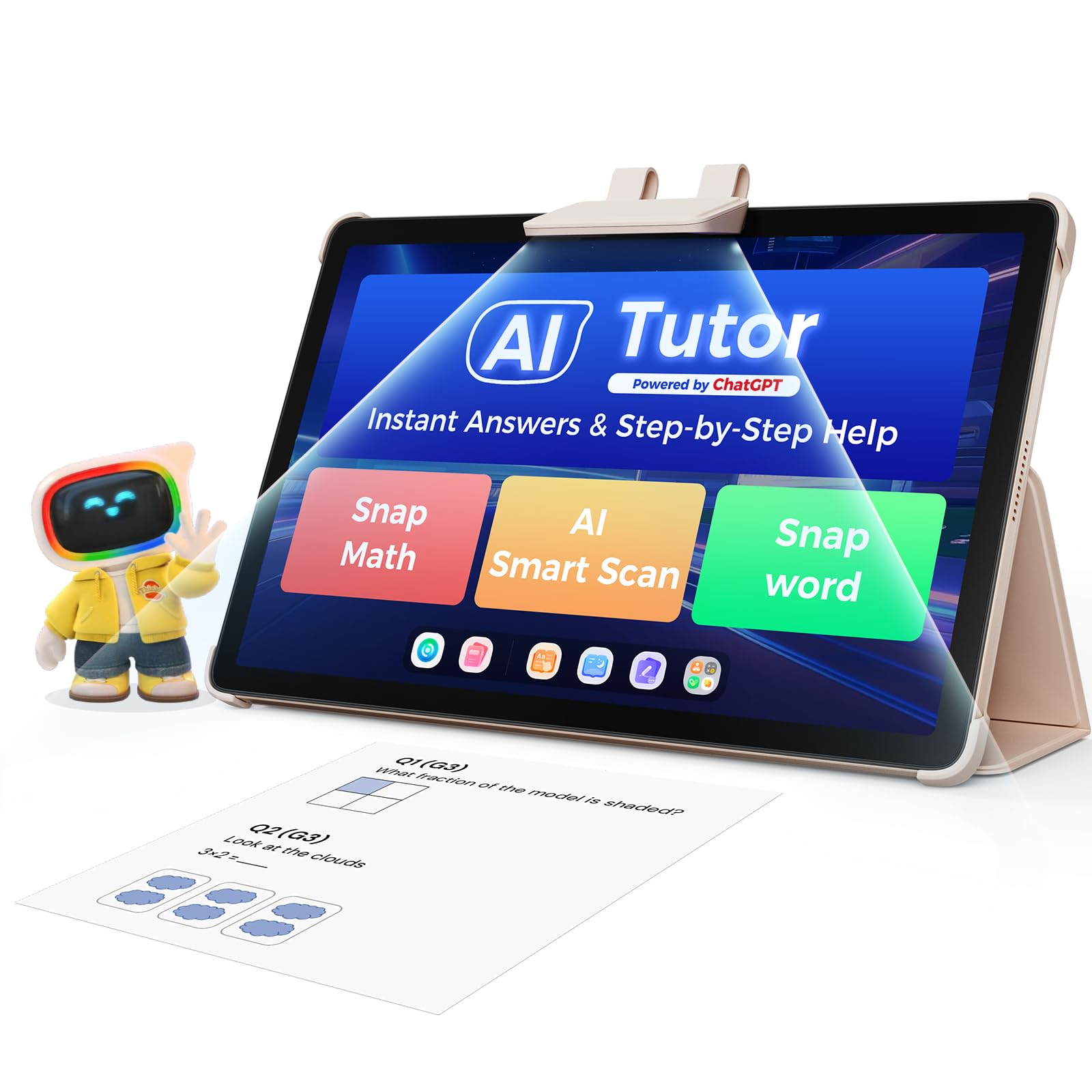
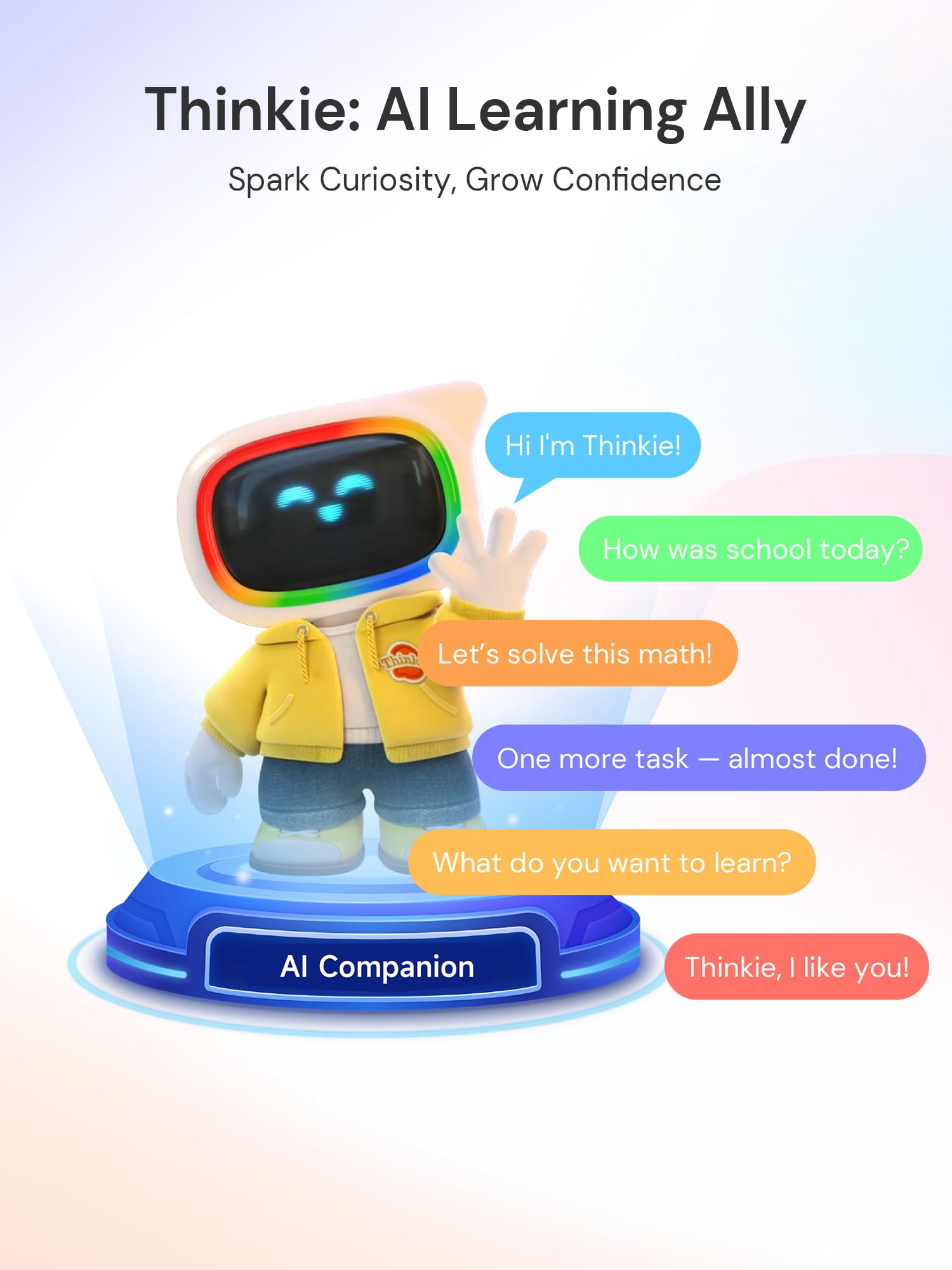
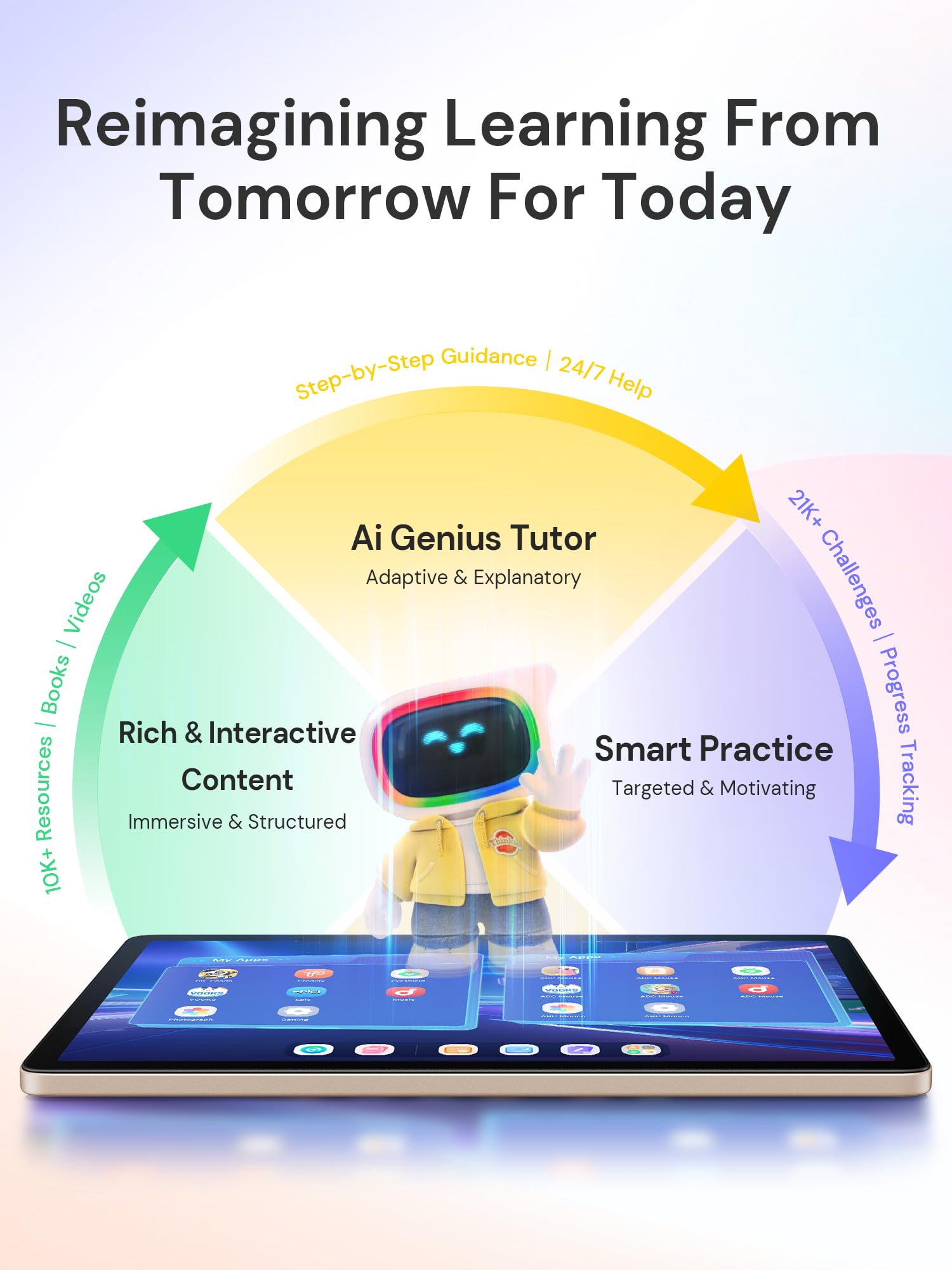
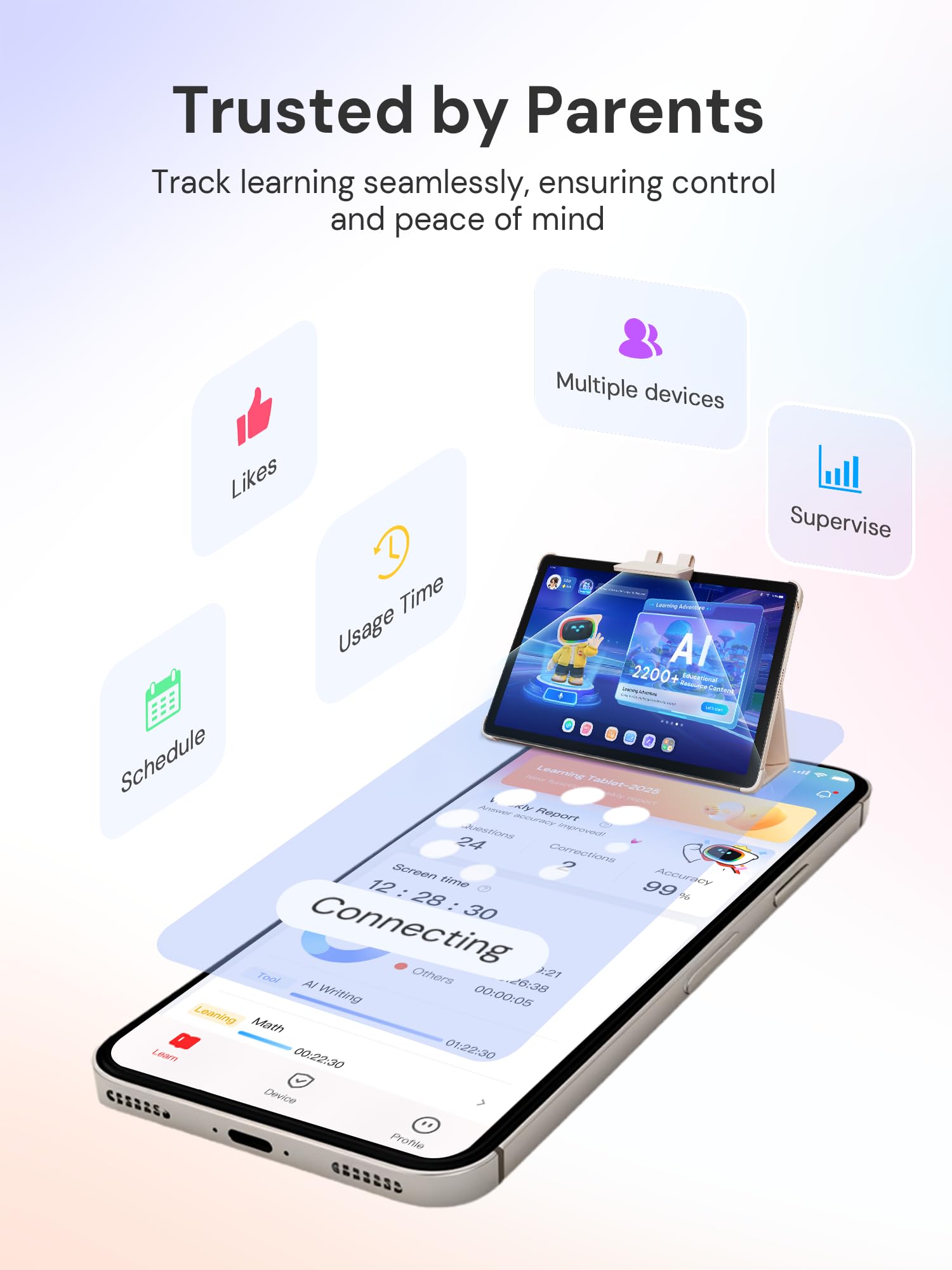
🚀 Empower your child’s future with AI-driven learning that’s as fun as it is smart!
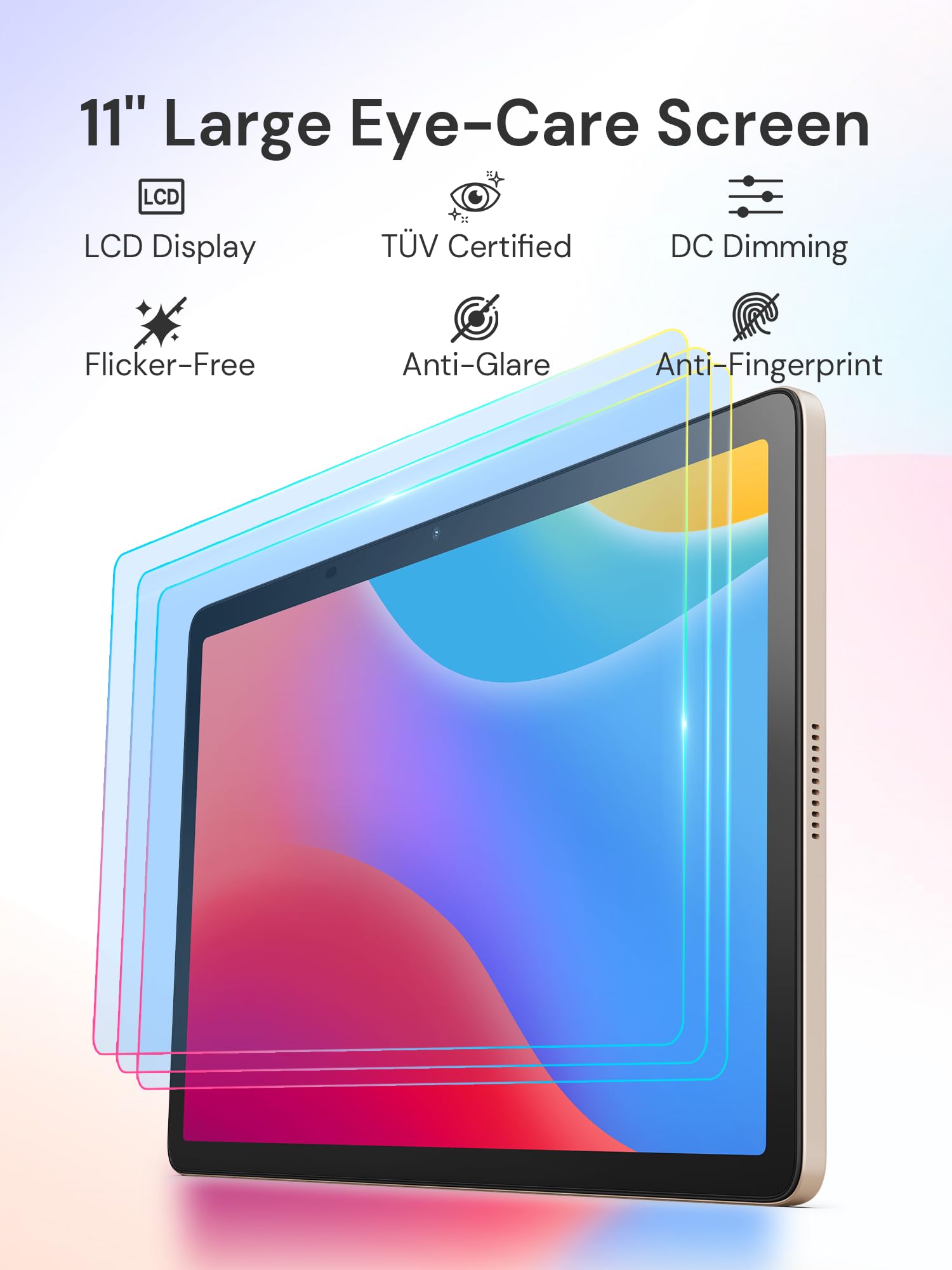
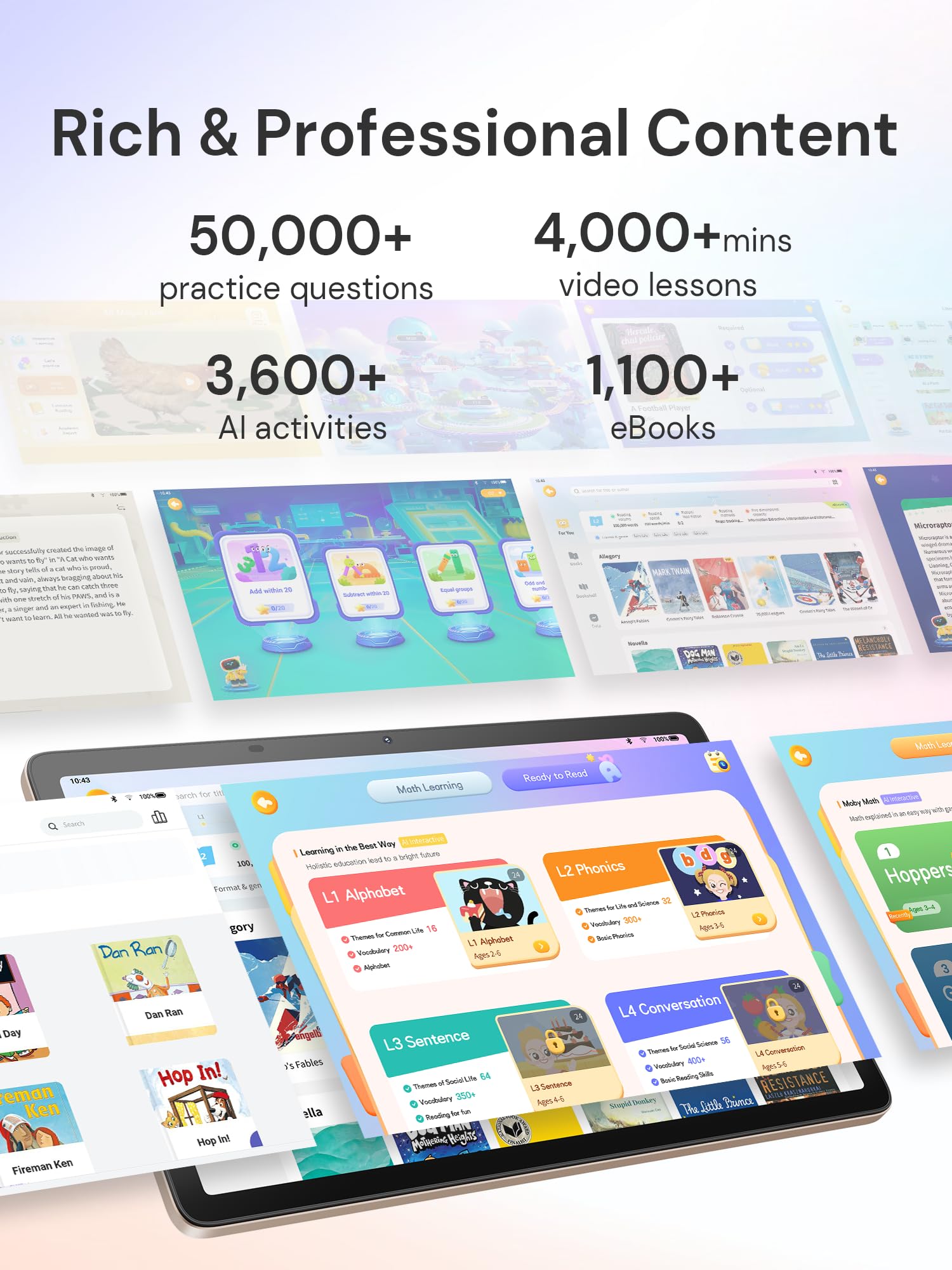
The Think Academy AI Kids Tablet T100 is an 11-inch Full HD educational device designed for PreK to Grade 6 students. Powered by a 2.0GHz MediaTek Octa-Core CPU and 6GB RAM, it delivers smooth multitasking for learning and entertainment. Featuring an eye-care IPS display with blue light reduction, 128GB storage (expandable to 1TB), and an 8-hour battery, it supports extensive study sessions. Its AI tutor 'Thinkie' offers personalized, step-by-step guidance across subjects, backed by 50,000+ practice questions, 3,600+ activities, and 1,100+ eBooks. Robust parental controls and progress tracking ensure a safe, tailored learning environment, making it a top-tier smart tablet for kids’ academic growth and engagement.


| ASIN | B0DRCWKHVZ |
| Are Batteries Included | Yes |
| Average Battery Life (in hours) | 8 Hours |
| Batteries | 1 9V batteries required. (included) |
| Brand | Think Academy |
| Connectivity Type | Wi-Fi |
| Customer Reviews | 4.0 4.0 out of 5 stars (82) |
| Date First Available | 29 January 2025 |
| Front Webcam Resolution | 13 MP |
| Graphics Card Description | Integrated |
| Item Weight | 1.63 Kilograms |
| Item model number | T100 |
| Lithium Battery Energy Content | 7000 Watt Hours |
| Lithium Battery Packaging | Batteries contained in equipment |
| Manufacturer | Think Academy |
| Number Of Lithium Ion Cells | 1 |
| Operating System | Android 14 |
| Processor Brand | MediaTek |
| Processor Speed | 2 GHz |
| Product Dimensions | 25.65 x 0.79 x 16.92 cm; 1.63 kg |
| Rear Webcam Resolution | 8 MP |
| Resolution | 1920 x 1200 Pixels |
| Screen Resolution | 1920 x 1200 pixels |
| Series | ThinkPal AI Tablet |
| Standing screen display size | 11 Inches |
| Wireless Type | 802.11ac |
S**T
We got this Think Academy tablet with the keyboard for our daughter, and so far, we’re really liking it. It has so many different things built in,math, reading, writing, phonics, and more. Everything is set up by grade level, so it can grow with your kid as they get older. One of my favorite parts is the math practice. There are a lot of questions from different grades, which is great. My daughter is still using the basic level, and she’s having fun with it. It’s not just lessons—it has little games too, so it doesn’t feel boring or like a chore. She actually enjoys using it. There’s also this scanner tool that helps kids when they get stuck. You can scan a question or worksheet, and the tablet gives step-by-step help. It’s super handy, especially when I’m busy and can’t sit down to explain something right away. The screen is nice too—it doesn’t reflect light and isn’t too bright, which I think is easier on her eyes. That makes me feel better about letting her use it a little longer. She also loves the avatar and rewards system. She can dress up her character and earn coins and badges by learning. It’s a fun way to keep her motivated. From the parent side, I like that I can see what she’s doing, manage screen time, and check her progress. You can even connect it with YouTube and Google Classroom, and it gives reminders to help keep kids on track. There are still a lot of features I haven’t even explored yet, but we’re already impressed. I hope my kids can keep using this to learn more as they grow. If anyone is looking for an educational tablet that’s actually fun, this is a really good pick!
P**M
I’ve been using this learning tablet with my 7-year-old daughter for almost a month, and it has quickly become one of the few educational tools she actually asks for on her own. The reading section is her favorite—she loves that the tablet reads stories with her, then listens to her read aloud and gives a little pronunciation score. It’s a fun way for her to hear how she sounds, and the short quiz at the end helps make sure she really understood the story. She gets so excited collecting stars and rewards, and I can genuinely see her becoming more confident with reading because the system feels more like a game than homework. She also enjoys the Math Go activities, which turn basic math practice into small challenges that feel playful instead of repetitive. As a parent, I like that I can check her progress, manage screen time, and let her explore at her own pace without worrying about distractions. The screen looks clear and bright, and the built-in eye-protection mode is something I appreciate since she uses it after school when light is dimmer. We use it in the living room, out in the yard, and even on quieter weekends by the pool—it’s portable and lasts long enough on one charge for her little study sessions. Overall, it’s been a helpful supplement to what she learns in school, and she’s having fun, which is the biggest win for us.
J**Y
I bought this for my third grader, and at first, it looked like it would live up to the hype. However, by the second week, it kept hanging, not able to access internet. So we had to restart the device over and over again. I also found that my child (because the device is based on Android and I had used by gmail account to set it up, I guess) the child had access to all my Google Suite of products, stored passwords, and parental controls were not as intuitive as other similar products. I eventually create the child’s account with parental control. Now, almost two weeks later, the child can not log into their account; the user selection does not work or move down to their name, further adding more frustration, my password doesn't work. The interface does not have a way to update or reset the password. At this point, the device is useless. It feels like the developers were quick to rush it to the market without having figured everything out. I will never again recommend it to any parent.
J**N
Last weekend while I was tidying up the living room my son sat down with the tablet and started reading out loud on his own which surprised me because he usually loses interest fast with worksheets or flashcards. This tablet is packed with grade based lessons and since he is in G2 he can jump right into reading practice math drills and phonics without me guiding every step. There are tons of stories and little games mixed into the lessons so he feels like he is playing but I can see he is reading sounding out words and even doing simple STEM puzzles. I like that I can set screen time and content limits in one place and when his time is up it just gently closes instead of me having to argue with him to stop. The 50000 plus content sounded exaggerated at first but every day he finds something new like a spelling challenge or a fun storybook. During breakfast he sometimes brings it over to show me a new word he learned and in the evenings he likes the math quizzes with stars as rewards. The screen is clear the speaker is not too loud and it feels sturdy enough for a seven year old. One small thing is that when the WiFi is slow some videos take a bit to load but it hasn’t really bothered us. After a few weeks of use he is more willing to read and practice without me pushing and that alone makes it worth it. It feels practical reliable and genuinely useful for learning so I’m happy giving this a full five stars.
J**U
My daughter was so happy when she got this tablet. She loves watching cartoons and uses it to watch her favorites all the time. That's not why I bought it, but it's a nice bonus. The thing that really went beyond my expectations is that those claimed AI functions actually work! The AI homework correction tool works really well to point out mistakes, and it even gives advice. My daughter just started 4th grade, and I usually help her with her homework. So in the beginning, I was sitting beside her and we were trying it out together. I soon found that I could just relax and let the AI help with the homework. Let’s see if I can get more free time in the long run. In addition, the speed is good. It’s been a week now, and so far I haven’t experienced any lag.
Trustpilot
2 months ago
1 month ago